
12 Best YouTube to WAV Converters (Free & Paid) in 2026
Looking for the best YouTube to WAV converters? Explore 12 reliable free and paid tools for fast, high-quality WAV downloads on desktop and browser.
If you have ever recorded a voice-over, edited a podcast, or worked on any kind of audio project, you already know that not all audio formats are created equal. MP3 is fine for casual listening, but when audio quality actually matters, WAV is the format most professionals prefer. It is uncompressed, lossless, and gives you the cleanest possible sound to work with.
The problem is that YouTube does not let you download audio directly, and most free converters online either ruin your quality, bombard you with ads, or quietly compress your file into something that doesn’t sound like what you heard on YouTube. Choosing the wrong tool is a real cost, especially if you are using that audio for professional work. Pairing the right converter with the right AI Productivity Tools can make your entire creative workflow faster and more efficient.
This blog covers the 12 best YouTube to WAV converters, what each one does well, who it is best suited for, and everything you need to know to make the right choice before you download a single file.
What to Look for in the Best YouTube to WAV Converter
There are dozens of tools available in the market. Before committing to one tool, it is best to have a clear set of criteria to compare them. Here’s what you need to look out for:
Audio Quality: This is the most important one. Some converters label a file as WAV but quietly compress it without you realizing it. Always check that you are getting a genuinely uncompressed file and not just an MP3 wearing a WAV label.
Ease of Use: The best tools let you paste a link and get your file in under a minute. If a converter is asking you to create an account, fill out forms, or make you go through multiple steps just to download one file, it is not worth the hassle.
Conversion Speed: Nobody wants to sit and watch a progress bar for ten minutes. A good converter processes your file quickly, especially for videos under thirty minutes.
Batch Conversion Support: This feature is essential if you ever need to convert more than one video at a time. Not all tools support it, so it is worth checking before you commit to one. For creators managing repetitive content tasks, AI Productivity Tools can also help streamline the surrounding workflow, from organizing files to handling other time-consuming tasks.
Platform Compatibility: Some tools are browser-based and work on any device. Others are desktop apps built for Windows or Mac only. Make sure the tool actually works on whatever you are using.
Pricing and Limitations: Free does not always mean limitless. Some tools cap file size, limit daily conversions, or push you toward a paid plan after one or two downloads. Before you start, understand what you are signing up for.
Below are the 12 best YouTube to WAV converters, each offering different strengths depending on whether you prioritize speed, audio quality, batch downloads, or professional editing features.
12 Best YouTube to WAV Converters
1. YT1s
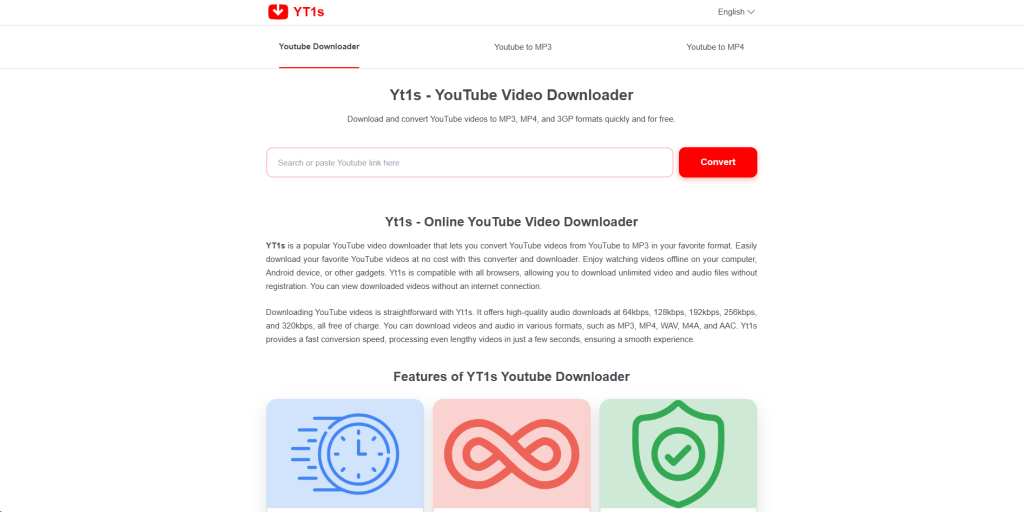
YT1s is one of the simplest and easiest to use online YouTube to WAV converters. What you have to do is first paste the YouTube URL, select WAV as your output format, and your file is ready within seconds. You don’t need to create an account, install software, or navigate through complex settings. It works directly in your browser, which makes it accessible from any device. For quick browser-based file tasks beyond audio, TinyWow is another free online platform worth bookmarking.
It provides solid audio quality and can handle most video lengths without any issues. However, there is a catch. You will see occasional ads, which is the standard cost of using free browser-based tools.
Best for: Casual users who need a quick YouTube to WAV download without any setup.
2. YTMP3.cc
Despite its name suggesting MP3 only, YTMP3.cc also supports WAV output and reliably so. It has a clean and minimal interface. Paste your link, choose your format, and click convert. The conversion speed is fast, and the output quality is consistently good. For businesses working with YouTube and other video content, video content strategies can also help make better use of these assets.
One thing worth noting is that it works best with standard-length YouTube videos. Very long videos or live streams may take more time to process or may not convert at all, depending on the server load.
Best for: Users who want a simple and easy online YouTube to WAV converter with a proven track record.
3. OnlineVideoConverter (OVC)
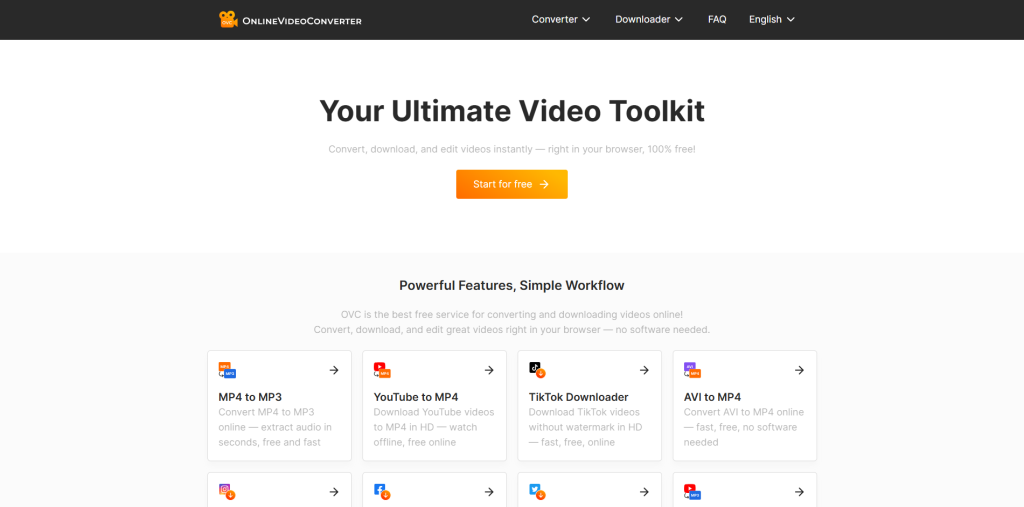
OnlineVideoConverter is considered one of the most reliable browser-based tools for converting YouTube to WAV audio. Compared to other free tools, it offers extra customization options, such as the ability to adjust the audio quality settings before you download.
It supports a wide range of input and output formats, so if you ever need to convert to something other than WAV, this tool has you covered without needing to find a different site.
Best for: Users who want a little more control over their audio settings without paying for software.
4. Convertio
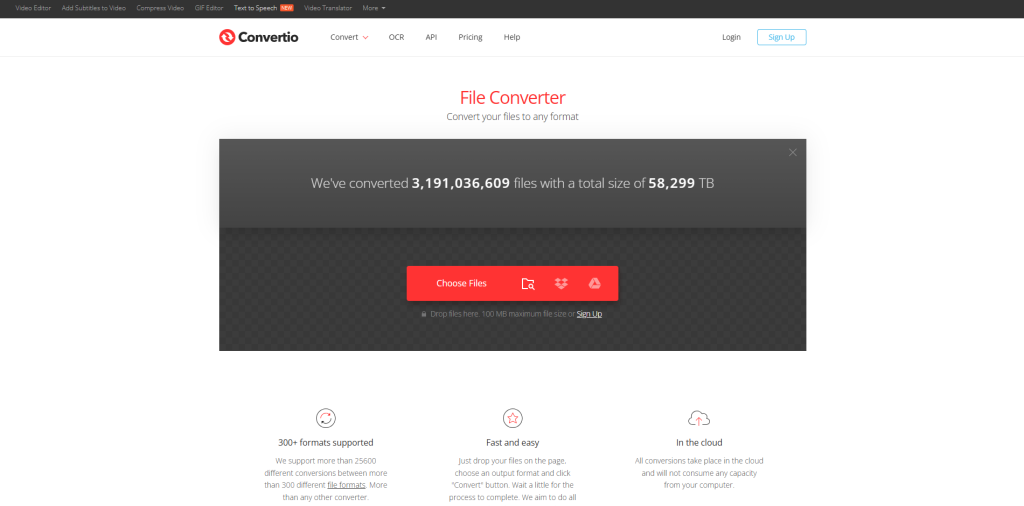
Convertio is a well-known online file conversion platform that handles YouTube to WAV conversion cleanly and efficiently. What sets it apart from simpler tools is its cloud-based architecture. Files are processed on Convertio’s servers, which means the conversion does not slow down your own machine.
The free version allows conversions up to 100MB, which covers most standard YouTube videos. A paid plan is available for larger files or batch conversions.
Best for: Users who regularly convert files of varying formats and want one reliable platform for all of them.
5. 4K Video Downloader
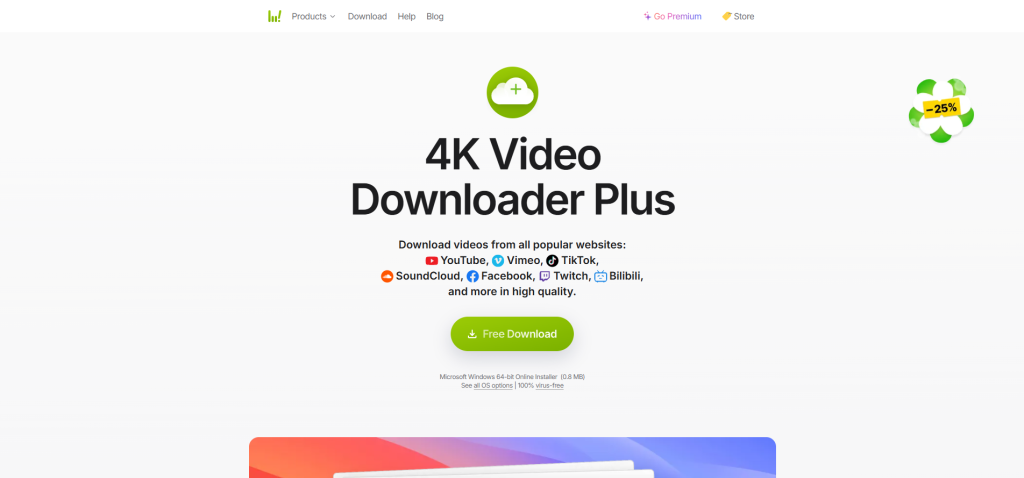
4K Video Downloader is a desktop application for Windows and Mac that takes YouTube to WAV conversion seriously. Unlike browser-based tools that process everything on a remote server, this software runs locally and gives you significantly more control over output settings, including audio quality and format.
It also supports batch downloading, which means you can queue up an entire YouTube playlist and convert everything to WAV in one go. For anyone working with large volumes of audio content, this feature alone makes it worth the download. The free version is genuinely usable, though the paid version removes limitations on batch size and adds a few additional features. If you’re a creator looking to improve your overall workflow, integrating AI Productivity Tools can help streamline repetitive tasks and make it easier to manage audio and video content alongside your creative work. The Clipfly AI Video Generator pairs well with a solid audio extraction workflow.
Best for: Power users and content creators who need large volumes of YouTube to WAV downloads at high quality.
6. Any Audio Converter
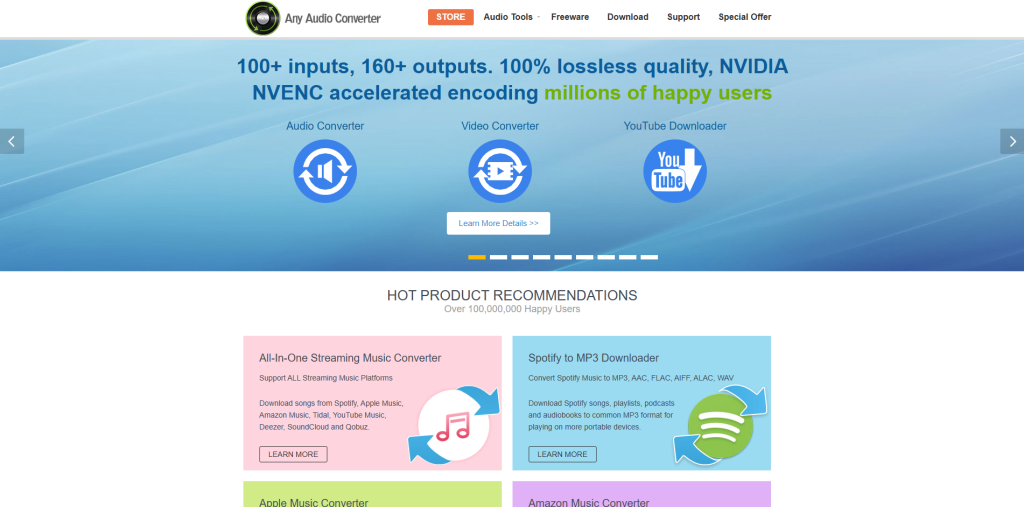
Any Audio Converter is a desktop tool that lives up to its name. It handles conversion from YouTube URLs directly and gives clean WAV files with adjustable bitrate and sample rate settings. This level of control is rare in free tools and makes it particularly valuable for audio professionals who need their WAV files at specific technical specifications.
It also supports a wide range of input sources beyond YouTube, including other streaming platforms and local audio files.
Best for: Audio professionals and producers who need precise control over their WAV output specifications.
7. VLC Media Player
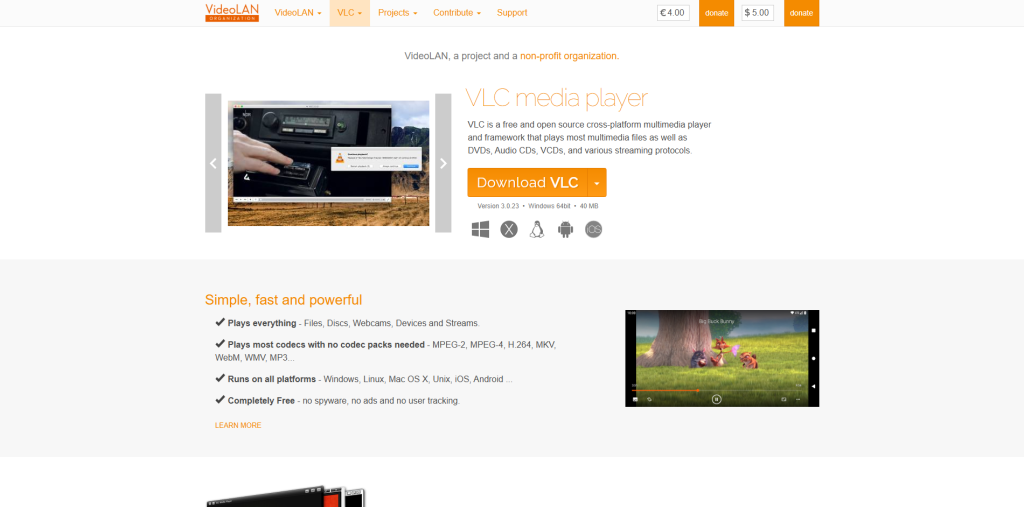
VLC is not a dedicated YouTube to WAV converter, but it is worth including here because most people already have it installed and do not realize it can handle audio conversion. By combining VLC with a YouTube URL and using its built-in stream conversion feature, you can extract and convert YouTube audio to WAV without downloading any additional software. This makes it useful for audio conversion when working with different file formats.
Best for: Existing VLC users who want to convert YouTube to WAV audio without installing anything new.
8. Audacity with FFmpeg
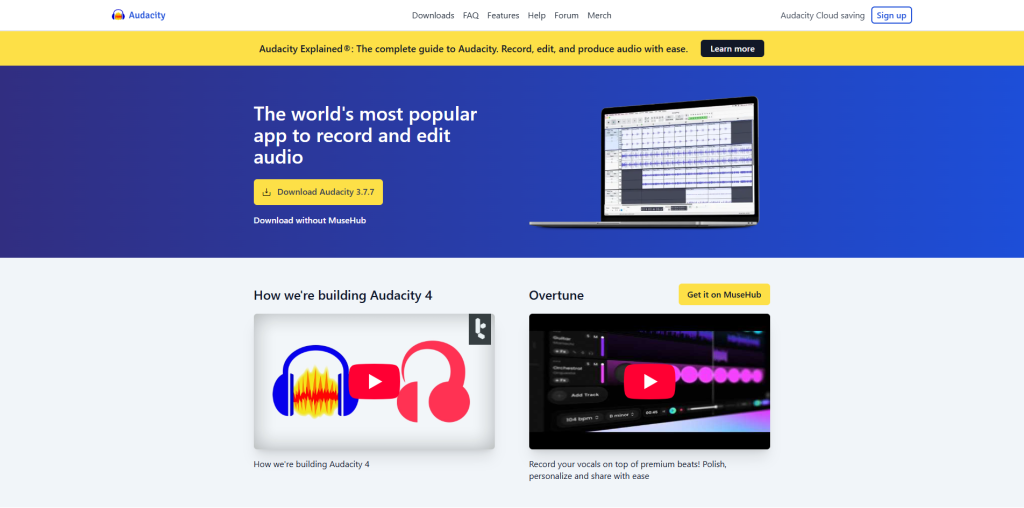
Audacity is a free, open-source audio editor that, when combined with the FFmpeg plugin, can import YouTube audio and export it as a high-quality WAV file. It gives you the most post-conversion control, such as you can trim, clean, normalize, and edit the audio before saving your final WAV file. It requires downloading both Audacity and the FFmpeg plugin, and the workflow involves a few more steps than simply pasting a URL.
Best for: Podcasters, audio editors, and musicians who need to convert and edit YouTube audio into one workflow.
9. Snappea
Snappea is a browser-based YouTube to WAV downloader that focuses on speed and simplicity. It processes conversions quickly, supports high-quality audio output, and works well both on desktop and mobile browsers, which makes it more versatile than its competitors.
It supports ads, but the ad experience is less aggressive than most free tools in this category. The interface is clean and easy to navigate, even for first-time users.
Best for: Mobile users who need a reliable online YouTube to WAV conversion tool on the go.
10. KeepVid
KeepVid’s YouTube to WAV conversion works smoothly, the interface is clean, and it delivers good quality consistently. It supports a range of quality settings on output, which gives you a bit more flexibility than the most basic online tools. It is entirely browser-based with no installation required, and it handles most video lengths without issues.
Best for: Users who want a trusted, established tool with a straightforward YouTube to WAV conversion experience.
11. AceThinker Free Video Downloader
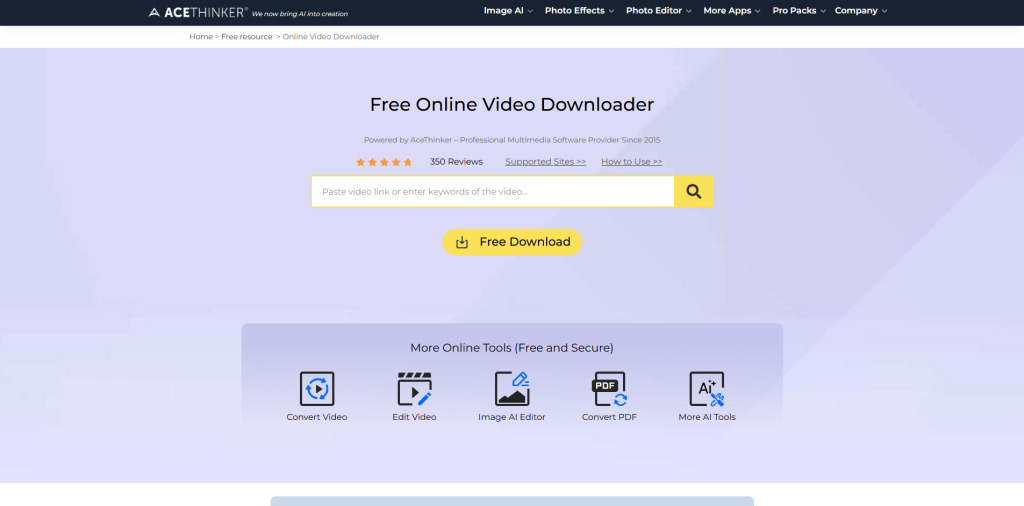
AceThinker offers both a web-based version and a desktop application for YouTube to WAV downloads. The desktop version is particularly strong, giving you batch conversion support, high-quality audio output, and a cleaner experience than most ad-heavy browser tools. It is free to use with no major limitations on the core conversion features.
Best for: Users who want a free desktop tool with batch support and consistent WAV quality.
12. MediaHuman YouTube to MP3 Converter
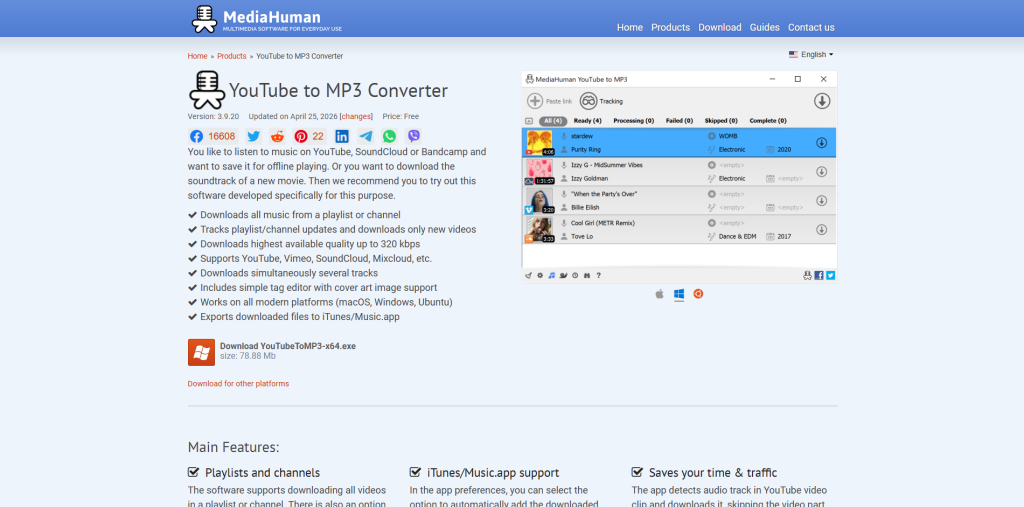
The name says MP3, but MediaHuman fully supports WAV output and does it extremely well. It is a dedicated desktop application available for both Windows and Mac, and it is one of the cleanest, most reliable tools in this entire category.
You can paste multiple YouTube URLs, set WAV as your default output format, and let it run in the background while you do other work. The audio quality is excellent, and the interface is polished enough that it never feels like free software.
Best for: Mac and Windows users who want the best all-around desktop experience for converting YouTube to WAV.
YouTube to WAV Converter: Quick Comparison Table
Related walkthrough
GPT-6 Can Build a 3D Rocket Using ONLY Your Voice

To make your decision easier, here’s a quick comparison of the best YouTube to WAV converters based on features, pricing, batch support, and ideal use cases.
| Tool | Type | Free | Batch Support | Best For |
|---|---|---|---|---|
| YT1s | Browser | Yes | No | Quick casual downloads |
| YTMP3.cc | Browser | Yes | No | Fast conversions |
| OnlineVideoConverter | Browser | Yes | Limited | Custom audio settings |
| Convertio | Browser | Freemium | Yes (paid) | Multi-format conversions |
| 4K Video Downloader | Desktop | Freemium | Yes | High-volume batch downloads |
| Any Audio Converter | Desktop | Yes | Yes | Audio professionals |
| VLC Media Player | Desktop | Yes | No | Existing VLC users |
| Audacity + FFmpeg | Desktop | Yes | No | Edit and convert in one place |
| Snappea | Browser | Yes | No | Mobile users |
| KeepVid | Browser | Yes | No | Who want trusted established tools |
| AceThinker | Both | Yes | Yes | Free desktop batch conversion |
| MediaHuman | Desktop | Yes | Yes | Best overall desktop experience |
Tips to Get the Best YouTube to WAV Audio Quality
Even with a great converter, there are a few things you can do to make sure your final WAV file is as clean as possible:
- Start with the Highest Quality YouTube Video: The audio in a 1080p or 4K video is almost always better than the audio in a 360p version. Better input means better output.
- Choose a Converter with 44.1kHz or Higher Output: This is the standard sample rate for professional audio and ensures your WAV file is compatible with most DAWs and audio editors.
- Avoid Converting MP3 Files to WAV: Some tools advertise WAV output, but actually convert a compressed MP3 source. That does not recover lost audio data; it just wraps a compressed file in a WAV container.
- Use Desktop Tools for Long YouTube Videos: Browser-based converters are convenient but can time out or lose quality on videos longer than 20–30 minutes. Desktop software handles longer files more reliably. If you need the full video alongside the audio, a dedicated YouTube Downloader gives you more format flexibility than a converter alone.
- Check WAV File Size After Conversion: A genuine high-quality WAV file will be noticeably larger than an MP3 of the same length. If your WAV file is suspiciously small, the converter may have compressed it.
Conclusion
Converting YouTube to WAV does not have to be complicated, but choosing the wrong tool can cost you the audio quality that you were trying to preserve in the first place. The right converter depends entirely on how you work. If you need something fast and browser-based for occasional use, YT1 or KeepVid are the best options. If you are a content creator working with playlists and large volumes of audio, 4K Video Downloader or MediaHuman will save you significant time. And if you are an audio professional who needs precision and editability, Audacity with FFmpeg is the most powerful free option available.
Whatever your needs are, the tools on this list give you everything you need to get clean, high-quality WAV audio from YouTube without spending more than you need to.
Just make sure you stay on the right side of platform rules; the YouTube Monetization Policy Update is a useful read before you start downloading at scale.
FAQs About YouTube to WAV Converters
Q1. Is it legal to convert YouTube videos to WAV?
Converting YouTube content for personal use is generally tolerated, but downloading copyrighted content for commercial use or redistribution violates YouTube’s terms of service.
Q2. Does converting YouTube to WAV improve the original audio quality?
No, conversion preserves the quality of the source audio but cannot improve it. WAV simply ensures no further quality is lost during the process.
Q3. What is the difference between YouTube to WAV and YouTube to MP3?
WAV is an uncompressed format that retains all audio data, while MP3 compresses the file by permanently removing some audio information to reduce file size.
Q4. Which YouTube to WAV converter is best for professionals?
Any Audio Converter and Audacity with FFmpeg are the strongest options for professionals who need precise control over audio output specifications.
Q5. Are online YouTube to WAV converters safe to use?
Most reputable browser-based tools are safe, but you should avoid sites that ask you to install browser extensions or software as part of the conversion process.

