

Chapter 7: Flight Task Manager — Understanding & Issue Tracking
Learn how Flight Task Manager supports issue tracking and project management. Explore task organization, collaboration, and features for development projects today
This guide covers the Chapter 7 Task Manager training flow for team members: signing in, reviewing assigned work, accepting or rejecting tasks, updating progress, managing subtasks, and completing issues inside Flight.
What Chapter 7 Is Really About
Chapter 7 introduces the daily operating rhythm inside Flight Task Manager. The goal is not only to show where tasks live, but to teach how a team member reads an assigned issue, decides whether it is ready to start, communicates progress, breaks work into subtasks, and closes the item cleanly.
Treat this session like a guided workday. Start from login, move into the dashboard, open real task views, and then walk through the complete task lifecycle from assignment to completion.
| Primary Tool | Flight Task Manager |
| Main Learner | Team member handling assigned work |
| Core Outcome | Understand issue tracking from start to finish |
Login Flow and Entry to Task Manager
Begin with the same entry point every trainee will use in real work. This keeps the session practical and makes authentication, dashboard access, and the first task review feel like one connected workflow.
- Access Flight at flight.outrightcrm.com and open the Task Manager flow.
- Users can continue with Google or Microsoft login.
- After logging in, the user enters the Task Manager and starts working from the dashboard, tasks page, or board view.
This login flow is common for everyone, so Chapter 7 should begin with sign-in and then move into the task workflow.
Core Task Manager Screens for Team Members
Once the user is inside Flight, the training should explain the screens in the order a team member naturally uses them. The dashboard gives a workload overview, while task and board views are where daily execution happens.
| Screen / Feature | Purpose |
|---|---|
| Login Flow | Visit flight.outrightcrm.com, sign in via Google or Microsoft |
| Dashboard | Review assigned, in-progress, completed, and overdue tasks |
| Tasks Page | Main working area: board view, list view, search, filters |
| Boards | Move tasks through Not Started → In Progress → Completed |
| Task Details | Read requirements, accept/reject, comment, manage subtasks |
Features a Team Member Uses
Keep the feature walkthrough focused on what the team member actually touches during execution. The important actions are reading the issue properly, responding to it, communicating status, and keeping the task record current.
- View assigned work from dashboard, board view, and list view.
- Open full task details to read description, dates, priority, comments, and subtasks.
- Accept task when ready to start work.
- Reject task with a proper reason when the work item is unclear, incorrect, or needs reassignment.
- Add comments to share updates, blockers, clarifications, and progress notes.
- Manage subtasks for smaller action items inside the same parent task.
- Update task status while working and mark the task complete after finishing the work.
Team Member Task Workflow
Related walkthrough
Chapter 7 | SuiteCRM Task Management, Issue Tracking & Project Coordination Tutorial
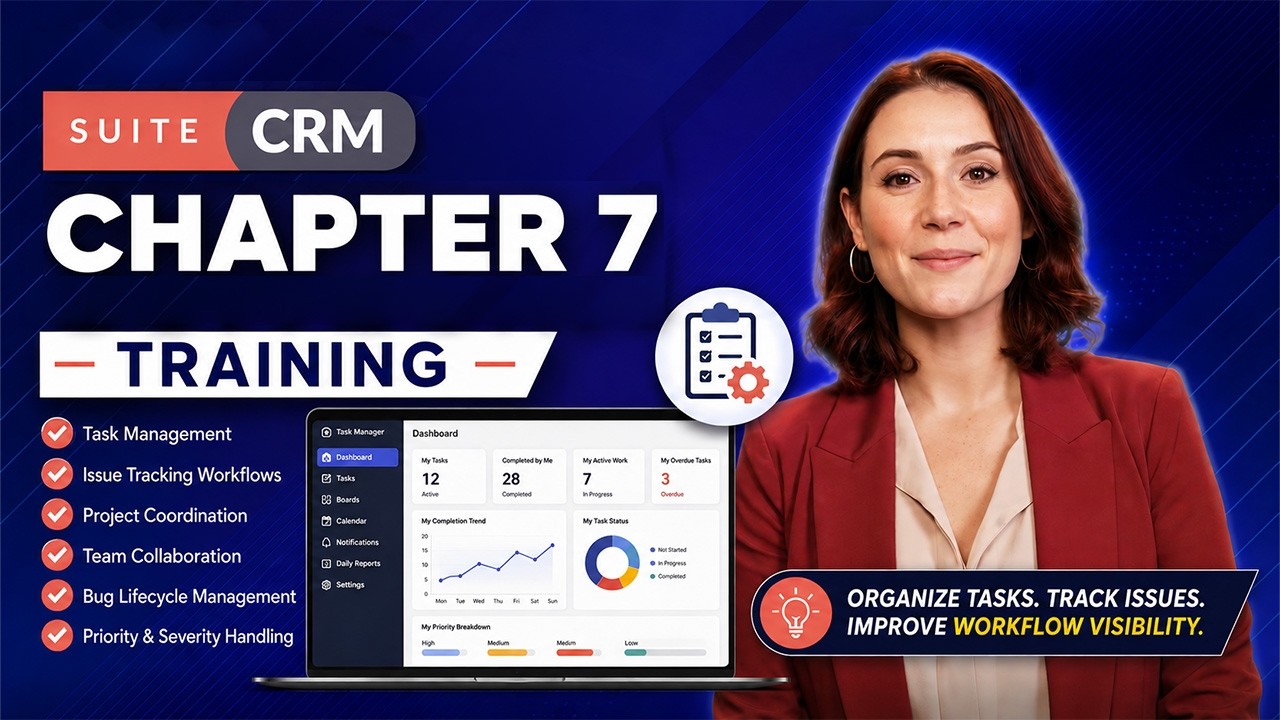
This is the core Chapter 7 lesson. A task should move only after the team member has understood the requirement, confirmed it is ready, started execution, and left useful communication for anyone reviewing the work later.
- Check assigned tasks: start from Dashboard, Tasks, or Boards and identify what is assigned to you.
- Open the task: read the full description, check due date, priority, project, comments, and subtasks before starting.
- Accept or reject: if the task is clear and ready, accept it; if not, reject it with a clear reason.
- Start work: move the task from Not Started to In Progress when active execution begins.
- Update progress: use comments for status updates, blockers, and clarifications, and use subtasks to track smaller pieces of work.
- Finish work: when everything is done, mark the task Completed.
Training focus: Teach the exact status flow used in the app: Not Started → In Progress → Completed.
| Status | Description | Stage |
|---|---|---|
| Not Started | Task assigned but work has not begun | 1 |
| In Progress | Active execution has started | 2 |
| Completed | All work finished and task closed | 3 |
Learn More: Day-6: SuiteCRM API & OAuth — Authentication & Endpoint Mastery
What the Team Member Does Inside Task Details
The task details panel is where issue tracking becomes real. It should be treated as the single place for understanding the work, recording decisions, adding updates, splitting the task, and confirming completion.
- Read the complete task description and understand the expected work before starting.
- Check task priority, due date, and current status.
- Accept the task if work should begin now.
- Reject the task with a reason if the item is incorrect or needs clarification.
- Post comments to communicate progress, problems, and handoff notes.
- Create and update subtasks to break the work into smaller steps.
- Mark the task complete after the assigned work is finished.
Chapter 7 Practical Training Flow for Team Members
Finish the training with a hands-on run. The trainer should pick one assigned task and demonstrate the same sequence the team member will repeat in daily work.
- Open Dashboard and explain how a team member checks personal task load.
- Open Tasks page and show both board view and list view.
- Select one assigned task and review all details before starting work.
- Demonstrate task acceptance.
- Add one progress comment and one blocker or clarification comment example.
- Create at least one subtask and explain why subtasks help track execution.
- Move the task from Not Started to In Progress.
- Finally mark the task Completed and verify the updated status in the task views.
End Result for the Learner
By the end of Chapter 7, the team member should be comfortable opening Flight, finding assigned work, using comments and subtasks for communication, and moving the task through the correct status flow.
Conclusion
The Flight Task Manager is only as valuable as your work ethic and intent to ensure transparency. Make sure that you are updating your task status before you begin work, log hours daily, and create reports meticulously that can help someone facing the same issue. Deploying Flight Task Manager successfully in your workflow can help reduce deadlines, facilitate quicker QA cycles, and reduce the time spent chasing updates through chat.
Learn More:
Day-8: GuestPostCRM Deep Dive: AI CRM for Guest Posting
Day-9: SuiteCRM Custom Code Architecture — Advanced Development Guide

