

Chapter 5: SuiteCRM SQL — MySQL & PHPMyAdmin Practice
Build practical database skills with SuiteCRM SQL training. Learn SQL queries, database management, data retrieval, reporting, and techniques for SuiteCRM data.
All things you have learned in the previous four days, including the hooks, the modules, the relationships, the utility functions, everything lives in a database. Chapter 5 of our SuiteCRM training reveals how SuiteCRM stores its data and provides you with the skills to inspect, query, and directly update it.
By Chapter 5, your configuration part is done, and now the real work starts. You will learn how the database of SuiteCRM is structured, why soft deletes are important, how custom fields are separately stored and joined back in, and the golden rules you can use to keep your queries safe. Irrespective of whether you are debugging a logic, auditing records, or developing a report that the UI simply cannot recreate, being familiar with your database makes everything else clearer and faster.
SuiteCRM Database Architecture
Modules → Tables: Every module maps to one or more database tables (e.g., Accounts → accounts table).
Soft Delete: Records are never physically removed; a deleted = 1 flag is set. ALL queries must include WHERE deleted = 0.
UUID Primary Keys: All records use a UUID-style ID field (CHAR 36), not auto-increment integers.
M: M Tables: Stored in relationship tables named module1_module2 (e.g., accounts_contacts).
Custom Fields: Stored in _cstm tables (e.g., accounts_cstm), joined on id = id_c.
Learn More: Chapter 4 – Outright Utils & Flight: Smarter SuiteCRM Development
Core SQL Syntax
Related walkthrough
SuiteCRM Training Day 5 | SQL Queries and Database Management in SuiteCRM
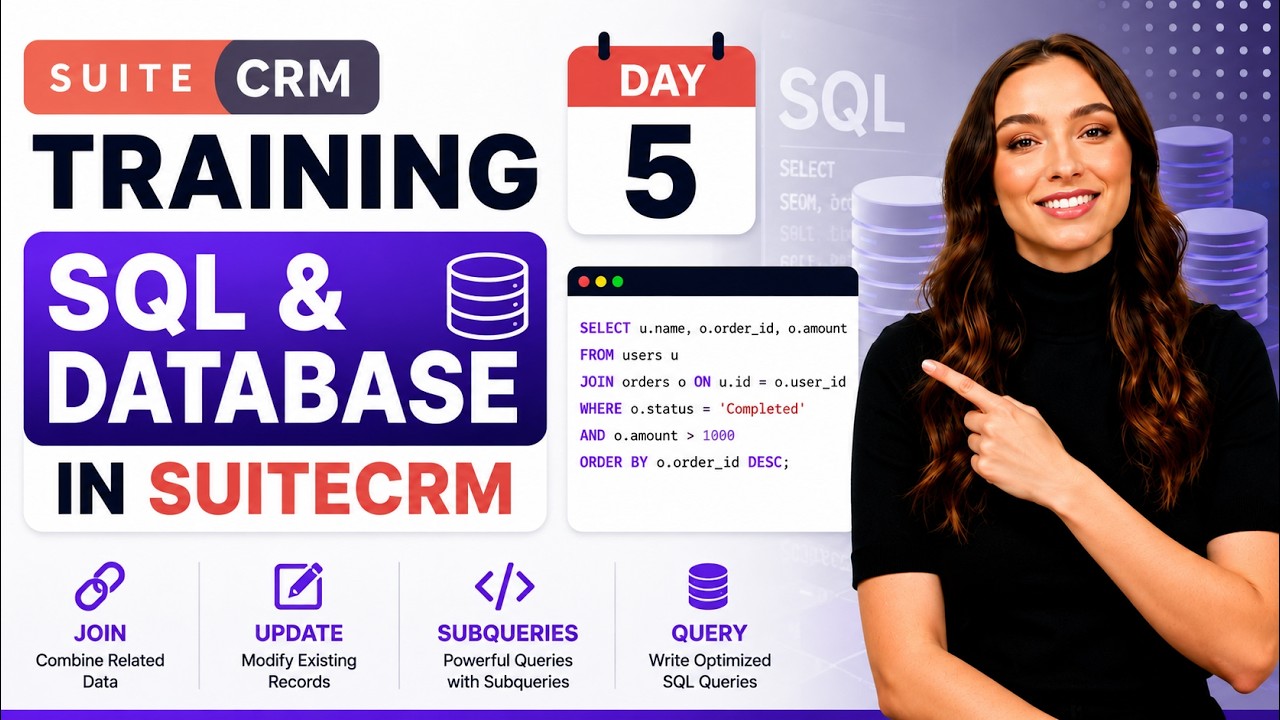
SELECT — Reading Data
-- Basic SELECT

SELECT id, name, phone_office, date_modified

FROM accounts

WHERE deleted = 0;


-- With LIKE filter

SELECT id, first_name, last_name, email1

FROM contacts

WHERE last_name LIKE '%Singh%'

  AND deleted = 0;


-- ORDER and LIMIT

SELECT id, name, amount, sales_stage

FROM opportunities

WHERE deleted = 0

ORDER BY date_modified DESC

LIMIT 20;
JOIN — Combining Tables
-- INNER JOIN: only rows with matching keys in both tables

SELECT a.name AS account_name,

       c.first_name, c.last_name, c.email1

FROM accounts a

INNER JOIN contacts c ON c.account_id = a.id

WHERE a.deleted = 0

  AND c.deleted = 0;


-- LEFT JOIN with custom fields (_cstm table)

SELECT a.id, a.name,

       ac.ow_client_code_c,

       ac.ow_priority_c

FROM accounts a

LEFT JOIN accounts_cstm ac ON a.id = ac.id_c

WHERE a.deleted = 0;
Aggregate Functions
-- COUNT: how many records exist

SELECT COUNT(*) AS total_accounts FROM accounts WHERE deleted = 0;

-- SUM/AVG on Opportunities
SELECT sales_stage,
COUNT(*) AS deal_count,
SUM(amount) AS total_value,
AVG(amount) AS avg_deal_size
FROM opportunities
WHERE deleted = 0
GROUP BY sales_stage
ORDER BY total_value DESC; UPDATE — Modifying Records
-- ALWAYS include WHERE clause — without it, ALL rows are updated

UPDATE accounts

SET    industry = 'Technology',

       date_modified = NOW()

WHERE  id = 'your-uuid-here'

  AND  deleted = 0;
HARD RULE: Always include a WHERE clause in UPDATE statements. An UPDATE without WHERE modifies every single row in the table. In SuiteCRM, always soft-delete (deleted = 1) — never use physical DELETE on CRM tables.
Subqueries
-- Find Accounts that have at least one Closed Won opportunity

SELECT a.id, a.name

FROM accounts a

WHERE a.deleted = 0

  AND EXISTS (

      SELECT 1

      FROM opportunities o

      WHERE o.account_id = a.id

        AND o.sales_stage = 'Closed Won'

        AND o.deleted = 0

  );
SuiteCRM SQL Golden Rules
- Always WHERE deleted = 0 — SuiteCRM never physically deletes rows.
- Never hard-code integer IDs — all CRM IDs are UUIDs (CHAR 36).
- Custom fields live in _cstm tables — JOIN them on id = id_c.
- Test every UPDATE/DELETE in staging first.
- Never run UPDATE or DELETE without a WHERE clause.
Conclusion
SuiteCRM SQL is one of the main skills that improves everything else you do quietly. Once you have a clear understanding of how the data is being laid out, which tables hold which data, how custom fields join back to their parent records, and why the deleted = 0 exists in each of the single queries, you will no longer rely on guesswork and be more aware of every query. The blog also offers you golden rules covered at last that are not only the best practice, but the core difference between a safe query and one that changes each row in a table. In Chapter 6 of our SuiteCRM training, we will take things outside of the database and go into the API layer.
You will learn how SuiteCRM verifies external requests through OAuth 2.0, how to interact with REST API v8 endpoints, and how to use Google OAuth for integrations, providing your CRM the capability to send, receive, and sync with data stored in external tools.

