
How to Choose Antivirus Software That Won’t Slow Down Your Work Computers
Explore the process of choosing the best antivirus for small business that won't slow down the work computers.
Choosing the right antivirus for small business is about finding software that protects your devices without affecting productivity. While strong malware detection is essential, the best solution should also run efficiently in the background, especially if your office uses older or lower-spec computers. Here are the key factors to consider before making your decision.
Check System Requirements Before Choosing Antivirus for Small Business
Every small business antivirus lists minimum system requirements, and most vendors quietly design around modern hardware. Before committing to any subscription, pull those specs and match them against the oldest PC in your office; that machine sets the ceiling.
Before you sign up for any subscription take a look at the system requirements. Compare them to the oldest computer, in your office. The oldest computer is the one that will give you an idea of what the limitations are.
If a product works well on a laptop it may not work so well on an old desktop computer that does not have a lot of memory. You should really pay attention to how memory the product needs to run and how much space it needs on the computer. These two things can really affect how well the product works every day. The memory and disk space are very important when it comes to the computers performance.
Look for “Game Mode” Settings That Pause Scans During Work Hours
This is one of the most practical features to check when evaluating any antivirus option. Commonly labeled “silent mode”, “work mode”, or “do not disturb”, these settings instruct the software to delay or suspend scheduled scans while your team is actively using their computers.
Many antivirus for small business products include Work Mode or Game Mode to reduce interruptions during office hours. Without this feature, a full scan can quietly consume a significant share of CPU resources, making spreadsheets, video calls, and file transfers noticeably sluggish. The scan still runs. Just not at the worst possible moment.
Read Reviews Before Choosing Antivirus for Small Business
Related walkthrough
Robots Are Learning to Work Like Humans

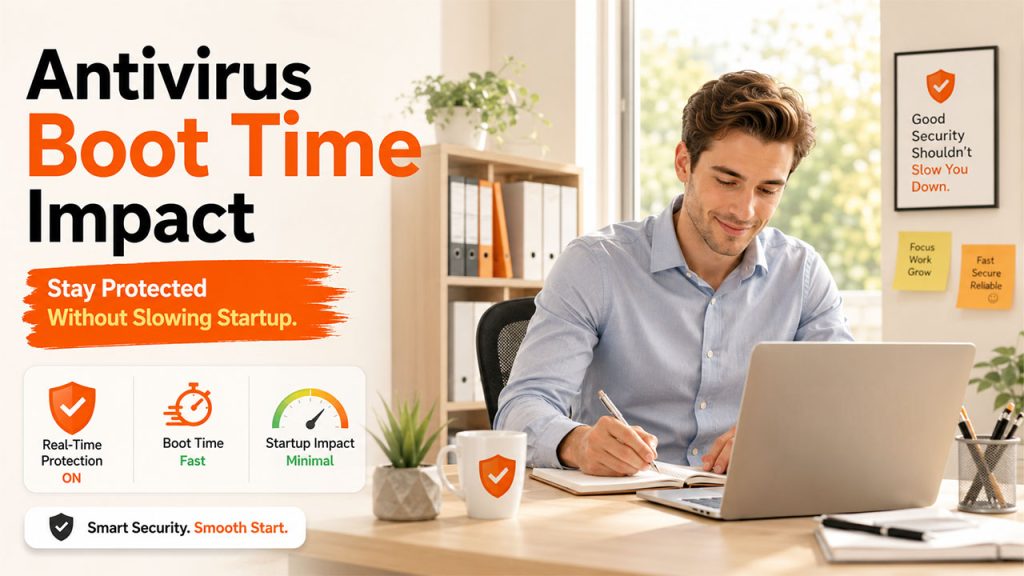
Detection rates are the flashiest number in any antivirus comparison, but boot time impact tells a more practical story. Security software activates its processes the moment Windows starts, which is exactly why some products add noticeable seconds to startup.
When reading third-party reviews, filter specifically for language around “startup speed”, “boot delay”, or “impact on launch time”. These details matter more than a marginal difference in malware detection for a team that logs in and out of their machines multiple times a day.
Avoid Suites That Install Browser Extensions without Asking
Some security suites arrive bundled with browser add-ons that get installed quietly during setup. These extensions often run their own background processes, redirect searches, or check every page your team visits, all of which slow down browsing in ways that feel frustrating but hard to trace back to a cause.
More importantly, they represent an additional layer of software nobody chose. During any setup process, watch the installation wizard carefully and look for pre-ticked checkboxes. Declining unwanted extensions is one of the easiest ways to keep browser performance clean from the start.
Test Antivirus for Small Business on Your Slowest Computer First
This is a way to test security software. Most security software gives you a trial. You can use this trial to see if the software is good for your computers. Do not put the trial on your computer first. Instead put it on the computer that’s the slowest. Before purchasing any antivirus for small business solution, test the free trial on your slowest computer to evaluate its real-world performance.
If the software works well on this computer it will work well on your other computers. Run the software for at least three to four full workdays, covering activities your team does daily like opening large files, running video calls, printing, before making any final decision.
Conclusion
Selecting the right antivirus for small business generally means choosing the solution that delivers reliable protection without compromising the productivity of the team. Businesses can select the best antivirus software by checking system requirements, looking for performance-friendly features, and reading independent reviews. The best antivirus for small business is one that offers strong protection while allowing your team to work efficiently without slowing down their computers.

