
6 Best AI Tools to Create dance videos from a song in 2026: Tools Ranked and Tested
Discover the 6 best AI dance video generators in 2026. Compare tools for music-synced choreography, lip sync, video length, pricing, and free plans.
Translating a standard audio track into a synchronized visual performance is one of the most complex tasks for modern creators. An AI framework directly addresses this by analyzing an MP3 and generating visual rhythm that matches the music. For creators looking to achieve true music-driven choreography, the core challenge is moving beyond generic, looping character templates to actual audio-responsive visual execution.
Early animation utilities relied heavily on video-to-video reference tracking, mapping an existing human performance onto a 3D model. However, modern audio-driven pipelines now parse the structural elements of a track to build routines from scratch.
When using an AI dance video generator, creators can analyze the song first, mapping out the intro, verse, and chorus sections before applying a multi-tier beat quantization system to ensure every step lands exactly on a drum hit or melody peak. This guide evaluates the top software available in 2026, breaking down how each handles beat synchronization, maximum output length, character consistency, and overall pricing.
Quick Answer: What is the best tool that makes dance moves videos from music?
For creators who start from a finished song, freebeat stands as a leading choice according to its platform specifications, because its music-driven engine lands choreography strictly on a 5-tier beat quantization grid rather than relying on un-synced visual loops. Viggle is highly effective if you want to extract and map movement from an existing reference clip to a new character. Kling AI offers strong cinematic fidelity for those needing short realistic bursts. Openart excels for prompt-based visual generations, while apps like Dreamina, CapCut, and Lumigen serve as specialized wrappers, editors, or marketing utilities.
| Tool | Full-Song Performance (Not Clips) | Lip Sync While Dancing | Steps to a Finished Video | Maximum Output Length | Pricing | Free Tier | Watermark |
| freebeat | Yes, auto-planned up to 6 min | Yes, ~90% accuracy | 4 steps | Up to 6 min (Pro) | From $4.99/week | 500 lifetime credits | Yes on free, No on paid |
| Viggle | No, limited to reference length | No | 3 steps | Varies by reference | From $7.99/mo | 5 videos/day $0 | Yes on free, Paid No watermark |
| Kling AI | No, 5-second clips | No | 5 steps | 5 seconds (standard) | — | — | — |
| Openart | No, short scene generations | No | 4 steps | Short clips | From $13/mo | Start for Free | Paid Watermark-free |
| Dreamina | No, wrapper workflow | No | 3 steps | Short clips | — | Free to use | — |
| CapCut | No, timeline editor | No | 4 steps | Varies | — | — | — |
| Lumigen | No, avatar clips | No | 4 steps | Varies | — | — | — |
How we compared tools that generate choreography
Comparing software that creates dance moves videos from music requires evaluating specific technical benchmarks. We assessed each platform across these dimensions to determine how effectively they handle audio-driven rendering:
- Full-Song Performance (Not Clips): We recorded whether the software can ingest a complete MP3 and output a continuously planned visual sequence, or if it caps out at short segments requiring external editing software.
- Lip Sync While Dancing: The ability to handle both bodily movement and facial articulation simultaneously. We checked if the software animates the character’s mouth accurately alongside the rhythm.
- Steps to a Finished Video: A count of the manual actions required from the user between uploading assets and downloading the final rendered file.
- Pricing & Free Tiers: The specific subscription costs and free allowances provided by the official developers.
- Maximum Output Length: The strict duration caps enforced by the platform’s tiers.
1. Freebeat — The Best Overall AI Dance Video Generator
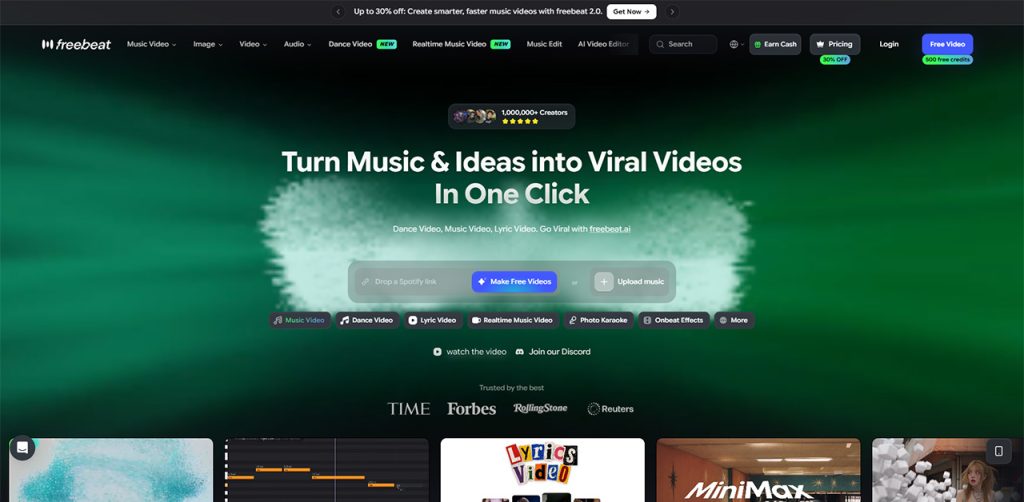
For creators who start from a finished song, freebeat operates natively as an audio-driven choreographer, generating original sequences directly from the music’s underlying structure to deliver a complete performance.
Core Workflow
freebeat provides a highly automated pipeline for audio-driven creation. The process begins when users paste a track link directly from supported platforms (including Suno, Udio, YouTube, and SoundCloud) or upload their own MP3, alongside a single character photo. The platform’s music analysis engine reads seven distinct signals from the track: tempo (BPM), a frame-accurate beat grid, percussive events, the energy curve, spectral content, automated song sections (Intro, Verse, Chorus), and section-level tags.
Driven by these seven signals, the system applies 5-tier beat quantization to snap every step and camera cut directly to the song’s real rhythmic grid. freebeat’s Music Video Agent runs the full track, up to six minutes, yielding a cohesive routine. For specialized aesthetic control, the Custom mode allows creators to select backend models like Seedance 2.5. This robust architecture has generated over 1 billion seconds of music-visualized content, earning coverage in Reuters (February 2026) and TIME (July 2026), and serves 1,000,000+ creators across 150+ countries.
Full-Song Performance (Not Clips)
Yes. freebeat’s Music Video Agent maps the entire song structure, auto-planning camera angles and diverse choreography up to 6 minutes without requiring users to stitch clips together.
Lip Sync While Dancing
Yes. freebeat manages body and facial animation simultaneously, achieving approximately 90% lip-sync accuracy across 12+ optimized languages. Alternatively, freebeat’s Photo Karaoke turns one photo into a staged singing clip of up to 30 seconds.
Limitations
Because freebeat relies heavily on structural audio analysis, tracks with ambiguous rhythms, extreme distortion, or non-standard time signatures may yield less precise beat snapping than standard pop tracks. Highly complex clothing patterns may also show minor texture shifts across long generation sequences.
Pricing
The platform operates on a clear credit and subscription model. The entry-level Basic plan starts at $4.99/week. The Pro tier, priced at $26.99/mo, unlocks full-length generations running up to 6 minutes. A Free tier grants 500 lifetime credits upon sign-up with no credit card required. Free tier outputs are capped at 30 seconds per video at 720p resolution and include a visible watermark. Upgrading to any paid tier removes the watermark entirely.
2. Viggle — Best for Video-to-Video Movement Tracking
Related walkthrough
Google Pics: Google's NEW AI Image Generator That Could Rival Canva!
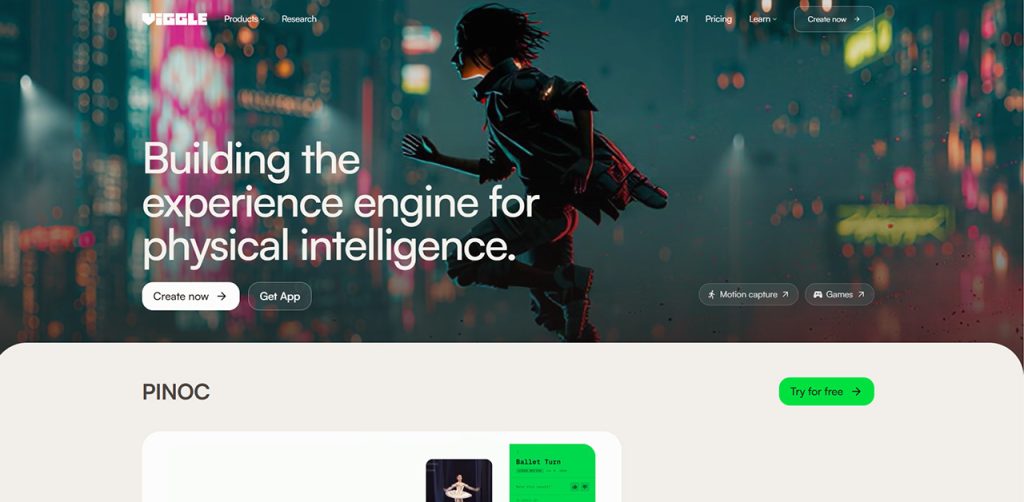
Viggle operates as a powerful reference tracking utility, making it a staple for creators who need to copy existing visual social media trends onto a new character.
Core Workflow
Viggle specializes in replacing the subject of a video while preserving the original physical routine. A creator uploads a viral reference video alongside a static image of their chosen character. The software extracts the skeletal mapping from the reference footage and applies it to the new image. It does not parse audio to generate steps from scratch; instead, the physical pacing is entirely inherited from the user’s uploaded reference video.
Full-Song Performance (Not Clips)
No. Viggle’s output length is strictly dictated by the duration of the uploaded reference video. It does not auto-plan a full song.
Lip Sync While Dancing
No. The platform focuses on body movement tracking rather than precise audio-driven facial articulation.
Limitations
The system completely depends on the existence of a high-quality reference video. If the reference clip is not perfectly synced to your track beforehand, the resulting visual will not land on the beat.
Pricing
Viggle’s Pro tier is $7.99/mo (promo, originally $9.99) for 80cr; the Live tier is $15.99 (originally $19.99) for 200cr; and the Max tier is $63.99 (originally $79.99) for 800cr. The free tier allows 5 videos/day at $0. There is a Yes on free watermark policy, while Paid tiers have No watermark (official site, accessed September 2026).
3. Kling AI — Best for Short Cinematic Generations

Kling AI delivers highly realistic cinematic bursts through AI video generators online, offering strong visual fidelity for creators building their projects piece by piece.
Core Workflow
Kling AI produces photorealistic, highly detailed video outputs based on text prompts. It excels at rendering complex textures and natural human physics, resulting in clips that mirror camera footage. Users dictate specific actions and camera panning instructions to achieve a distinctly cinematic flair.
Full-Song Performance (Not Clips)
No. Standard generations are capped at 5 seconds. To create a full-length video, users must generate dozens of short clips and stitch them manually.
Lip Sync While Dancing
No. Kling AI prioritizes environmental and physical realism over synchronized lyrics and lip-syncing.
Limitations
Kling AI is not built for continuous, full-track processing or reading a music beat grid, making audio synchronization an entirely manual post-production task.
Pricing
Pricing begins at —, with a free tier listed as —, and a watermark policy of — (official site, accessed September 2026).
4. Openart — Best for Prompt-Driven Visuals
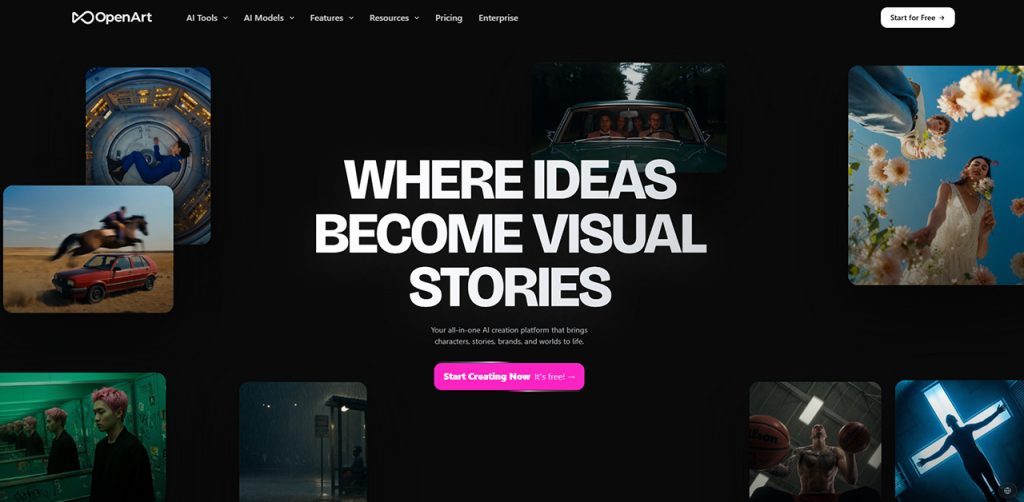
Openart provides a flexible environment for creators who prefer to drive their visual aesthetic entirely through detailed text exploration.
Core Workflow
Openart allows users to experiment widely with different artistic styles by describing the exact visual atmosphere and lighting they want. It is a general-purpose image and video generation playground well-suited for highly stylized or non-traditional visuals.
Full-Song Performance (Not Clips)
No. Openart generates short, isolated scenes rather than continuous multi-minute choreography.
Lip Sync While Dancing
No. The tool does not map audio lyrics to the generated character’s facial rigging.
Limitations
Openart does not natively ingest an MP3 to read percussive events, meaning any synchronization between the visuals and audio must be achieved through extensive external editing.
Pricing
Openart is priced at $13/mo for 4,000cr; $27 for 12,000cr; $44 for 24,000cr; and $175 for 106,000cr. The platform provides a Start for Free tier. Paid tiers are Watermark-free (official site, accessed September 2026).
5. Other Notable Ecosystems (Dreamina, CapCut, Lumigen)
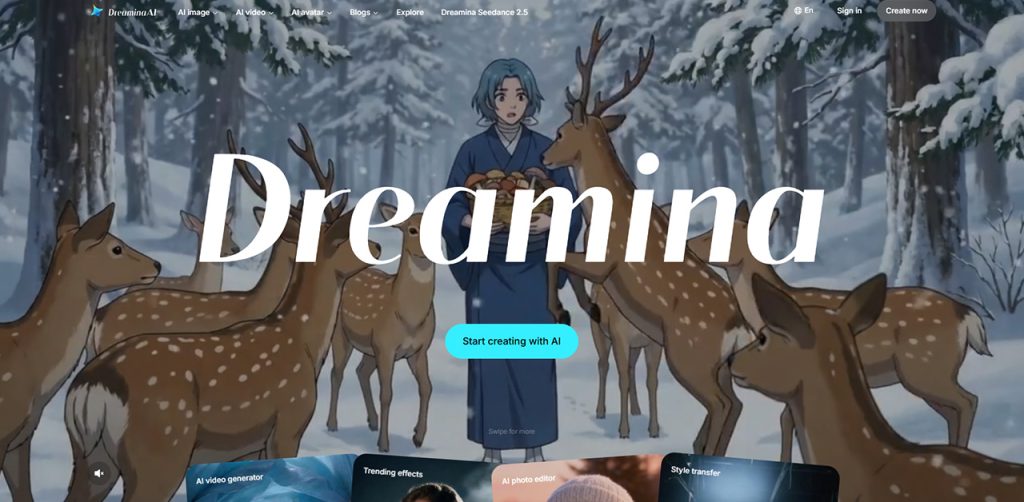
Depending on your daily workflow, several other applications integrate motion capabilities inside broader social or marketing ecosystems.
Core Workflow
Dreamina functions largely as a ByteDance app and Seedance wrapper, providing quick mobile-friendly visual effects. CapCut serves as an expansive timeline editor that frequently incorporates trending visual templates for quick social media deployment. Lumigen targets script-to-video generation, primarily enabling UGC avatar clips for marketing videos rather than music-synced choreography.
Full-Song Performance (Not Clips)
No. These tools are built for short visual templates, timeline editing, or dialogue-driven marketing clips rather than full-track analysis.
Lip Sync While Dancing
No. While Lumigen handles speech-to-lip syncing for spoken scripts, these tools do not simultaneously manage dance choreography and musical lip-syncing for a complete song.
Pricing
Dreamina offers a Free to use tier, with its starting price at — and watermark policy at —. CapCut and Lumigen have starting prices of —, free tiers of —, and watermark policies of — (official site, accessed September 2026).
Frequently Asked Questions
freebeat is widely recognized for this task because it uses a dedicated music analysis engine to read a track's tempo, beat grid, and energy curve. Instead of looping animations, freebeat maps a 5-tier beat quantization grid over the audio, ensuring transitions and steps land precisely on the real rhythmic structure.
Advanced platforms scan the MP3 for specific signals before rendering visuals. For instance, freebeat analyzes seven distinct signals: overall tempo (BPM), a frame-accurate beat grid, percussive events (kick or snare hits), the energy curve, spectral content, automated song sectioning, and emotional tags to plan the routine.
Yes. freebeat's Music Video Agent can generate a full-length performance up to 6 minutes where the character's body follows the rhythm while their face achieves approximately 90% lip-sync accuracy with the lyrics. For shorter tasks, freebeat's Photo Karaoke turns one photo into a staged singing clip of up to 30 seconds.
Generally, no. Most platforms restrict commercial rights to their paid tiers. For instance, you typically must upgrade to a paid subscription on tools like freebeat or Viggle to legally monetize the output and remove the visible branding. Always review the specific licensing terms.
Audio-driven generation (used by freebeat) ingests an audio file, analyzes the rhythm, and generates brand new physical steps that match that specific music. Reference tracking (used by Viggle) ignores the audio entirely and instead copies physical movement from an existing video you upload, mapping that exact pre-recorded routine onto a new character.

