

What Is the Best Call Center Software for International Calling? 9 Tools Ranked (2026)
Compare 9 call center software platforms for international calling, covering pricing, country coverage, CRM integrations, routing, and features for global teams.
International calls are where call center bills quietly get out of hand. The right call center software for international calling gives your agents local numbers in the markets they serve, predictable per-minute costs, and routing that sends each caller to someone who speaks their language.
Most platforms advertise global reach, but the details differ a lot. Some include outbound minutes to dozens of countries in the seat price, some charge every international minute on top, and some leave carriers and numbers for you to build yourself. Number availability, regulatory paperwork, and caller ID rules also change from one country to the next, which affects how quickly a new market goes live.
This guide compares nine call center platforms on what matters for cross-border teams: country coverage for numbers, international calling costs, local presence for outbound, multilingual routing, AI features, and integrations. Each entry covers the same seven parts so you can compare them side by side, followed by a short guide to choosing and the hidden costs to plan for.
TL;DR: the best call center software for international calling
- CloudTalk: best for SMB and mid-market teams selling and supporting across borders, because numbers in 160+ countries and bundled international minutes come with every plan from $25 per user/month.
- NICE CXone Mpower: best for regulated enterprises that need workforce management, because it pairs voice coverage in 150+ countries with a 99.99% voice SLA.
- Twilio Flex: best for engineering teams building a custom contact center, because every screen and workflow is programmable on numbers in 100+ countries.
- Genesys Cloud CX: best for global enterprises running omnichannel service in many regions, because it runs in 21 regions with native voice or bring your own carrier.
- RingCentral RingCX: best for companies already on RingCentral’s phone system, because RingCX shares one admin and network with RingCentral’s business phone system.
- 8×8 Contact Center: best for teams that call the same core countries every day, because contact center licenses include unlimited calling to 48 countries.
- Talkdesk: best for industry-specific AI self-service, because its Industry Experience Clouds ship prebuilt workflows for sectors such as healthcare and financial services.
- GoTo Contact Center: best for small teams that want a phone system and contact center from one vendor, because every GoTo plan includes free calls to 50+ countries.
- Five9: best for high-volume outbound centers with 50+ seats, because its predictive dialer and multi-carrier Global Voice are built for large campaigns.
How did we rank the best call center software for international calling?
Each tool was scored 1 to 10 on five criteria, using its own website and its G2 software comparison platform profile. The scores were weighted and added up to a total out of 10; a tie on the rounded total goes to the tool with the higher international coverage score.
International Coverage (30%)
Countries with numbers or voice, and included international minutes. A 10 means numbers in 150+ countries on every plan plus included minutes to several regions. Voice in 150+ countries, billed per minute, scores 8; numbers in 100+ countries or included calling to about 50 countries, 7; native voice in some regions with BYOC elsewhere, 6; no published country count, 5; under 10 countries, 3.
Starting Price (25%)
Published entry price per user, seat minimums and contract length. A 9 means a published plan under $30 per user/month with a one-user minimum. No-contract usage pricing scores 8; a published $65 voice plan, 7; $75 with telecom billed on top, 6; entry plans from $105 to $110, 4; quote only, 3; $150+ with a 50-seat minimum, 2.
G2 Rating (15%)
The G2 star rating times 2, so 4.4/5 scores 8.8 and 4.1/5 scores 8.2. Tools with fewer than 100 reviews lose 1 point, because a small sample is less reliable.
Native CRM Integrations (15%)
Native integrations with HubSpot, Salesforce, Pipedrive, Zoho CRM and Microsoft Dynamics 365, plus total count. A 10 means 4 of those five and 60+ integrations in total. Two or three plus a 600+ app marketplace scores 8; a 140+ app marketplace with CRM adapters, 7; two named CRMs with no published total, 6; one CRM, or connectors sold as add-ons, 5.
Ease of Setup (15%)
Seat minimums, billing terms and who sets it up. A 9 means a one-user minimum, monthly billing and numbers active in minutes in most countries. A plan added to an existing phone system console scores 7; quote-only, sales-led onboarding, 6; annual commitment only, 5; 36-month contracts, 4; a developer or partner-led build, 3; a 50-seat minimum with 12 to 36 month contracts, 2.
What did not move the ranking:
- AI features did not count, because every platform in this list offers AI agents or agent assist.
- Integration totals above 60 earned no extra points, because a native HubSpot or Salesforce sync matters more than hundreds of marketplace listings.
| Rank | Tool | Best for | Overall score | Starting price | International coverage | G2 rating |
| 1 | CloudTalk | SMB and mid-market cross-border teams | 9.4/10 | $25/user/mo (annual) | Numbers in 160+ countries | 4.4/5 (1,950+ reviews) |
| 2 | NICE CXone Mpower | Regulated enterprises | 6.5/10 | ~$110/agent/mo (annual) | Voice in 150+ countries | 4.3/5 (1,700+ reviews) |
| 3 | Twilio Flex | Custom builds | 6.5/10 | $1/active user hour | Numbers in 100+ countries | 4.1/5 (37 reviews) |
| 4 | Genesys Cloud CX | Global omnichannel enterprises | 6.3/10 | $75/user/mo (annual) | 21 regions, native voice or BYOC | 4.4/5 (1,500+ reviews) |
| 5 | RingCentral RingCX | Existing RingCentral customers | 6.2/10 | $65/agent/mo | Available in 6 countries | 4.4/5 (130+ reviews) |
| 6 | 8×8 Contact Center | Daily calls to fixed countries | 5.9/10 | Quote-based (est. from ~$85/agent/mo) | Unlimited calls to 48 countries | 4.1/5 (260+ reviews) |
| 7 | Talkdesk | Industry AI self-service | 5.9/10 | $105/user/mo (voice) | Numbers by country on request | 4.4/5 (2,600+ reviews) |
| 8 | GoTo Contact Center | Small all-in-one teams | 5.8/10 | Quote-based (reported ~$80/user/mo) | Free calls to 50+ countries | 4.4/5 (1,400+ reviews) |
| 9 | Five9 | 50+ seat outbound centers | 4.3/10 | $159/user/mo (voice) | Five9 telco or BYOC | 4.1/5 (600+ reviews) |
The 9 best call center software for international calling in 2026, ranked
1. CloudTalk: best for SMB and mid-market teams selling and supporting across borders
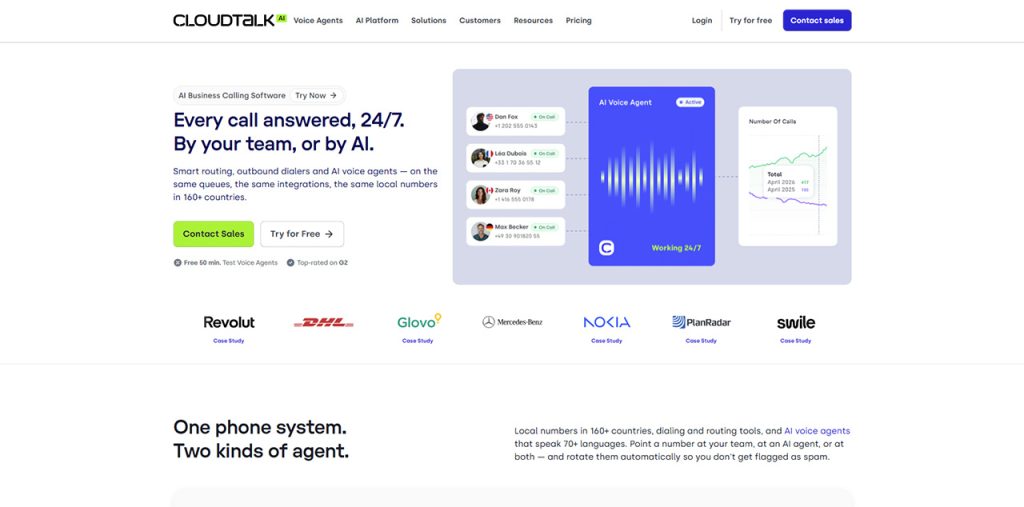
CloudTalk is the best call center software and AI voice agent for international calling for growing sales and support teams that want local numbers, included international minutes, and AI in one platform. Agents call and answer from a local number in each market, so a team in Madrid can sell into Mexico City or support customers in Sydney from one office.
CloudTalk combines a cloud-based business phone system , contact center tools and AI voice agents in one subscription, so a team does not need a separate carrier, dialer and CRM connector for each new market. Admins buy numbers, build call flows and connect the CRM from one dashboard, which is available in 8 languages for regional managers.
Key features
- Local, national, mobile, and toll-free numbers in 160+ countries, with porting for existing numbers
- Smart Dialer, power dialer, and parallel dialer (up to 10 lines) for outbound campaigns across time zones
- Skills-based routing, IVR, VIP queues, and a visual call flow designer to route callers by language or region
- AI voice agent (AIVA) that handles inbound and outbound calls in 70+ languages and accents
- AI conversation intelligence with multilingual transcription, call summaries, and sentiment analysis
- International SMS in 160+ countries and WhatsApp messaging
Integrations
- Native integrations with HubSpot, Salesforce, Pipedrive, Zoho CRM, and Zendesk, plus 100+ integrations in total
- Microsoft Teams integration and CloudTalk MCP for AI assistants
- APIs, webhooks, and a workflow designer for custom automations
Who CloudTalk is for
- Sales and support teams of roughly 11 to 50 seats that keep opening new countries and need numbers live without a local carrier contract
- SaaS, fintech and e-commerce companies whose reps work from one hub but call customers across Europe, LATAM and Australia every day
Who CloudTalk is not for
- Outbound centers that need predictive pacing, since CloudTalk dials in Smart, Power, Preview and Parallel modes instead
- Solo users who make a few international calls a month, since a pay-as-you-go calling app costs less than a per-seat call center plan
Pricing
- Starter: $25 per user/month billed annually, with unlimited US and Canada calls or 500 outbound minutes to the EU and UK
- Essential: $29 per user/month billed annually, adds the Smart Dialer and included minutes to markets such as Mexico, Brazil, and Australia
- Expert: $49 per user/month billed annually (3-user minimum), adds power and preview dialing plus larger LATAM and Australia bundles
- International numbers from $6 per number/month; branded caller ID from $0.07 per call on US and UK numbers
Pros
- Starter at $25 per user/month already includes IVR, queues, and skills-based routing, so small teams get a full call center without add-ons
- No setup or onboarding fees, and annual billing saves about 30%: Starter costs $25 per user/month billed annually versus $34 billed monthly
- 24/7 chat, email, and phone support on every plan, which helps teams working across time zones
Cons
- US and Canada customers pay an 11% compliance and administrative cost recovery fee on top of the subscription
- Some countries require regulatory documents before a number goes live, which can add 1 to 2 business days
Rating
4.4/5 on G2 (1,950+ reviews).
2. NICE CXone Mpower: best for regulated enterprises that need workforce management
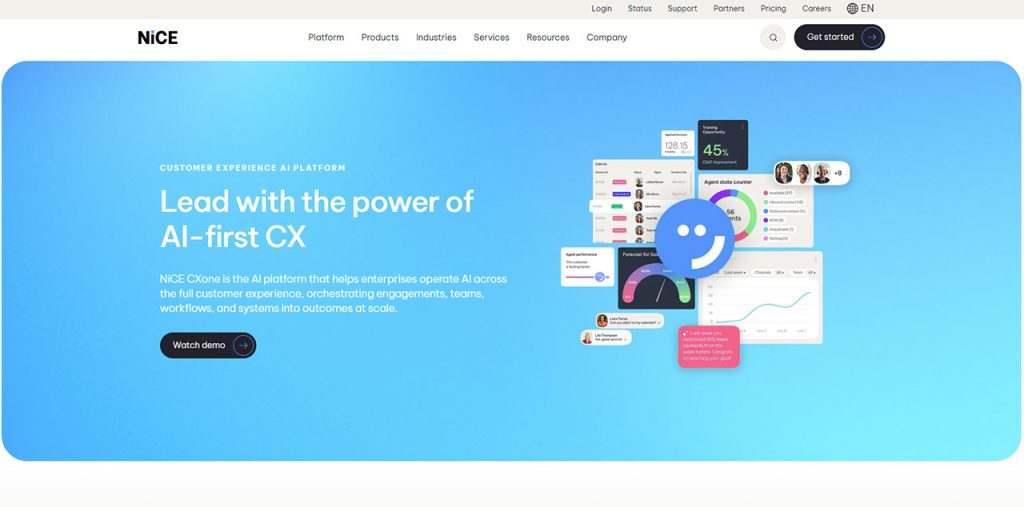
NICE CXone Mpower suits large, regulated organizations, because workforce management, quality monitoring, and compliance tools come in the same suite as routing and AI. Teams avoid buying those tools separately.
NICE CXone Mpower runs every region across at least 3 AWS availability zones, so an outage in one data center does not take voice down for the agents in that region. That design suits cloud call centers where a lost hour of calls means missed service levels in several countries at once.
Key features
- Voice coverage in 150+ countries across multiple tier-1 carriers with built-in redundancy
- Bring your own carrier and cloud SIP trunking managed through a self-service portal
- Mpower AI agents, agent copilot, and interaction analytics across every conversation
- Workforce management with forecasting, scheduling, and adherence for large teams
- Omnichannel routing across voice and digital channels in one agent desktop
- Quality management and call recording that support compliance audits
Integrations
- Native integrations with Salesforce, Microsoft Dynamics 365, ServiceNow, and Zendesk [VERIFY: confirm CXone native CRM list], plus 140+ apps in the CXexchange marketplace
- Prebuilt UCaaS and CRM adapters
- Open APIs for custom integrations with in-house systems
Who NICE CXone Mpower is for
- Banks, healthcare providers, insurers and government agencies with large multi-shift teams that go through formal compliance audits
- Organizations running several regional contact centers that want to merge them onto one platform with one carrier network across 150+ countries
Who NICE CXone Mpower is not for
- Teams that want to test a new market for a month or two before committing, since NICE sells on annual commitments
- Companies without a dedicated contact center admin, since workforce management and quality tools need someone to configure and run them
Pricing
- Plans range from about $110 to $249 per agent/month on an annual commitment
- Voice usage and international minutes billed separately, or carried over your own carrier through BYOC
- AI, analytics, and workforce management features expand with each higher tier
- Custom quotes for large deployments and multi-region rollouts
Pros
- 99.99% voice SLA, which allows under an hour of voice downtime a year and is the only uptime commitment quoted in this comparison
- Mixed carrier setups work: a team can keep a negotiated local carrier in one country through BYOC and use NICE’s own network everywhere else
- NICE reports 25B+ interactions a year across its platform, so CXone runs at volumes far above what most international teams need
Cons
- 4.3/5 on G2 is the lowest rating among the enterprise suites with 1,000+ reviews in this list; Genesys Cloud CX and Talkdesk both hold 4.4/5
- Entry pricing of about $110 per agent/month is more than 4x CloudTalk’s $25 Starter plan, before voice minutes are added
Rating
4.3/5 on G2 (1,700+ reviews).
3. Twilio Flex: best for engineering teams building a custom contact center
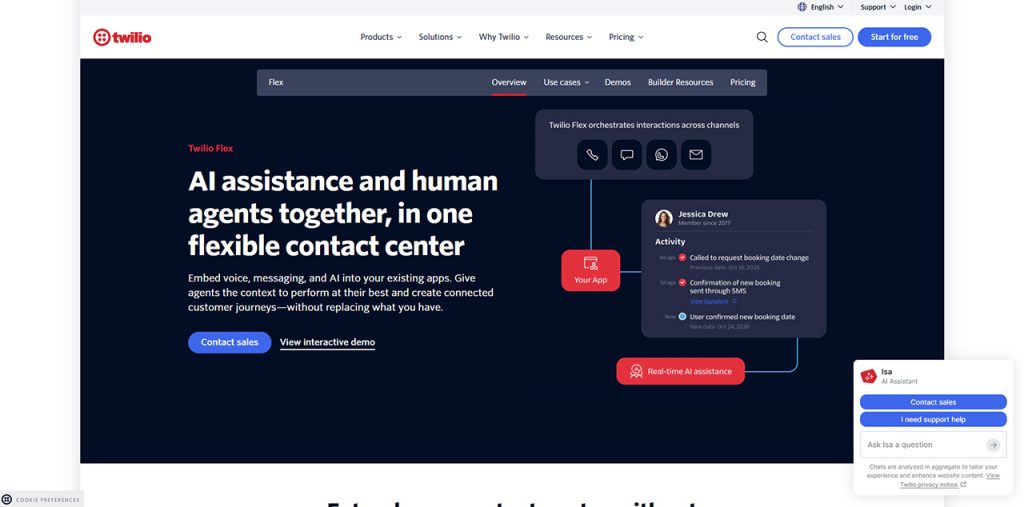
Twilio Flex suits companies with developers on staff, because every screen, workflow, and routing rule is programmable on top of Twilio’s voice, messaging, and routing APIs. The trade-off is time: the team owns the build and its ongoing maintenance.
Twilio Flex runs on Twilio’s network of 4,800+ carrier connections, and phone numbers are bought one country at a time at listed prices, from $1.15 per month for a US local number. Teams pay for each international market only when they open it.
Key features
- Fully programmable agent desktop, so every screen and workflow can be customized
- Phone numbers in 100+ countries across local, national, and toll-free types
- TaskRouter for skills-based routing across voice and digital channels
- Studio visual builder for IVR menus and call flows without writing code
- Agent Copilot add-on for AI summaries and live guidance, at $0.035 per voice minute
- Pay-as-you-go voice and messaging usage that scales with real call volume
Integrations
- Native integrations with Salesforce, Microsoft Dynamics 365, and Zendesk embedded in the agent desktop, plus [VERIFY: Twilio Flex prebuilt integration total] in total
- Twilio’s own APIs for SMS, WhatsApp, email, and video
- Open APIs and SDKs to connect any in-house system
Who Twilio Flex is for
- Product-led companies, such as marketplaces and on-demand services, that want calling between buyers and sellers in many countries built into their own app
- Businesses with seasonal peaks in travel or retail that prefer paying per active user hour over fixed seats all year
Who Twilio Flex is not for
- Sales or support teams under about 10 agents, where the cost of developer time to build and maintain Flex outweighs the low license price
- Finance teams that need one predictable monthly bill, since voice minutes, numbers and add-ons on Flex are each metered separately
Pricing
- Free trial: 5,000 active user hours for new Flex accounts
- Active user hour: from $1 per hour, with no contract required
- Named user: from $150 per user/month, billed on the peak number of named users
- User plus usage: from $35 per monthly active user, plus Twilio usage fees
Pros
- Full control over the agent experience, because nothing in the interface is fixed
- No contract on the active user hour model, which suits seasonal or variable call volume
- Number and calling prices are published per country, so the cost of opening a new market is known before the first call
Cons
- The three pricing models cannot be mixed in one account, and choosing a billing model forfeits any unused free trial hours
- 37 reviews on G2 is the smallest sample in this list, so there is little peer feedback to compare against
Rating
4.1/5 on G2 (37 reviews).
4. Genesys Cloud CX: best for global enterprises running omnichannel service in many regions
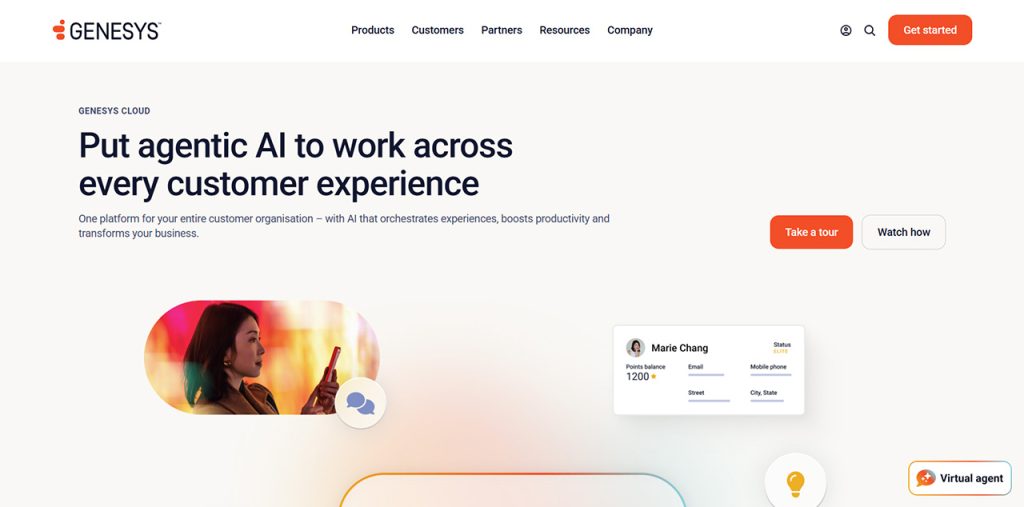
Genesys Cloud CX suits global enterprises that manage customer journeys across voice, chat, email, messaging, and social, because routing, analytics, and workforce planning run on one platform across all regions. The platform fits organizations with hundreds of agents and dedicated admins.
Genesys Cloud CX runs in 21 regions on AWS, and Genesys customers operate in more than 100 countries. Teams buy per-minute calling through Genesys Cloud Voice in 12 central regions, or bring their own carrier, which is the only voice option in regions such as Mexico, Singapore, and Sydney.
Key features
- Omnichannel routing across voice, chat, email, SMS, WhatsApp, and social in one agent workspace
- Genesys Cloud Voice per-minute calling where it is native, or bring your own carrier in every region
- Predictive routing and journey management on higher tiers to match callers with the right agent
- AI virtual agents and agent copilot features paid for with AI Experience tokens
- Workforce engagement management with forecasting, scheduling, and adherence across time zones
- Speech and text analytics with quality management and screen recording
Integrations
- Native integrations with Salesforce, Microsoft Dynamics 365, ServiceNow, and Zendesk, plus 600+ apps in the AppFoundry marketplace
- Custom analytics for data warehousing and external data import
- Open APIs for custom integrations
Who Genesys Cloud CX is for
- Enterprises with several hundred agents split across regional hubs in the Americas, EMEA and APAC that must keep call data inside each region
- Banks, insurers, telecom operators and public sector bodies that already hold carrier contracts in their main countries and want to keep them
Who Genesys Cloud CX is not for
- Teams of a few dozen agents, since Genesys is reported to require a minimum spend of about $2,000 per month before any telecom usage
- Budget owners who need a fixed AI cost, since AI features draw on AI Experience tokens (250 a month on named licenses) and extra tokens are billed on top
Pricing
- CX 1: $75 per user/month billed annually, covering voice, routing, IVR, and recording
- CX 2: $115 per user/month, adds digital channels, quality management, and screen recording
- CX 3: $155 per user/month, adds workforce engagement management and full analytics
- CX 4: $240 per user/month, adds journey management; Genesys Cloud Voice minutes billed on top
Pros
- Hourly interacting licensing, at about $0.68 per hour of active handling time, suits seasonal international queues that sit quiet for part of the year
- Genesys Cloud Voice rates for North America are low, at about $0.0119 per minute for outbound US calls
- Named or concurrent licensing lets a team pay per user or per peak number of agents online at the same time
Cons
- Telecom for a 100-agent center is estimated at $60,000 to $100,000 a year on top of licenses
- Setup and configuration usually need an implementation partner or experienced in-house admins
Rating
4.4/5 on G2 (1,500+ reviews).
5. RingCentral RingCX: best for companies already on RingCentral’s phone system
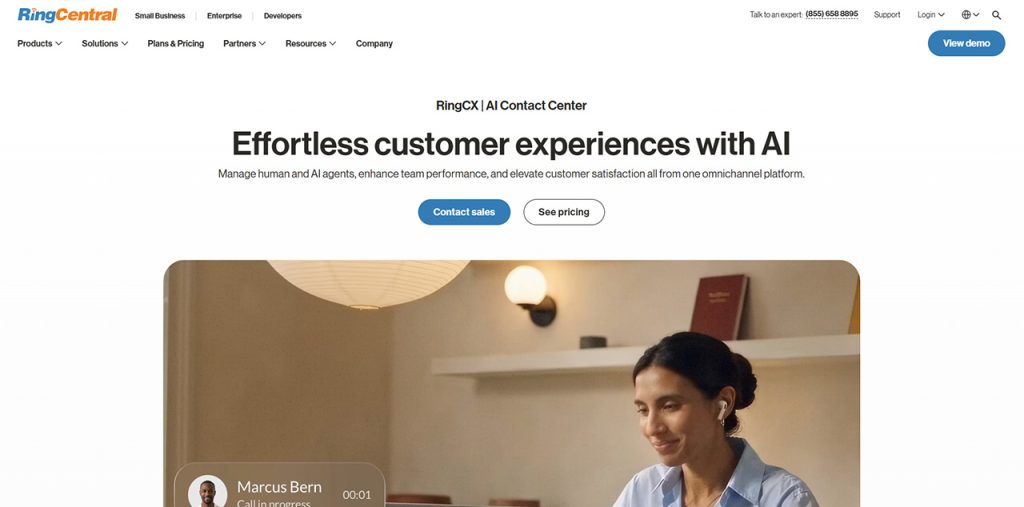
RingCentral RingCX suits companies that already run RingCentral’s business phone system, because agents and the rest of the company stay on one vendor, one admin, and one network. Calls move between the contact center and regular employees without extra connectors.
RingCentral RingCX ships with 1,000+ contact center features and counts several Fortune 1,000 companies among its customers, so it is a full contact center rather than a queue add-on to the phone system.
Key features
- AI-powered routing, agent assist, and automatic call summaries for every agent
- Inbound and outbound voice with predictive and preview dialing for campaigns
- 20+ digital channels managed from one agent workspace
- Supervisor dashboards, live monitoring, and coaching tools for remote teams
- Native connection to RingCentral’s business phone system and video meetings
- Agent interface in English, French, Italian, Spanish, and German
Integrations
- Native integrations with Salesforce, HubSpot, ServiceNow, Zendesk, and Microsoft Dynamics 365
- 600+ prebuilt integrations in the RingCentral App Gallery for the wider RingCentral platform
- Open APIs for custom integrations
Who RingCentral RingCX is for
- RingCentral phone system customers in the US, Canada, UK, France, Germany or Australia that want to add a contact center to the same account
- Support teams with agents who work in French, German, Italian or Spanish and want the agent interface in their own language
Who RingCentral RingCX is not for
- Companies serving customers mainly in LATAM or Asia, since RingCX availability centers on North America, Western Europe and Australia
- Teams that want AI features inside the base price, since RingCX bills AI add-ons separately from the $65 per agent license
Pricing
- RingCX: from $65 per agent/month
- Higher RingCentral contact center tiers: up to $145 per agent/month
- AI add-ons priced separately from agent licenses
- International calls billed by destination: [VERIFY: RingCX international per-minute rates]
Pros
- $65 per agent/month is the lowest published voice contact center price among the enterprise vendors here, so a 10-agent team budgets $650 a month before telecom
- A native HubSpot connector, which Genesys Cloud CX, NICE CXone Mpower and Five9 do not list among their native integrations in this comparison
- Existing RingCentral customers add agents under a vendor they have already approved, so there is no second security and procurement review
Cons
- 130+ G2 reviews is the second-smallest sample in this list after Twilio Flex, so peer feedback on the contact center is still limited
- The agent interface covers five languages, so agents who work in Portuguese, Dutch or Nordic languages use it in a second language
Rating
4.4/5 on G2 (130+ reviews).
6. 8×8 Contact Center: best for teams that call the same core countries every day
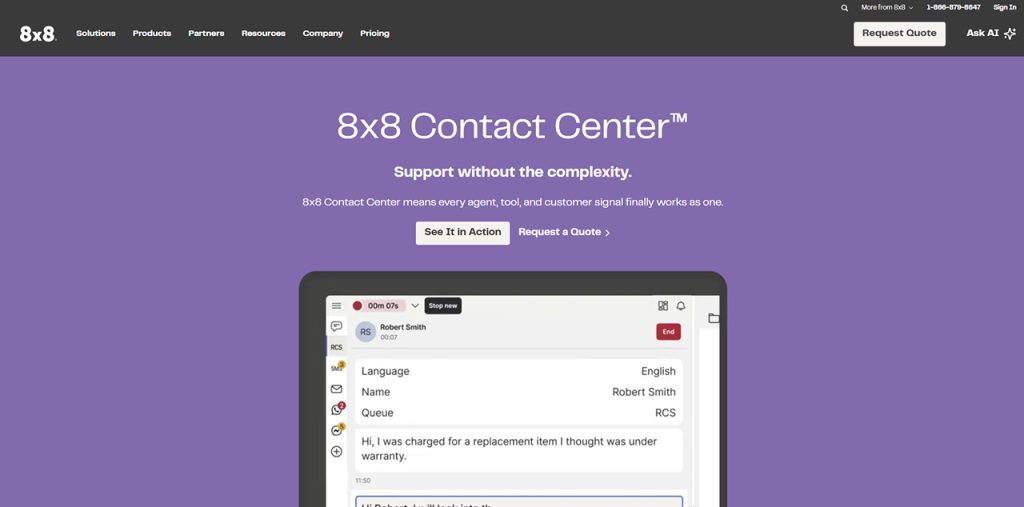
8×8 Contact Center suits mid-market teams that call the same core markets daily, because the contact center licenses (X6 to X8) include unlimited calling to 48 countries under a fair-use policy. That model turns international calling into a fixed monthly cost instead of metered minutes.
8×8 Contact Center runs on the same X-Series licenses as 8×8’s business phone system, so phone system users and contact center agents share one licensing model and one bill. Admins can mix cheaper phone-only licenses with contact center seats.
Key features
- Tiered calling lists: X2 licenses cover 14 countries, X3 covers 32, and X4 and above cover 48
- Pooled allowance of 4,000 inbound and outbound minutes per user/month on X6 to X8
- Omnichannel routing across voice, chat, and social in one agent workspace
- Supervisor analytics and quality management for teams across several sites
- AI agent assist and speech analytics on contact center tiers
- Business phone system, video meetings, and contact center under one license
Integrations
- Native integrations with Salesforce, Microsoft Dynamics 365, Zendesk, and Microsoft Teams, plus [VERIFY: 8×8 Contact Center integration total] integrations in total
- Microsoft Teams calling inside the Teams interface
- Open APIs for custom integrations and reporting
Who 8×8 Contact Center is for
- Mid-market support desks with steady daily call patterns to the same group of countries, where a fixed bill beats tracking per-minute spend
- Companies already running Microsoft Teams that want contact center agents and office staff on the same X-Series licensing
Who 8×8 Contact Center is not for
- Teams expanding into a new emerging market every quarter, since each country outside the 48 included ones falls back to per-minute billing
- Busy outbound agents who go past 4,000 minutes a month, since calls above the pooled allowance fall outside the unlimited bundle
Pricing
- No public pricing; quote-based
- Third-party estimates: X6 about $85, X7 about $110, and X8 about $140+ per agent/month
- 8×8 Work phone plans (third-party figures): X2 about $24 and X4 about $44 per user/month billed annually
- Premium-rate, special-services, and out-of-zone calls billed at standard rates
Pros
- Fair-use unlimited calling avoids the per-minute telecom charges that Genesys Cloud CX, NICE CXone Mpower and Talkdesk bill on top of licenses
- Office staff on X4 licenses get the same 48-country calling as agents, so the whole company calls the same markets at a flat rate
- 4,000 pooled minutes per user a month works out to about 200 minutes per working day, enough for most full-time agents
Cons
- No published contact center prices, so cost comparisons need a quote
- 8×8 asks buyers to confirm calling and number availability per country with sales, so coverage cannot be checked self-serve
Rating
4.1/5 on G2 (260+ reviews).
7. Talkdesk: best for industry-specific AI self-service
Talkdesk suits mid-size and large teams in regulated sectors, because its Industry Experience Clouds ship prebuilt workflows for healthcare, financial services, and retail. AI agents handle routine calls before a human steps in.
Talkdesk sells its AI as three named add-ons: Autopilot for self-service, Copilot for agent guidance, and Navigator for routing. Teams can start with one and add the others as call volume grows.
Key features
- AI agents (Autopilot) for self-service across voice and digital channels, around the clock
- Agent copilot with real-time guidance, suggested answers, and automatic call summaries
- Industry Experience Clouds with workflows built for specific sectors
- Omnichannel routing and IVR to send callers to the right team or language queue
- Workforce management and quality management on CX Cloud Elite and above
- Custom reporting and dashboards for supervisors tracking several regions
Integrations
- Native integrations with Salesforce, Microsoft Dynamics 365, HubSpot, Zoho CRM, Pipedrive, and Zendesk, plus 60+ integrations in total
- AppConnect marketplace with prebuilt partner apps
- APIs for custom integrations and workflow automation
Who Talkdesk is for
- Healthcare, financial services and retail contact centers that want sector-specific workflows ready to use instead of designing their own
- Teams that run their sales pipeline in Pipedrive or Zoho CRM and want a contact center with a native connector for it
Who Talkdesk is not for
- Teams that call many countries every day and want international minutes in the seat price, since Talkdesk bills telecom on top of licenses
- Companies wary of long lock-in, since Talkdesk’s listed prices are based on 36-month contracts and month-to-month terms cost more
Pricing
- Digital Essentials: $85 per user/month, covering email, chat, SMS, and social but no voice
- Voice Essentials: $105 per user/month for voice, with digital channels as a paid add-on
- CX Cloud Elite: $165 per user/month, adds workforce management and screen recording
- Industry Experience Clouds: from $225 per user/month; listed prices are on 36-month contracts
Pros
- Digital Essentials at $85 per user/month lets a support team start with email, chat and SMS and add voice later
- 2,600+ G2 reviews is the largest review base in this list, so buyers have the most peer feedback to check
- Talkdesk Express gives US and Canada businesses under 50 employees a free starting plan
Cons
- Talkdesk Express caps at 25 licenses and $100 in usage credits, so a growing team outgrows the free plan quickly
- AI add-on prices are not published, which makes the full cost hard to compare upfront
Rating
4.4/5 on G2 (2,600+ reviews).
8. GoTo Contact Center: best for small teams that want a phone system and contact center from one vendor
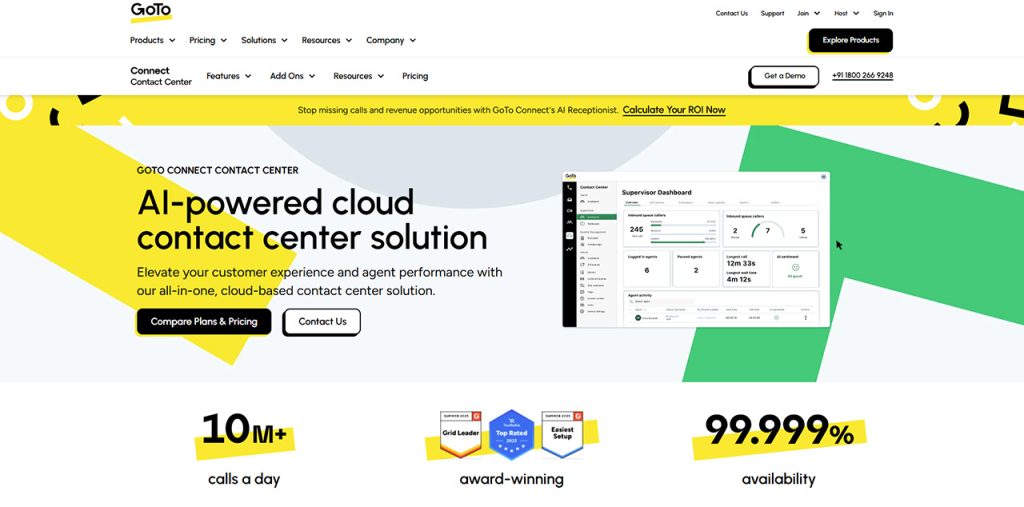
GoTo Contact Center suits small and mid-size businesses whose contact center is a few agents inside a broader team, because it runs on GoTo Connect alongside the phone system, meetings, and messaging.
GoTo’s CX plan adds WhatsApp, SMS campaigns, web chat, surveys and a team inbox on top of calling. A small team can answer customers abroad on the channel they prefer from one inbox.
Key features
- Free calls to 50+ countries on every plan, with the country list varying by region
- Skills-based routing and multichannel queuing for voice and digital channels
- Auto-dialer for outbound calls on the Contact Center plan
- Supervisor reporting, agent softphone, dashboard, and coaching tools
- AI receptionist option with 100 included AI credits on selected plans
- Local, toll-free, and vanity numbers with 1,000 shared toll-free minutes
Integrations
- Native integrations with Salesforce, Zendesk, Microsoft Teams, Microsoft Outlook, and Google Workspace, plus [VERIFY: GoTo Connect integration total] integrations in total
- Salesforce click-to-call and call logging
- GoTo developer APIs for custom integrations
Who GoTo Contact Center is for
- Small offices such as clinics, agencies and schools where the same people answer the phone, book appointments and serve walk-in customers
- Teams that call a known set of nearby countries a few times a week, which the 50+ free-call countries cover without extra bundles
Who GoTo Contact Center is not for
- Contact centers that plan agent shifts across several time zones, since forecasting and scheduling tools are lighter than in enterprise suites
- Companies that need numbers in many less common markets, since GoTo does not publish a country count for its local and toll-free numbers
Pricing
- No public pricing; quote-based
- Buyer-reported cost for GoTo Contact Center: about $80 per user/month
- Phone System, CX, CX Complete, and Contact Center plans are all quoted by sales
- CX Complete adds the AI receptionist with 100 included AI credits plus webinar features
Pros
- Free calls to 50+ countries start on the entry Phone System plan, so even the cheapest GoTo tier covers common destinations
- Each plan step, from Phone System to Contact Center, adds features on the same platform, so a team upgrades without migrating
- The AI receptionist answers calls that arrive outside office hours from customers in other time zones
Cons
- No published prices, so comparing total costs requires a sales call
- Toll-free minutes are one shared pool of 1,000 per plan, so a busy toll-free line needs extra minutes
Rating
4.4/5 on G2 for GoTo Connect (1,400+ reviews).
9. Five9: best for high-volume outbound centers with 50+ seats
Five9 suits large contact centers that run outbound and blended campaigns at scale, because predictive, progressive, and preview dialers come with list management and compliance controls. The platform fits operations with hundreds of agents across regions.
Five9 Global Voice routes each call through the nearest Voice Edge on a tier-1, multi-carrier network, and Five9 added data centers in India in 2024 to extend its footprint in APAC.
Key features
- Predictive, progressive, and preview dialers with list management and campaign pacing across time zones
- Global Voice with multi-carrier routing, carrier redundancy, and calls sent to the nearest Voice Edge
- Bring your own carrier (BYOC), Five9 telco, or a mix of both in different countries
- Intelligent virtual agents and AI agent assist for live guidance during calls
- Skills-based routing and IVR across voice, chat, email, SMS, and social channels
- Workforce engagement management with forecasting and scheduling on higher tiers
Integrations
- Native integrations with Salesforce, Microsoft Dynamics 365, ServiceNow, and Zendesk, plus [VERIFY: Five9 integration total] in total
- CRM connectors priced as add-ons on some plans
- APIs for custom integrations and data exports
Who Five9 is for
- Collections agencies, BPOs and outbound sales floors that work large calling lists across several time zones
- Enterprises that want to mix Five9’s own telco with carriers they already pay for in specific countries
Who Five9 is not for
- Growing teams that add agents a few at a time, since Five9 is sold with a minimum of 50 concurrent seats
- Inbound-only support desks with modest call volume, since Five9’s dialer depth and pricing are built around outbound campaigns
Pricing
- Digital: $119 per user/month, covering chat, email, SMS, and social but no voice
- Core: $159 per user/month, adds voice calling to all digital channels
- Plus, Pro, and Enterprise: quote-based, adding advanced AI and workforce engagement tools
- Minimum of 50 concurrent seats, with contracts typically running 12 to 36 months
Pros
- Predictive dialing at scale, which suits collections and outbound sales lists with thousands of contacts
- 3,000 AI minutes per seat per month are included, so most AI agent assist use carries no overage
- Call recordings can stay in the agent’s local Voice Edge, which helps with data residency rules in each country
Cons
- Plus and Pro tiers are quote-only, with third-party estimates of about $169 to $229 per user/month
- International telephony is quoted separately, so the total cost needs a custom estimate per destination
Rating
4.1/5 on G2 (600+ reviews).
What should you ask a vendor before buying call center software for international calling?
Related walkthrough
How to make a call using the Twilio call API? | Call API | Twilio API

Ask each vendor four questions that pricing pages rarely answer, because the answers decide what international calling actually costs and how fast a new market goes live.
- “Which number types can I get in each of my countries?” A good answer is a per-country list of local, national, mobile and toll-free numbers. Mobile numbers matter in markets where customers ignore landlines; one CloudTalk customer, Integrity360, chose it for real mobile numbers in-region.
- “Does the dialer show a local caller ID in every target country?” A good answer names the countries and number types the dialer can rotate through. Local presence is what moves pickup rates: a CloudTalk customer reports 3x higher pickup with local mobile numbers.
- “What is the seat minimum and the shortest contract?” Answers in this list range from one user on monthly billing to 50 concurrent seats on 12 to 36 month contracts, so the same question can rule out half the shortlist.
- “Is AI priced per minute, per token, or included per seat?” All three models exist. CloudTalk’s AI voice agents start at $99 for 200 minutes a month, which makes the cost per AI-handled call easy to forecast.
How much does a 10-agent international call center cost per month?
A 10-agent international call center costs about $250 to $1,500 a month in licenses on the platforms in this list, before out-of-bundle minutes. Five9 is the exception, because its 50-seat minimum puts the entry license bill at about $7,950 a month.
| Platform | Entry license for 10 agents | International minutes |
| CloudTalk Starter | $250/mo (annual) | Bundle to EU and UK, or unlimited US and Canada |
| GoTo Contact Center | ~$800/mo (reported) | Free calls to 50+ countries |
| 8×8 Contact Center X6 | ~$850/mo (estimate) | Unlimited to 48 countries, fair use |
| RingCentral RingCX | $650/mo | Billed by destination |
| Genesys Cloud CX 1 | $750/mo (annual) | Billed per minute |
| Talkdesk Voice Essentials | $1,050/mo (36-month contract) | Billed separately |
| NICE CXone Mpower | ~$1,100/mo (annual) | Billed separately or BYOC |
| Twilio Flex | $1,500/mo (named users) | Pay-as-you-go |
| Five9 Core | ~$7,950/mo (50-seat minimum) | Quoted separately |
Per-minute rates widen the gap at volume. Ten agents making 300 international minutes each a month use 3,000 minutes: $60 at $0.02 per minute, or $240 at $0.08 per minute.
Number rental sits on top of both. International numbers cost from $6 per number a month on CloudTalk, and a US local number costs from $1.15 a month on Twilio, so a team with numbers in 10 countries pays a fixed number fee every month before any call is made.
What regulations apply to international call center calls?
International call center calls are governed by local number registration rules, call recording consent laws, and data protection regulations that differ by country. Getting them wrong can delay a market launch or lead to fines.
Number Registration
Many countries require a local address or business registration before local or mobile numbers are activated, so paperwork should be ready before a market launch date is set.
Call Recording Consent
Some countries and US states require every party to agree to recording, so disclosure messages should be set per region.
Data Protection
Teams calling EU customers need GDPR-compliant handling of recordings and transcripts; certifications such as ISO 27001 and SOC 2 speed up vendor security reviews.
Caller ID and Spam Rules
Outbound teams should use registered numbers and branded caller ID where available, so calls are not flagged as spam.