
Software Documentation Best Practices for Development Teams
Software documentation helps teams share knowledge, simplify maintenance, improve collaboration, and keep technical information accurate and accessible over time.
A development team may spend weeks building a feature, testing its functionality, and preparing it for release. But a few months later, when another developer needs to modify that feature, a simple question can slow everything down: How does this part of the software actually work? The original developer may have moved to another project, important decisions may be buried in old messages, and nobody may remember why a particular function was implemented in a specific way.
This is where software documentation becomes essential. It gives developers a reliable reference for understanding how an application works, how its components connect, and how to maintain it over time. Good documentation also reduces dependency on individual team members and makes collaboration easier.
For development teams working on complex applications, maintaining clear and updated documentation is just as important as writing maintainable code.
What Is Software Documentation?
Software documentation refers to written information that explains how a software application is designed, developed, configured, used, and maintained. It helps developers, testers, administrators, and end users understand different aspects of a software product. It can include installation instructions, system architecture diagrams, coding guidelines, configuration details, troubleshooting steps, and information about API documentation.
For example, imagine a company developing an invoice management application. Developers need to understand how invoices are uploaded, how information is stored, how payment records are connected, and how users can retrieve specific documents. Without proper documentation, understanding these processes may require examining large sections of code. Well-organized records make this information easier to access.
Why Is Documentation Important for Development Teams?
Documentation is not simply a collection of technical notes. It supports everyday development activities and helps teams maintain consistency as projects grow.
Some important advantages include:
Easier Knowledge Sharing
New developers can understand the project without depending entirely on existing team members.
Faster Troubleshooting
Clear explanations of system behavior help developers identify potential problems.
Consistent Development
Coding standards and implementation guidelines encourage everyone to follow similar practices.
Simpler Maintenance
Developers can understand existing functionality before making changes.
Better Collaboration
Teams can coordinate development, testing, deployment, and maintenance activities more effectively.
Types of Software Documentation Every Team Should Maintain
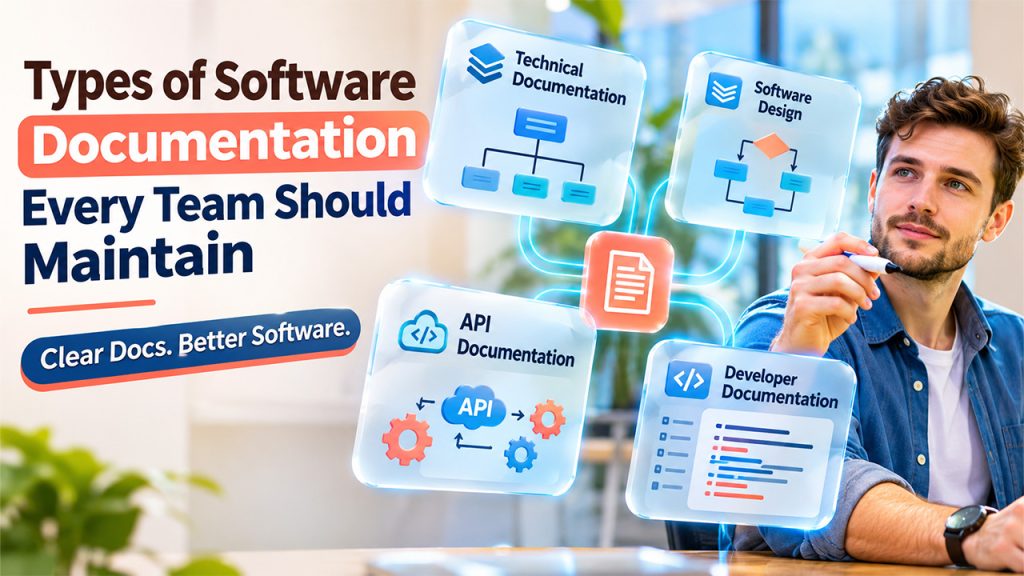
Different documents serve different purposes. Instead of keeping everything in one large file, development teams should organize information according to its intended audience and use, following effective knowledge base organization practices.
1. Technical Documentation
Technical documentation explains the internal workings of an application, including its architecture, technologies, dependencies, configurations, and development processes.
2. Software Design Documentation
Software design documentation describes how an application is structured before and during development.
It typically covers:
- System architecture and component relationships.
- Database structures and data flow.
- User authentication and authorization.
- Third-party integrations.
- Important design decisions and their reasoning.
3. API Documentation
APIs allow different applications and services to communicate with one another. Clear API documentation explains how developers can use these connections correctly.
Following API documentation best practices means providing useful information about endpoints, request methods, parameters, authentication requirements, response formats, and error messages.
4. Developer Documentation
Developer documentation focuses on helping developers work with a software project.
It commonly includes:
- Project setup and installation instructions.
- Required programming languages and dependencies.
- Environment configuration.
- Coding standards and naming conventions.
- Testing procedures.
- Build and deployment instructions.
A useful README file is often the first place a new developer looks when joining a project. It should explain how to get the application running and where to find additional technical information.
Software Documentation Best Practices Development Teams Should Follow
Related walkthrough
Everything You Need To Know About APIs

Creating documentation is only the first step. The real challenge is keeping it accurate, useful, and accessible throughout the development lifecycle.
1. Start Documentation Alongside Development
One common mistake is treating documentation as a final task after software development is complete.
This often leads to missing information because developers may forget important implementation decisions.
Instead, teams should document major features, architecture changes, and technical decisions while working on them.
2. Use Clear and Simple Language
Documentation should explain technical concepts without unnecessary complexity.
Avoid long paragraphs, unexplained abbreviations, and complicated sentences. Use short explanations, descriptive headings, and practical examples wherever possible by following effective technical content writing practices.
3. Keep Documentation Organized and Searchable
Even accurate information becomes difficult to use when developers cannot find it.
Organize documents into logical sections based on their purpose. A project might maintain separate folders for architecture, installation, APIs, testing, and deployment.
4. Maintain Documentation Alongside Code Changes
Documentation can quickly become outdated when developers modify application functionality without updating related information.
Whenever a developer changes an API endpoint, database structure, or configuration setting, they should review the associated documents.
5. Include Practical Examples and Visuals
Written explanations are useful, but diagrams, code samples, and screenshots can make complicated concepts easier to understand.
When documenting a document processing system, a simple workflow diagram showing file upload, text extraction, validation, and storage can help developers understand the complete process.
6. Assign Documentation Ownership
When everyone assumes someone else will update documentation, important information often remains incomplete.
Assigning responsibility makes maintenance more manageable.
7. Review Documentation Regularly
Documentation should be reviewed whenever significant functionality changes. However, periodic reviews are also useful for identifying outdated instructions, broken links, missing examples, and duplicate information. Regular software maintenance practices help teams keep technical resources and system components updated.
Tools That Help Teams Manage Documentation
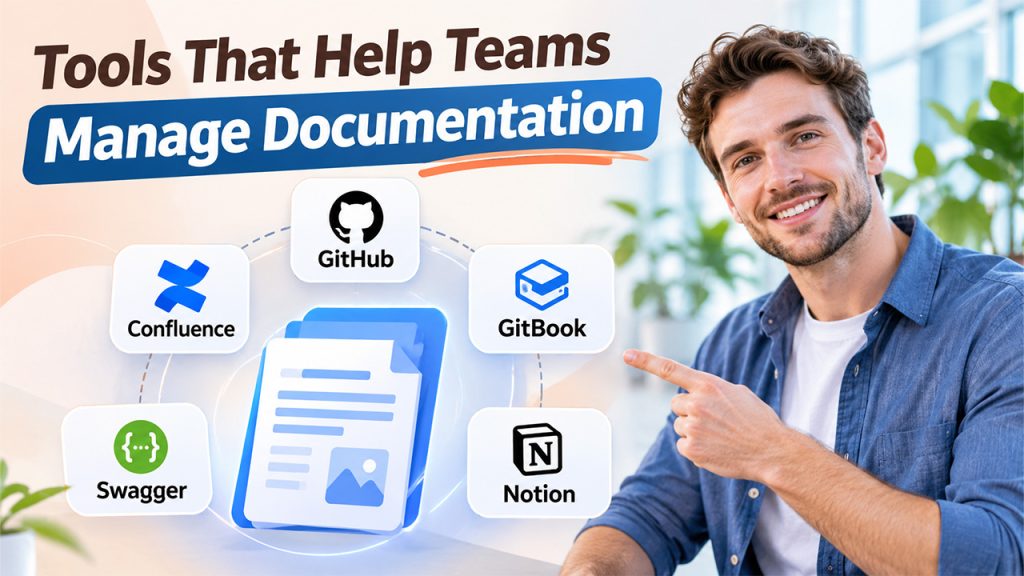
Choosing suitable tools can make documentation easier to create, update, and share.
Some commonly used options include:
- Confluence: Useful for organizing internal knowledge bases, project notes, and team documentation.
- GitHub: Allows teams to maintain Markdown documentation alongside source code.
- GitBook: Helps create structured technical guides and documentation websites.
- Swagger: Supports API descriptions, interactive documentation, and endpoint testing.
- Notion: Provides a flexible space for organizing project information and internal knowledge.
The best choice depends on team size, project complexity, existing development workflows, and collaboration requirements. Teams should prioritize accessibility and ease of maintenance rather than adopting multiple tools without a clear purpose.
Common Documentation Mistakes to Avoid
Even experienced teams can develop documentation habits that reduce its usefulness.
Some mistakes worth avoiding include:
- Writing lengthy documents without clear headings or navigation.
- Copying technical explanations without verifying their accuracy.
- Keeping outdated screenshots and code examples.
- Documenting features without explaining important limitations.
- Storing important information across disconnected platforms.
- Treating documentation as a one-time activity.
Another common issue is documenting what the code does without explaining why a particular decision was made. Recording important design decisions helps future developers understand the reasoning behind existing implementations.
Conclusion
Good software documentation helps development teams build, understand, and maintain applications more effectively. It preserves technical knowledge, simplifies collaboration, and makes it easier for developers to work on existing systems without depending entirely on the people who originally created them.
The most effective approach is to document important information during development, organize it clearly, include practical examples, and update it whenever the application changes.
Documentation does not need to explain every line of code. It needs to provide the right information at the right time so developers can make informed decisions and keep software projects moving forward.
Documentation does not need to explain every line of code. It needs to provide the right information at the right time so developers can make informed decisions and keep software projects moving forward with effective software development practices.
Frequently Asked Questions
Software documentation explains how an application works, how it is developed, and how it should be maintained.
The main types include technical documentation, software design documentation, API documentation, user documentation, and developer documentation.
Documentation should be updated whenever a change affects system functionality, architecture, APIs, configurations, or development procedures.
Popular options include Confluence, GitHub, GitBook, Swagger, and Notion. The right tool depends on the team's requirements.
Effective documentation is accurate, easy to understand, well-organized, and regularly maintained.