
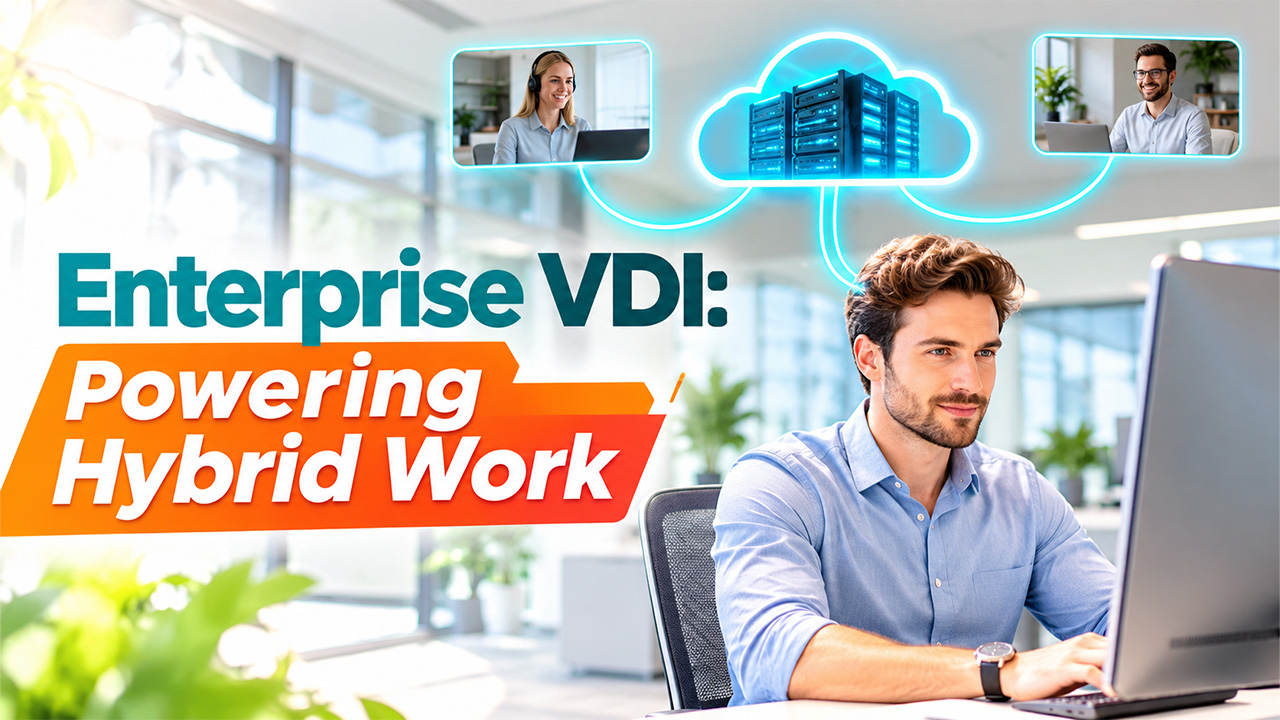
How Enterprise VDI Solutions Support Secure and Scalable Hybrid Workforces
Learn how enterprise VDI solutions help businesses scale hybrid work through user segmentation and easy desktop management.
Hybrid work requires more than remote access to office computers. Employees, contractors, and partners need dependable desktops across locations, devices, and schedules, while IT teams must protect applications and data. Enterprise VDI solution addresses this need by separating the user’s working environment from the physical endpoint. A well-planned deployment also gives administrators clearer control over access, capacity, and updates. Its ability to scale depends on architecture, user profiles, security policies, and operational discipline.
A successful enterprise VDI strategy begins with the work each user performs. A finance analyst, seasonal support worker, and software developer place different demands on computing resources. Grouping users by application needs, data access, and working patterns helps IT assign suitable desktop types without giving every account the same capacity. This approach supports predictable performance while limiting unnecessary infrastructure spending.
Match Desktops to User Groups
User segmentation gives scaling decisions a practical foundation. Knowledge workers often need a consistent Windows environment, while task workers may require access to fewer applications. Contractors and vendors can receive narrowly scoped desktops instead of broad network access.
IT teams should document application dependencies before selecting a desktop model. Some programs need specialized processing, local peripherals, or carefully controlled licensing. A clear inventory prevents performance problems and reduces rework during migration.
Scale Capacity with DemandScale Capacity
Traditional desktop environments force organizations to buy hardware based on projected demand. Enterprise VDI solution shifts capacity planning toward actual usage. Administrators can add desktops for hiring periods, projects, or acquisitions, then remove unused assignments when demand falls. Businesses can also use scalable AWS cloud infrastructure to support changing workloads and infrastructure requirements.
Scaling still requires monitoring. CPU use, memory pressure, login duration, application response, and concurrent sessions reveal whether a desktop pool fits its users. Capacity reviews should examine both peak periods and ordinary days, since average use can hide short periods of poor performance.
Support Mixed Work Locations
Hybrid employees connect from homes, offices, shared spaces, and temporary locations. Enterprise VDI solution keeps the desktop environment consistent while the endpoint changes. Users can return to the same applications and settings without carrying sensitive files between devices.
Network conditions still affect the experience. IT teams should test common connection types, confirm adequate bandwidth, and establish performance thresholds. A desktop that works well in an office can respond poorly over a congested home connection. Regional capacity and connection routing also deserve review when teams work across multiple locations.
Protect Data Beyond Endpoints
Related walkthrough
Tomorrow's Workforce Has Arrived! | AI Robotics

Centralized desktops reduce the need to store business files on laptops or personal computers. This arrangement limits exposure when a device is lost, shared, or compromised. It also gives administrators a clearer place to apply access controls, session policies, and data protections.
Security cannot stop at the desktop image. Identity verification, least-privilege access, multifactor authentication, patching, and session monitoring must work together. Policies should also govern downloads, clipboard use, printing, and removable media. Each control should match the sensitivity of the user’s applications and data.
Simplify Administration at Scale

A hybrid workforce increases the number of endpoints and access scenarios that IT must manage. Standardized images, automated provisioning, and centralized policy controls reduce manual work. They also create more consistent results when new employees join or existing users change roles.
Image management needs a defined release process. Administrators should test application compatibility, approve updates, and keep a rollback option before changing a shared desktop image. Separate testing and production groups help identify failures without disrupting the entire workforce.
Plan for Contractors and Projects
Short-term workers create a recurring scaling challenge. Their access must begin quickly, remain limited, and end promptly when the assignment finishes. Dedicated desktop pools can separate temporary users from permanent staff and reduce the need to modify core environments.
Project teams also benefit from role-based templates. A template can include approved applications, network permissions, and expiration rules. Automated removal after a project ends prevents dormant accounts and unused desktop assignments from accumulating.
Measure the User Experience
Infrastructure metrics alone do not show whether Enterprise VDI solution works for employees. IT teams should review login times, application launches, help desk tickets, disconnects, and failed sessions. User feedback can reveal issues that technical dashboards miss, such as confusing access steps or unreliable peripherals.
A useful review connects experience data with cost and security data. If a user group creates repeated support requests, administrators can check its desktop size, application mix, network path, and policy settings. Regular reviews keep scaling decisions tied to observed conditions rather than assumptions.
Conclusion
Enterprise VDI solution scales best when organizations treat it as an operating model, not a desktop replacement project. User segmentation, measured capacity, centralized security, and staged rollout provide the structure needed for hybrid work. The next practical step is to list user groups, applications, connection patterns, and access risks before selecting a deployment model. That assessment shows where shared desktops fit, where dedicated resources are necessary, and which controls require testing first.