
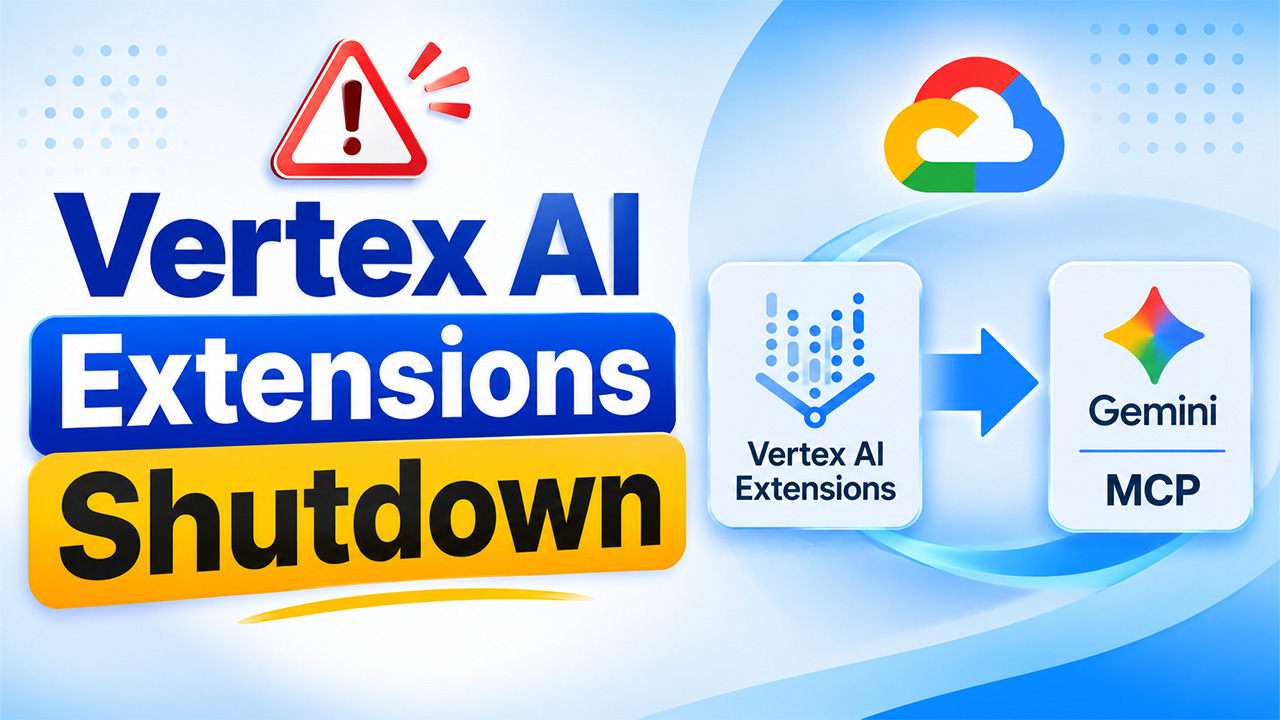
Vertex AI Extensions Shutdown: A 2-Day Migration Runbook
The Vertex AI Extensions shutdown hits 26 Nov 2026. Find every Extensions call, move tools to Gemini function calling or MCP, re-test and log it.
Google deprecated Extensions on 26 May 2026 and shuts them down after 26 November 2026.
Google deprecated Vertex AI Extensions on 26 May 2026 and set the shutdown for 26 November 2026, which is today. Once the Vertex AI Extensions shutdown takes effect, any agent that still sends tool calls through an Extension stops working. That covers the prebuilt Code Interpreter and search extensions as well as custom extensions built from an OpenAPI spec.
If you build or maintain AI agents for clients, this is a same-week problem. Calls will fail, users will see errors, and the client will ask why. The good news: the fix is well understood. You move each tool to Gemini function calling, a built-in Gemini tool, or an MCP server you control. This runbook shows how to do that in two working days.
TL;DR: Vertex AI Extensions stop working after 26 November 2026. Search your code and projects for Extensions calls today. Rebuild custom extensions as function declarations or MCP tools, swap Code Interpreter and search for Gemini’s built-in tools, re-test with real prompts, and send the client a short change log.
What the Vertex AI Extensions Shutdown Means for Your Agents
Extensions were structured wrappers that let a model call an API, with Vertex AI running the call for you. That was their main appeal over plain functions, where your own code runs the call. The product never left Preview, so it always ran under Google’s pre-GA terms with limited support.
Google’s Vertex AI Extensions overview now carries a clear warning: Extensions were deprecated on 26 May 2026, and after 26 November 2026 they “will be shut down and no longer function.” Third-party deadline trackers flagged the same date this month, but Google’s page is the source to trust.
In practice, three things break:
- Agents that load an extension with Extension.from_hub or Extension.create from vertexai.preview.extensions.
- Any direct REST calls to the projects.locations.extensions resource (v1beta1).
- Workflows, schedulers or webhooks that depend on those agents returning tool results.
This is not the only Google Cloud agent deprecation on the calendar. The AgentDeals tracker lists Gemini 2.5 Pro and 2.5 Flash as already retired on Google’s agent platform since 20 October 2026, so check your model names while you are in the code.
Which Replacement Fits Each Extension
Google’s migration guide maps each extension type to a replacement on Gemini Enterprise Agent Platform. Here is the short version, plus where MCP fits:
| Extension you used | Google’s replacement | Other option | Typical effort |
|---|---|---|---|
| Code Interpreter | Agent Platform Code Execution Sandbox | Built-in code_execution tool in google-genai | Low |
| Google Search | Grounding with Google Search | None listed | Low |
| Custom (OpenAPI spec) | Function calling (tool use) | MCP server exposing the same operations | Medium |
| Vertex AI Search | Not covered in the guide | Grounding with your Vertex AI Search app, or a function | Medium |
The full mapping, with sample code, is in Google’s Extensions migration guide. Note that the guide does not mention MCP. MCP is our recommendation for teams that want one tool layer shared by several agents or model vendors, not a Google requirement.
Before and after: your code, not Vertex AI, now runs each tool call.
Day 1 Morning: Find Every Extensions Call
You cannot fix what you have not found. Spend the first half-day building a Vertex AI Extensions shutdown inventory for every client.
- Search each repository for the legacy SDK and REST paths (script below).
- List extensions still registered in each Google Cloud project and region.
- Check Cloud Logging for recent calls to the extensions resource, so you also catch scripts outside version control.
- Write one row per extension: client, project, region, extension type, owner, and the agent that uses it.
#!/usr/bin/env bash
# Usage: ./find_extensions.sh <repo_dir> <gcp_project> <region>
set -euo pipefail
REPO="${1:-.}"; PROJECT="${2:?project id}"; REGION="${3:-us-central1}"

echo "== Code references in $REPO =="
grep -RInE "vertexai.preview.extensions|Extension.(from_hub|create)|/extensions(:|/|")"
  --include=*.py --include=*.ts --include=*.js --include=*.go --include=*.java "$REPO" || echo "none found"

echo "== Extensions registered in $PROJECT ($REGION) =="
curl -s -H "Authorization: Bearer $(gcloud auth print-access-token)"
  "https://${REGION}-aiplatform.googleapis.com/v1beta1/projects/${PROJECT}/locations/${REGION}/extensions"
If the list call already returns an error after the cutoff, rely on the code search and logs. The inventory is what matters, not the API response.
Day 1 Afternoon: Vertex AI Function Calling Migration
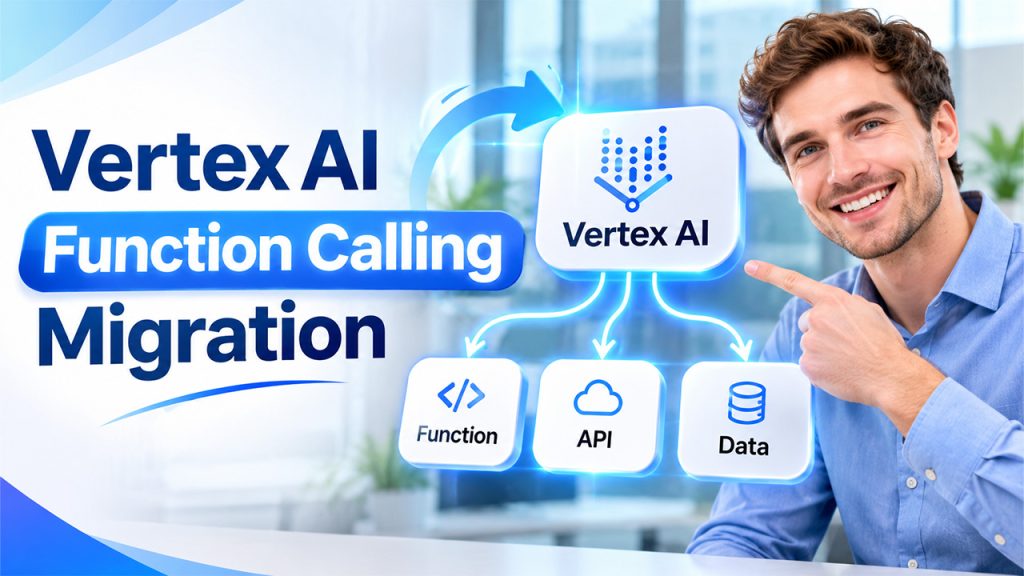
Custom extensions are the biggest job. Each OpenAPI operation becomes a function declaration. The model picks the function and its arguments, your code calls the client’s API, and you send the result back. The upside is control: you own retries, timeouts, logging and auth instead of relying on a managed wrapper.
Keep schemas simple. Vertex AI supports a subset of OpenAPI: type, nullable, required, format, description, properties, items, enum, anyOf, $ref and $defs. Strip anything else from the old spec.
# pip install google-genai
import os
from google import genai
from google.genai import types

client = genai.Client(vertexai=True,
                      project=os.environ["GOOGLE_CLOUD_PROJECT"],
                      location=os.environ.get("GOOGLE_CLOUD_LOCATION", "global"))
MODEL = os.environ.get("GEMINI_MODEL", "gemini-3.8-flash")

def get_order_status(order_id: str) -> dict:
    """Replace this stub with the client API call the old extension made."""
    fake_db = {"A-1001": "shipped", "A-1002": "processing"}
    return {"order_id": order_id, "status": fake_db.get(order_id, "not_found")}

get_order_status_decl = types.FunctionDeclaration(
    name="get_order_status",
    description="Look up the status of a customer order by its order ID.",
    parameters={"type": "object",
                "properties": {"order_id": {"type": "string", "description": "Order ID, e.g. A-1001"}},
                "required": ["order_id"]},
)
config = types.GenerateContentConfig(tools=[types.Tool(function_declarations=[get_order_status_decl])])

contents = [types.Content(role="user", parts=[types.Part(text="Where is order A-1001?")])]
response = client.models.generate_content(model=MODEL, contents=contents, config=config)

if response.function_calls:
    contents.append(response.candidates[0].content)
    parts = []
    for call in response.function_calls:
        result = get_order_status(**call.args)
        parts.append(types.Part.from_function_response(name=call.name, response=result))
    contents.append(types.Content(role="user", parts=parts))
    response = client.models.generate_content(model=MODEL, contents=contents, config=config)

print(response.text)
Set GEMINI_MODEL to a model your client’s project actually has access to, and confirm it is not on a retirement list. If you are already building custom AI for your CRM, the same pattern works for record lookups and updates.
Moving Code Interpreter and Google Search
These two are quick swaps to built-in Gemini tools. No server code is needed:
import os
from google import genai
from google.genai import types

client = genai.Client(vertexai=True, project=os.environ["GOOGLE_CLOUD_PROJECT"], location="global")
MODEL = os.environ.get("GEMINI_MODEL", "gemini-3.8-flash")

code_cfg = types.GenerateContentConfig(tools=[types.Tool(code_execution=types.ToolCodeExecution())])
print(client.models.generate_content(model=MODEL, contents="Sum the primes below 100.", config=code_cfg).text)

search_cfg = types.GenerateContentConfig(tools=[types.Tool(google_search=types.GoogleSearch())])
print(client.models.generate_content(model=MODEL, contents="Latest US CPI release date?", config=search_cfg).text)
For stateful code runs or files that persist between calls, Google points to the Agent Platform Code Execution Sandbox instead. Agents built with the Agent Development Kit or Vertex AI Agent Builder can use ADK’s AgentEngineSandboxCodeExecutor for that.
Day 1 Option: Expose Tools as Gemini MCP Tools
Related walkthrough
Gmail, Drive and Sheets MCP Servers: Mark Your OAuth Client as an AI Agent Before November 11

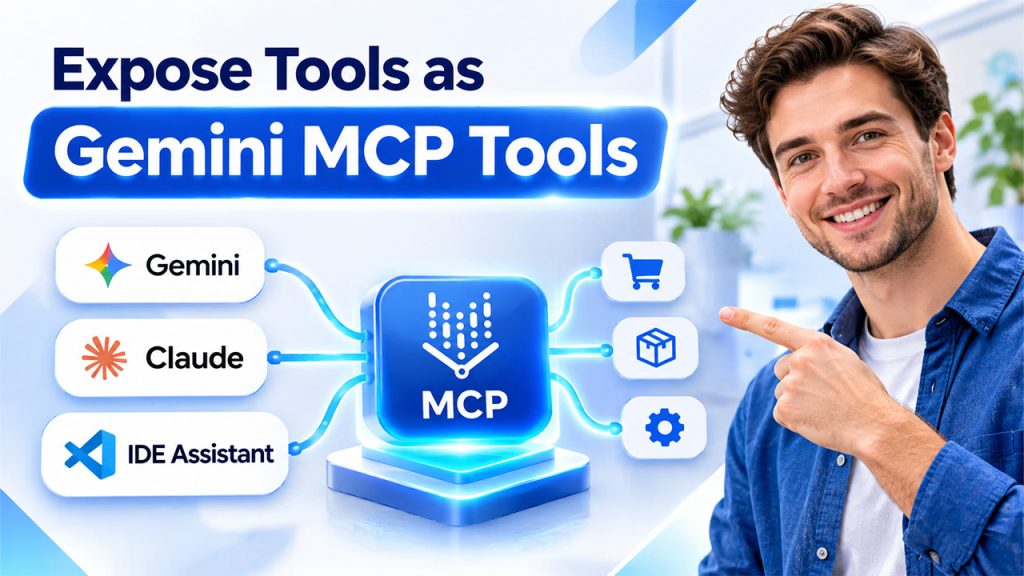
If several agents, or several AI vendors, call the same client APIs, put those tools behind one MCP server. You write each tool once. Gemini, Claude and IDE assistants can all use it.
The google-genai Python SDK can take an initialized MCP client session in its tools list and run the calls through automatic function calling. Google labels this support experimental, so pin your SDK version.
# pip install mcp
from mcp.server.fastmcp import FastMCP

mcp = FastMCP("orders")

@mcp.tool()
def get_order_status(order_id: str) -> dict:
    """Look up the status of a customer order by its order ID."""
    fake_db = {"A-1001": "shipped", "A-1002": "processing"}
    return {"order_id": order_id, "status": fake_db.get(order_id, "not_found")}

if __name__ == "__main__":
    mcp.run()  # stdio transport
# pip install google-genai mcp
import asyncio, os
from google import genai
from google.genai import types
from mcp import ClientSession, StdioServerParameters
from mcp.client.stdio import stdio_client
client = genai.Client(vertexai=True, project=os.environ["GOOGLE_CLOUD_PROJECT"], location="global")
MODEL = os.environ.get("GEMINI_MODEL", "gemini-3.8-flash")
server = StdioServerParameters(command="python", args=["orders_mcp_server.py"])
async def main():
async with stdio_client(server) as (read, write):
async with ClientSession(read, write) as session:
await session.initialize()
response = await client.aio.models.generate_content(
model=MODEL,
contents="Where is order A-1002?",
config=types.GenerateContentConfig(tools=[session]),
)
print(response.text)
asyncio.run(main())Day 2: Re-Test Before Users Notice
The two-day plan: inventory, rebuild, re-test, then document.
Treat the migration like a release, because a rushed fix can fail as loudly as the Vertex AI Extensions shutdown itself. Before you switch traffic, run these checks for every rebuilt tool:
- Golden prompts: replay 10 to 20 real user questions per agent and compare answers with saved outputs from before.
- Arguments: log every function call and check the model passes the right IDs, dates and formats.
- Failures: force a timeout and a 4xx from the client API, and confirm the agent explains the problem instead of guessing.
- Access: run under the production service account, not your own login, so permission gaps show up now.
- Monitoring: watch error rates and latency for 48 hours after the switch.
There is no rollback to Extensions after the cutoff, so keep the old code in a branch only for reference.
Day 2 Afternoon: Log the Change for the Client
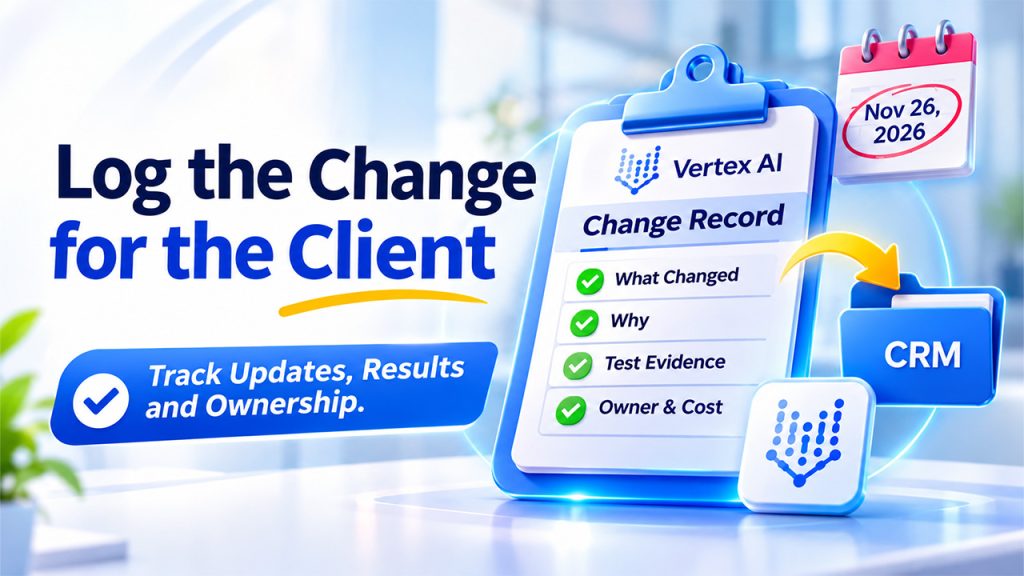
Clients care that the agent still works and that someone is accountable. A one-page change record does both. Include:
- What changed: each extension and its replacement, with the date it went live.
- Why: Google’s shutdown of Vertex AI Extensions after 26 November 2026.
- Test evidence: golden prompt results and any differences in answers.
- New owners and costs: who maintains the MCP server or function code, and any new hosting.
Store the record next to the project in your CRM so account managers can answer questions without pulling in an engineer. If you are mapping more generative AI business workflows, use the same template for every tool change.
FAQ
When do Vertex AI Extensions stop working?
Google’s documentation says Extensions were deprecated on 26 May 2026 and will be shut down and no longer function after 26 November 2026. Plan for the Vertex AI Extensions shutdown to make calls fail from 27 November 2026.
What replaces Vertex AI Extensions?
Google maps Code Interpreter to the Agent Platform Code Execution Sandbox or the built-in code execution tool, Google Search to Grounding with Google Search, and custom OpenAPI extensions to function calling.
Can Gemini on Vertex AI use MCP tools?
Yes, through your client code. The google-genai Python SDK accepts an initialized MCP session as a tool, which Google marks as experimental. You can also convert MCP tool schemas into function declarations yourself.
Do I need to rebuild the whole agent?
Usually not. The Vertex AI Extensions shutdown only removes the tool layer; prompts, memory and UI stay the same. You rebuild the tools and update the SDK import from vertexai.preview.extensions to google-genai.
Finish Your Vertex AI Extensions Shutdown Migration Today
The Vertex AI Extensions shutdown leaves no grace period, so start with the inventory this morning. Move built-in extensions to Gemini’s own tools, rebuild custom ones with function calling or an MCP server, re-test with real prompts, and send each client a short change log. If you want help auditing client agents or setting up a shared MCP tool layer, contact the Outright Systems team and we will walk through your list with you.