
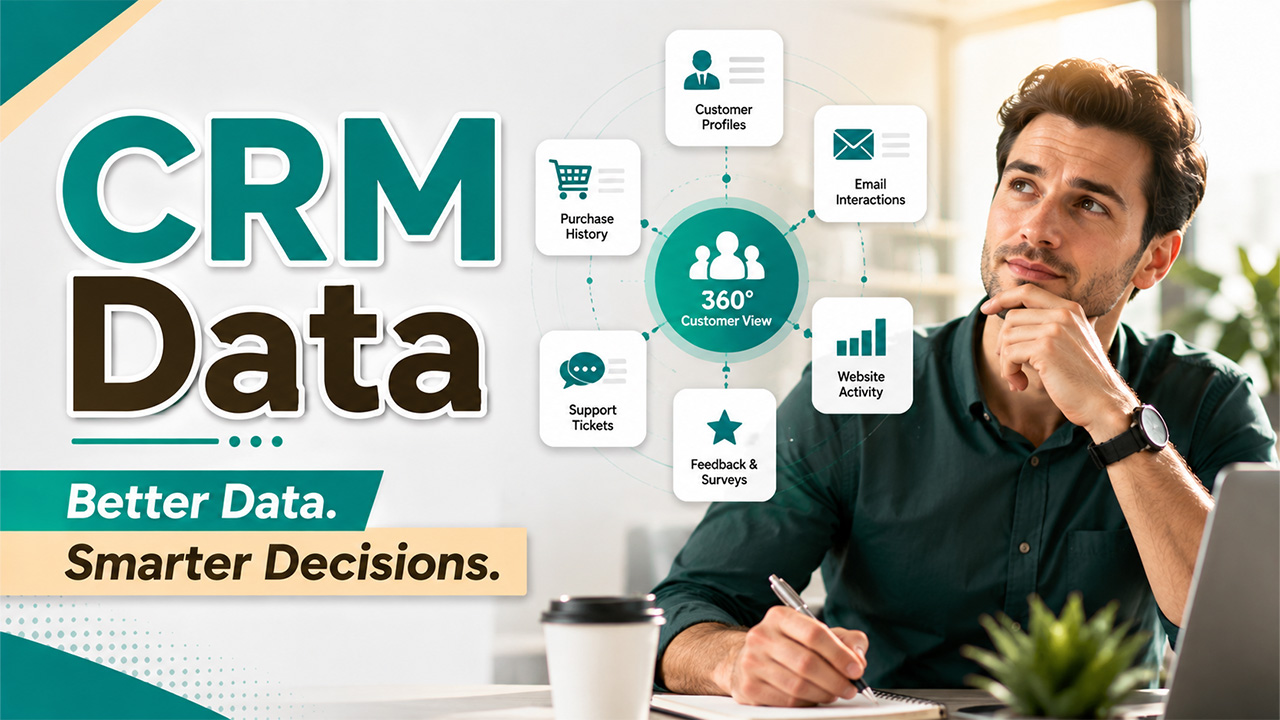
CRM Data: Types, Benefits, Uses & Best Practice
Learn what CRM data is, explore its different types and benefits, and discover how better data management improves sales, marketing, and retention.
Think about your phone’s contact list for a second. Now imagine that half the numbers are wrong, a few contacts show up twice, and some people you’re still calling “leads” actually bought from you last month. That’s basically what happens inside a lot of CRMs without anyone realizing it. A CRM, short for Customer Relationship Management system, is where a business stores every detail about its customers, such as their names, emails, purchase history, and past conversations. But the tool is only useful if the information sitting inside it is accurate and up to date. That information is called CRM data, and when it’s messy, outdated, or just plain wrong; it quietly pushes teams to make the wrong decisions, over and over, without anyone realizing why.
What Is CRM Data?
CRM data is the information that a business collects about its customers and prospects and stores it inside a Customer Relationship Management system. It includes names, emails, phone numbers, purchase history, support tickets, and website activity. However, CRM data is not something that you can fill once and forget about it. Your customers keep changing, they switch jobs, update their preferences, or even disappear, and that’s what makes it essential to keep your data updated.
That’s why CRM data management matters so much. It’s the ongoing work of collecting, organizing, cleaning, and updating this information, so your CRM actually reflects reality instead of a snapshot from six months ago.
Types of CRM Data
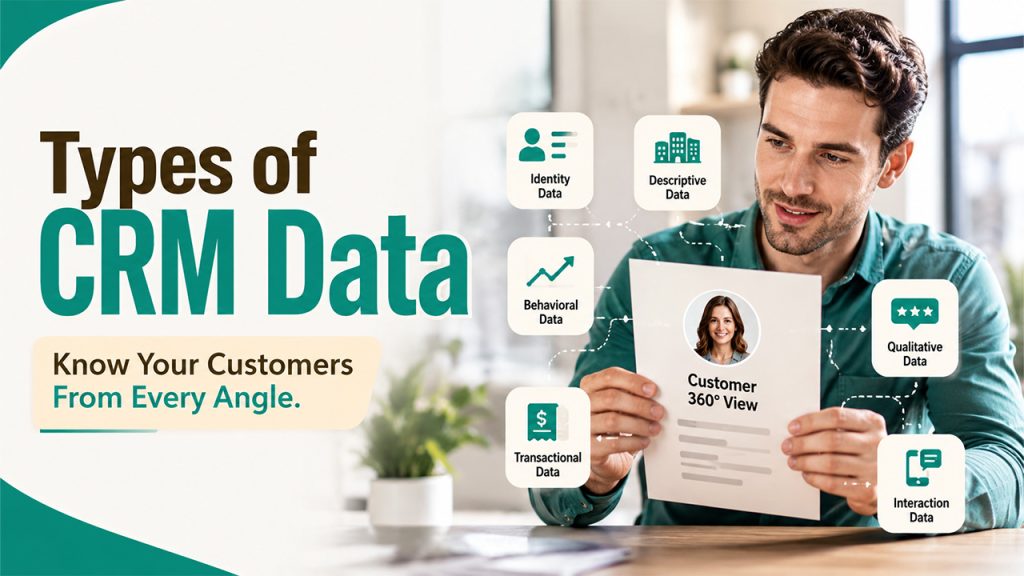
Not all CRM data get the same job done. Therefore, understanding these categories is important because each one is responsible for a different part of your sales and marketing strategy. And things start to go wrong when you mix them up or ignore one entirely.
Identity Data:
It lays on the groundwork. It provides basic information about customers, such as who they are, what their job profile, company, email address, and phone number are. Sales teams use this information to know exactly who they’re talking to and how to reach them.
Descriptive Data:
It digs a little deeper. It covers things like industry, company size, location, and role within the organization. Marketing teams lean on this heavily for segmentation. Analyzing this data helps them know that a message that is meant for small business owners shouldn’t land in the inbox of an enterprise procurement manager.
Quantitative (behavioral) Data:
This usually tracks what people actually do. It observes their patterns and behaviors, such as which website they visit, how long they stay on, email opens, click-through rates, how frequently they make purchases, and app usage. This is the data that shows intent. It inform you when a lead is warming up or when a loyal customer is showing signs of churn.
Qualitative Data:
It uses methods, such as survey forms, support call notes, product feedback, and satisfaction scores to find out how a customer really feels about a brand or product. Numbers tell you what happened whereas qualitative data tells you the reason it happened, which comes in handy to solve a problem.
Transactional Data:
It handles the money aspect of the business, such as purchase history, invoice records, subscription renewals, and refunds. This is especially useful for finance and sales teams as this helps them forecast revenue and recognize upsell opportunities or churn risk.
Interaction Data:
It is the running log of every touchpoint; every email sent, call logged, meeting booked, and support ticket opened. It’s what lets a new sales rep pick up a conversation without asking the customer to repeat their entire history.
Here’s how these types compare at a glance:
| Data Type | What It Captures | Who Uses It Most |
| Identity data | Name, email, phone, job title | Sales teams for direct outreach |
| Descriptive data | Industry, location, company size | Marketing for segmentation |
| Quantitative (behavioral) data | Website visits, clicks, purchases | Sales and marketing for lead scoring |
| Qualitative data | Feedback, survey answers, call notes | Customer success and product teams |
| Transactional data | Orders, invoices, renewals | Finance and sales for forecasting |
| Interaction data | Emails, calls, meetings, tickets | Whole team for context and continuity |
However, remember that these tools don’t work in isolation. If you have a CRM full of identity data with no behavioral data, you’ll only know who your customers are but nothing about what they want. Similarly, a CRM full of behavioral data with no identity data does tell you that something is happening but not to whom. When these types are used together, they keep data accurate and real.
Key Benefits of CRM Data
Related walkthrough
SuiteCRM 8 Database Backup-Restore | Protect & Recover Your CRM Data

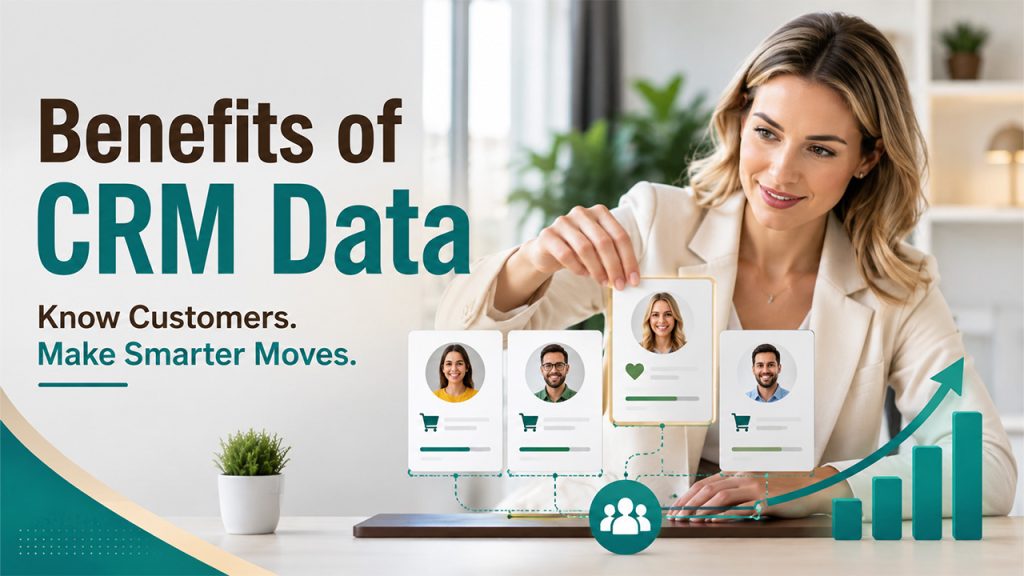
Understanding the value of CRM data starts with looking at the role it plays across your business.
Better Customer Understanding:
You know for sure what your customers want instead of just guessing in the wild. You can analyze their past purchases, preferences, and habits that’s sitting in your CRM database instead of buried in someone’s memory or notes.
Smarter, Data-Driven Decisions:
Your sales and marketing teams no longer have to rely on their gut feelings. They can look at real numbers and real patterns before making any decision about where to spend their time and energy. This speeds up the decision-making process.
Stronger Customer Personalization:
Instead of generic email blasts, you can personalize the message by mentioning what they have purchased and how they feel about it. Customers notice the difference, and it makes them feel valued, which fosters trust.
Improved Sales Forecasting with Accurate Data:
When your transaction and behavior data is clean, you can predict revenue with a lot more confidence. It eliminates the guessing games at the end of the quarter.
Higher Customer Retention:
Good data lets you see early warning signs when a customer starts distancing himself from your brand, like fewer clicks, logins, or slower replies. This gives you enough time to take appropriate measures before they leave for good.
Better Sales and Team Alignment:
When sales, marketing, and support all work from the same accurate data, there are fewer clashes, delays, and miscommunication. Nobody ends up emailing a customer who has already canceled their account because they didn’t know.
More Efficient Marketing:
Accurate, well-segmented data means campaigns actually reach the right people at the right time. That cuts down on wasted budget and makes every campaign work harder.
Impact of Poor CRM Data on Business Decisions
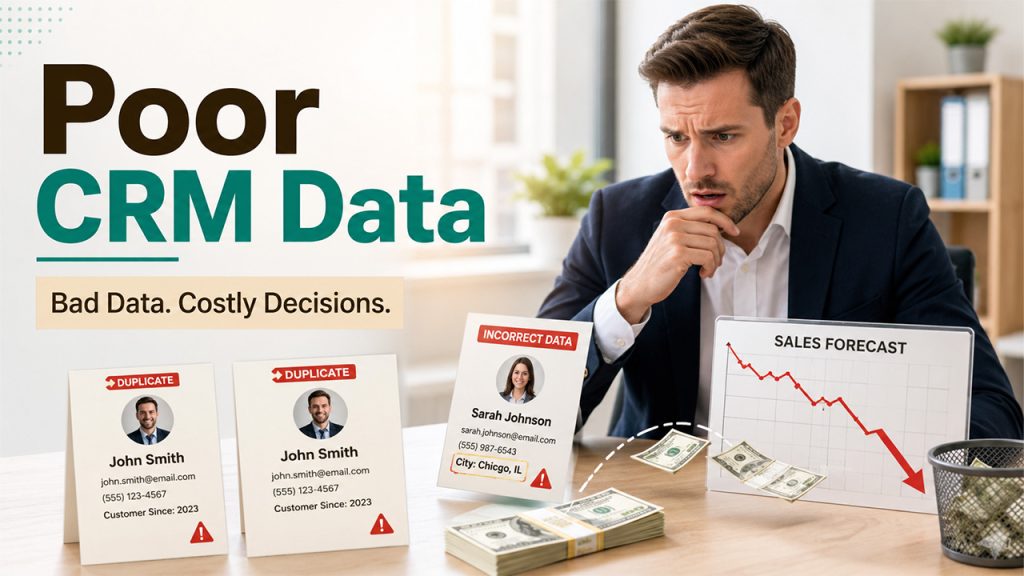
The quality of your CRM data can influence how confidently your business operates and plans for the future.
Wasted Sales Effort:
A sales rep can save significant hours if they are not chasing a lead who’s already a paying customer or one who went to some other competitor months ago. They can focus their energy and time on something more important or useful.
Inaccurate Sales Forecasting:
When transactional records are outdated, revenue projections built on top of them simply don’t hold up. Leaders end up planning around numbers that were never real.
Damaged Customer Relationships:
When you use wrong names, send wrong offers, or ask a customer to repeat their queries multiple times; it makes customers feel that you are not paying attention or don’t care enough, which pushes them towards competitors.
Poor Marketing Targeting and Wasted Spend:
When segmentation data is wrong, campaigns go out to wrong people who were outside your target audience. That burns budget quickly with very little to zero actual results.
Duplicate CRM Records:
One customer’s history gets split across two or three separate entries. Nobody on the team sees the full picture, so every interaction starts from scratch.
CRM Data Compliance Risks:
Outdated contact data can lead to messaging people who already opted out, which creates serious legal and reputational trouble, not just an awkward email.
Lost Trust in CRM Data:
Once people stop trusting the CRM, they start keeping their own spreadsheets on the side. That only makes the original data problem worse, not better.
None of these failures happen because a business chose bad software. They happen because the data feeding the software was never properly managed.
The Importance of High-Quality CRM Data
A CRM system is of no use if it does not have data inside it. That’s why CRM data management can’t be one-time clean. It has to be ongoing, because your customers never stop changing.
This is where CRM data enrichment matters. It fills in the gaps in your existing records, such as adding a missing job title, updating a phone number, or completing a half-finished contact profile. Instead of just a name and email, you get a full, usable record your sales team can actually work with.
Customer data enrichment takes this further by pulling in outside signals to build a fuller picture of each customer. It tracks their recent activity, company changes, and evolving needs. When you pair this with basic hygiene, like removing duplicates and archiving inactive contacts, it keeps a CRM useful instead of letting it quietly rot into a pile of outdated records.
Conclusion
CRM data is more than just a technical detail for your sales and marketing tools. It is the foundation for making every customer decision. When that foundation is solid, accurate, and current, teams move faster, customers feel understood, and forecasts actually mean something. When it’s neglected, every team pays for it in small, frustrating ways. They miss important calls, opportunities, and customers who feel like the business barely know them.
Going back to that sales rep from the beginning: the fix was never complicated. A CRM that gets cleaned, updated, and enriched regularly would have flagged that lead as a converted customer weeks earlier. That’s the real difference between CRM data that works for you and CRM data that quietly works against you.

