
CRM Meets Freight Management: Giving Sales Teams Real-Time Visibility on Customer Shipments
See how CRM helps freight management connect shipment data with customer records, helping sales teams track deliveries, manage delays, and improve customer relationships.
Sales teams are often the last to know when a shipment goes wrong and the first to hear about it from the customer. An account manager opens the CRM before a renewal call, sees a healthy deal history and recent notes, then learns ten minutes in that the client’s last three deliveries were late. The relationship data was all there. The shipment data wasn’t.
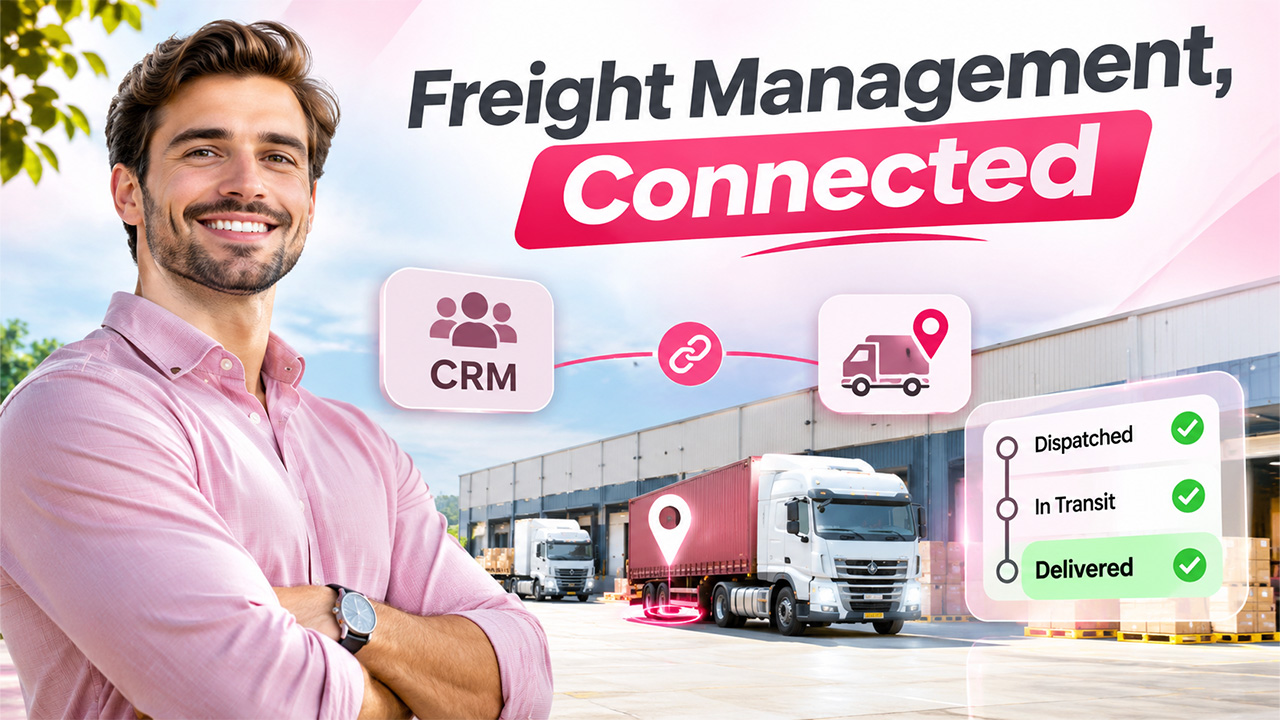
That gap is why more companies are connecting their CRM to integrated freight management software, bringing shipment status, delays, and delivery confirmations into the same place sales teams already work. When freight Management data sits alongside customer records, conversations stop being reactive and start being informed.
Why Freight Shipment Data Usually Lives Somewhere Else
In most organizations, the CRM and the logistics stack grew up separately. Sales, marketing, and support work in the CRM. Operations, warehouse, and logistics teams work in a freight platform, carrier portals, or a mix of spreadsheets and email threads.
The result is a split view of the customer. The CRM knows what was sold, when, and to whom. The freight system knows where the goods are, which carrier has them, and whether customs has cleared them. Neither tells the full story on its own, and sales staff are left emailing operations every time a customer asks, “Where’s my order?”
A CRM that knows everything about the deal but nothing about delivery tells only half the story.
What Sales Teams Actually Need to See
Sales teams don’t need the full detail of a freight management system. They need a focused view that helps them manage the relationship. The most useful data points tend to be:
- Current shipment status for each open order.
- Estimated and actual delivery dates.
- Delays, exceptions, and their causes, such as customs holds or carrier issues.
- Proof of delivery once the shipment arrives.
- Shipment history per account, including on-time performance over time.
Surfaced on the account or opportunity record, this information lets a sales rep check the logistics picture in seconds before a call, a quote, or a renewal discussion.
How the Integration Typically Works
Connecting a CRM to freight data is usually done through APIs, webhooks, or middleware, depending on the platforms involved. The general pattern looks like this:
- A shared identifier links the systems. An order number, account ID, or shipment reference connects each shipment to the right CRM record.
- Shipment events flow into the CRM. When a status changes, such as dispatched, in transit, held, or delivered, the freight system pushes an update.
- Fields and timelines update automatically. Custom fields or related modules on the account or opportunity show the latest status, with a timeline of events.
- Rules trigger actions. A delay can create a task for the account manager, alert a support queue, or send a proactive message to the customer.
Platforms like SuiteCRM, SugarCRM, and other open or extensible CRMs make this easier, because custom modules and workflow rules can be built around shipment data without replacing existing processes.
Turning Visibility Into Proactive Service
Related walkthrough
Free SSL Checker Tool by OutRight CRM | Check Website SSL Certificate Instantly

The real value isn’t the data itself. It’s what teams do with it. When a shipment is delayed at customs, a rep who sees the alert can contact the customer first, explain the cause, and give a revised date. That conversation lands very differently from one the customer starts in frustration.
Proactive updates also reduce the volume of inbound “where is it?” queries, freeing support and sales staff for higher-value work.
Customers rarely remember a late delivery. They remember whether anyone told them before they had to ask.
Better Forecasting and Smarter Renewals

Shipment data also strengthens the commercial side of the CRM. Delivery performance per account can feed into account health scores, giving managers an early warning when logistics issues are putting a relationship at risk.
For renewals and upsells, reps can point to on-time delivery records as evidence of reliability. If performance has dipped, they can address it directly instead of being caught off guard. Over time, linking freight history with deal data can even reveal which routes, carriers, or product lines create the most customer friction.
Before and After Integration
| Without Integration | With Integration |
| Sales reps email operations for shipment updates | Shipment status visible on the CRM record |
| Customers report delays before sales knows | Delay alerts trigger tasks for the account owner |
| Delivery performance tracked separately, if at all | On-time history feeds into account health |
| Support handles repetitive “where is it?” queries | Proactive notifications reduce inbound queries |
| Renewal calls rely on partial information | Reps see the full relationship and delivery picture |
Practical Tips for a Smooth Rollout
A few practical choices make the difference between a useful integration and a cluttered CRM:
- Sync only what sales will use. Status, dates, exceptions, and proof of delivery usually cover it. Leave detailed routing and rate data in the freight system.
- Agree on a single source of truth. Shipment data should be read-only in the CRM, with updates coming from the freight platform, to avoid conflicting records.
- Start with alerts for exceptions. Notifying reps about delays delivers value quickly without overwhelming them with routine updates.
- Review permissions. Make sure shipment details are visible to the right roles, especially where customer contracts or pricing are involved.
Bringing It Together
Sales and logistics have always served the same customer, but they’ve rarely shared the same view. Connecting CRM records with freight Management data closes that gap, giving sales teams the context they need to stay ahead of problems instead of reacting to them.
The technical work is usually manageable: shared identifiers, event-driven updates, and a handful of well-chosen fields and workflows. The payoff is a sales team that knows what’s happening with every shipment, customers who hear about delays before they have to ask, and account decisions based on the full relationship picture.