
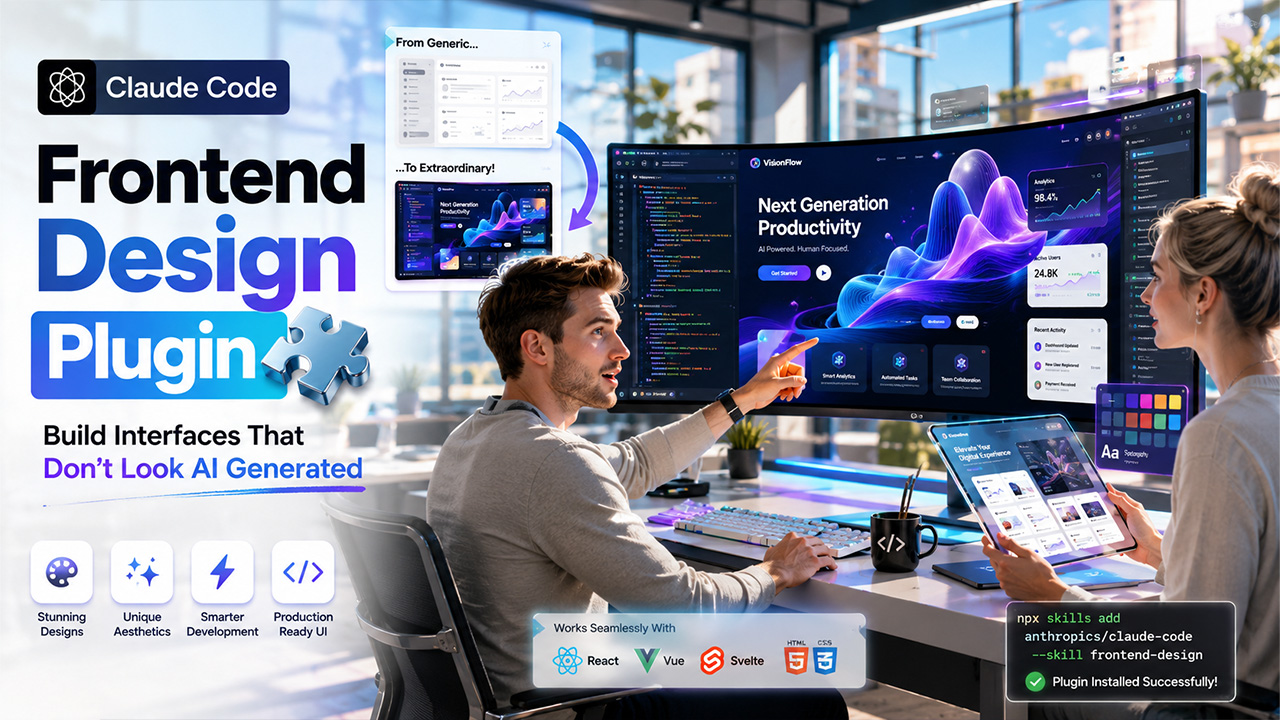
How to Use the Claude Code Frontend-Design Plugin?
The Claude Code frontend-design plugin aids developers to create production-ready user interfaces with bold aesthetics. Here is how you can install and effectively utilize it.
Modern web development requires more than just having functional interfaces. It needs production-ready and visually distinctive designs that stand apart. The Claude Code frontend-design plugin is a tool verified by Anthropic that addresses this requirement exactly. With close to 455,000 installations, it has quickly become one of the most adopted plugins in the Claude Code environment.
Irrespective of whether you are a solo developer who is shipping quickly or a part of a team developing polished products, the install frontend design Claude Code plugin process is fairly simple. And the results are extremely transformative. In this complete guide, we will help you understand everything from what this plugin is to how you can install it, how you can use it, and what you can expect from it.
What Is the Claude Code Frontend-Design Plugin?
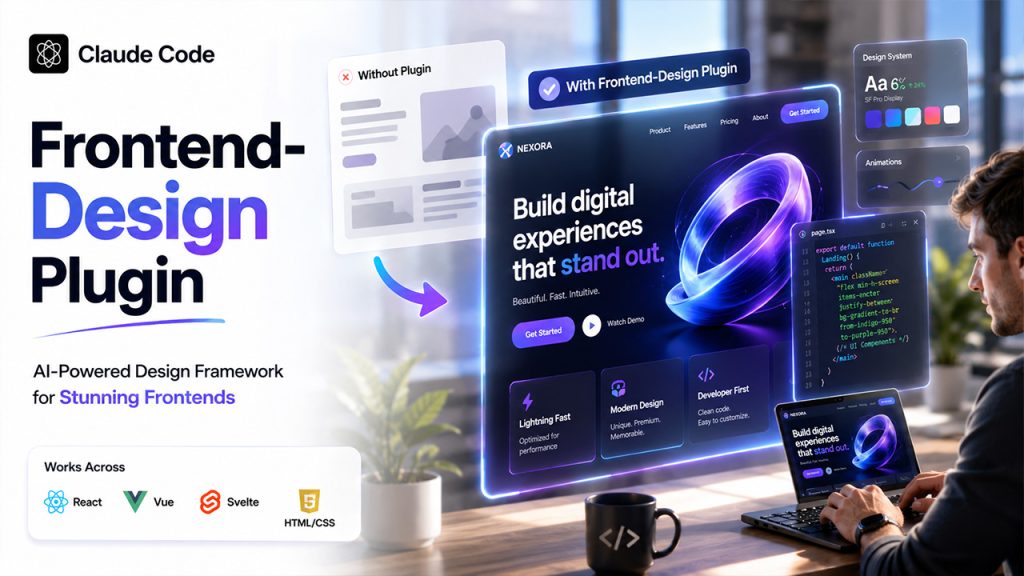
The Claude Code frontend-design plugin is a specialized Anthropic-built skill that improves the capability of Claude Code to create top-quality and distinctive frontend interfaces. It is a crucial part of the Claude Code plugin marketplace, which is available at claude.com/plugins/frontend-design.
Without having a plugin, Claude Code is capable of creating forgettable and safe designs, which include overused purple gradients, generic system fonts, and predictable patterns of the component. The anthropic plugin design frontend skill can solve this by injecting a design framework before you write any code.
Here are the key focus areas of the plugin:
- Aesthetic direction — It focuses on a specific visual style before starting coding, like maximalist, brutalist, retro-futuristic, playful, or luxury.
- Typography — It chooses distinctive font pairings in place of generic choices such as Inter or Arial.
- Color and theme — It leverages complete CSS variables with sharp accents and dominant colors.
- Motion and animation — It adds high-impact and purposeful interactions instead of scattered and micro-animations.
- Spatial composition — It applies grid-breaking, asymmetry, and generous negative space for layouts that are memorable.
- Visual depth — It creates atmosphere via noise textures, gradient meshes, layered transparencies, and dramatic shadows.
The plugin is Anthropic Verified, maintained by Anthropic, and works across Vue, React, Svelte, and vanilla HTML/CSS.
How to Install the Frontend-Design Plugin in Claude Code?
There are two key ways to install the Anthropic frontend design plugin: through the in-terminal plugin marketplace and through a direct URL. Both methods ensure a globally available skill.
Method 1: Install Through the Claude Code Plugin Marketplace (Recommended)
This is the most dependable and easiest method-
- Open Claude Code in your terminal —Directly launch Claude Code from your terminal. Do not utilize the VS Code native extension User Interface for this step.
- Run the /plugin command — Type /plugin in the interface of Claude Code and press “Enter.”
- Add the marketplace — Choose “Add MarketPlace” and provide the GitHub repository name: anthropics/claude-code.
- Browse and install — Select “Browse and install plugins,” then choose “frontend-design” from the list.
- Confirm installation — Choose “Install now” to finish the setup.
When you install it through this method, the plugin gets globally stored at:
~/.claude/plugins/marketplaces/claude-code-plugins/plugins/frontend-design/skills/frontend-design/ This makes sure that Claude Code’s frontend design skills automatically become available across all your projects.
Method 2: Install Through NPM Skills CLI
For developers who need the command line, the approach of Frontend Design Codex utilizes the skills of the CLI:
npx skills add anthropics/claude-code --skill frontend-design This command directly pulls from the official repository of Anthropic in your global skills directory of Claude.
Method 3: Local Installation (Project-Specific)
If you want to use the plugin only for a particular project:
- Go to your project root.
- Create a directory .claude/skills/ if it does not exist already.
- You need to place the skill folder “frontend-design” inside .claude/skills/.
This approach is crucial when a project needs a personalized version of the skill customized to a particular design system and component library.
How to Utilize the Frontend-Design Plugin?
Related walkthrough
Turn Figma Designs into Code Instantly with Claude

Once you install it, utilizing the Claude install Anthropic frontend design skill is straightforward. The plugin automatically activates when you ask Claude Code to create any frontend interface.
Invoking the Skill
You can trigger it explicitly with the slash command:
/frontend-design After that, you can describe what you want to create. You can also entirely skip the slash command. Claude Code identifies the frontend-related prompts and activates the skill on its own.
Prompt Examples That Work Well
- “Create a dashboard for an app that streams music.”
- “Create a landing page for an AI security startup.”
- “Create a settings panel with support for dark mode.”
- “Develop a portfolio homepage with a brutalist aesthetic.”\
Understanding the Backend Work
When you activate the Claude Code frontend design skill, Claude Code works through a structured design thinking process before writing any code.
- Purpose — It recognizes who will utilize the interface and the type of problem it solves.
- Tone — It decides the aesthetic direction and proceeds ahead: luxury, brutalist, organic, editorial, toy-like, or another defined style.
- Constraints — It factors in technical needs such as accessibility, framework choice, and performance.
- Differentiation — It asks questions such as what makes the design truly unforgettable and implements that response.
As a result, you get a page or component that looks as if a senior designer who has reviewed it and not generic AI output.
Supported Frameworks
- Vue
- React (with Tailwind, CSS Modules, or styled-components)
- Svelte
- Vanilla JavaScript/HTML/CSS/
For React-based projects, the plugin can also utilize the Motion library for orchestrated animations whenever available.
What Outcomes Can You Expect?
Developers consistently leveraging the Claude Code frontend-design plugin report a major step in the quality of output when compared to unassisted generation.
Concrete enhancements involve the following:
- Better visual hierarchy — Layouts do feel intentional, not default.
- Distinctive typography — Characteristic and unexpected font pairing that enhances the interface.
- Purposeful and Smooth Animations — Scroll-triggered interactions and staggered reveals and hover states that can surprise users.
- Responsive design by default — Mobile-based considerations built into each component.
- No AI slop aesthetics — The plugin avoids the visual signature that users now associate with the AI-based UIs.
This is relevant specifically for developers creating products with Claude Opus 4 and Claude Sonnet 4, where the core underlying capabilities of the model combine powerfully with the design context that the skill ensures.
For teams that explore wider integrations of Claude, it is worth pointing out that the ecosystem of Anthropic now provides support to creative automation well beyond the terminal. For example, Unleashing Claude 3 Brilliance with Free Apps Script Integration into Google Sheets demonstrates how Claude can be incorporated into present workflows of productivity. This is the same philosophy that enables the plugin system.
Conclusion
The Claude Code frontend-design plugin is one of the most valuable tools that can create immediate and practical impact in the Claude Code environment. It closes the gap between functional AI-generated code and a user interface that is production-ready and polished. The install frontend design Claude Code plugin process takes less than a minute, and the overall improvement in the design quality is noticeable from the very first prompt.
If you regularly create web interfaces, this plugin belongs to your global skills setup. Visit claude.com/plugins/frontend-design to directly get started from the official plugin page of Anthropic.

