
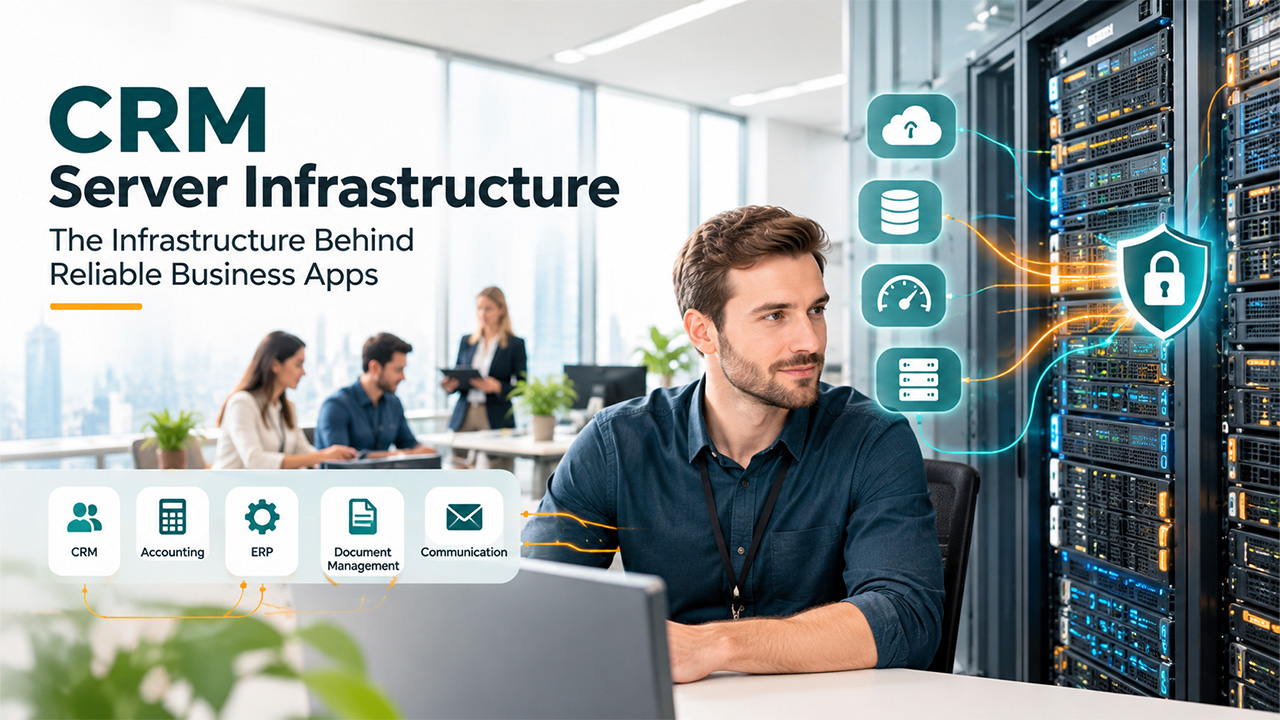
How Server Infrastructure Supports CRM and Business Applications
Explore how server infrastructure supports CRM and other business applications, and understand what applications ask from the server.
Generally, when people talk about CRM software, the conversation usually stays on features, pipelines, and reporting dashboards. The server running it all in the background only comes into focus once something has gone slow or fallen over.
A CRM is only ever as responsive as the hardware and configuration support it. The same goes for all the other platforms, such as accounting packages, ERP platforms, document management tools, and every other tool that a business leans on during a normal working day.
What Business Applications Ask of a Server Infrastructure
From where the sales representative sits, a CRM looks simpler, in which they can open a contact, add a note, and move on the next call. Behind that one action, the application is querying a database, checking permissions, writing a transaction log, updating search indexes, and often firing off integrations with email, telephony, or marketing tools.
Now just imaging fifty or five hundred users doing exact same task at the same moment, with scheduled jobs like report generation and data synchronization, that always seem to land in the middle of the busiest part of the day and users can see why the server ends up juggling multiple tiny reads and writes alongside the occasional enormous query.
Processor, Memory and Storage
Processor power matters most when the application does a lot of calculation or runs many user sessions side by side, so whether you should favour core count or clock speed depends on whether your workload is mostly about concurrency or long-running queries. Memory tends to have a bigger effect on everyday responsiveness than people expect, because databases behave far better when the data they use most is sitting in RAM instead of being pulled from disk each time, and a server with too little memory pushes that work onto storage and drags everything else down with it.
Storage is worth thinking about carefully, since CRM and ERP databases produce a constant stream of small random reads and writes, and that is exactly where solid state drives, NVMe especially, leave traditional spinning disks well behind. A lot of businesses land on a sensible split, putting fast flash storage under the database and its logs while keeping cheaper, larger capacity for documents, attachments and backups that don’t need the same speed.
On-Premises, Cloud or a Mixture of Both
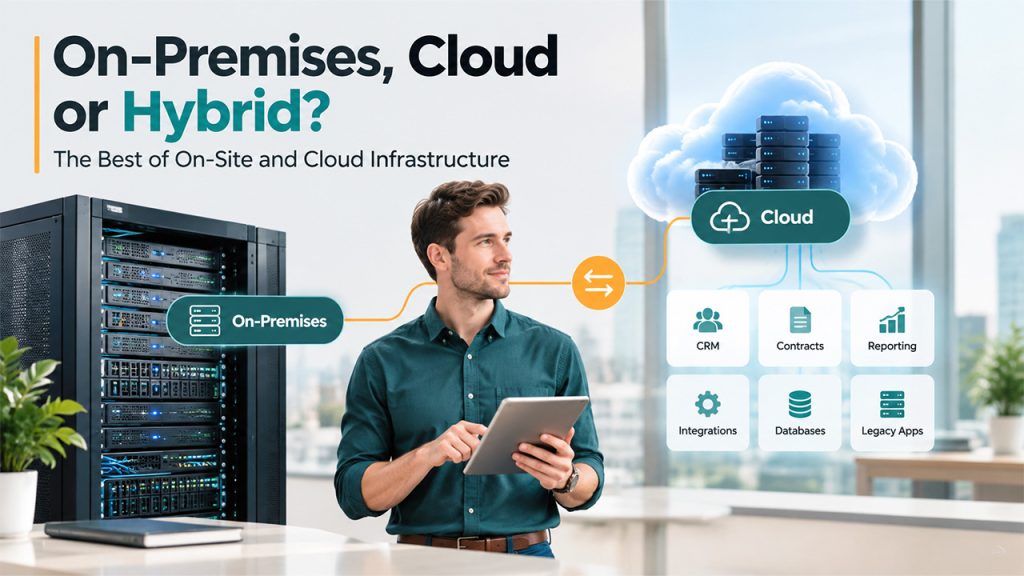
Even a company using a hosted CRM usually has servers somewhere in the picture, whether that’s an on-site machine running integrations, a file server holding contracts and proposals, a reporting database that pulls data out of the CRM for analysis, or a virtualisation host keeping an older line-of-business application alive because it never got a cloud version. Businesses evaluating bare metal vs cloud servers also need to consider workload, performance, security, scalability, and ongoing management.
Other organisations choose to self-host their CRM or ERP on purpose, either because they want tighter control over where the data sits, because they want low latency to systems in the same building, or because a steady workload on owned hardware often works out cheaper over a few years than paying monthly for similar cloud capacity.
Reliability and What Downtime Really Costs
Related walkthrough
GuestPost CRM: Understanding the “Other” Section

When a CRM goes down, sales, support and finance all lose access to the same information at the same time, and the damage reaches well past the lost hours, because missed calls, delayed quotes and unanswered customer queries have a habit of hanging around long after the system comes back. Enterprise server infrastructure are designed with this in mind and normally include redundant power supplies, hot-swappable drives and fans, error-correcting memory and remote management tools that let an administrator work out what has gone wrong without standing in front of the machine.
Redundancy inside a single server is only one layer of protection, so businesses with stricter uptime needs often run several servers in a cluster or use virtualisation so workloads can move to another host automatically if one fails. It’s also worth remembering that RAID protects you from a drive dying but does nothing when someone deletes a table by mistake or ransomware encrypts everything, which is why backups, kept separately and actually test-restored on a schedule, should be treated as a core part of the plan.
Security and Compliance
A CRM holds the kind of information that regulators and attackers both care about; here, we’re talking names, contact details, correspondence, purchases, etc. Therefore, the server infrastructure beneath it has to be considered part of the security perimeter and not just the application sitting on top.
In practice, that means patching firmware and operating systems on a regular cycle. Encrypting data at rest, limiting who has administrative access, segmenting the network so that a compromise somewhere else doesn’t open a direct route to the database, and choosing hardware that supports secure boot and verified firmware so low-level tampering is harder to pull off. These habits also help with GDPR obligations if you’re a business in the UK, where being able to show that personal data is stored and protected sensibly counts for a great deal if you’re ever asked to prove it.
Choosing the Right Hardware
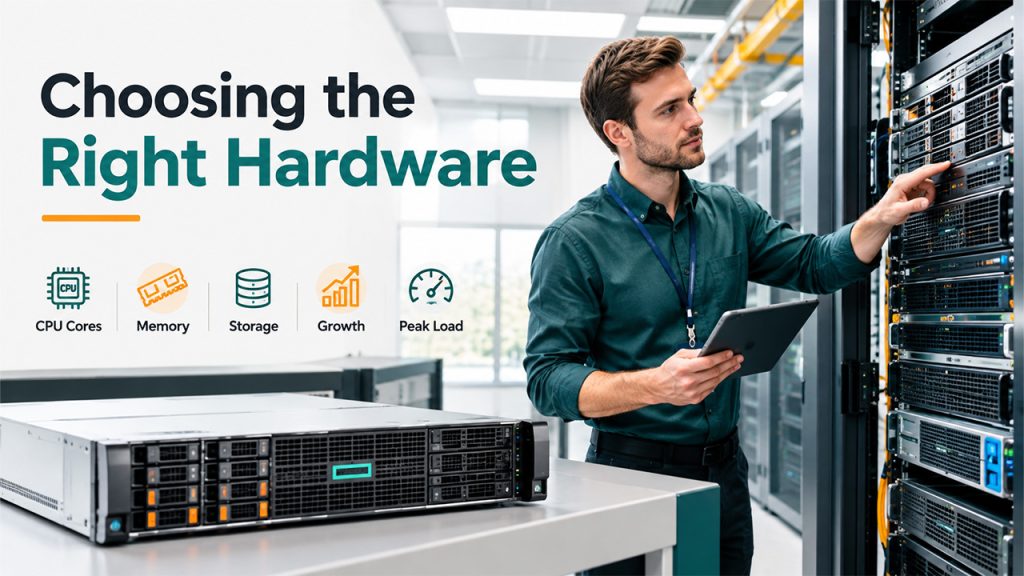
Hardware decisions get much easier once you’ve measured what your applications really use, so it’s worth gathering peak concurrent users, database size, growth over the last couple of years and the hours when load is highest, because those numbers translate straight into choices about cores, memory and storage.
In terms of reliable enterprise kit, HPE’s ProLiant range is a common place to begin, with everything from compact single-socket machines for smaller teams up to dual-socket rack server infrastructure built for heavier database work, all backed by integrated management tools for remote monitoring and firmware control.
Leaving Room to Grow
Business applications almost never stay the size they were on day one. Customer records pile up, more staff get licences, new integrations appear and reporting demands creep upwards as the business matures. A server infrastructure bought with some spare memory slots, drive bays and processor capacity can take that growth in its stride through upgrades, and usually costs less than rebuilding the environment every time the company outgrows it.
Bringing It Together
The server infrastructure rarely gets any extra credit when a CRM platform runs smoothly, but it plays a major role in deciding whether searches come back instantly. Whether reports finish before the morning meeting and whether a hardware fault becomes a minor alert or a last day, matching the hardware to the real workload of the user, protecting it with sensible redundancy, and backups, keeps security in mind from the beginning. It leaves space to expand and will do more for the user experience than most changes can make inside the application itself.

