
What Is Zoho CRM? Features, Pricing & More
Zoho CRM is a cloud-based customer relationship management (CRM) application developed by Zoho Corporation, an India-based technology company.
Managing customer information with the help of spreadsheets can yield positive results, at least for some time. However, as the number of contacts rises and follow-ups are neglected, your salespeople devote more and more time searching for the needed information instead of using it.
This is where a customer relationship management tool comes into play. With Zoho CRM, all your leads and contacts, opportunities, sales activities, and emails with customers are at your disposal. It also provides you with automation and reporting tools so that your employees do not have to complete unnecessary tasks manually.
But what features does Zoho offer, and is it worth the money? Let’s find out.
What Is Zoho CRM?
It is a CRM that is based on a cloud platform. The service is utilized for maintaining relationships with customers as well as looking after the entire sales process. With this CRM, customers are able to store contacts, create leads, track sales, and monitor the performance of salespersons.
Moreover, the software can be used to create records of leads, contacts, accounts, and deals. As a result, all members of the sales team are able to view the statistics about what is going on with the prospect from the very first step to closing a deal.
For example, let’s suppose you possess a software company that gets 40 inquiries weekly. Using the CRM, your sales staff is able to input the enquiries into the system, assign leads to salespersons, make follow-ups and track the prospect from inquiry to making a sale.
Key Features of Zoho CRM
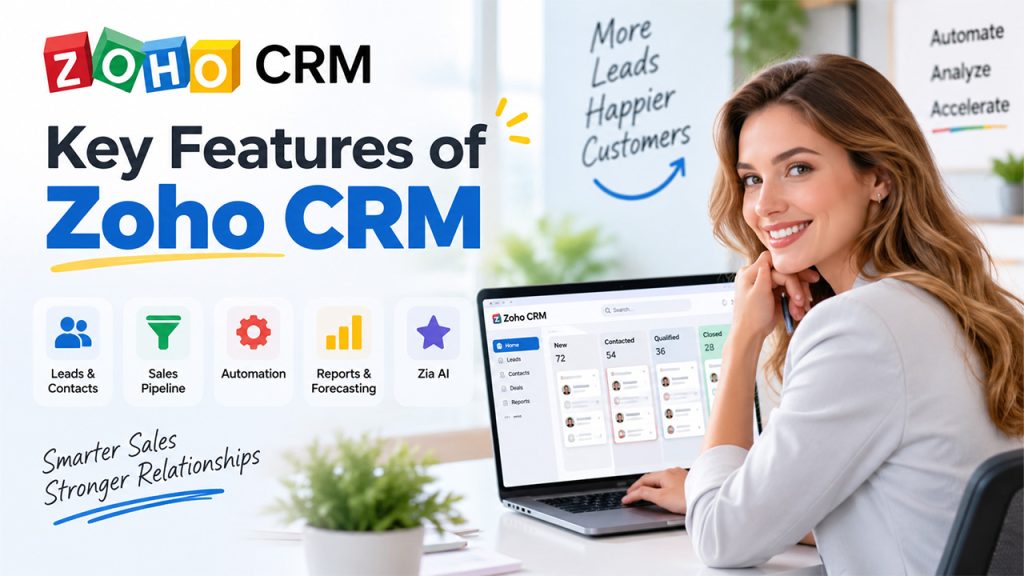
A CRM becomes useful when it fits the way your sales team already works. Zoho offers a broad set of tools, so you can start with basic customer management and add more advanced functions as your requirements grow.
Lead and Contact Management
You can keep customer information in organized records instead of scattering it across different files. Sales representatives can see contact details, activities, notes, and related deals from the relevant records. Keeping this information accurate is also important, as poor CRM data can affect sales decisions and forecasting.
This also makes handovers easier. If one salesperson leaves a deal halfway through the sales process, another team member can review the record and understand what has already happened.
Sales Pipeline Management
The sales pipeline shows where your opportunities stand. You can create stages that match your sales process and move deals forward as conversations develop.
Standard, Professional, Enterprise, and Ultimate editions support multiple sales pipelines, which helps businesses manage different sales processes without putting everything into one pipeline.
Workflow Automation
Workflow automation is a feature that allows workflow actions to occur in response to specific triggers. For example, the arrival of a new lead can lead to a notification being sent, an action taken, or an update processed. Depending on your version of Zoho, there are other features available to you, which is why it is vital to check this before settling on a plan.
Reports and Sales Forecasting
You don’t have to rely only on a salesperson’s update during a weekly meeting. Reports and dashboards give managers a clearer view of sales activity and pipeline performance.
Sales forecasting is available from the Standard edition onwards and helps teams compare their pipeline against sales targets.
AI and Zia
Another interesting feature of Zoho is its built-in AI, Zia, which comes with features such as data enrichment, predictions, and anomaly detection, to name a few. AI in CRM systems can handle tasks such as data cleanup, lead scoring, and customer insights. If your team has a large volume of leads to process, having a virtual colleague such as Zia can take away the hassle of reviewing every record in search of anomalies.
Zoho CRM Pricing: What Do You Pay?
It depends on the edition you choose and whether you pay monthly or annually. Zoho currently offers five editions: Free, Standard, Professional, Enterprise, and Ultimate. Paid plans use a per-user subscription model.
Using Zoho’s current U.S. pricing as a reference, the plans are:
| Plan | Monthly billing | Best suited for |
| Free | $0 | Very small teams |
| Standard | $20/user/month | Small and growing teams |
| Professional | $35/user/month | Teams needing more automation |
| Enterprise | $50/user/month | Larger sales organizations |
| Ultimate | $65/user/month | Businesses needing the highest limits |
Local currency pricing can differ, and taxes may apply. Zoho also changes pricing and feature limits from time to time, so it’s sensible to check the official pricing page before purchasing.
How Does Zoho CRM Login Work?
Related walkthrough
What is CRM? CRM Explained in 1 Minutes | Boost Sales u0026 Manage Customers Better

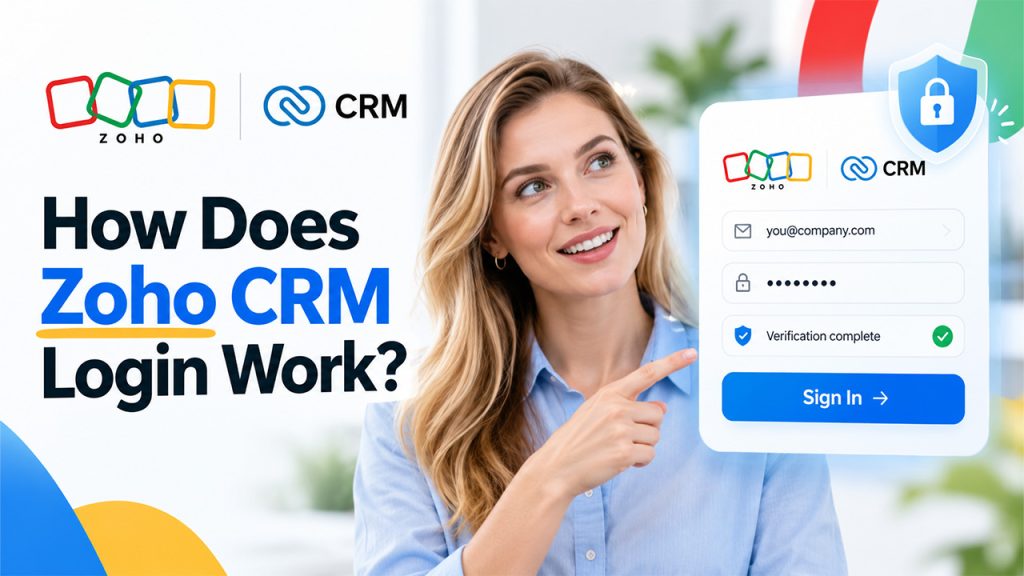
The process is fairly straightforward. You need a Zoho account before you can access the CRM. Zoho provides a dedicated sign-in page for CRM users, where existing users can log in and new users can create an account.
Steps to Log In:
- Open the official sign-in page.
- Enter the email address or phone number connected to your Zoho account.
- Enter your password.
- Complete any verification step that appears.
- Select the sign-in option to access your account.
If you can’t sign in, check whether you’ve entered the correct email address and password. You should also check your internet connection and any verification request linked to your account before assuming there’s a problem with the CRM itself.
Is Zoho CRM Right for Your Business?
For your business, CRM for sales teams could be beneficial if it needs a single place to control leads, clients, sales prospects, and follow-ups. It is especially relevant if your sales process is hard to oversee manually. Five employees may easily manage a spreadsheet, but for a team of 30 people dealing with plenty of leads, everything needs to be strict. Furthermore, the software can be good for cases when different employees need the same access to client information and sales news. This helps everybody get more information about what requires action.
Conclusion
Going for Zoho CRM is a brilliant option if you are looking for the control you require in managing your leads, customers, deals, and sales activities, as you don’t need to develop your own CRM from scratch. While its free version helps you start your journey, its paid versions bring automation, forecasting, customization, AI, and other advanced functionalities.
The only thing to do is compare what you need in terms of functionalities with the cost per user charged under different plans. If the process is rolling and spreadsheets don’t work for your team, it’s time to consider implementing a CRM. Don’t forget to evaluate the benefits of the platform and choose the plan that corresponds to your team’s requirements most effectively.
Frequently Asked Questions
Is Zoho CRM free?
Yes. Zoho offers a Free edition for up to three users. It includes basic CRM functions such as contact management, follow-up reminders, workflow automation, tasks, meetings, calls, reports, APIs, and mobile apps.
What is the cheapest paid Zoho CRM plan?
The Standard edition is the entry-level paid plan. Zoho’s current U.S. pricing lists it at $14 per user per month when billed annually, or $20 per user per month when billed monthly. Local pricing can vary.
How do I log in to Zoho CRM?
To login, use the web address of the official sign-in page, enter either the email address or the phone number associated with your Zoho account, along with the password.
Is Zoho CRM a good solution for small businesses?
It is useful for small businesses, especially those who require tools for lead management, contact list management, sales monitoring, and follow-up. The Free version and the Standard Edition can cover many basic aspects of lead management. So, you don’t have to subscribe to any advanced plans straightaway.

