Best 5 Remote Employee Monitoring Software for Small Teams on a Budget
Apploye leads our list of remote employee monitoring software for small teams on a budget. See free plans, screenshots, and costs for 5 tools.
Employee monitoring software records work hours and, depending on the plan, app use, website use, and screenshots. Most tools charge per user, and free plans usually limit the number of users, stored history, or screenshots. Remote employee monitoring software also has to work for hybrid and in-office staff, so plan limits matter as much as features.
Small teams notice those limits first. A team of eight can pass a free plan’s user cap on day one, and extras such as payroll with screenshots often sit in higher tiers. Seat minimums and add-ons can also push the real monthly cost well above the listed price. That is why remote monitoring software is best judged on plan limits and total cost per user for small teams, not on the headline price alone.
We picked 6 monitoring tools to see which plans stay free, which tools charge extra for screenshots, and where costs rise as your team grows. A short checklist comes first, so you can choose before you start any trials.
Quick Answer
Apploye is the best remote employee monitoring software for small teams on a budget. Its free plan covers up to 10 users, and paid plans start at $4.50 per user per month. You get time tracking, optional screenshots, payroll, and invoicing in one place, and it works for remote, hybrid, and in-office staff. That mix keeps costs low while your team grows.
Monitask keeps costs low with optional screenshots. Hubstaff suits teams that want detailed screenshot controls, and Time Doctor includes screenshots on every plan. If you need employee monitoring software with screenshots and a free starting point, Apploye is the most practical place to begin.
How to Choose the Best Remote Employee Monitoring Software for Small Teams on a Budget
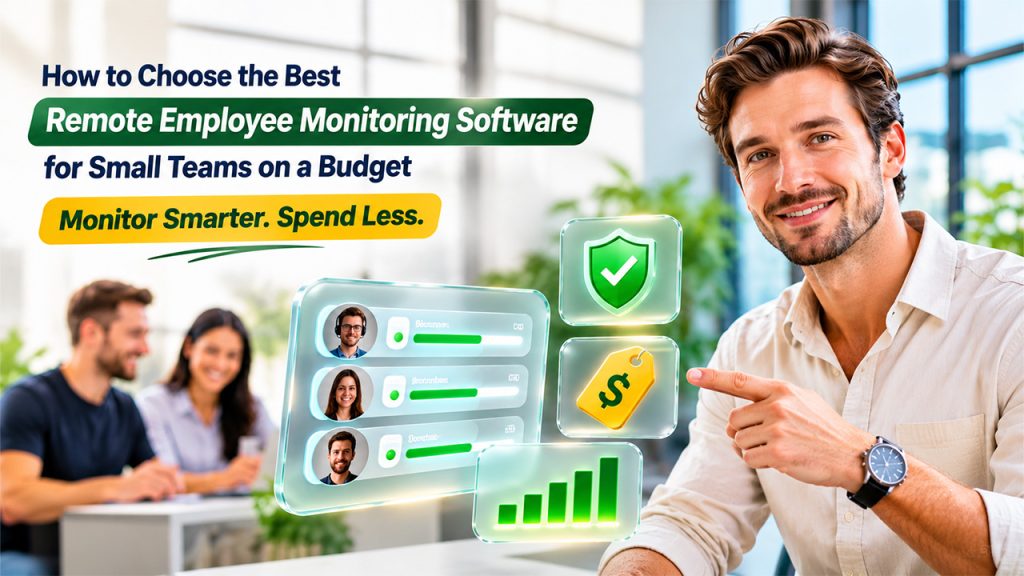
A low price tag does not always mean a low total cost. These five checks help you avoid surprises after the trial ends.
1. Check What the Free Plan Really Includes
A free plan helps only if it fits your team size and daily work. When you look for remote employee monitoring software free of charge, check the user limit, how long history is stored, and how many screenshots you get. Some plans cover a single person, while others cover ten.
Teams that start with free employee monitoring software should also confirm that timesheets and projects are included, not only a basic timer. Also check how you get onto the free plan. Some vendors only move you there after a trial ends.
2. Decide How You Want Screenshots Handled
Screenshots are useful as proof of work for clients and for checking that hours match the output. They are not required for every team. Choose a tool that lets you lower the frequency or turn them off.
If you want employee monitoring software with screenshots, check whether they come with the entry plan, how many you get each month, or whether they cost extra. Some vendors cap them per user, and others sell them as add-ons or reserve them for top tiers.
3. Match the Tool to How Your Team Works
Think about the real tasks your team handles each week, such as client projects, support, design work, or reporting. Your tool should track time by project, record which apps and sites people use, and produce simple reports you can share with clients.
It should also suit hybrid schedules, so the same remote monitoring software works when someone is home on Monday and in the office on Tuesday. A solid remote employee monitoring software setup does not need different rules for different locations.
4. Look at Cost per User, Not the Headline Price
Entry prices look similar, but add-ons, seat minimums, integration limits, and billing terms change the final bill. Hubstaff, for example, requires two seats on paid plans, and its Starter plan has no native integrations.
Multiply the per-user price by your team size, then add the extras you actually need. A team of eight at $5 per user pays $40 a month, while the same team at $10 pays $80. Also compare annual and monthly billing, because the gap can reach 30%.
5. Confirm Privacy and Compliance Basics
Your team should know what is tracked and why. Look for tools with clear privacy controls, role-based access, and support for rules such as GDPR. Share the policy in writing before you start, and keep the focus on workload and project time rather than constant observation. Trust grows when people understand the purpose.
Quick Overview of the Top Tools
The table compares the 5 tools on free plans, screenshots, and what an eight-person team pays each month on the cheapest plan that includes screenshots. Totals use annual billing where a vendor offers it, and each section below covers the details.
| Tool | Free plan | Plan Prices | Screenshots | Best for |
| Apploye | Yes, up to 10 users | Elite $4.50/user/month billed annually | Included, 1 per hour on free | Small teams that want tracking, payroll, and invoicing together |
| WebWork | No, 14-day trial | $3.99/user/month | Included on the entry plan | Teams that want the lowest paid entry price |
| Monitask | No, free trial | $4.99/user/month, billed annually | Optional, entry plan | Teams that want simple, optional screenshots |
| Hubstaff | Check current plans | $4.99/user/month, billed annually, $7 monthly | Capped per user on Starter | Teams that want detailed screenshot controls |
| Time Doctor | No, 14-day trial | $6.67/user/month, billed annually, $8 monthly | Included on every plan | Teams that want screenshots from day one |
Best Remote Employee Monitoring Software for Small Teams on a Budget
Related walkthrough
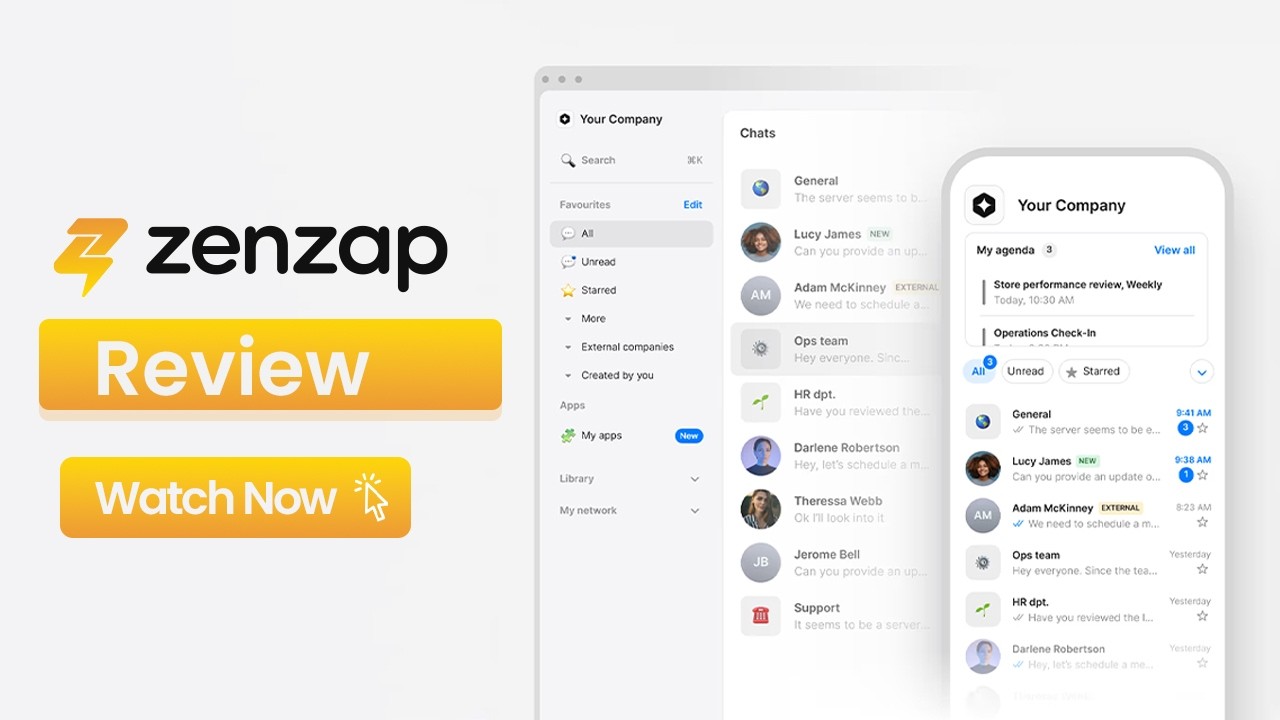
Is Your Team Communication Secure? Why Businesses Are Moving to Compliant Chat Apps (Zenzap Review)
Each tool below we described by what it does for a small team, what it costs, and who it suits. Apploye comes first, and the others follow roughly in order of budget fit.
1. Apploye: Best Overall for Small Teams on a Budget
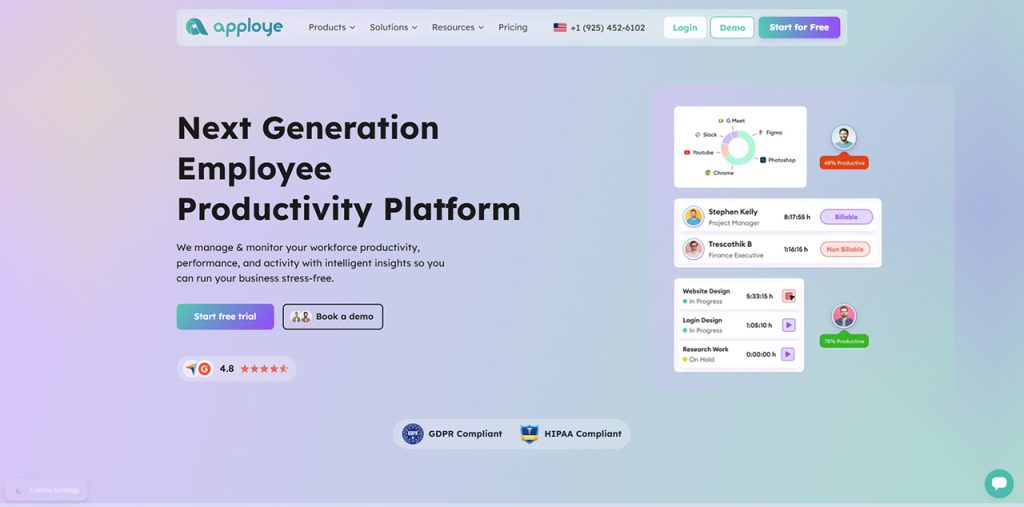
Apploye is employee monitoring software and a time tracking platform built for teams that work remotely, in the office, or both. It records hours, screenshots, and app and website use, then turns approved timesheets into payroll and invoices.
For a small team, that means project hours, client work, and billing sit in one place. You decide how much activity data to collect, so the tool fits your team culture instead of forcing a style.
Key features:
- Time tracking with timesheets and approval
- Screenshots, activity levels, and app and URL tracking
- Auto idle time discard, so breaks do not inflate billable hours
- Projects, tasks, and budgets for project-level tracking
- Attendance, leave, and shift scheduling
- Payroll and invoicing from tracked hours
- Integrations with project tools such as Asana, Trello, Jira, and more
- GDPR and HIPAA compliance
Pricing: The Starter plan is free for up to 10 users, which makes it a practical pick if you want remote employee monitoring software free of charge. You choose Elite or Power when you sign up for the trial, and the account moves to Starter when the trial ends. Elite costs $4.50 per user per month on annual billing and adds more screenshots plus unlimited app and URL tracking. Power costs $8 per user per month and adds instant screenshots and API access.
Pros
- A free plan for up to 10 users.
- A $4.50 paid entry price on annual billing, which is more affordable than most of the tools
- Built-in payroll and invoicing.
- Optional screenshots, activity levels, and auto idle time discard.
- Apps and URL tracking show where your employees spend their time and ensure effective productivity.
- One setup for remote, hybrid, and in-office teams, with Asana, Trello, Jira, and many more integrations.
Cons
- The free plan’s limits: one screenshot per hour, three apps and five URLs a day, three projects, and one month of history.
- No GPS tracking or kiosk clock-in.
Best for: Small remote, hybrid, or in-office teams and agencies that need hours, payroll, and client invoices in one tool.
2. WebWork: Lowest Entry Price With Full Monitoring
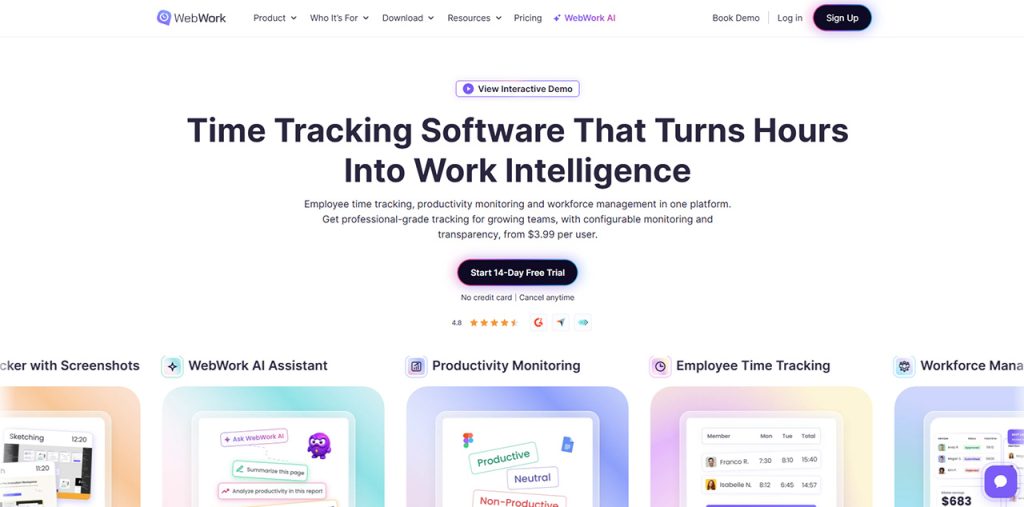
WebWork puts screenshots, app and website usage, activity levels, and attendance monitoring on its cheapest plan, which is rare at this price. The Pro plan covers unlimited projects and tasks, timesheets, and real-time monitoring.
Higher plans add timesheet approvals, payroll, and more detailed app and website reports. A smart monitoring add-on and a payroll add-on are available for Pro users who need them. For a small team that wants full monitoring at the lowest cost, it is hard to beat on price alone.
Pros: The lowest paid entry price of the six, with screenshots and activity tracking included, and unlimited projects and members.
Cons: There is no free plan, only a 14-day trial. Timesheet approvals and payroll sit in higher plans, add-ons raise the total, and some review sites report occasional syncing delays.
Pricing: Pro starts at $3.99 per user per month on listings that show annual pricing. Plus is about $6.39 per user.
Best for: Budget-first teams that want screenshots and activity data from the cheapest paid plan.
3. Monitask
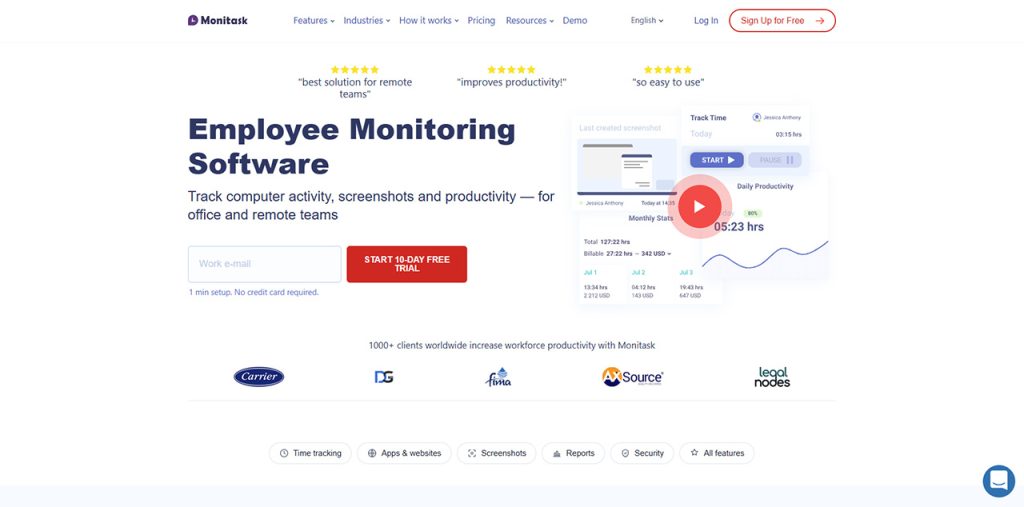
Monitask is a lightweight monitoring tool that tracks hours, activity levels, and optional screenshots. Its Pro plan covers time tracking, project and task management, reporting, and team analytics. Because screenshots are optional, you can keep monitoring light and add detail later.
App and URL tracking, client login, and project budgeting arrive on the Business plan. Setup is quick, and it does not slow down your computer.
Pros: Low entry price, optional screenshots, and simple reports that managers learn fast.
Cons: App and URL tracking require the higher Business plan, and listed prices vary between sources.
Pricing: Pro costs $4.99 per user per month on annual billing, or $5.99 monthly. Business is about $8.99 per user.
Best for: Small teams that want simple, optional screenshots at a low price.
4. Hubstaff
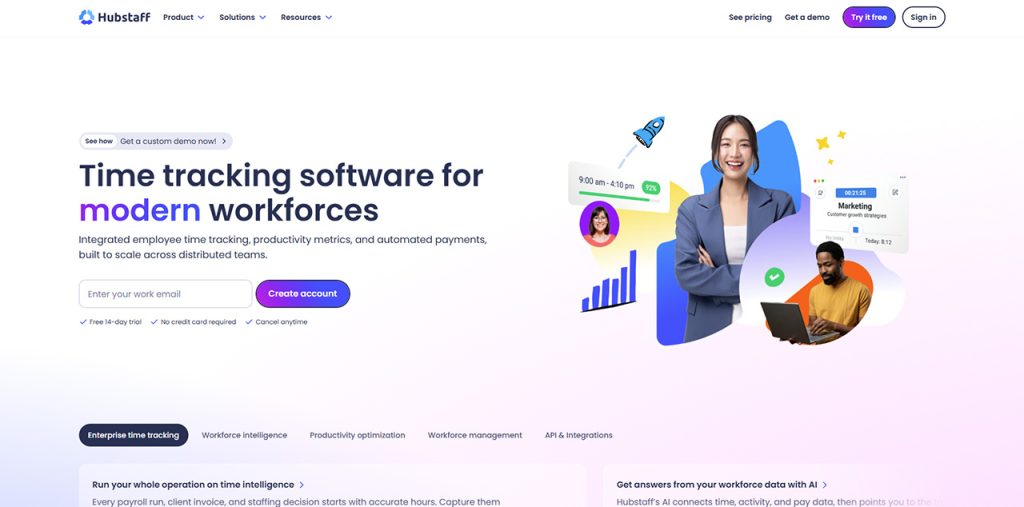
Hubstaff is a long-standing time tracking tool that covers hours, activity levels, and optional screenshots. For a small remote team, it gives you timesheets, project budgets, and app and URL tracking on higher plans, so you can see where project or client hours go.
Screenshot limits depend on the plan, which keeps data collection modest on Starter and broader on higher tiers. It also supports invoicing, payments, and a large integration library, though many integrations sit in higher tiers or paid add-ons.
Pros: A mature product with detailed reports and screenshot controls, plus built-in invoicing and payments and a large integration library on higher plans.
Cons: Paid plans need at least two seats, and Starter allows 500 screenshots per user each month. Starter also has no native integrations, so connecting tools such as Jira or Asana needs the Team plan.
Pricing: Starter costs $4.99/user/month billed annually ($7 monthly). Grow is $7.50, and Team is $10 on annual billing.
Best for: Teams that want screenshot controls and a proven feature set and can accept a two-seat minimum and a higher real cost.
5. Time Doctor
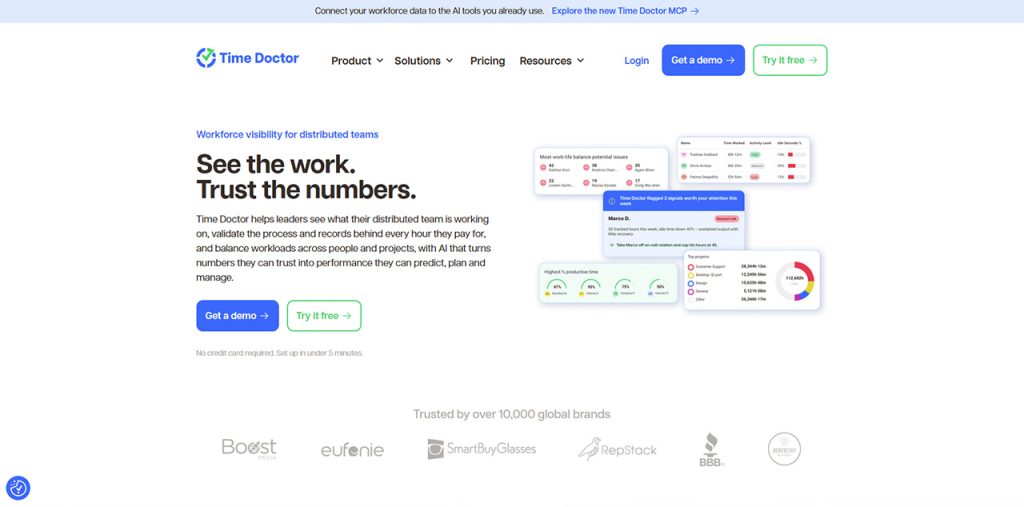
Time Doctor tracks time automatically, records app and website use, and takes screenshots on every plan. For a small team, the Basic plan gives you projects, tasks, and a clear timeline of the workday. Higher plans add break tracking, productivity ratings, payroll features, and integrations.
Reports show how hours are split between tasks, which helps when you bill clients or plan workloads. Some reviewers mention privacy concerns around frequent screenshots, so explain the settings to your team before rollout and keep the purpose clear.
Pros: Screenshots and activity tracking come with the entry plan, and the reports are detailed.
Cons: There is no free plan. Payroll features and break tracking sit in the Standard plan, which costs about 75% more than Basic, and optional add-ons cost $3 per user each.
Pricing: Basic costs $6.67/user/month billed annually ($8 monthly). Standard is $11.67/user/month billed annually ($14 monthly. A 14-day free trial is available.
Best for: Teams that want screenshots from day one, do not need a free plan, and have room for a higher per-user price.
Why Apploye Stays at the Top
Every tool above does something well. Apploye stays first because it solves the problems small teams run into most often when they choose remote employee monitoring software.
You can outgrow a free plan overnight. Many free plans cover one to three people, so a team of six or eight pays on day one. Apploye’s free plan was built around the size of a real small team, which gives you room to start without a budget approval.
Month-end admin eats real hours. Entering the same hours into a timesheet, a payroll sheet, and an invoice is slow and invites errors. A tool that carries tracked hours forward saves you that repetitive work.
Bills should stay predictable. Seat minimums and add-on menus make some quotes hard to forecast. Apploye’s plans are simple enough that you can estimate your cost before you start. If predictability is your top concern, HiveDesk’s flat $5 price is the closest alternative.
Trust matters more than data. Small teams work closely together, so heavy tracking can hurt morale fast. You can begin with light settings and add more detail only when the work calls for it.
Work models change. A team that is remote today may share an office next quarter. Using one tool for remote, hybrid, and in-office staff means you do not retrain people or rebuild reports when the schedule shifts.
Apploye is not the right fit for every team. If you manage field crews who need GPS tracking, or you want the lowest possible paid price and no free tier, WebWork or HiveDesk may suit you better.
Final Words
The right remote employee monitoring software depends on your team size, your budget, and how much activity data you want to collect. For a small team, a free or low-cost plan with clear limits works better than a feature-heavy tool you will not use.
Test two or three options with a real week of work, including your regular projects and reporting. Look at the data after the trial and decide which one your team finds fair and useful. Then roll it out with a written policy, so everyone knows what is tracked and why.
Frequently Asked Questions
Apploye is the strongest fit for most small teams. It offers a free plan for up to 10 users, paid plans from $4.50 per user per month, and built-in payroll and invoicing. HiveDesk, WebWork, Monitask, Hubstaff, and Time Doctor suit teams with narrower needs.
Apploye, WebWork, Monitask, Hubstaff, and Time Doctor all include screenshots. TimeCamp includes them only on its top paid plan. The frequency, monthly limits, and cost differ, so confirm the settings before you choose.
Yes. Most tools track activity on the computer rather than the location, so the same setup works at home or in an office. Look for attendance and scheduling features if your team follows set shifts.
Laws differ by country and state, but monitoring is generally allowed when employees are informed. Share a written policy, collect only what you need, and check local rules or ask a lawyer before rollout.
Explain what the tool records and why, start with light settings, and share the reports with your team. When people see that the data supports fair workloads and accurate pay, they usually accept it more easily.