
Online Anonymity: Practical Ways to Protect Your Identity
Understand online anonymity, how websites track users, and which privacy tools can help protect your identity and reduce your digital footprint.
Online privacy used to feel like a niche concern. These days, almost everyone has had the slightly unsettling experience of searching for a pair of walking boots and then seeing adverts for them on every site for a week. Understanding online anonymity is increasingly important for anyone who wants greater control over their personal information and digital activities.
A teacher in Leeds might browse holiday cottages on a lunch break, only to be followed by cottage adverts on her phone that evening. It’s a small reminder of how much gets tracked. Staying completely anonymous online is very difficult, but there are sensible ways to reduce how much personal information leaks out, and understanding them is the first step.
Why Online Anonymity Matters
Privacy isn’t only for people with something to hide. Journalists protecting sources, people escaping abusive relationships, business owners guarding commercial plans and ordinary families simply wanting less tracking all have good reasons to value it. A small shop owner researching a new supplier might prefer competitors not to see where that research leads. Discretion is a perfectly normal wish. Personal data can also be misused by scammers, which makes reducing exposure a matter of basic safety as well as comfort.
Beyond avoiding targeted advertising, online anonymity can help individuals maintain boundaries between their personal lives, professional activities, and public digital identities.
How People Are Tracked Online
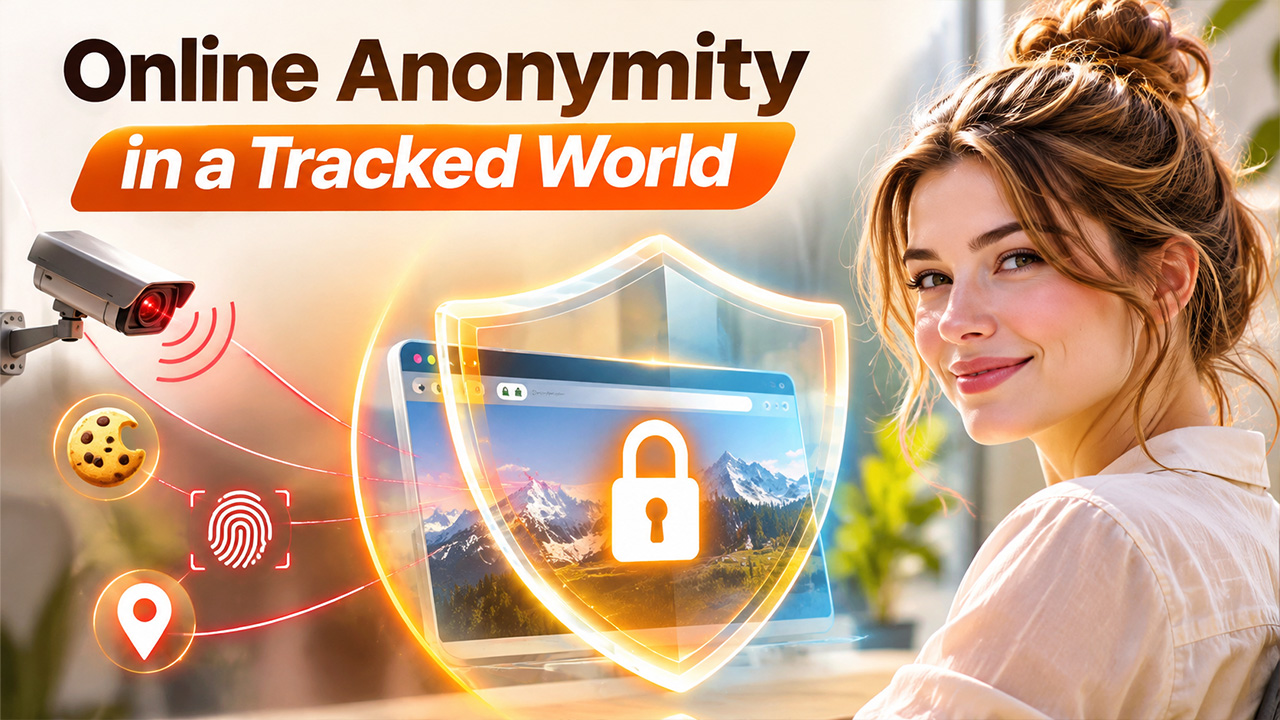
Tracking happens in several layers at once. Websites use cookies to remember visitors, advertising networks follow people from site to site, and internet providers can see which domains a connection visits. On top of that, accounts tie activity to a name, email address or phone number. A student who logs into the same account on a laptop, a tablet and a phone is quietly linking all three devices together. Most people never notice this happening. Understanding the layers helps explain why no single tool solves the whole problem.
These overlapping tracking methods make online anonymity challenging because information from seemingly unrelated activities can contribute to a recognizable digital profile.
Browser Fingerprinting
Fingerprinting is one of the less obvious methods. Even without cookies, a browser reveals details such as screen size, fonts, language settings, time zone and hardware characteristics, and together these can form a surprisingly unique profile. A freelance designer who clears cookies every evening might still be recognised the next day because her setup looks the same. It’s a bit like being identified by handwriting rather than a signature. Fingerprinting explains why simply clearing history doesn’t make someone anonymous.
Everyday Steps That Help
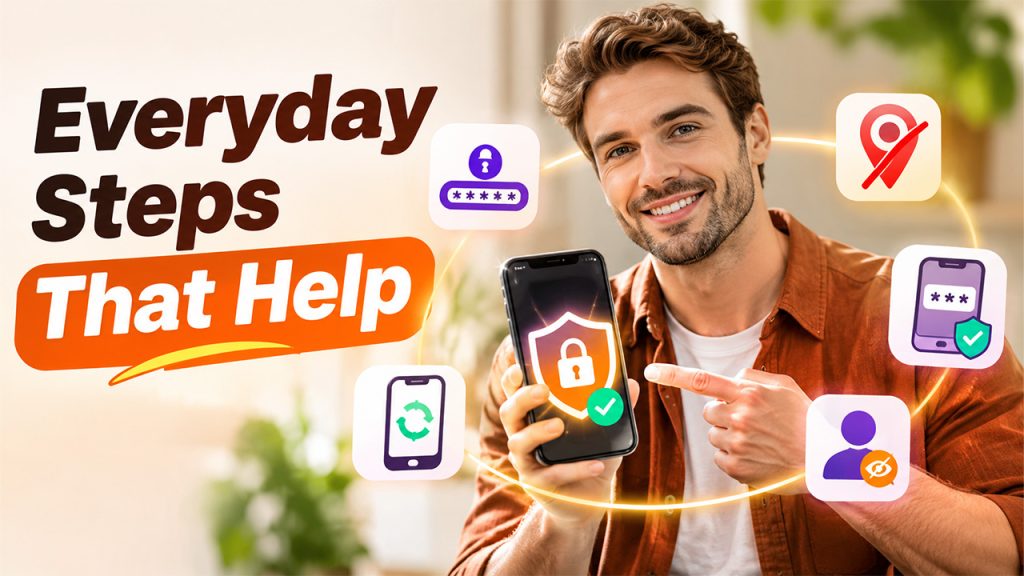
Good habits do a lot of the heavy lifting. Privacy-focused settings, regular software updates, strong unique passwords and two-factor authentication all reduce the risk of data leaking or accounts being taken over. Limiting the personal details shared on social media helps too, since birthdays, pet names and home towns often turn up in security questions. A retired engineer who switches off location tagging on his photos is making it harder for strangers to work out where he lives. Small choices add up. None of these steps feels dramatic, yet together they make a real difference.
Choosing Privacy-Respecting Tools
Some tools are built with privacy in mind. Search engines that don’t build personal profiles, browsers with strong tracking protection and messaging apps with end-to-end encryption all reduce the amount of data collected. A family switching to an encrypted messaging app for group chats might barely notice the change in daily use. That’s the beauty of it. Many privacy tools now work just as smoothly as the mainstream options they replace.
Selecting tools that prioritize data minimization and transparent privacy practices can make maintaining online anonymity easier.
VPNs and Encrypted Connections
A virtual private network, or VPN, encrypts traffic between a device and the VPN server and hides the user’s IP address from the sites being visited. That can be especially useful on public Wi-Fi in cafés, airports and hotels. A business traveller checking emails in a busy airport lounge has good reason to want that extra layer. Peace of mind matters on the road. It’s worth remembering, though, that the VPN provider itself can see traffic, so choosing a trustworthy one matters as much as using one at all.
Separating Online Identities
Related walkthrough
Secure Your Gmail NOW! | Protect Your Account from Hackers

Separation is a powerful idea. Using different email addresses, browsers or profiles for work, shopping and personal life makes it much harder to link everything together into one detailed picture. A freelance writer might keep one profile for clients, another for personal social media and a third for online shopping. Each part of her life stays in its own box. That simple habit limits the damage if one account is ever compromised.
Where Antidetect Browsers Fit InWhere Antidetect Browsers Fit In
Some people need to manage many separate identities at once. Digital agencies running social accounts for several clients, e-commerce sellers with multiple storefronts and marketers testing campaigns in different regions often need each account to stay completely distinct. An antidetect browser is designed for exactly that kind of work. Octo Browser, for example, describes itself as an antidetect browser for multi-accounting, where each profile carries its own digital fingerprint and can be organised with tags, templates and team permissions. A small agency managing social media for a bakery, a gym and a florist might keep each client’s accounts in separate profiles so nothing gets mixed up. That separation keeps work tidy and professional. Like any tool, it ought to be used within the law and each platform’s rules.
Protecting Data on Shared Devices
Shared computers and family tablets bring their own risks. Saved passwords, open sessions and browsing history can all reveal more than intended to the next person who picks up the device. A household where teenagers and parents share one laptop might benefit from separate user accounts for each person. Everyone gets a little privacy. Logging out of sensitive accounts and using private browsing on shared machines are simple habits that prevent awkward surprises.
The Limits of Anonymity
Although online anonymity is achievable to varying degrees, complete anonymity is extremely difficult to guarantee. Even people who use multiple privacy tools can reveal their identities through account activity, payment information, browsing habits, or simple mistakes.
There is a catch, though. True anonymity online is extremely hard to achieve, and even careful users can be identified through accounts, payments, writing style or simple mistakes. Tools reduce tracking; they don’t make anyone invisible. A person who uses a VPN but then logs into a personal social media account has effectively told that site exactly who they are. It’s an easy slip to make. Realistic expectations help people choose the right level of protection for their own situation.
Staying on the Right Side of the Law
Privacy tools are legal in many countries and widely used for legitimate reasons. Using them to commit fraud, break platform rules or harm others is a different matter entirely and can carry serious consequences. A marketing team managing client accounts responsibly is in a very different position from someone trying to deceive a website or its users. Intent matters. Responsible use protects both the person and the wider online community.
Final Thoughts
Staying anonymous on the internet is less about one clever trick and more about layers of sensible habits. Understanding tracking and fingerprinting, using privacy-respecting tools, encrypting connections and separating online identities all reduce how much personal information leaks out. These same habits also play a part in strengthening cyber crisis resilience, because the less data you expose, the less an attacker has to work with if something goes wrong. For professionals managing many accounts, specialised tools can keep each identity distinct and organised. That teacher in Leeds might never fully escape the cottage adverts, but she can certainly make them far less persistent. A little care goes a long way.
Ultimately, online anonymity is about making informed decisions regarding what information you share and how your digital activities can be tracked. Privacy-focused browsers, encrypted connections, VPNs, and separate online identities can all help reduce exposure. While no tool guarantees complete anonymity, combining sensible habits with appropriate privacy technologies gives individuals greater control over their digital presence.