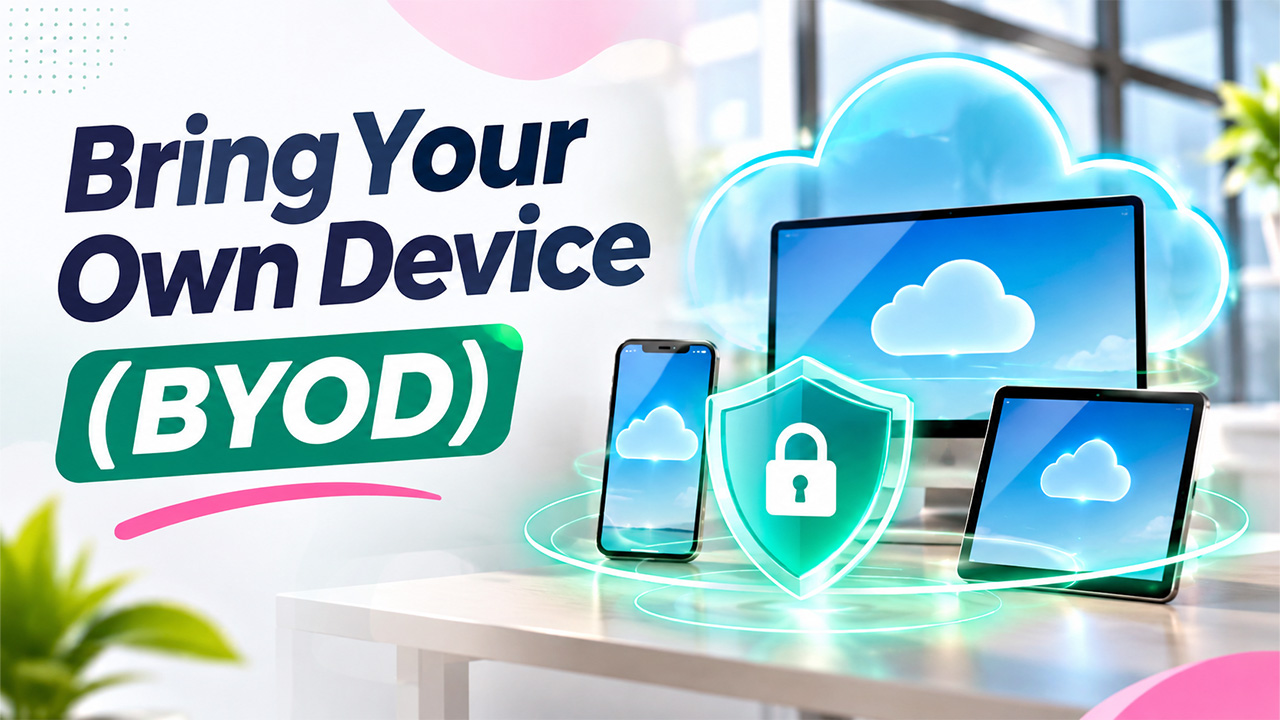
How cloud desktops support Bring Your Own Device
Explore how AI and automation are transforming Bring Your Own Device environments, streamlining workflows, and empowering employees to focus on innovation.
The article explores the key benefits and challenges of Bring Your Own Device, role of cloud desktop in enhancing remote work, and best practices that an organization can follow to implement these solutions efficiently.
As the workplace across the globe continues to grow with the introduction of advanced technologies and changing employees’ expectations, the adaptation of Bring Your Own Device, or BYOD, has also gained significant traction. In modern workspace, cloud desktops are emerging as a vital solution that can support BYOD initiatives and can also facilitate secure remote environments. Cloud desktops help enhance flexibility and productivity of a workplace, while also addressing critical security concerns, simply by allowing employees to access their workspaces from any device, and from anywhere.
Understanding Bring Your Own Device: Benefits and Challenges
Definition and Scope of BYOD
Bring Your Own Device, or BYOD, is a type of workplace policy that allows employees to use their personal devices, such as smartphones, tablets, and laptops, for work-related purposes. This trend is majorly argued with the growth of remote work, enabling flexible and personalized work experiences for the employees. BYOD witnessed a major surge in recent few years, especially with the rise of remote work, ensuring flexible and personalized work experience. However, BYOD is not just about bringing personal devices to the office. It is more about a strategic approach through which technology can balance personal comfort with the needs of a company.
Advantages for Employees and Employers
For employees, Bring Your Own Device means they can work on devices they’re already comfortable with, boosting productivity and job satisfaction. Employers benefit from reduced hardware costs and increased employee engagement, as workers are more likely to feel empowered when using their own technology. Plus, who doesn’t want to sip coffee in their pajamas while attending a virtual meeting?
Potential Risks and Security Concerns
While the perks sound enticing, BYOD does come with its fair share of headaches. Personal devices can be a breeding ground for security risks, especially if employees download sketchy apps or connect to unsecured Wi-Fi. To top it off, managing data privacy when devices are shared for both personal and professional use can feel like walking a tightrope-one wrong move, and the company’s sensitive data could take a tumble.
The Role of Cloud Desktops in Remote Work
What are Cloud Desktops?
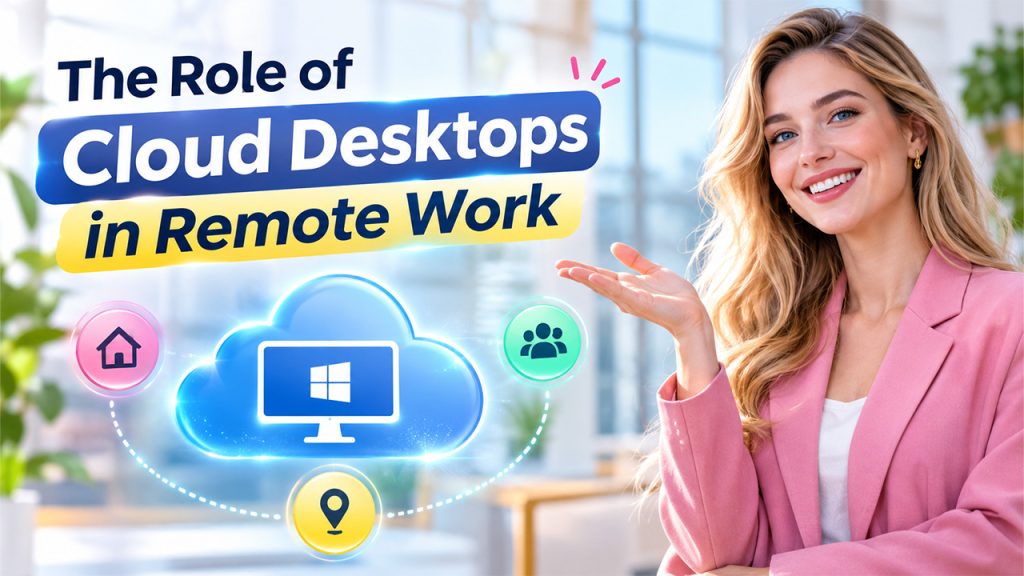
Cloud desktops are virtual desktops that reside in the cloud, giving users access to a workspace and applications from any device with internet connectivity. Evaluating virtual app and desktop delivery platforms helps teams compare security, performance, and device support without physical restrictions.
Key Features Supporting Remote Work
Cloud desktops come loaded with features that make remote work a breeze. They offer centralized data storage, seamless software updates, and easy collaboration tools. Plus, since everything is stored in the cloud, you don’t have to worry about losing your work if your dog decides to take a bite out of your laptop’s power cord.
Comparison with Traditional Desktops
Unlike traditional desktops, which can be as rigid as your grandmother’s old armchair, cloud desktops provide flexibility. Traditional setups lock users into specific hardware and location, while cloud desktops let you work from virtually anywhere, anytime. It’s like the difference between a cozy cabin in the woods and a luxury penthouse with a view of the city skyline-both have their charm, but one definitely offers more freedom.
Security Considerations for BYOD and Remote Work
Data Protection and Encryption
Related walkthrough
Claude API Message Threads Beta: Send Only the New Message and Speed Up Long Chatbots in Python

In a world where data breaches seem to make headlines daily, data protection is non-negotiable. Cloud desktops utilize encryption to safeguard sensitive information, ensuring that even if hackers try to intercept data, they’re left with nothing but gibberish. Think of it as putting a lock on your chocolate stash-only your trusted friends get to enjoy it.
User Authentication and Access Controls
Strong user authentication methods are crucial. Multi-factor authentication (MFA) adds an extra layer of security like a bouncer at an exclusive club-just because you’re on the list doesn’t mean you can waltz in without a secondary check. Coupled with robust access controls, organizations can ensure only the right folks have access to sensitive information, keeping the digital party crashers at bay.
Compliance with Regulations
Navigating the regulatory landscape can be tricky, especially with Bring Your Own Device policies in play. Organizations must be vigilant about maintaining compliance with data protection regulations like GDPR or HIPAA. Failing to do so could result in hefty fines and reputational damage. So yes, it’s wise to treat compliance like that spinach on your plate-it may not be exciting, but it’s essential for your health (and your business’s).
Integration of Cloud Desktops with Existing IT Infrastructure
Assessing Current IT Environment
Before diving headfirst into integrating cloud desktops, it’s essential to evaluate your current IT environment. This means taking stock of existing resources, identifying potential roadblocks, and determining how cloud technology can harmonize with what you already have. Think of it as a home renovation: you wouldn’t start knocking down walls without knowing what’s behind them.
Interoperability with Legacy Systems
One of the biggest challenges when adopting cloud desktops is ensuring they play nice with legacy systems still kicking around. Seamless integration is crucial for maintaining workflow efficiency-it’s like making sure your new smart fridge can still talk to your vintage oven without turning your kitchen into a tech jungle.
Migration Strategies and Challenges
Migrating cloud desktops comes with its own set of challenges, but fear not! With clear migration strategies, organizations can make the transition smoother than butter on a hot biscuit. It’s essential to plan the process step-by-step, ensuring minimal disruption while employees adapt to their new cloud-based playground. Just remember: no marathon runner started out sprinting.
Enhancing User Experience in Remote Work Environments
Customization and Personalization Options
Cloud desktops allow users to tailor their virtual workspaces to their liking, from choosing desktop backgrounds that inspire productivity to adjusting application settings that fit their workflow. This level of personalization can transform the mundane into motivating, making the user feel more at home and, consequently, more productive. After all, who wouldn’t perform better at work while staring at a cute kitten wallpaper?
Performance and Reliability Factors
When it comes to remote work, lagging applications are the sworn enemy of productivity. Cloud desktops offer robust performance by utilizing powerful servers that can handle demanding tasks without breaking a sweat. This means users can run multiple applications simultaneously with minimal downtime, ensuring that remote work feels seamless-like a well-oiled machine rather than a rusty old bicycle struggling up a hill.
When it comes to remote work, lagging applications are the sworn enemy of productivity. Platforms like Kamatera’s cloud desktop hosting deliver robust performance by utilizing dedicated vCPUs, NVMe SSD storage, and global data centers -allowing employees to run multiple Windows or Linux applications simultaneously with 99.9% uptime and minimal latency.
Support and Training for Users
Even the best technology can leave some users scratching their heads, which is where support and training come into play. Organizations can equip their team members with the knowledge and skills they need to navigate cloud desktops efficiently. From easily accessible online tutorials to live support that feels like having a friendly IT wizard on speed dial, these resources ensure that users feel confident and capable, even when working remotely in their pajamas.
Cost Implications of Implementing Cloud Desktops
Initial Setup Costs vs. Long-term Savings
Setting up cloud desktops may require an investment upfront, but let’s face it: what’s a little financial pain for long-term gain? Organizations can save big bucks on hardware, maintenance, and energy costs over time, shifting the focus from buying and storing physical computers to paying for scalable cloud services. Think of it as trading in your gas-guzzling car for a shiny new electric one-better for your wallet and the planet!
Cost Factors for Bring Your Own Device Programs
Implementing a Bring Your Own Device (BYOD) program can save money on equipment, but there are some hidden costs to consider. Think about software compatibility, security measures, and additional training needed for users. However, when balanced against the flexibility and employee satisfaction that comes from letting team members use devices they prefer, the benefits often outweigh the costs-like finding a twenty-dollar bill in your winter jacket pocket.
Return on Investment (ROI) Analysis
Calculating ROI for cloud desktops can feel like solving an algebra equation while juggling, but it’s worth it! By evaluating increased productivity, reduced IT costs, and improved employee satisfaction, organizations can paint a clearer picture of the financial benefits. A solid ROI can show decision-makers that cloud desktops aren’t just a trendy tech solution but a strategic investment in the future of work.
Future Trends in Cloud Desktops and Remote Work
Emerging Technologies Shaping Cloud Desktops
Cloud desktops are continuing to benefit from emerging technology such as virtual reality and collaborative tools. Greater use of AI and machine learning will further optimize services and improve user experience. Soon we will have our own ‘digital personal assistant’, which will be able to recognize our favorite coffee and also understand how to best arrange our cloud desktops.
Predictions for the Future of Remote Work
Whilst we can hardly keep up with the speed at which remote working is developing, it is anticipated that there will be further adoption of hybrid working. Cloud desktops will remain key to enabling agile work. As companies continue to adapt to remote working, the previously futuristic concept of being able to work anywhere is now widely achievable. Soon we may all be able to use a coffee shop as our office.
Impact of AI and Automation
AI and automation are set to have a big impact on cloud desktops, performing both basic and advanced functions. Workers will no longer be burdened by routine administration tasks and so can concentrate on more imaginative and strategic endeavors – what a lovely thought! As well as boosting productivity, this therefore encourages a culture of innovation within the workplace.
Best Practices for Organizations Adopting BYOD and Cloud Solutions
Developing a BYOD Policy
A well-thought-out policy establishes guidelines for device usage, security protocols, and data management, ensuring that employees understand their responsibilities, and organizations feel secure in supporting BYOD initiatives.
Training Employees on Security Measures
Training isn’t just for new hires. Regularly updating employees on security best practices is crucial in protecting sensitive data. From password policies to recognizing phishing attempts, keeping security top of mind is essential. After all, a chain is only as strong as its weakest link-and no one wants to be that link!
Regularly Updating Technology and Procedures
In the global market, technology and best practices evolves faster than any other, so organizations also need to match its pace continuously. Organizations need to provide regular updates to cloud desktop solutions, permissions of audits, and security protocols, to prevent various common misconfigurations and also ensure that their environment runs optimally and securely.
In conclusion, in the growth of Bring Your Own Device and enhancement of secure remote work, cloud desktops have played a major role in providing flexibility, improving user experience, and addressing security challenges. It also helps empower organizations to easily adapt to the changing workplace landscape. As businesses continue to embrace such technologies, along with adopting best practices and staying informed about future trends, they can ensure maximizing benefits and ensure a secure and productive remote work environment.
Frequently Asked Questions
Cloud desktops offer enhanced flexibility, allowing employees to access their work environments from any device, as well as improved security features that help protect sensitive data. They also promote cost savings and ease management for IT departments.
Cloud desktops provide robust security measures such as data encryption, user authentication, and centralized management, which help safeguard data breaches and unauthorized access, ensuring that sensitive information remains secure.
Yes, cloud desktops can often be integrated with existing IT infrastructure. Organizations should assess their current systems and develop a migration strategy to ensure compatibility and seamless integration with legacy applications.
Organizations should develop a comprehensive Bring Your Own Device policy that outlines security protocols, provide training for employees on best practices, regularly update technology and software, and ensure compliance with relevant regulations to protect both the organization and its employees.