
15 Best AI-Powered Graphic Design Tools to Replace Manual Editing in 2026
Discover 15 powerful AI-powered graphic design tools that replace manual editing and speed up your creative workflow. Create stunning visuals faster and with less effort.
Graphic design used to mean long hours, tiny edits, and repeating the same task over and over. Not anymore. AI graphic design tools speed up routine work. They help you create, edit, and polish visuals in minutes. You keep creative control. The tools do heavy lifting. Think of them as your behind-the-scenes design assistants—quiet, fast, and always ready. They clear the clutter so you can dive straight into the fun part: creating something that feels like you.
What Is AI in Graphic Designing?
AI in graphic design refers to tools and software that use machine learning to create, enhance, or edit visuals with little to no manual effort. AI graphic design tools can understand colors, shapes, textures, and design patterns the way a designer would and automate repetitive tasks that normally consume a lot of time.
They can:
- Adjust colors and lighting automatically
- Remove backgrounds with precision
- Generate layout variations & suggest design styles
- Upscale low-quality images & retouch photos
- Transform sketches into finished graphics
- Create social media designs instantly
- Produce brand-ready visuals
In short, AI isn’t replacing designers — it’s removing the boring, mechanical parts of the work so people can focus on creativity. AI graphic design tools handle tedious execution while you drive the vision.
Quick Summary (60-second snapshot)
- Canva
- Adobe Firefly
- Figma with AI
- Adobe Express
- DALL·E (OpenAI)
- Pixlr
- Designs.ai
- Remove.bg
- Looka
- Kittl
- PhotoRoom
- Snappa
- Visme
- RelayThat
- Khroma
AI speeds up tasks like background removal, color correction, object removal, layout suggestions, and image generation. That saves time and frees you to focus on ideas instead of pixels. Let’s explore these tools in detail:
1. Canva
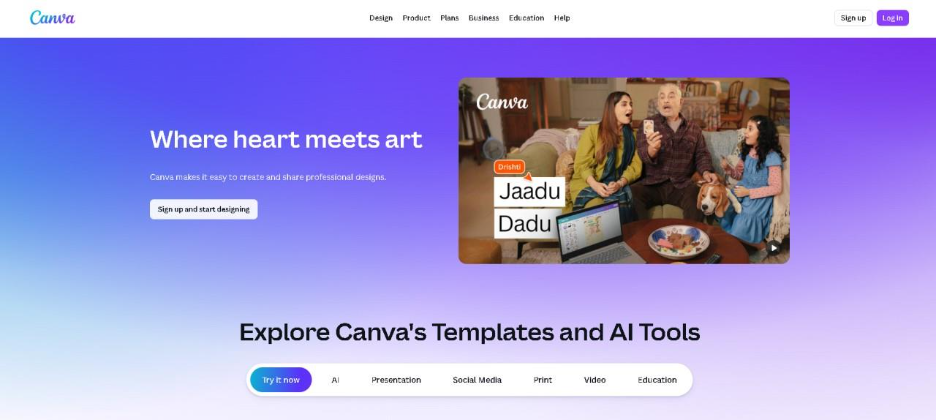
Canva remains a leading design tool due to its simplicity and powerful AI features. Users create many types of visual content using ready-made templates or smart tools to accelerate the design process, enhanced by Image Search Techniques that help discover relevant visuals, when combined with Magic Studio AI features that generate images, rewrite text, expand images, or automatically layout designs.
Features
- Magic Design (auto-creates layouts from your content)
- AI image generator
- Background removal
- Magic Eraser for object cleanup
- Resize to multiple formats in one click
- Massive template, element, and icon library
Pricing
2. Adobe Firefly
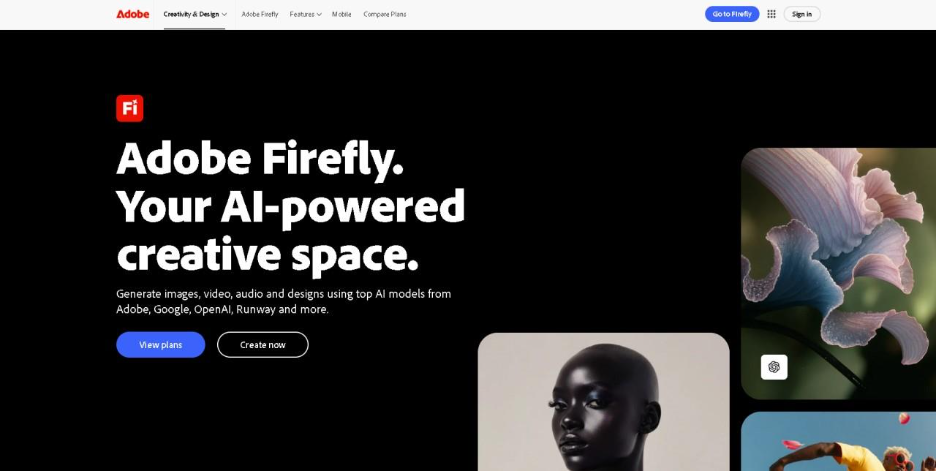
Firefly is Adobe’s creative AI engine designed specifically for high-quality visual generation. It integrates across Photoshop, Illustrator, Express, and more. Firefly creates realistic images, expands canvas areas, restyles designs, and generates vector graphics with simple text prompts—all while keeping the output commercially safe.
Features
- Generative Expand & Fill
- Text-to-image and text-to-vector
- AI artwork generator for commercially safe visual creation
- Style Transfer
- Color palette generation
- High-quality Adobe-grade image output
Pricing

3. Figma with AI
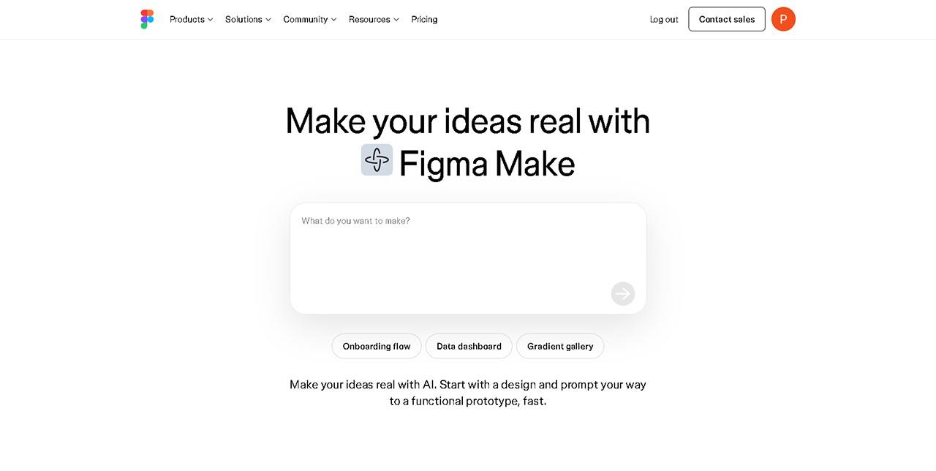
Figma’s AI upgrades allow designers to work quickly with interface designs and graphic creation. Users can generate UI layouts, automatically fix alignment problems within the layout, or fill frames with text or images by simply typing a prompt into the system. Figma was specifically developed with collaboration in mind; thus, it has become very popular among product designers.
Features
- AI-generated UI layouts
- Smart align and auto cleanup
- Fill images/text with prompts
- Automated layer naming
- Real-time team collaboration
Pricing
4. Adobe Express

The Adobe Express tool makes Adobe’s professional design software much easier to use and is also packed with AI technology. Users can quickly design posters, advertisements, social media images, and video content.
Features
- One-click background removal
- Generative Fill and image expansion
- Template library
- Video editing with AI
- Content Scheduler for social media
Pricing

5. DALL·E (OpenAI)
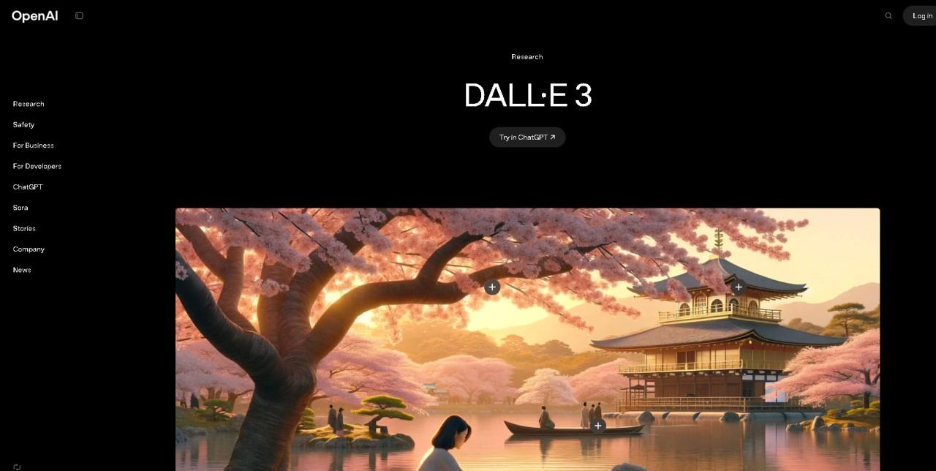
DALL·E is one of the most popular AI image generators developed by OpenAI, as it converts short text descriptions into intricate images within seconds. It is easy to use and can be beneficial to designers who need to come up with rapid concepts, create large-scale imagery and advertisements, or design proposals without starting from scratch. Additionally, creators who work on multimedia projects can combine these visuals with video editing tips to produce more engaging and professional video content.
Features
- Text-to-image generation
- Image expansion and editing
- Style transformation (realistic, 3D, illustration, etc.)
- High-resolution image outputs
- Ability to create multiple variations of the same prompt
Pricing

6. Pixlr
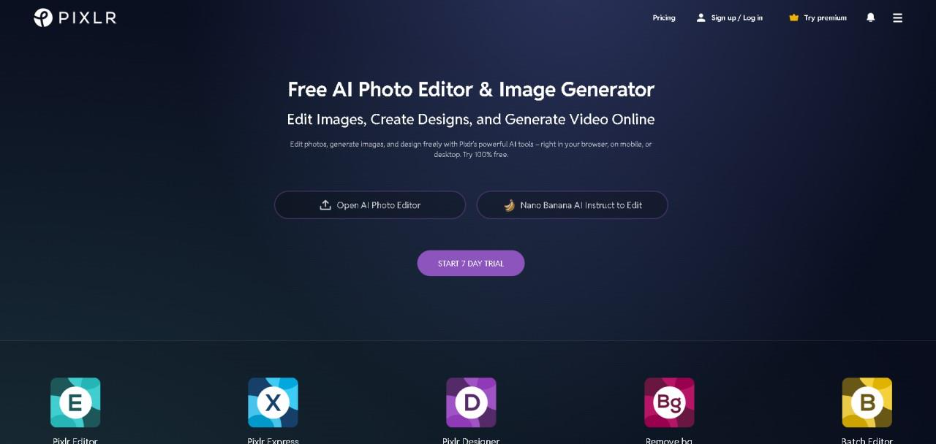
Pixlr is an online photo-editing platform, which offers a new approach to the more traditional methods used to edit photos. A significant number of features have been developed using AI (machine learning) to increase image editing capabilities, lighting conditions, and remove undesired objects quickly.
Features
- AI background removal
- AI auto-enhance
- Templates for ads & posts
- Filters and overlays
- Photo retouching tools
Pricing
7. Designs.ai
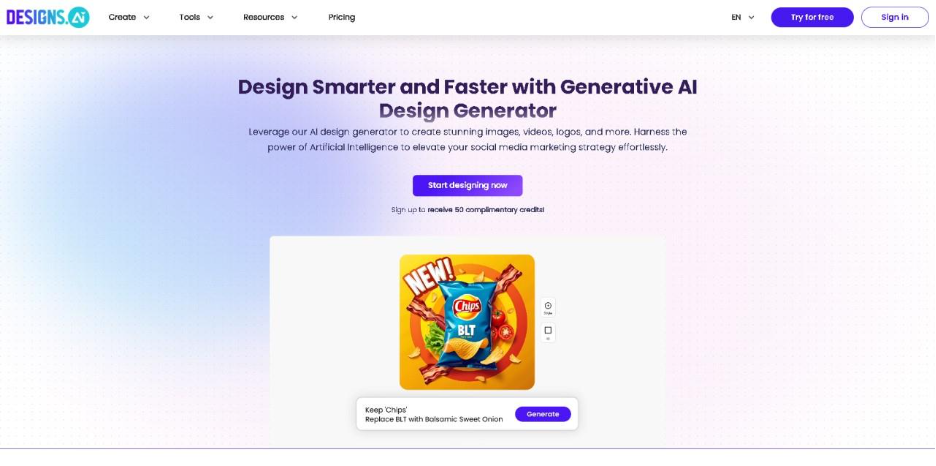
Designs.ai is an all-inclusive suite of creative automation. It allows users to create logos, banners, social media posts, and videos using AI technology. Thus, it is ideal for content creators and marketers that want quick results.
Features
- AI logo creator
- AI video creator
- Speech generation
- Template-based design
- Brand identity creation
Pricing
8. Remove.bg
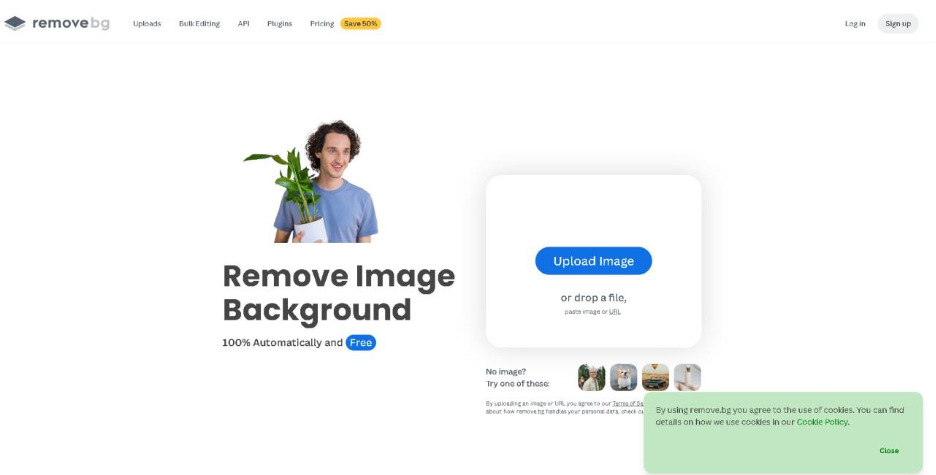
Remove.bg is solely focused on removing backgrounds instantly using AI. As a result, it has become popular among photographers, ecommerce vendors, and marketers wishing to create clean product photos without the hassle of manually removing backgrounds.
Features
- 99% accurate background removal
- Batch processing
- HD image exports
- API for automation
Pricing

9. Looka
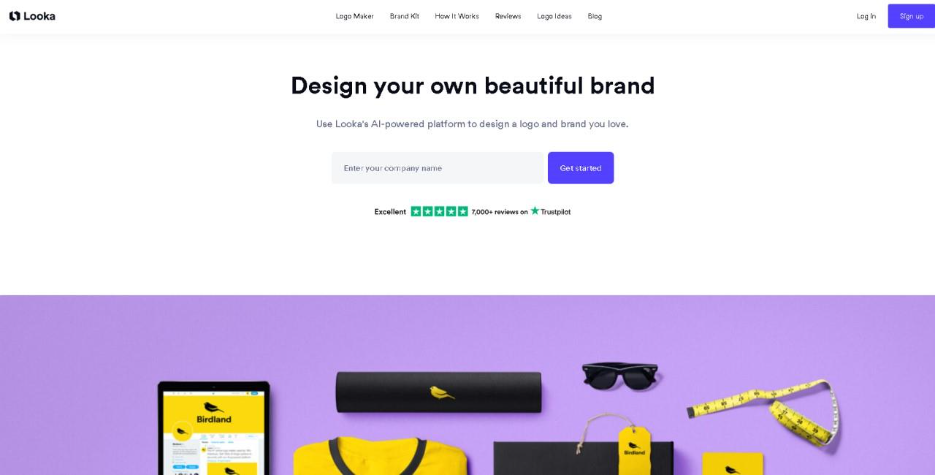
Looka is specifically built for entrepreneurs that need their branding to look professional. Using AI, it creates logos and complete brand kits, enabling new businesses to establish a brand without hiring a graphic designer.
Features
- AI-generated logo designs
- Brand Kit (fonts, colors, templates)
- Business card designs
- Social profile kits
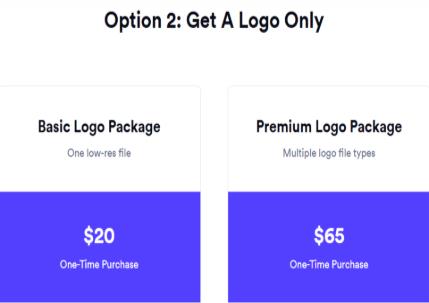
Pricing
10. Kittl
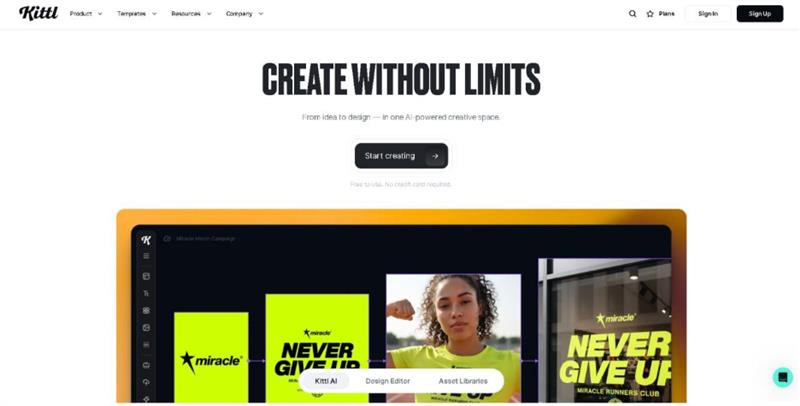
Kittl is designed specifically for illustrators, merch creators, and those who work with fonts. It provides a suite of tools powered by AI to make it easy for anyone to create vector graphics, scalable illustrations, and lettering styles.
Features
- AI vector generator
- Text effects & typography tools
- Illustration library
- Logo templates
- Easy export options
Pricing

11. PhotoRoom
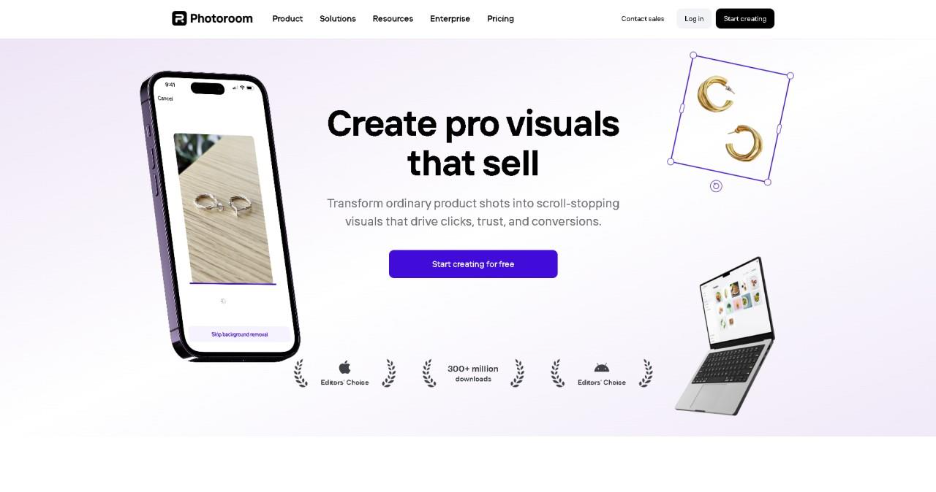
PhotoRoom is an e-commerce solution that allows users to quickly create high-quality product images using AI to remove backgrounds, add shadows, adjust lighting, and build layouts where the products are professionally displayed.
Features
- AI background removal
- Batch editing
- Instant product mockups
- Shadow and light effects
- Templates for marketplaces like Amazon & Etsy
Pricing
12. Snappa
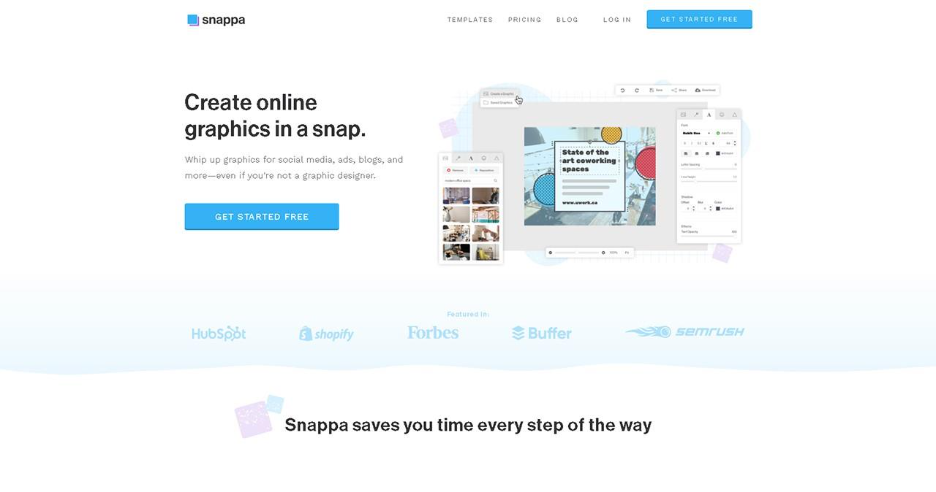
Snappa allows users to create quick and easy designs for social media posts, blog graphics, YouTube thumbnails, advertisement banners, and email newsletters. This tool is especially useful for teams or people with limited graphic design experience because it offers pre-designed templates that are ready for editing.
Features
- Drag-and-drop editor
- Stock photos included
- Pre-sized templates
- Instant resizing
- AI background removal
Pricing
13. Visme
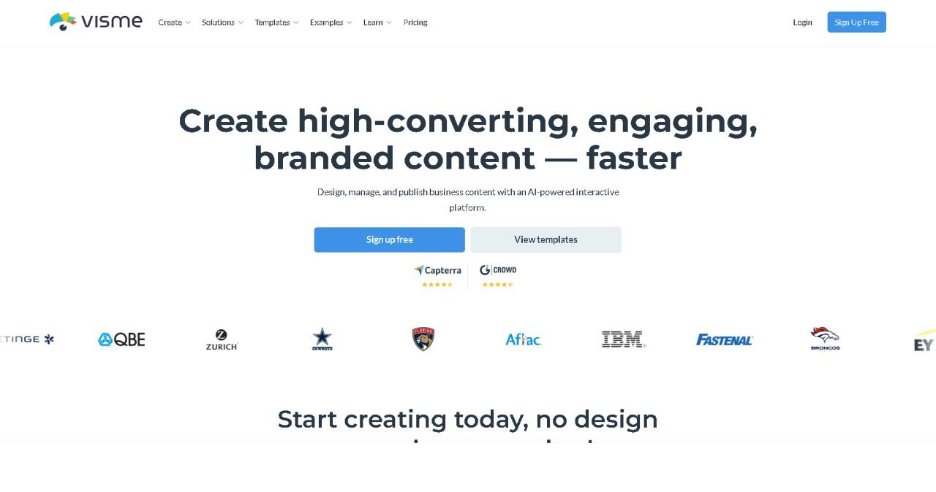
Visme is a top-rated design tool used to create professional-quality visual content such as presentations, infographics, and business documents. It uses artificial intelligence (AI) features to help users generate graphic designs, visual layouts, charts, and personalized branding elements that convey a clean and polished appearance.
Features
- AI design generator
- Infographic templates
- Video & animation tools
- Brand Kit
- Collaboration features
Pricing
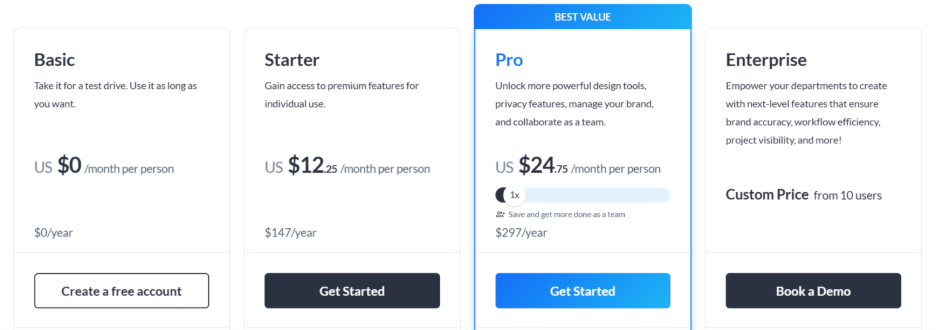
14. RelayThat
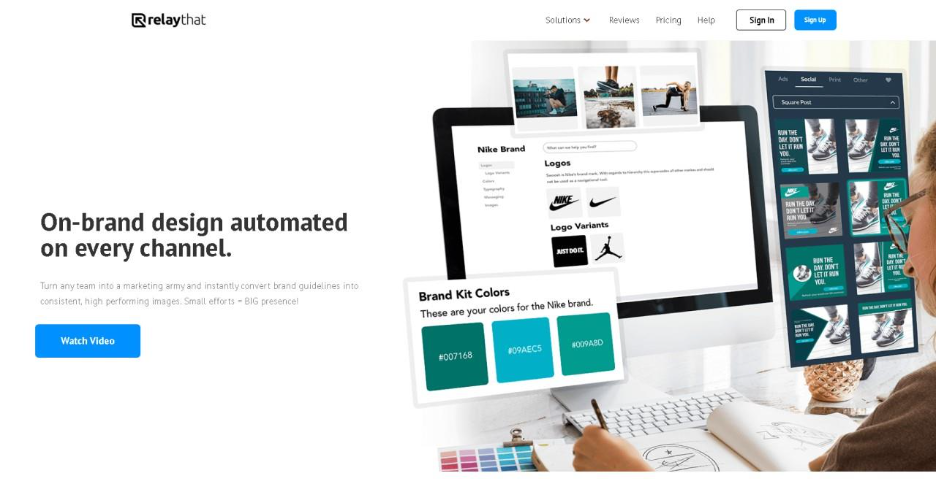
It is a cloud-based design automation tool that uses AI to create consistent designs across multiple marketing channels. After users upload their brand color values and font styles, RelayThat automatically generates infinite numbers of design variations for use that fit your brand.
Features
- Automated brand consistency
- Bulk creative generation
- Smart layout engine
- Campaign-ready templates
Pricing

15. Khroma
Khroma is an AI tool that is used to create custom color palettes. Users simply select their favorite colors and provide their detailed preferences, and the AI will generate an endless number of color combinations based on user preferences. These colors may be used in branding, user interface design, and creative projects.
Features
- Personalized color palettes
- AI-driven color combinations
- Contrast checking
- Palette export options
Pricing
Completely free
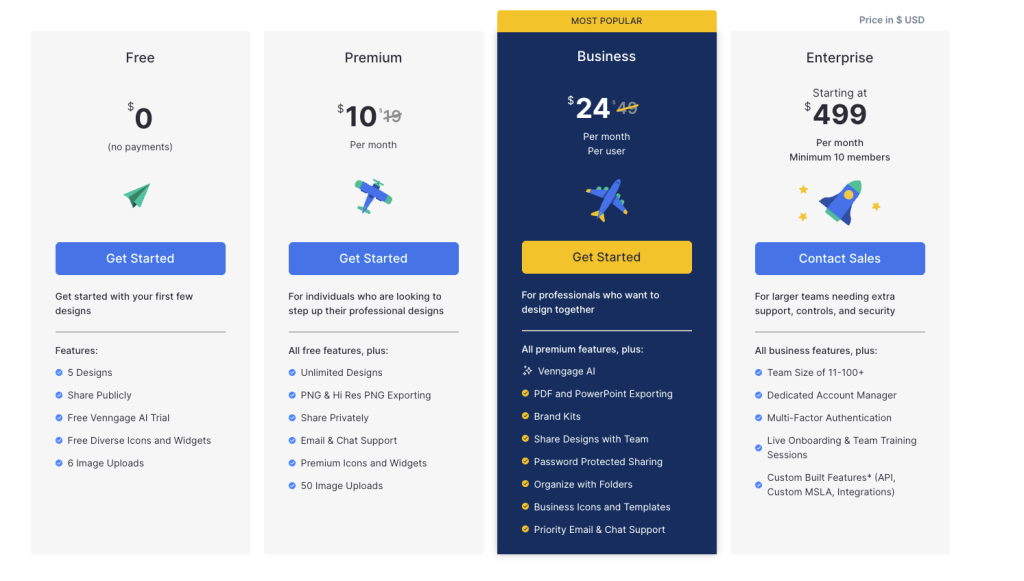
16. Venngage
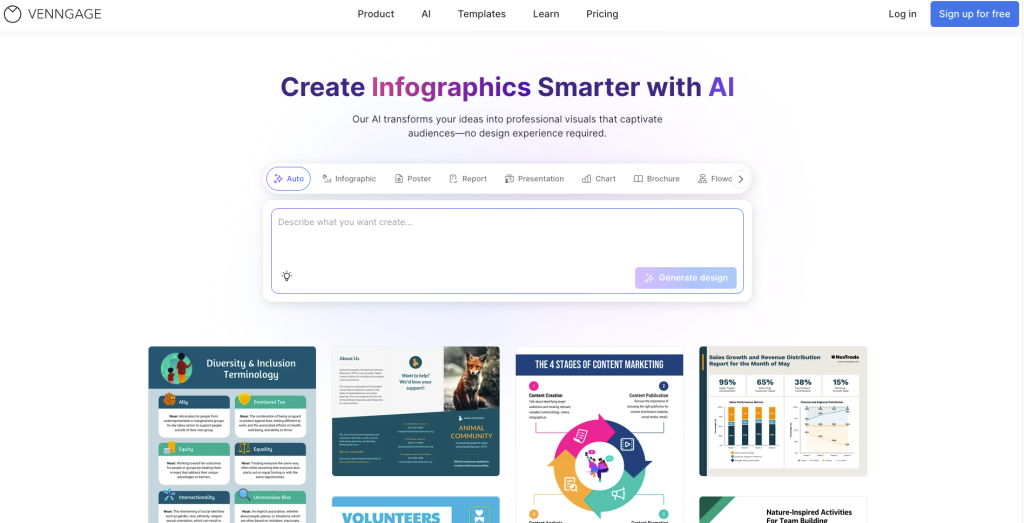
Venngage is one of those tools you reach for when you need to turn ideas or data into visuals that actually look good, without spending hours figuring out design software. It’s especially useful for creating infographics, reports, presentations, and social media graphics, and it’s built with non-designers in mind.
What makes Venngage stand out is how it uses AI design tools to take the pressure off getting started. Instead of staring at a blank canvas, you can enter a simple prompt and get a structured layout to work with right away. From there, it’s easy to tweak and customize while keeping everything clean and on-brand.
Features
- AI design generator
- AI infographic generator
- Brand Kit and auto-branding
- Text-to-infographic generator
- Accessibility tools like color contrast checking and AI-generated alt text
- Drag-and-drop editor for quick and easy customization
Pricing:
15 AI-Powered Graphic Design Tools — Features & Pricing Table
| TOOLS | FEATURES | PRICING |
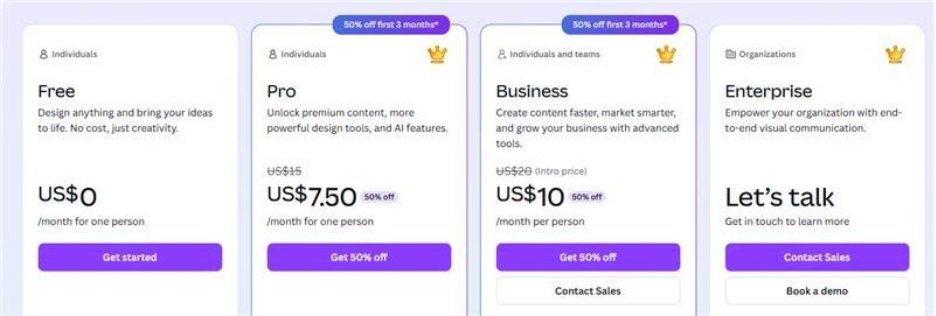
| Canva | Magic Design, AI image generation, background removal, 1-click resize, large template library | Free; Pro $7.50/mo; Business $10/mo; Enterprise varies |
| Adobe Firefly | Generative Fill/Expand, text-to-image, text-to-vector, style transfer, Adobe-quality visuals | Free (limited credits); Premium from $199.99/mo |
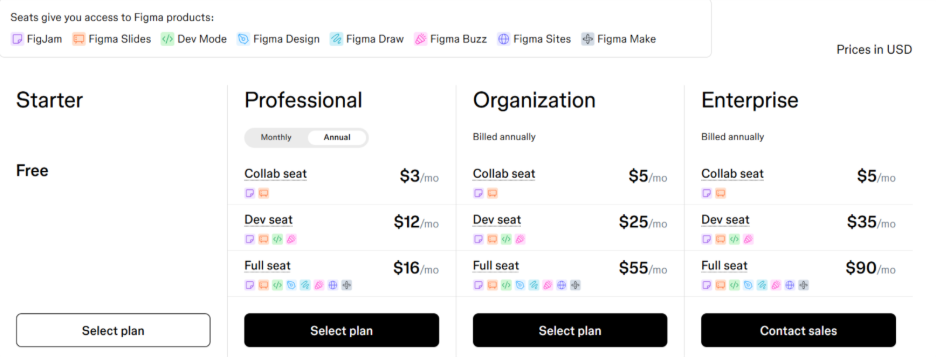
| Figma with AI | UI layouts, smart align/cleanup, prompt-based text & image fill, automated layer naming, | Free; Pro $12/mo; Org $25/mo; Enterprise $35/mo |
| Adobe Express | One-click background removal, Generative Fill, templates, AI video editing, content scheduler | Free; Premium $9.99/mo |
| DALL·E (OpenAI) | Text-to-image, image editing/expansion, style variations, high-res output, multiple prompt variations | Free credits; Paid credits from ~$5; Plus $20/mo; Pro $200/mo |
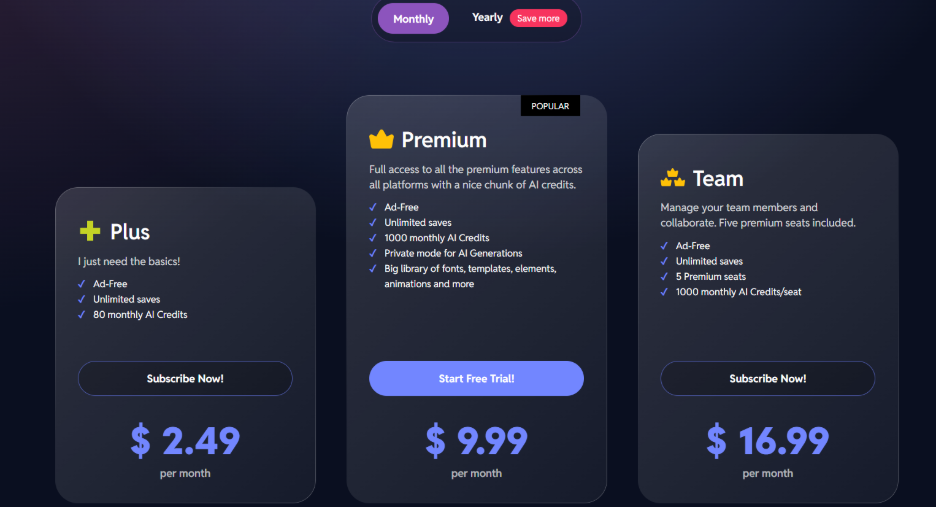
| Pixlr | AI background removal, auto-enhance, templates, filters & overlays, photo retouching | Free; Premium $7.99/mo; Team plans at $16.99/mo |
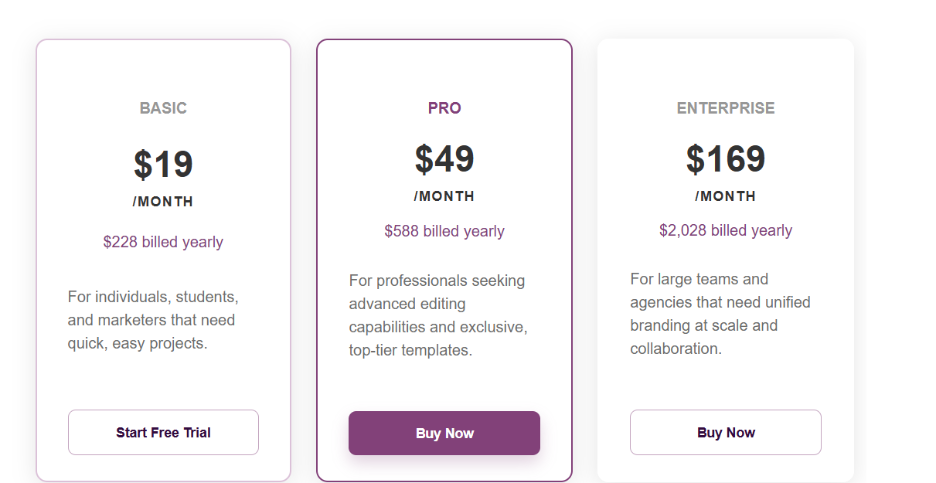
| Designs.ai | AI logo maker, AI video creator, speech tools, template-based designs, brand identity builder | Basic $19/mo; Pro $49/mo; Enterprise custom |
| Remove.bg | Instant background removal, high accuracy, batch processing, HD exports, automation API | Free previews; Paid credits from ~$0.10/image; Pro $19.50/mo |
| Looka | AI logos, brand kits, fonts/colors/templates, business cards, social media kits | Logos $20–$65; Brand Kit $96/yr |
| Kittl | AI vector creation, typography tools, illustration library, logo templates, easy exports | Free; Pro $10/mo; Expert $24/mo; Business $65/mo |
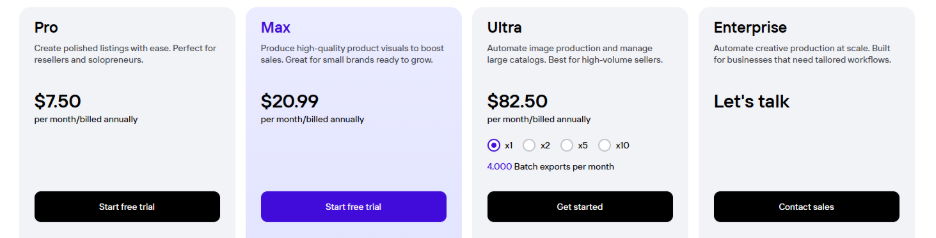
| PhotoRoom | Background removal, batch edits, product mockups, lighting/shadow effects, marketplace templates | Free; Pro $7.49/mo; Max $20.9/mo; Enterprise custom |
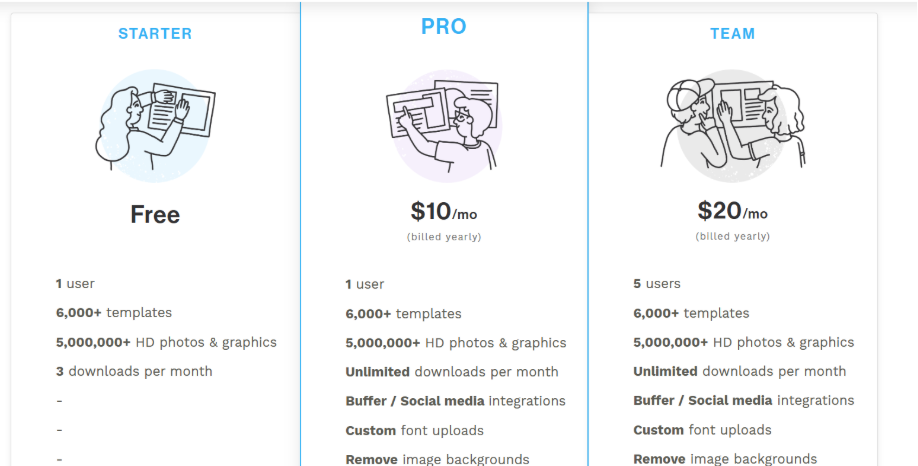
| Snappa | Drag-&-drop editor, stock photos, pre-sized templates, instant resize, AI background removal | Free; Pro $10/mo; Team $20/mo |
| Visme | AI design generator, infographic templates, video/animation tools, brand kit, team collaboration | Free; Standard $12/mo; Pro $24/mo; Enterprise custom |
| RelayThat | Automated brand consistency, bulk creative generation, smart layouts, campaign templates | Pro $15/mo; Plus $25; Business custom |
| Khroma | Personalized color palettes, AI color combinations, contrast checks, palette export | Free |
Why AI Tools Matter in Graphic Design
Related walkthrough
Top AI tools to generate YouTube Thumbnail

AI tools are changing how designers work by removing tedious tasks and letting creativity take the lead, making the entire design process faster, smoother, and far more efficient.
Reduces Repetitive Work and Saves Time
The development of AI graphic design tools has created new avenues for designer productivity. Previously, designers spent hours on repetitive work such as removing backgrounds, resizing, correcting colors, adjusting layout, and retouching aspects of their designs. Some teams even integrate platforms like VistaCreate into their workflow using APIs to automatically generate marketing visuals, social media graphics, and branded content at scale. Now, with the power of AI, these tasks are done almost instantly, allowing designers to devote their time and efforts to creative ideas rather than worrying about the technical clean-up. Additionally, AI empowers non-designers to develop clean, professional-looking graphics even without a lot of training or skill.
Brings Consistency and Enhances Productivity
AI has made it much easier for designers to maintain a consistent visual style across all brand assets. While the pace at which companies produce content continues to increase, keeping brand assets aligned with the same color palette, font selection, and layout standards has remained a challenge. Using AI tools allows designers to automate numerous processes that would typically require hours or days of work to establish, thus generating very complex design iterations rapidly and maximizing potential production capabilities.
Makes Design More Accessible to Everyone
AI has bridged the gap between people with access to extensive training resources and learning the professional design tools necessary for them to create or develop their ideas. In addition to saving countless hours and dollars associated with both software and hiring designers, small business owners, students, marketers, and freelancers will benefit from using affordable and easy-to-use features offered through AI. They can create high-quality, polished designs that they would not have had the opportunity to create without using professional software.
Speeds Up Experimentation and Idea Generation
AI tools also help with the brainstorming phase. Rather than continually staring at a blank sheet of paper and trying to picture a layout or color scheme, designers can use these tools, which provide rapid prototypes of layouts, color schemes, etc., in seconds. AI graphic design tools allow designers to explore new styles, create different looks, and develop ideas faster, thus expanding the overall creative process.
How to Choose the Right AI Design Tool
When selecting AI graphic design tools, consider:
- Your purpose: Are you creating social posts, logos, product images, or UI designs?
- Ease of use: Does the interface feel smooth and intuitive?
- Export options: PNG, JPG, SVG, print-quality formats.
- Pricing: Free vs paid features.
- Integration: Can it work with your existing workflow?
- Branding features: Fonts, colors, templates.
The best tool is the one that fits your workflow and saves you time.
The Future of AI in Design
We’re heading into a world where design will feel more conversational. You will describe what you want, and the tool will create it. Designers will spend more energy on strategy, storytelling, and brand identity while AI graphic design tools handle tedious edits through automation. Instead of opening ten different apps to get one design ready, a single AI system will be able to generate the idea, create multiple variations, fix flaws, match brand style, and prepare the final export. Design will still require human intuition, but the manual heaviness will fade.
Final Thoughts
AI graphic design tools are not intended to replace human creativity. However, they take on tedious repetitive tasks, so you can focus on the fun part: creating something that looks good and communicates clearly. If you are a beginner or an experienced design professional, AI design tools and Wireframing Tools help you work faster, experiment more, and produce high-quality work without undue stress.
If you are looking for more time savings, less manual editing of projects, and want to turn your concepts into reality easily, then consider trying out these 15 AI-powered design tools that are a great place to start.

