
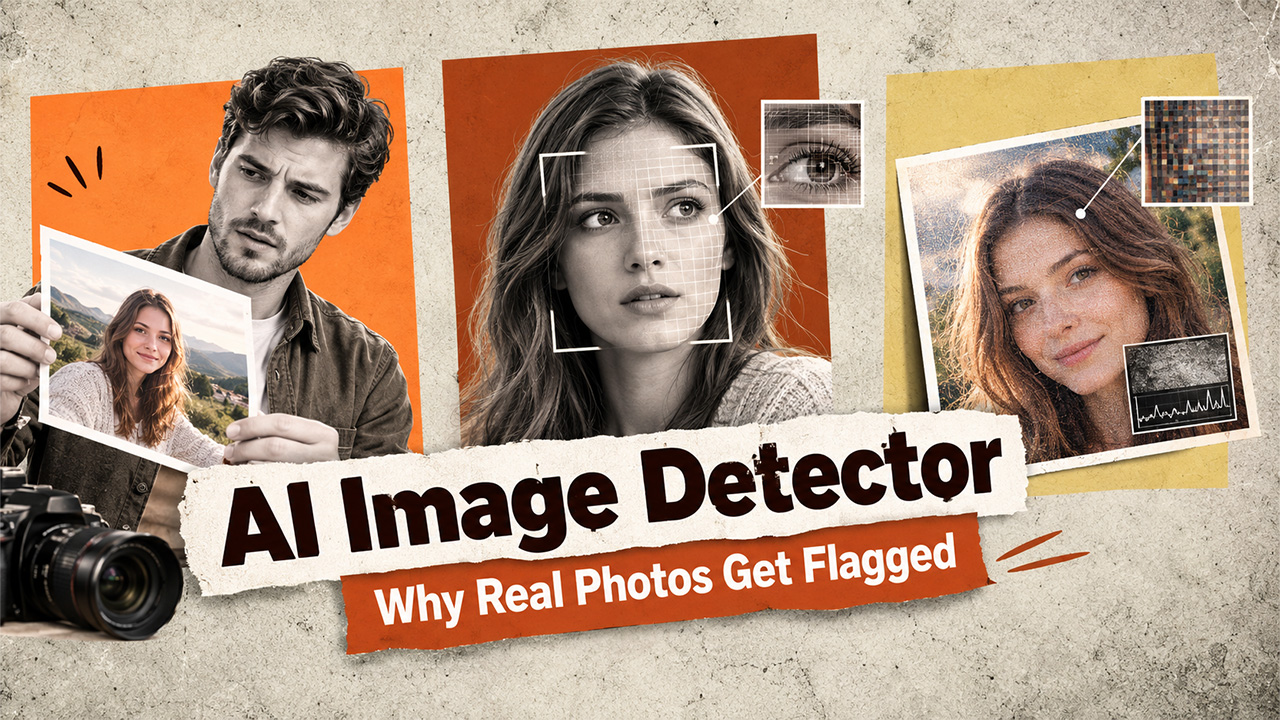
Why Do AI Image Detectors Sometimes Flag Real Photos as Fake?
Learn why AI image detectors sometimes flag real photos as AI-generated, including the effects of editing, lighting, compression, camera settings, and image complexity.
The moment you upload your original photo into AI image detectors; it flags it as likely AI image detector, which is so disappointing because you took this picture yourself. Before you blame the tool, assume it’s broken, or try to find fault in your picture; understand why this happens. False positives are a known limitation of AI image detection, and they happen for specific, explainable reasons.
Detection is probabilistic, not absolute
The first thing to understand is that no AI image detector, including CudekAI’s, claims perfect accuracy. Detection works by comparing statistical patterns in an image against what’s typical of AI-generated versus real photography. When a real photo shows those same statistical patterns, it can score higher on the AI-probability scale than it should. This might be because you edit your photo heavily, use unusual lighting for dramatic effects, or different camera settings. These factors cause AI image detectors to flag your original photo as AI-generated. This is why results are best read as a confidence level, not a verdict.
Heavy editing and filters mimic AI artifacts
Skin-smoothing filters, beauty apps, and aggressive noise reduction all work by evening out the natural texture and grain in a photo — which is coincidentally one of the same things generative AI does. When you use a smoothing filter on a real photo, it ends up looking, statistically, more like an AI-generated image than an unedited one. The same goes for HDR processing, which can flatten lighting and shadow behavior in ways that resemble the “too-perfect” lighting sometimes seen in AI output.
Unusual but real lighting conditions
Detectors partly rely on whether lighting and shadows behave the way physics predicts. But real photography can occasionally violate those expectations too — multiple light sources, mixed color temperatures, long exposures, or reflective surfaces can all create lighting patterns that look artificial even though nothing was generated. A studio photo with carefully controlled lighting, ironically, can sometimes trigger the same flags as an AI-generated one, precisely because it’s “too clean.”
Compression and re-saving degrade the signal
Related walkthrough
Google Pics: Google's NEW AI Image Generator That Could Rival Canva!


Whenever you compress an image, resize it, or convert it from one format to another, some of its original data is lost or altered. This can distort the pixel-level noise patterns a detector relies on, occasionally producing an unreliable reading. This is one reason CudekAI pairs its pattern analysis with noise fingerprinting designed to hold up better through compression — but no detector is completely immune to the effects of repeated processing.
Certain subjects are simply harder to classify
Very smooth or uniform subjects — a clear sky, a plain wall, a simple studio backdrop — naturally have less of the organized textural randomness detectors use to confirm a photo is real. That doesn’t mean these photos are actually suspicious; it just means there’s less distinguishing information for the detector to work with, which can occasionally push a result toward the wrong side of the scale.
How CudekAI approaches this problem
Rather than relying on a single check that’s easily thrown off by any one of the above factors, CudekAI’s AI Image Detector combines several layers of AI Software Development and analysis — pixel patterns, texture consistency, lighting physics, facial features, object relationships, color distribution, and noise fingerprinting — before returning a result.. Looking at multiple signals together, rather than any one in isolation, reduces (though doesn’t eliminate) the odds that one unusual but innocent factor drives a false positive.
CudekAI also separates edited and enhanced photos from fully AI-generated ones in its evaluation, which matters here directly: a real photo that’s been filtered or retouched is a different case than one generated from scratch, and treating them identically is exactly what produces frustrating false flags.
What to do if your real photo gets flagged
A flagged result on a genuine photo isn’t necessarily a dead end. A few things help:
- Try the original, unedited file if you have one, rather than a screenshot or a version that’s been through social media compression.
- Check the confidence level rather than treating the flag as absolute — a “low probability” result is very different from “high probability.”
- Consider whether filters, heavy retouching, or unusual lighting could explain the result, and factor that into how much weight you give it.
CudekAI offers a free version of its AI Image Detector, which makes it easy to re-test a flagged photo, compare an edited version against the original, and get a clearer sense of what’s actually driving the result.
The bottom line
With AI image detectors, false positives aren’t a sign that AI image detection doesn’t work — they’re a reminder that it works probabilistically, based on patterns that both AI-generated and unusual real photos can sometimes share. A layered, multi-signal detector like CudekAI’s AI Image Detector reduces this risk compared to single-method tools, but the most reliable approach still treats any single result as one input, not the final word, especially when a photo you know is real gets an unexpected flag.

