
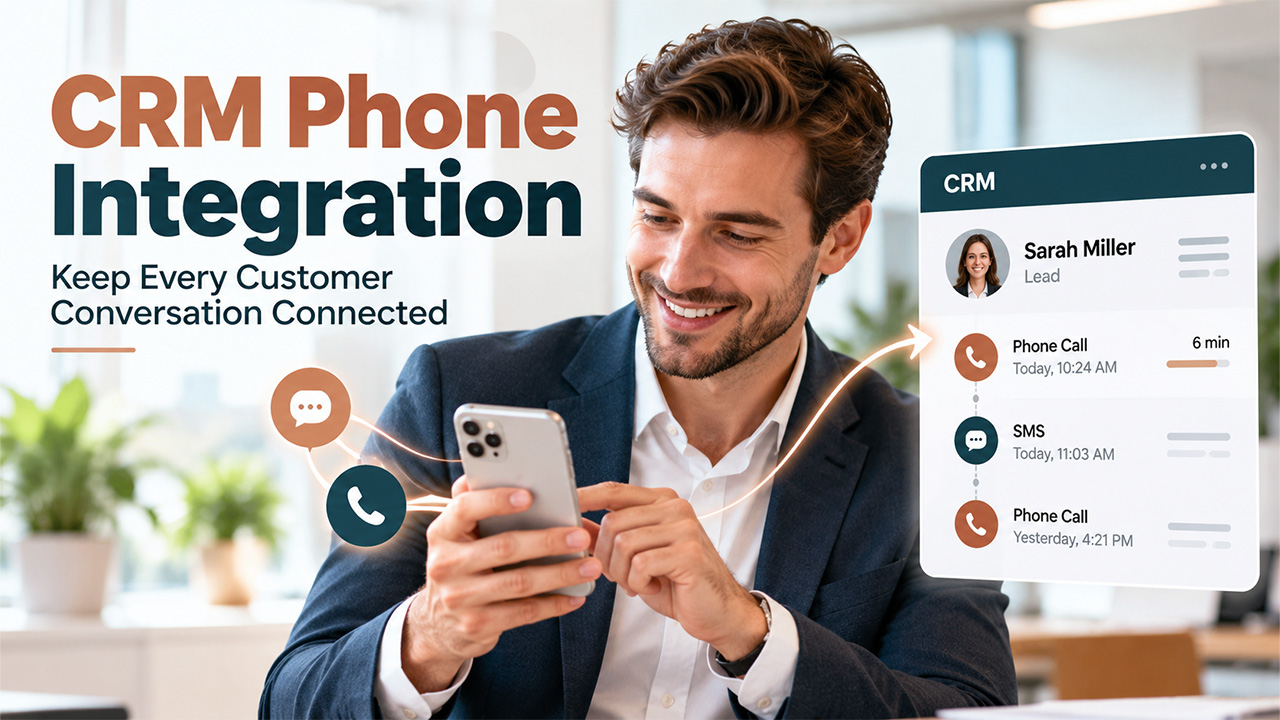
Customer Communication in CRM: Why Teams Separate Sales Lines From Personal Numbers
Understand how CRM phone integration help sales teams keep customer calls and texts off personal phones and why teams move sales calls and texts to dedicated lines, and how they set it up.
The sales representative sends a message through his personal mobile to the lead and receives a reply after two days, and no one on the team is aware of this dialogue taking place. The team members who face this challenge usually overcome it through a separate virtual number for SMS and calls that integrates with CRM phone integration, so that every message gets recorded against the customer.
This is where CRM phone integration becomes useful. By connecting a dedicated business number to the CRM, teams can automatically record calls and text messages, keep customer conversations in one place, and give other team members visibility into ongoing communication.
What Goes Wrong When Reps Use Personal Numbers
The use of one’s own phone at work has become the norm rather than the exception in many workplaces. As per the study cited by Quo, 75 percent of working Americans have been found to be using their personal phones at work in 2023. The following are some of the challenges that arise out of this practice when a team grows, or a rep departs:
- History missing. Voicemails and SMS messages on the personal phone never get logged into the CRM if they’re not recorded manually by the agent. Colleagues will find nothing on the timeline and contact the lead again.
- Relationships lost. As the agent leaves, his personal number and all the communications go with him. But the client still has that number and keeps contacting the agent who doesn’t work there anymore.
- Various contexts. Contacts of both types are in the same inbox. A message at night from the lead goes among messages from friends, so agents either don’t reply or work non-stop.
- Diverse contact points. Several agents texting one lead on their personal numbers can’t help but confuse the lead.
None of these problems come from carelessness. A personal number belongs to a person, while a customer relationship belongs to the business.
What a Dedicated Sales Line Changes
Related walkthrough
What is CRM? CRM Explained in 1 Minutes | Boost Sales & Manage Customers Better


The most quantifiable impact of CRM phone integration is the reduction in administrative work. Cloud business phone systems can help centralize business calls while connecting phone activity with CRM workflows. In a CRM Phone Integration Guide for business phones by NextPhone, salespeople spend around 17 percent of their time entering data, and 32 percent of sales representatives spend more than one hour logging manually per day, based on findings from Salesforce and HubSpot studies. This is data from vendors, which is quite similar to most organizations since data logging relies on memory. In this system, the calls, duration, and texts will be automatically logged through the dedicated line linked to CRM software. The table below contrasts both systems with respect to the following aspects:
| Area | Personal number | Dedicated line with CRM |
| Call and text logging | Manual, often skipped | Automatic in the customer record |
| Rep leaves | Conversations leave with them | Number and history stay with the company |
| Work hours | Calls arrive at any time | Business hours and after-hours rules apply |
| Team visibility | Only the rep sees messages | Shared inbox, anyone can follow up |
| Customer view | Different numbers per rep | One consistent number |
Each row points to the same difference. The dedicated line stores the relationship in a system the company controls, while the personal number stores it in someone’s pocket.
How to Set Up CRM Phone Integration for Sales Teams
Most teams make the change in stages rather than all at once, and the order matters because the CRM connection is what makes the new number useful. A number that is not linked to the CRM only moves the logging problem to a different phone. The steps below follow the sequence that causes the least disruption for reps and customers.
- Select a type of number that corresponds to the purpose. For instance, a local number is the best fit for regional sales since customers are more likely to pick up the phone based on the familiar area code. A shared team number is more appropriate for support and lead generation tasks where there are many people involved.
- Link the number to the CRM before anyone uses it so that calls, text messages, and call reports appear against the contact record automatically. First, test the number with some internal contacts just to make sure that messages are going to the right contact record.
- Define business hours and an after-hours message so that customers know when to expect a reply.
- Assign ownership rules that decide which rep, team, or shared inbox receives each conversation. Write down what happens to a number’s conversations when a rep leaves, so the answer exists before the situation does.
- Move existing leads gradually by sending a short message from the new number explaining that future messages will come from it. Customers who already know the rep’s personal number need to hear this once, ideally before the old number goes quiet.
Teams who follow through with all of these steps will have only one rule – customer communication is carried out on company numbers, and personal numbers should be used personally.
Why This Approach Works
Such a rule will be easy to explain to new members, and it will work to the benefit of all parties. Representatives will maintain their privacy, and the company will maintain its relations with the customers despite changes within the team.
The first month of using CRM phone integration can reveal whether the new communication process is working as intended. When representatives still use personal phone numbers to contact customers, the issue is often friction, such as a slow app, poor synchronization, or an inconvenient workflow, rather than resistance to the rule.

