

Best Cloud Business Phone Systems for Growing Teams (2026)
Compare the best cloud business phone systems for growing teams in 2026. Explore CloudTalk, RingCentral, Zoom Phone, Dialpad, and more with pricing, features, and G2 ratings.
CloudTalk: Best for High-Volume Outbound Calling and CRM-Driven Teams
What is CloudTalk?
CloudTalk is a cloud-based AI business phone system built for sales and customer support teams that need scalable, internet-based calling with strong CRM connectivity and automation. It replaces traditional phone systems by enabling teams to make, receive, and manage calls from anywhere while centralizing call data, recordings, and analytics in one platform. The software is designed for growing companies that rely on high-volume calling, structured workflows, and revenue-focused communication rather than basic telephony tools.
What are CloudTalk’s Key Features?
- Smart, Power, and Predictive Dialers: Increase outbound calling efficiency with automated dialing modes designed for sales teams.
- Advanced Call Routing (IVR & Queues): Direct customers to the right agent using customizable call flows, business hours, and skill-based routing.
- AI Call Intelligence: Includes call summaries, transcription, sentiment analysis, and automated notes for faster follow-ups.
- CRM Sync & Call Logging: Automatically logs calls, recordings, and contact activity into CRMs without manual input.
- Global Calling Infrastructure: Provides local and international numbers in 140:160+ countries for distributed or global teams.
- Analytics & Reporting Dashboards: Real-time dashboards for tracking performance, call outcomes, and team productivity.
What are CloudTalk’s Best Integrations?
CloudTalk integrates deeply with major business tools used by sales and support teams, especially CRMs and helpdesk platforms. Its strongest integrations include HubSpot, Salesforce, Pipedrive, Zendesk, Zoho, and Freshdesk, along with automation tools like Zapier. These integrations allow automatic call logging, contact syncing, and workflow automation, making CloudTalk a central communication layer inside revenue and support stacks.
Who is CloudTalk Best For?
CloudTalk is best for growing sales and customer support teams that rely on high-volume calling and CRM-driven workflows.
How Much Does CloudTalk Cost?
CloudTalk typically starts at around $19–$25 per user/month for entry plans, with mid-tier plans around $29–$40 per user/month, and advanced plans reaching ~$49 per user/month or more depending on features like AI, dialers, and analytics. Pricing scales based on team size, automation needs, and advanced calling capabilities.
CloudTalk G2 Rating
CloudTalk holds a 4.4/5 rating on G2 based on over 1,700 verified reviews, with users consistently highlighting its ease of use, strong CRM integrations, and reliable call quality.
RingCentral RingEX: Best for Enterprise Unified Communications
What is RingCentral RingEX?
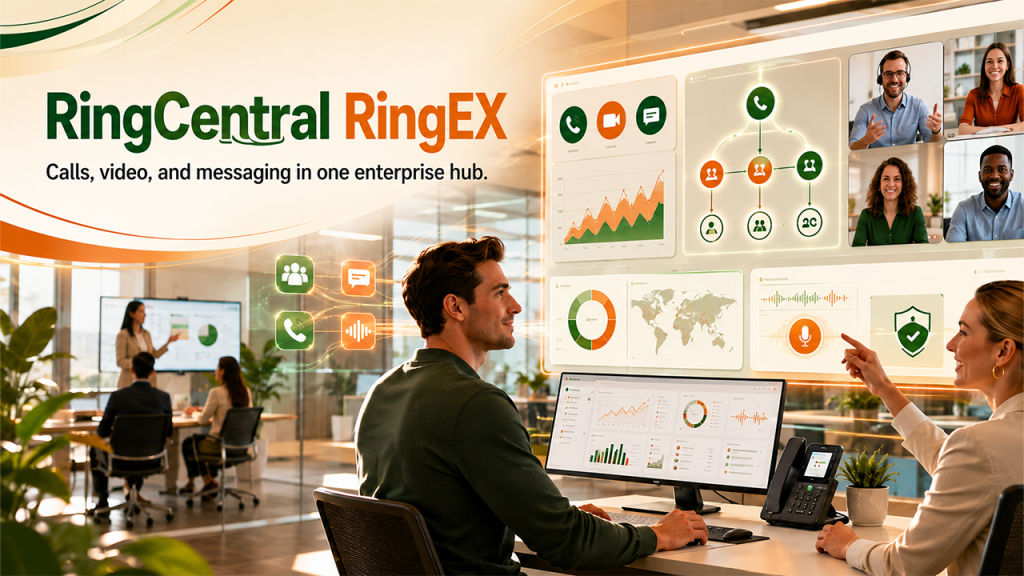
RingCentral RingEX represents a comprehensive unified communications platform designed to handle voice, video, and messaging across large organizations. It consolidates multiple communication channels into a single interface. Enterprise teams use it to standardize global communications and maintain strict compliance controls. The platform scales easily for distributed workforces requiring complex routing and extensive administrative oversight.
What are RingCentral RingEX’s Key Features?
- RingSense AI: Analyzes conversational data to generate automatic summaries and highlight action items.
- Unified Communications: Combines enterprise voice, team messaging, and video meetings in one application.
- Advanced Call Routing: Directs incoming calls through complex multi-site scheduling flows.
- Call Recording: Automatically captures interactions for compliance and training purposes.
- Hot Desking: Allows employees to log into shared physical phones using personal credentials.
- Real-Time Analytics: Provides visual dashboards tracking call volume and agent performance metrics.
What are RingCentral RingEX’s Best Integrations?
RingCentral RingEX’s best integrations include Salesforce, Microsoft Teams, Zendesk Support, HubSpot, and Google Workspace.
Who is RingCentral RingEX Best For?
RingCentral RingEX is best for large organizations needing an all-in-one unified communications platform with enterprise-grade compliance.
How Much Does RingCentral RingEX Cost?
The pricing for RingCentral RingEX starts at $20 per user per month for the Core plan.
RingCentral RingEX G2 Rating
RingCentral RingEX maintains a G2 rating of 4.3 out of 5 based on verified user reviews.
Zoom Phone: Best for Cost-Effective Video Ecosystem Expansion

What is Zoom Phone?
Zoom Phone is a cloud telephony service built directly into the broader Zoom Workspace ecosystem. It allows businesses to add standard VoIP calling to the video meeting software they already use. Teams adopt it to simplify their technology stack and keep all internal and external communication inside a familiar interface. The tool provides a highly cost-effective entry point for smaller operations needing basic voice functionality.
What are Zoom Phone’s Key Features?
- Zoom AI Companion: Summarizes call transcripts and highlights key action items after the conversation ends.
- Native Zoom Interface: Places standard business calling directly alongside video meetings and team chat.
- Call Delegation: Enables administrative assistants to make and receive calls on behalf of executives.
- Voicemail Transcription: Automatically converts voice messages into text for faster reading.
- Call Queues: Lines up incoming callers for available agents during busy periods.
- Elevate to Video: Allows users to transition a standard phone call into a Zoom video meeting instantly.
What are Zoom Phone’s Best Integrations?
Zoom Phone’s best integrations include Salesforce, Slack, Microsoft Teams, Zendesk, and Google Workspace.
Who is Zoom Phone Best For?
Zoom Phone is best for budget-conscious teams already relying heavily on the Zoom video ecosystem.
How Much Does Zoom Phone Cost?
The pricing for Zoom Phone starts at $10 per user per month for the Metered plan.
Zoom Phone G2 Rating
Zoom Phone holds a G2 rating of 4.5 out of 5 from verified users.
Dialpad: Best for Real-Time AI Coaching and Transcription
What is Dialpad?
Dialpad is an AI-first communications platform focused heavily on real-time coaching and conversational intelligence. It captures spoken dialogue as it happens, offering immediate guidance to sales and support representatives while they are on the phone. Modern teams utilize it to extract actionable insights from customer interactions without manual review. The system is entirely cloud-native, enabling rapid deployment across global teams.
What are Dialpad’s Key Features?
- Dialpad AI Agent: Automates routine customer inquiries and internal knowledge retrieval in real time.
- Real-Time Transcription: Converts speech to text instantly while the call is actively happening.
- Live Coaching: Triggers specific advice and objection-handling tips based on spoken keywords.
- AI Scorecards: Automatically grades agent performance against predefined criteria after the call.
- Visual Voicemail: Displays audio messages in a text format within the main application interface.
- Omnichannel Routing: Distributes voice calls and digital messages to the most appropriate agent.
What are Dialpad’s Best Integrations?
Dialpad’s best integrations include Salesforce, HubSpot, Zendesk Support, ServiceNow, and Microsoft 365.
Who is Dialpad Best For?
Dialpad is best for tech-forward sales and support teams that want AI insights generated from every active call.
How Much Does Dialpad Cost?
The pricing for Dialpad starts at $15 per user per month for the Standard plan.
Dialpad G2 Rating
Dialpad holds a G2 rating of 4.4 out of 5 from over 4,000 verified reviews.
Nextiva: Best for Reliability and Customer Experience Tracking
What is Nextiva?
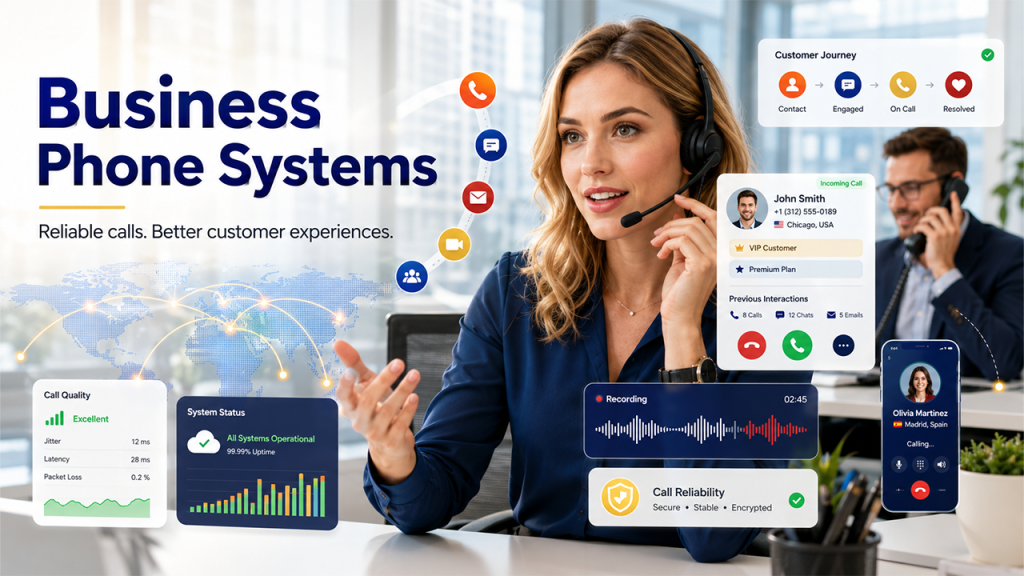
Nextiva is a reliable unified communications platform emphasizing strong customer experience tools and dependable support. It blends standard VoIP telephony with built-in customer relationship features to track interactions across channels. Businesses rely on it to ensure high call quality and access round-the-clock technical assistance. The platform focuses heavily on stability and ease of use for mid-sized organizations.
What are Nextiva’s Key Features?
- Sona AI Agent: Analyzes customer interactions to automate follow-up tasks and summarize long conversations.
- Customer Journey Tracking: Displays a caller’s previous interaction history on the agent’s screen before they answer.
- Auto Attendant: Greets callers automatically and routes them using a professional recorded menu.
- Call Pop: Shows caller ID and CRM data simultaneously when the phone rings.
- Call Recording: Secures audio files for quality assurance and dispute resolution.
- Mobile Application: Enables employees to make business calls from their personal mobile devices.
What are Nextiva’s Best Integrations?
Nextiva’s best integrations include Salesforce, HubSpot, Zendesk Support, ServiceNow, and Microsoft Teams.
Who is Nextiva Best For?
Nextiva is best for midsize businesses that prioritize platform reliability and highly responsive customer support.
How Much Does Nextiva Cost?
The pricing for Nextiva starts at $15 per user per month for the Core plan.
Nextiva G2 Rating
Nextiva achieves a G2 rating of 4.5 out of 5 from verified software buyers.
8×8 X Series: Best for High-Volume International Calling
Related walkthrough
WhatsApp Business API Pricing 2026 Explained (Simple Breakdown)
What is 8×8 X Series?
8×8 X Series represents a global communications platform known for extensive international calling capabilities and robust security. It bundles voice, video, chat, and contact center functionalities into tiered packages suitable for distributed global workforces. Organizations with a heavy international footprint use it to avoid unpredictable toll charges and maintain compliance across different regions. The software provides deep analytics to monitor global communication trends.
What are 8×8 X Series’s Key Features?
- AI Speech Analytics: Evaluates recorded calls to identify trends and measure customer sentiment automatically.
- Global Calling: Provides unlimited calling to standard numbers across 14 to 48 countries depending on the tier.
- Omnichannel Contact Center: Merges voice, email, and social media interactions into a single queue.
- Quality Analytics: Tracks network performance and audio clarity across all active connections.
- Intelligent IVR: Uses speech recognition to navigate callers through menu options naturally.
- Secure Encryption: Protects all communication data to meet stringent global regulatory standards.
What are 8×8 X Series’s Best Integrations?
8×8 X Series’s best integrations include Salesforce, Microsoft Teams, Zendesk Support, HubSpot, and Freshdesk.
Who is 8×8 X Series Best For?
8×8 X Series is best for global companies with distributed teams that require predictable international calling rates.
How Much Does 8×8 X Series Cost?
The pricing for 8×8 X Series starts at $24 per user per month for the X2 plan.
8×8 X Series G2 Rating
8×8 X Series maintains a G2 rating of 4.2 out of 5 based on customer feedback.
GoTo Connect: Best for Simplified Routing and Administration

What is GoTo Connect?
GoTo Connect is a straightforward cloud phone system offering simplified administration and reliable core VoIP features. It includes a visual drag-and-drop editor that makes configuring call flows intuitive for non-technical users. Small and mid-market organizations adopt it to gain enterprise-grade routing without the complex setup typically associated with larger platforms. The software bundles calling and video conferencing into one accessible package.
What are GoTo Connect’s Key Features?
- GoTo AI: Generates automatic text summaries and captures action items from recorded voice interactions.
- Dial Plan Editor: Uses a visual interface to map out call routing and auto-attendant menus easily.
- Ring Groups: Broadcasts incoming calls to multiple team members simultaneously to reduce wait times.
- Video Meetings: Hosts native video conferences with screen sharing capabilities.
- Shared Contacts: Synchronizes company directories across all devices and endpoints automatically.
- Call Queuing: Manages high call volumes by placing customers in an orderly wait line.
What are GoTo Connect’s Best Integrations?
GoTo Connect’s best integrations include Salesforce, HubSpot, Microsoft Teams, Zendesk, and Google Workspace.
Who is GoTo Connect Best For?
GoTo Connect is best for teams that want an easily managed system without enterprise-level complexity.
How Much Does GoTo Connect Cost?
The pricing for GoTo Connect starts at $26 per user per month for the Phone System plan.
GoTo Connect G2 Rating
GoTo Connect has a G2 rating of 4.4 out of 5 from verified user reviews.
Aircall: Best for CRM-Centric Sales and Support Workflows
What is Aircall?
Aircall is a cloud-based phone system built specifically for sales and support teams with heavy CRM usage. It functions as a flexible voice solution that connects directly with everyday business applications to simplify daily operations. Modern organizations adopt it to track calling activity and automate administrative tasks without leaving their primary customer databases. The platform removes the need for physical hardware, allowing remote teams to deploy phone lines rapidly across different regions.
What are Aircall’s Key Features?
- Aircall AI Voice Agent: Handles frequent inbound questions autonomously and routes complex issues directly to human representatives.
- Call Routing: Directs inbound calls automatically to available team members based on customized business hours.
- Live Transcription: Converts active phone conversations into readable text on the screen instantly.
- Call Tagging: Allows agents to categorize conversations immediately to organize follow-up tasks.
- Analytics Dashboards: Displays visual charts detailing outbound activity and unanswered calls for management review.
- Power Dialer: Compiles lists of contact numbers directly from a CRM and dials them sequentially.
What are Aircall’s Best Integrations?
Aircall’s best integrations include HubSpot, Salesforce, Intercom, Slack, and Zendesk Support.
Who is Aircall Best For?
Aircall is best for sales and support teams using platforms like HubSpot or Salesforce who need robust call tracking and automated workflows.
How Much Does Aircall Cost?
The pricing for Aircall starts at $30 per user per month for the Essentials plan.
Aircall G2 Rating
Aircall maintains a G2 rating of 4.4 out of 5 based on over 1,500 verified user reviews.
Why You Can Trust Our Research on Cloud Business Phone Systems
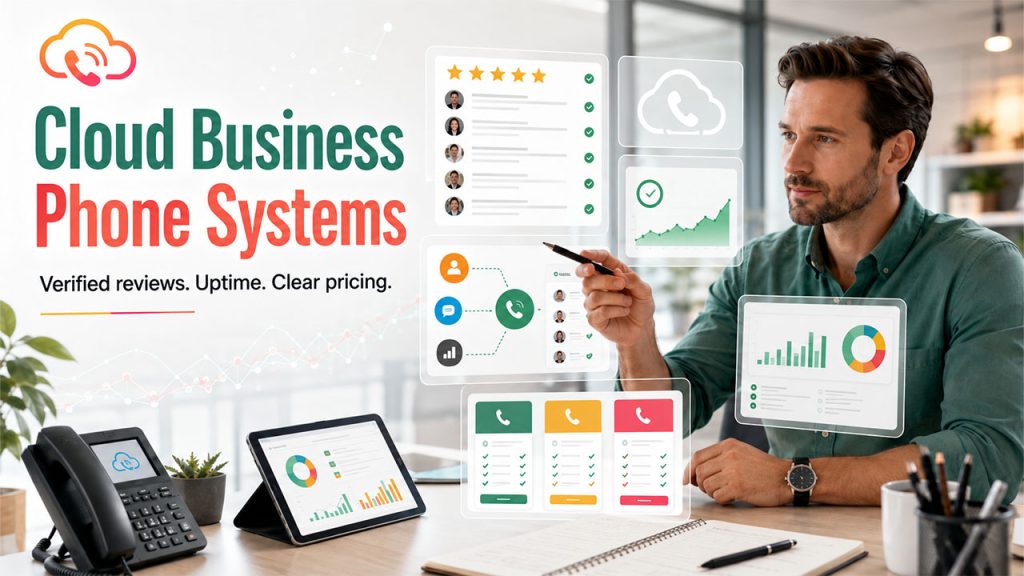
Our research methodology relies on strict, data-driven criteria to evaluate each cloud business phone system. We analyze verified user feedback, integration depth, and technical stability to ensure unbiased recommendations. You can trust our evaluation based on the following core pillars:
- Verified User Reviews: We require every tool to hold a minimum of 100 verified reviews on independent software review platforms like G2 or Capterra. This ensures the tool has a proven track record with actual business users.
- CRM Integration Depth: Our analysis prioritizes platforms offering native data synchronization with major customer relationship management systems like HubSpot, Salesforce, and Pipedrive.
- Uptime Guarantees: We strictly filter for vendors that publicly document their Service Level Agreements (SLAs). We only recommend providers that guarantee at least 99.99 percent network uptime to prevent operational disruptions.
- Pricing Transparency: We exclude tools with hidden setup fees or unclear billing structures. Our research focuses only on providers that clearly list their starting per-user costs and highlight exactly which features belong to which tier.
How We Selected the Best Cloud Business Phone Systems for Growing Teams
Selecting the top software in this category involves testing how each system performs during actual high-volume sales and customer support operations. The research team applied a rigorous filtering process to isolate platforms built specifically for scaling operations. We selected these specific phone systems based on four critical technical capabilities:
- Artificial Intelligence Capabilities: We required each tool to feature modern AI functions. Systems earned higher placement if they included AI Voice Agents (like CloudTalk’s AIVA), real-time call transcription, or automated conversational intelligence.
- Outbound Dialing Automation: We prioritized systems that include native smart dialers and power dialers. These tools automatically queue up the next phone number on a list, helping sales representatives connect with more prospects daily.
- Global Infrastructure: We selected vendors that allow administrators to secure localized virtual phone numbers in over 50 countries instantly. This localization capability is vital for teams expanding into new international markets.
- Inbound Call Routing: We verified that each platform includes interactive voice response menus and skill-based routing. These features guarantee that high inbound call volumes are distributed to the correct departments efficiently.
How to Choose the Right Cloud Business Phone System for a Growing Team in 2026
Selecting the right provider depends entirely on your specific operational workflows, team size, and daily call volume. A platform that works perfectly for a global enterprise might overwhelm a lean sales team. Follow this structured checklist to evaluate potential vendors effectively:
- Assess Native CRM Integration Depth: Verify that the phone system integrates natively with your existing database. Avoid systems that rely entirely on external middleware like Zapier for basic functions. Deep integrations automatically log calls, synchronize contacts, and support reverse phone lookup for business by opening customer records on the screen before the agent answers the phone.
- Evaluate Outbound Sales Features: If your team focuses heavily on cold calling, prioritize platforms that include power dialers, local number masking, and automatic call logging in the base price. These specific features drastically reduce manual administrative work.
- Review Global Calling Structures: Companies with international clients must investigate how the vendor handles international rates. Check whether international minutes are bundled into your subscription tier or if they are metered strictly by the minute.
- Examine the AI Feature Roadmap: In 2026, artificial intelligence is a baseline requirement. Look for providers that offer AI-generated call summaries and post-call sentiment analysis to eliminate manual note-taking entirely.
- Verify Technical Support Access: Look for vendors that offer 24/7 technical support across multiple channels, including live chat and phone support. Request official documentation of their service level agreements to confirm their uptime commitments before signing a contract.
Frequently Asked Questions
Q1. What is the best cloud phone system for growing teams?
The best platform depends entirely on your daily workflows and team structure. Growing sales teams often select CloudTalk due to its automated smart dialers and deep customer database connections. Enterprise operations typically choose RingCentral for its comprehensive communication tools, while organizations focused on video collaboration find Zoom Phone to be a cost-effective choice.
Q2. Are cloud phone systems cheaper than traditional landlines?
Yes, cloud phone systems are significantly more cost-effective than traditional landlines. Businesses save money immediately by eliminating physical hardware installations, avoiding server maintenance costs, and bypassing the expensive wiring required by older public networks.
Q3. How much does a cloud phone system cost?
Most standard cloud phone systems cost between $10 and $40 per user per month. Platforms built for advanced sales operations, which include artificial intelligence transcription, call recording, and complex CRM routing, typically range from $25 to $50 per user per month.
Q4. How reliable are cloud business phone services?
Cloud phone systems are incredibly reliable when paired with a strong internet connection. Top-tier providers guarantee at least 99.99 percent network uptime in their Service Level Agreements. Furthermore, if your office loses power, employees can simply switch to their cellular data networks to continue answering customer calls without interruption.
Q5. What are the main disadvantages of a cloud phone system?
The primary disadvantage is a strict reliance on internet connectivity. If your local network experiences an outage and you have no cellular data backup, your team will be unable to process calls. Additionally, some providers obscure their pricing, hiding essential features like voicemail transcriptions or call queues behind expensive enterprise tiers.
Q6. Can I keep my existing business phone number when switching?
Yes, you can transfer most existing local, international, and toll-free business numbers to a new cloud provider through a process called number porting. This process typically takes between two and ten business days, ensuring that your customers never experience a disruption in service while you upgrade your technology.

