



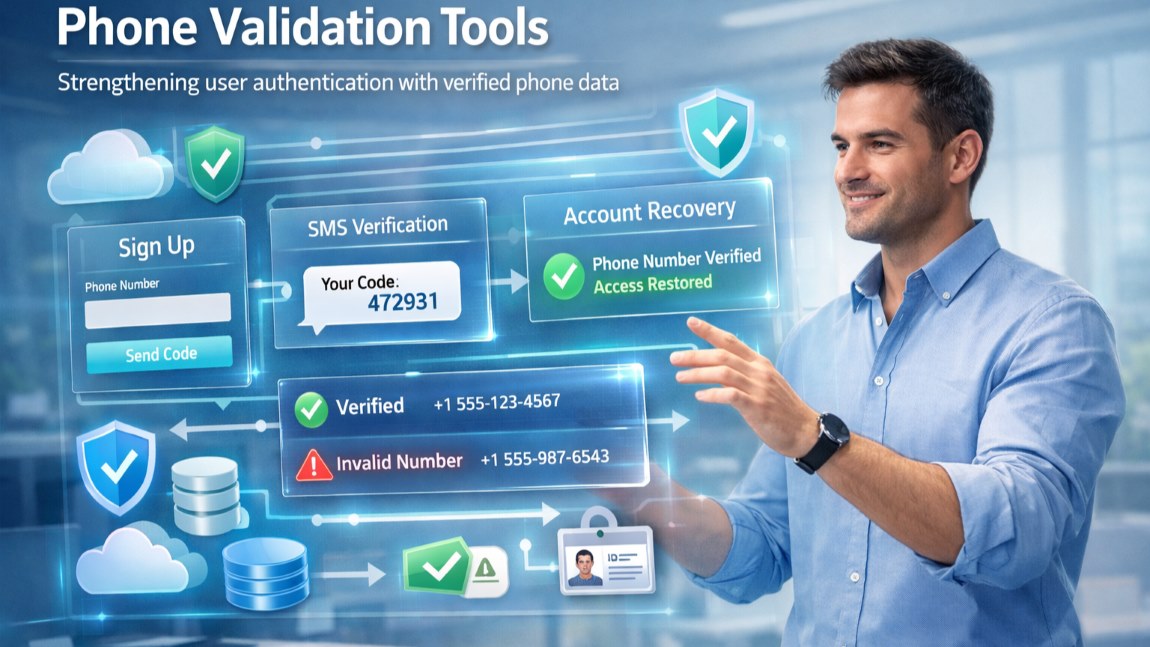

When you build user authentication around phone numbers, you depend on those numbers being real and usable from the moment a user signs up. If you store whatever someone types
When you build user authentication around phone numbers, you depend on those numbers being real and usable from the moment a user signs up. If you store whatever someone types into a form without checking it, you introduce unreliable data into the authentication process. You’ll then end up attempting to send passcodes, alerts, or recovery messages to numbers that never worked in the first place. When you validate numbers before the system accepts them, you stop that unreliable data from entering the account record. Here’s how to use phone validation tools to improve user authentication protocols.
Place validation inside the registration flow
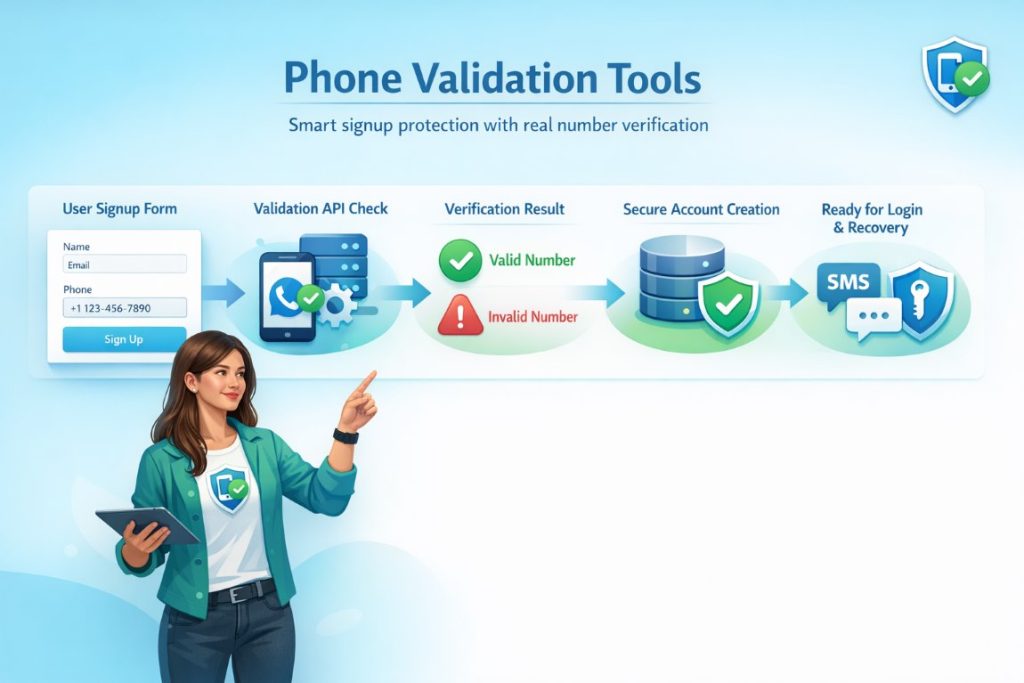
When designing registration, you should validate a phone number before accepting the account details. A developer can call a validation service at the moment the form submits and process the result before storing the record. You can also validate phone numbers in bulk when migrating an older user base or importing partner accounts into the system. That approach lets you screen large batches of existing numbers before you activate phone-based login or recovery features.
Verified numbers strengthen passcode authentication
When you send one-time passcodes during login, you rely on the phone number stored in the account profile. If you store a number that never belonged to the user, the passcode step loses credibility because the system cannot reach the intended person. That’s more than an annoying tech hiccup - it can have major impacts on user experience and your own conversion funnel. When you verify the number during registration, you start the authentication process with a number that has passed a validation check. That step gives you a stronger basis for using SMS or voice codes inside the login flow.
Reliable phone data protects account recovery
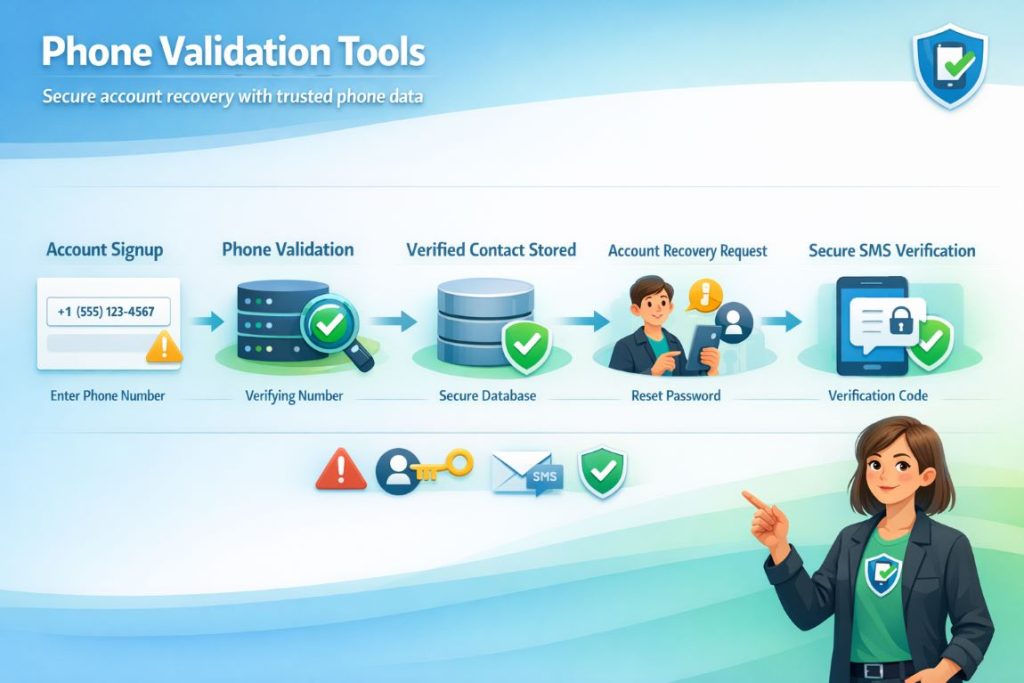
When a user loses access to an account, many (though not all!) recovery tools rely on the contact information associated with the profile. If the stored number is incorrect, the recovery process can fail or become easier for someone else to exploit. When you validate the number when the user creates the account, you establish a more reliable contact path for future recovery requests. This step does not eliminate all risks, but it removes weak phone data from the process.
Phone verification helps expose repeat account abuse
When someone attempts to open multiple accounts with slight variations in their details, phone verification gives you a clearer signal than email alone. A developer can combine verification results with other authentication checks and decide whether the system should approve the account immediately or apply additional restrictions. That approach limits the ability to quickly create many accounts using disposable numbers.
Older user bases need validation before stronger authentication
When you add phone-based authentication to an existing platform, you cannot assume that the phone numbers already stored in the database are ready for that role. Many older accounts contain outdated numbers, placeholder entries, or data imported from other systems. If you activate SMS login against those records without checking them first, users can lose access to their accounts, and support teams face unnecessary requests. A bulk validation step separates usable numbers from weak ones before the authentication upgrade.
Define clear responses to validation results
When you integrate a validation service into authentication workflows, you need clear rules for how the system responds to the results. You can decide which responses block an account, which responses trigger additional verification, and which responses simply record a warning. When you apply those rules consistently, the authentication process relies on verified phone data instead of untested input.
Respond to this article with emojis