



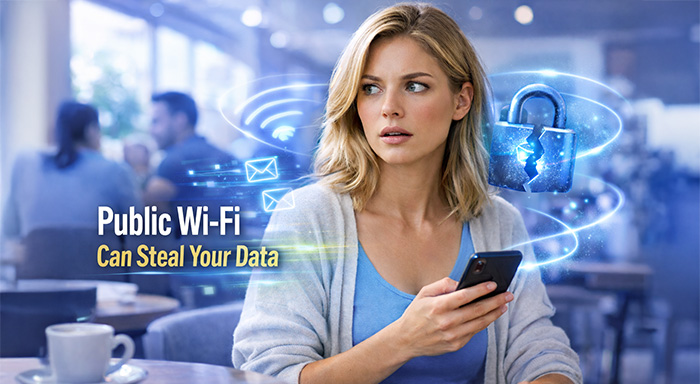

We're all guilty of being completely carefree when using public Wi-Fi. We use public networks in cafés, airports, hotels, libraries, and shopping malls, and they're convenient, fast, and often free,
We're all guilty of being completely carefree when using public Wi-Fi. We use public networks in cafés, airports, hotels, libraries, and shopping malls, and they're convenient, fast, and often free, but come with a multitude of hidden risks.
Well-known hackers are well aware of these risks, and they'll go where the pickings are easy.
They tend to target public networks, knowing that anyone who uses them has no idea who else is on the same network and how secure it really is.
Why Public Wi-Fi Is Risky
Most public Wi-Fi networks are not encrypted properly. This means data sent to your device via the network may be intercepted. Hackers can use even simple applications to spy on your network, hack your password, or inject malicious software into your computer.
Far worse, there are fake Wi-Fi networks, a common form of social engineering cyber threats. A hacker might want to name the hotspot “Free Airport Wi-Fi” or “CoffeeShop Guest.” Once connected, they can see everything you do online, including emails, passwords, and sensitive business information.
The risk of using public Wi-Fi unprotected is the same as having a private conversation in a noisy room and hoping nobody is listening.
The Role of VPNs in Staying Safe
One of the best ways to avoid public Wi-Fi is to use a virtual private network (VPN). A VPN encrypts your internet traffic and sends it through a tunnel. This makes it very difficult for hackers to see what you are doing or even steal your information.
VPNs are beneficial for transferring information from your personal account to online banking or work emails over public networks. They also help you hide your real IP address, offering yet another layer of protection.
VPNs are used by many travelers as well to provide location-based access. Streaming services can limit what you can watch according to your region, making it frustrating when you are away from home.
If so, a VPN helps you switch your YouTube TV location for popular content while staying private. According to Cybernews guide how to change location on YouTube TV, their video guide simplifies the process for public Wi-Fi users.
Email Security: An Overlooked Weak Spot
While VPNs protect your connection, email security often gets ignored. This is risky because email is one of the main ways hackers attack individuals and businesses.
If you access your email on public Wi-Fi without protection, attackers can try to intercept messages or steal login credentials. But the risks go even deeper for businesses and website owners.
Hackers frequently spoof email domains to send fake messages that look real. This is where SPF comes in.
What Is SPF and Why It Matters
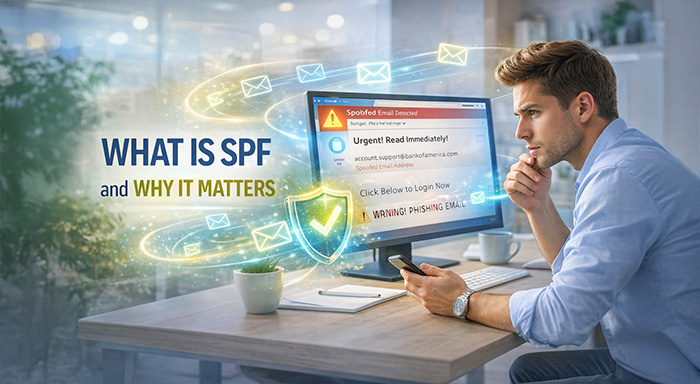
Sender Policy Framework is another acronym. This is an email authentication technique intended to keep your domain from being used for email spoofing. In simple terms, SPF informs mail servers which mail servers can send emails to you.
Without SPF, anyone can do it as if he or she were sending emails from your domain. This can result in phishing attacks, brand damage, and trust loss. They can send them fake emails scathing they are from you asking them to click on malicious links or share sensitive information with others.
When SPF is used, receiving email servers can check that an email comes from an authorized source. If not, the email is either spam or rejected completely.
SPF Alone Is Not Enough
SPF is valuable, but it best fits with other email security tools like DKIM and DMARC. These systems together provide an effective defence against email fraud.
But even the most secure email servers can fail if users access their accounts on unsecure networks. And SPF is essential for good browsing and VPN use.
Best Practices for Staying Safe on Public Wi-Fi
To reduce risks when using public Wi-Fi, follow these simple steps:
- Always use a VPN when connecting to public networks
- Avoid accessing sensitive accounts without protection
- Check website URLs carefully before logging in
- Enable two-factor authentication on email and important services
- Secure your email domain with SPF, DKIM, and DMARC
- Turn off automatic Wi-Fi connections on your device
These small actions can significantly lower your chances of being hacked.
Conclusion: The Bigger Picture of Online Security
Public Wi-Fi won’t be gone. That’s actually starting to become more common as the age of remote work and digital lifestyles becomes more prevalent. Online security therefore becomes more important than ever.
VPNs protect your connection, SPF protects your email address, and awareness protects you from costly mistakes. When combined, they form an ideal defensive strategy against the modern cyber threat.
Internet security involves no technical knowledge. It begins with understanding risks and how to use simple tools effectively. These things allow you to enjoy public Wi-Fi without putting your life or business in unnecessary danger.
Respond to this article with emojis