

Best Unlimited Bandwidth Proxies: Where Each Provider’s “Unlimited” Actually Ends
We read the fair use terms of 8 proxy providers: where "unlimited bandwidth proxies" stops, what happens past it, and which plans stay unmetered at scale.
FineProxy fits teams that move terabytes through static IPs and want no traffic meter at all: its terms set no traffic threshold. PapaProxy suits heavy users who want bandwidth guidelines published in numbers, with contact before any slowdown. Proxy-Cheap works for single dedicated IPs with no GB cap listed. IPRoyal and Decodo cap traffic per IP and say so. Rayobyte and Infatica reserve review or throttling rights, and Bright Data bills overage automatically.
Almost every provider in this list writes “unlimited bandwidth” somewhere on its pricing page. What differs is the fine print: whether a per-IP traffic threshold exists, what happens once you pass it, and whether the change is lower speed, fewer threads, a paused proxy, or an extra charge on your invoice.
Unlimited bandwidth proxies compared
Prices and fair use terms checked on providers’ pricing pages, help centers and terms of service in November 2026.
| # | Provider | Best for | Traffic threshold | What happens past it | Entry price, 30 days |
| 1 | FineProxy | Terabytes on static IPs, no meter | None: traffic isn’t metered | Nothing: there is no threshold to pass | $0.12 per IP for 100 datacenter IPs |
| 2 | PapaProxy | Heavy use with published guidelines | None in GB; throughput guidelines, not hard caps | If usage stays well above guidelines: contact first, then possible slowdown | $19 for 100 datacenter IPs |
| 3 | Proxy-Cheap | Single dedicated IPs | None listed on Dedicated and Premium | Not described; Basic plan stops at 1 GB | $1.75 per dedicated IP in 3 countries, $2.19 elsewhere |
| 4 | IPRoyal | Known, modest monthly volume | 100 GB per proxy per cycle | Dedicated slows down, shared stops; top-ups for sale | $1.57 per datacenter proxy |
| 5 | Decodo | Low-cost shared IPs under the limit | 10 TB per period, 25 GB per shared IP | Threads cut to 10, or 1 on dedicated | $0.035 per IP for 100 shared IPs |
| 6 | Rayobyte | US-heavy dedicated pools | 30 GB per IP per 30 days | Account review for additional costs | $2.50 per IP for 5–99 US IPs |
| 7 | Infatica | Dedicated IPs after identity check | None published | Rate limits or throttling at its discretion | $1 per dedicated datacenter IP |
| 8 | Bright Data | Enterprise accounts with a budget for overage | 100 GB per IP per month | Overage billed per GB automatically | $1.40 per IP for 10 shared IPs |
How to check whether “unlimited bandwidth” is really unlimited
Related walkthrough
Buy unlimited Phone numbers from twilio #Twilio #ytshort #buynumber #virtualnumber #configuration

Look for a number first. An honest unlimited plan either publishes its thresholds or states that it has none; “reasonable use” with no figure means the provider decides the limit after the fact. In this list, IPRoyal, Bright Data, Decodo and Rayobyte publish GB thresholds, FineProxy states it has no traffic threshold, PapaProxy publishes throughput guidelines by plan size, and Infatica publishes no number at all.
- Find out what happens at the threshold. Four outcomes appear in these terms: the speed drops, threads are cut, the proxy stops working or the overage is billed. For a scraper that runs overnight, a silent slowdown is often worse than a hard stop, because the job finishes late and nobody notices why.
- Check whether the limit counts per IP or per order. IPRoyal pools its 100 GB allowance across an order, so 20 proxies share 2,000 GB. Bright Data also pools by zone. A per-IP threshold hits sooner when traffic is uneven, for example when a few addresses handle most of the downloads.
- Don’t confuse traffic limits with connection limits. Most per-IP plans also cap how many connections you can open at once. That cap doesn’t depend on how much data you move, so it isn’t a fair use rule, but your thread settings still have to respect it.
- Run a soak test. Speed tests show the first minutes, while throttling shows up after hours of sustained load. Use a short paid or trial period to run your real job and watch throughput on a graph.
1. FineProxy: no traffic threshold at all
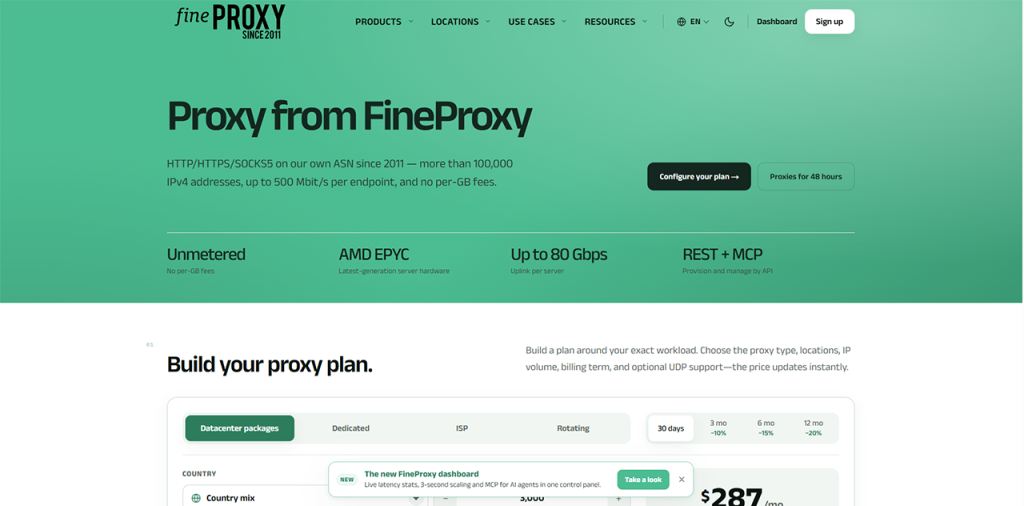
FineProxy suits workloads that move large volumes through a fixed list of IPs, such as catalog scraping, media checks or many accounts that stay online all day. Its unlimited proxy page lists datacenter packages at $0.12 per IP for 100 IPs, dedicated IPs at $2 per IP, and ISP proxies at $0.30 per IP for 100 IPs, all for 30 days, with unmetered bandwidth and no per-GB fees.
FineProxy’s terms of service state that traffic is unlimited on every plan, and there is no fair use threshold in GB. Aggregate throughput is tied to package size, from 100 Mbps on packages up to 300 IPs to 5 Gbps above 25,000 IPs, and it doesn’t change with how much data you’ve already moved. A service that pushes 10 TB in a month keeps the same throughput as one that pushes 10 GB.
Separately from traffic, FineProxy’s terms limit concurrent connections, and that limit doesn’t depend on data volume: 1,500 on packages under 1,000 IPs, then three times, twice and once the IP count as packages grow. Exceeding it switches the service to Slow Mode, one connection per IP, for 5 to 60 minutes depending on how many times it happened in 24 hours. Extra capacity costs $30 per 1,000 connections for 30 days and can be added to a running service.
Access is tied to your IP: you add the source address to the allowlist, and a login and password can be added on top. Package proxies are shared by up to five customers, which keeps the price per IP low; dedicated IPs belong to one customer for the rental term. Pick FineProxy when traffic volume is the unpredictable part of your project and you’d rather tune threads than watch a GB counter.
2. PapaProxy: fair use guidelines published in numbers
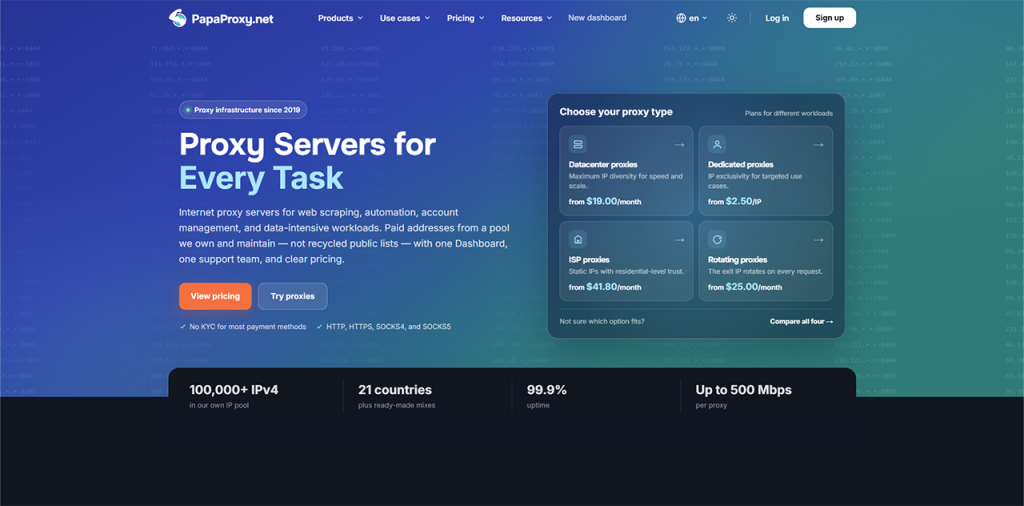
PapaProxy fits teams that run heavy, steady loads and want to know in advance what “fair” means. Its unlimited bandwidth page sells datacenter packages from $19 for 100 IPs, dedicated IPs from $3.50 and ISP packages from $41.80 for 100 IPs for a 30-day term, billed by IP count with no meter on transferred data.
PapaProxy’s terms of use publish aggregate bandwidth guidelines by plan size and call them “guidelines, not hard caps”. If sustained usage significantly exceeds them, the provider contacts the customer first and only then may reduce speeds for the rest of the billing period. The terms add that no restriction is applied without prior notice, and the unlimited page states there are no overage fees at any usage level.
PapaProxy covers the first day of any order with a 24-hour money-back guarantee, which leaves room for a soak test on your own job before you commit to a month. It makes sense when you plan sustained throughput near the top of your plan and want a conversation before any change.
3. Proxy-Cheap: unlimited on Dedicated and Premium, not on Basic
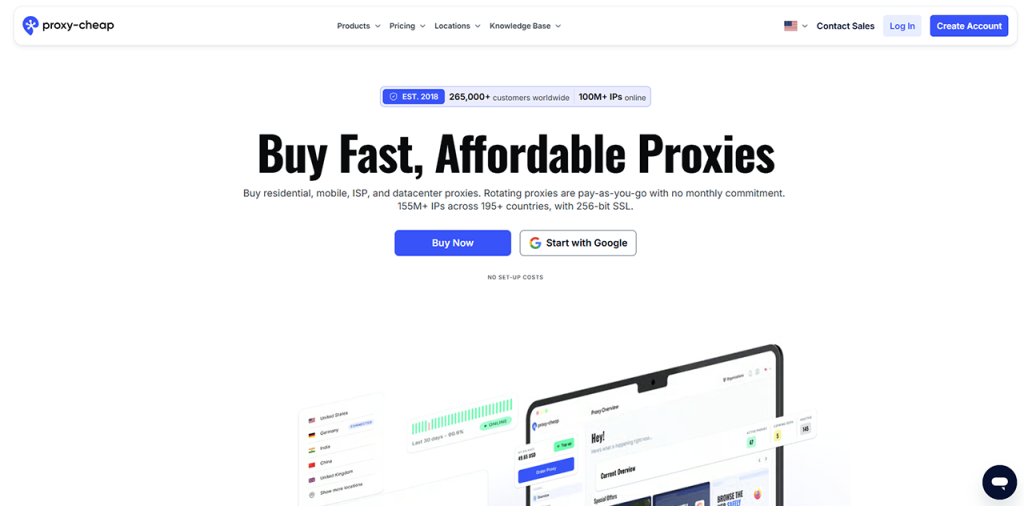
Proxy-Cheap suits buyers who need one or a few dedicated IPs in many countries. Its datacenter page lists Dedicated and Premium plans with “Unlimited Bandwidth”, “100+ Threads” and “100+ Mbps”, and we found no GB-based fair use clause for those tiers. The $1.75 Dedicated price for one month applies only in Norway, Hong Kong and Bulgaria; in the other 67 countries, the provider’s price API returns $2.19.
The cheapest Proxy-Cheap tier is not unlimited: Basic is shared by up to three users and limited to 1 GB of bandwidth per month. The dashboard’s Usage limits card records when a proxy hits its speed or concurrency limit, so the practical ceiling is per-proxy speed and threads rather than volume. Skip Basic for anything heavier than testing.
4. IPRoyal: 100 GB per proxy, clearly stated

IPRoyal fits projects with a known, modest monthly volume per IP. Datacenter proxies start at $1.57 per proxy for 30 days and ISP proxies at $2.70. Its marketing says “unlimited bandwidth”, but its help center sets a fair usage limit of 100 GB per proxy per 30-day cycle, pooled across the order.
Past the IPRoyal limit, dedicated proxies keep working at reduced speeds, while shared proxies are disabled. You can buy extra data from 85% of the allowance: 100 GB costs $2.50 per proxy for the current cycle. The thresholds are clear, which makes budgeting easy if you know your volume and expensive surprises unlikely.
5. Decodo: thread cuts after the fair use threshold
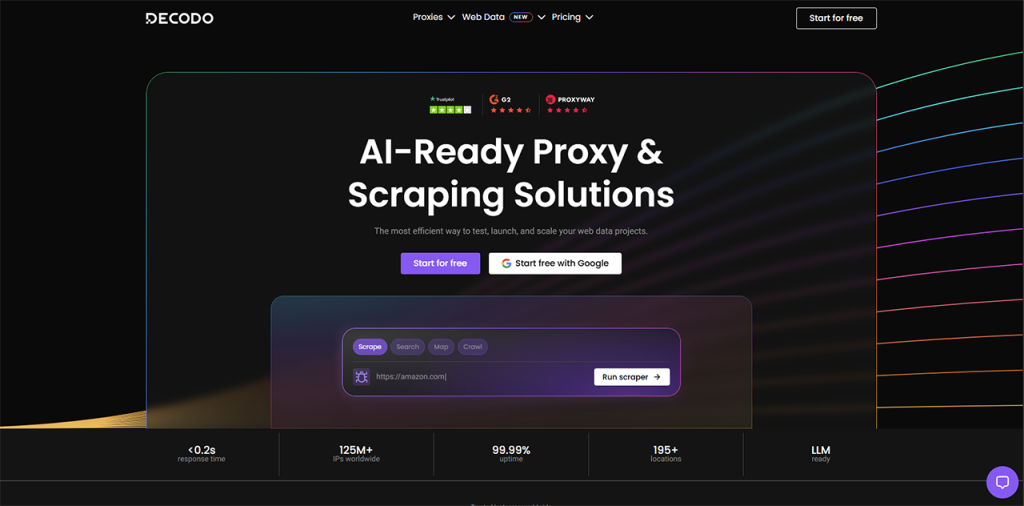
Decodo suits shared IP pools that stay under its thresholds, where it’s among the cheapest options: $0.035 per IP for 100 shared datacenter IPs, or $1.85 per dedicated datacenter IP for three. Pay/IP and Dedicated plans are sold as unlimited, with a fair usage policy in the help center.
According to Decodo’s help center, the policy sets a threshold of 10 TB per billing period together with 25 GB per IP on shared plans or 100 GB per IP on dedicated ones. Past it, threads are cut to 10 on shared plans or to one per IP on dedicated plans until the period ends. For a high-concurrency scraper, that is close to a stop.
6. Rayobyte: 30 GB per IP before “excessive usage”
Rayobyte works for US-focused dedicated pools with moderate traffic. Static datacenter IPs cost $2.50 per IP for 5–99 US addresses and $1.88 for 1,000–4,999, with “unlimited bandwidth*” and the note “Fair usage applies”. Its support pages also say static proxies have no thread limits.
Section 13 of Rayobyte’s terms defines excessive usage as more than 0.03 TB, or 30 GB, per IP in 30 days on dedicated proxies, and 15 GB on semi-dedicated ones; past that, the account is reviewed “to assess the appropriateness of additional costs”. Above 10 TB a month, the terms add $30 per 10 TB. Plan for that review if each IP moves more than a few gigabytes a day.
7. Infatica: no GB number, but discretionary throttling

Infatica suits buyers who want dedicated datacenter IPs from $1 and ISP IPs from $1.95 per IP per month, both listed as “Traffic unlimited”. We found no GB-based fair use limit on its pages or in its terms, which is not the same as confirming there isn’t one.
Infatica’s acceptable use policy reserves the right to apply rate limits, throttling and traffic pattern review at its discretion, without a published trigger. Identity verification through Veriff is required before any payment, and ISP and datacenter purchases are non-refundable. It fits only if you can complete the identity check up front and accept a limit that isn’t defined in advance.
8. Bright Data: 100 GB per IP, then automatic overage

Bright Data sells shared “unlimited” datacenter IPs from $1.40 per IP for 10 IPs and dedicated ones from $2.20. Its documentation sets a fair use allowance of 100 GB per IP per month, pooled by zone. Traffic past it isn’t stopped; it’s billed at the pay-as-you-go rate, $0.60 per GB for datacenter and $8 per GB for ISP.
Bright Data’s overage can’t be reversed, and you can’t reduce the number of IPs below the fair use you’ve already consumed. Traffic is counted in both directions, request and response, headers included. On 20 datacenter IPs that move 3 TB in a month, the 1 TB above the 2,000 GB allowance adds $600 to the bill. Bright Data makes sense for enterprise teams that need its wider product range and budget for overage.
Which proxy type carries unlimited traffic best
- Datacenter proxies are the natural fit for unmetered plans: server hardware and data center uplinks make flat per-IP pricing sustainable for datacenter proxies for web scraping workloads.
- ISP proxies can also be unmetered, as several plans in this list show, but cost more per IP.
- Residential and mobile proxies are almost always billed per GB, because the provider pays for that traffic. “Unlimited residential” plans usually hide strict fair use rules.
- Rotating proxies are often billed by requests or credits rather than GB, so the request count matters more than the data you transfer.
Before you scale traffic on an unlimited plan
- Read the fair use section of the terms, not just the pricing page, and write down the GB number and what happens past it.
- Estimate your monthly traffic per IP, not only the total, and compare it with per-IP thresholds.
- Set your thread count below the plan’s concurrent connection limit.
- Run your real workload for at least several hours during a test period and graph throughput.
- Check whether overage is billed automatically and whether it can be reversed.