
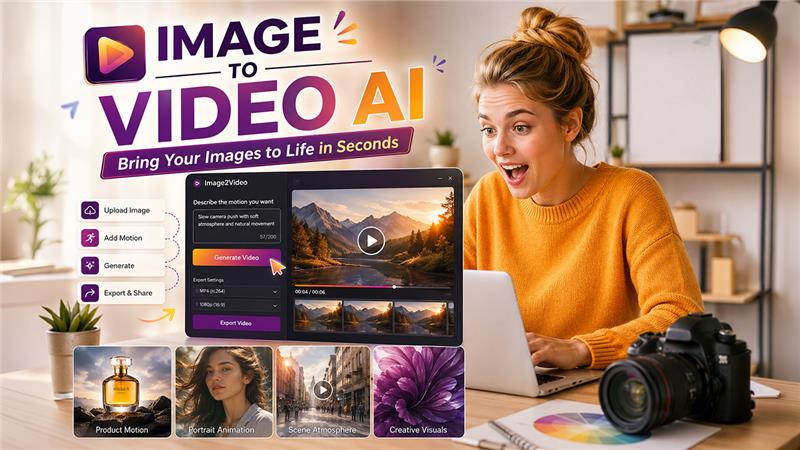
A Real Test Of Motion From One Image
Explore a hands-on Image-to-Video AI test covering product visuals, portraits, scene animation, prompts, workflow, and whether the tool is truly practical.
When I tested this platform, I did not begin with the question most AI reviews ask. I did not ask whether it could produce the most impressive sample video on the internet. I asked whether Image to Video AI could help me solve a smaller but more realistic problem: I had a still image, I needed motion, and I did not want to spend my attention fighting a complicated tool. That situation is common, and it is exactly where image-to-video tools either become useful or become another creative distraction.
The test felt personal because it mirrored a real working habit. I often look at an image and think it has potential, but not enough presence. It may be a good product picture, a character image, a social post visual, or a mood board frame. The image is not wrong. It is simply quiet. I wanted to know whether this tool could add movement without making the image feel fake, overprocessed, or disconnected from the original idea.
Why This Test Started With A Feeling
Many reviews begin with technical categories. I understand why. Resolution, output format, speed, model behavior, and interface design all matter. But as a user, the first thing I notice is emotional friction. Does the tool make me want to try? Does it make the first step obvious? Does it give me confidence that an imperfect result will still be worth learning from?
AI tools succeed when they lower resistance
The strongest tools are not always the most complex. In many creative situations, a tool becomes valuable because it lowers the emotional resistance of starting. This was the lens I used throughout the test. I wanted to see whether Image2Video made the process feel approachable.
The first few seconds shaped my expectations
The platform’s value became clear before any video was generated. The task was easy to understand. Upload an image, describe the movement, process the result, and export. That may sound ordinary, but in AI creation, ordinary structure is often what keeps users from quitting early.
Read Also: Clipfly AI Video Generator Review
What I Uploaded And Why It Mattered
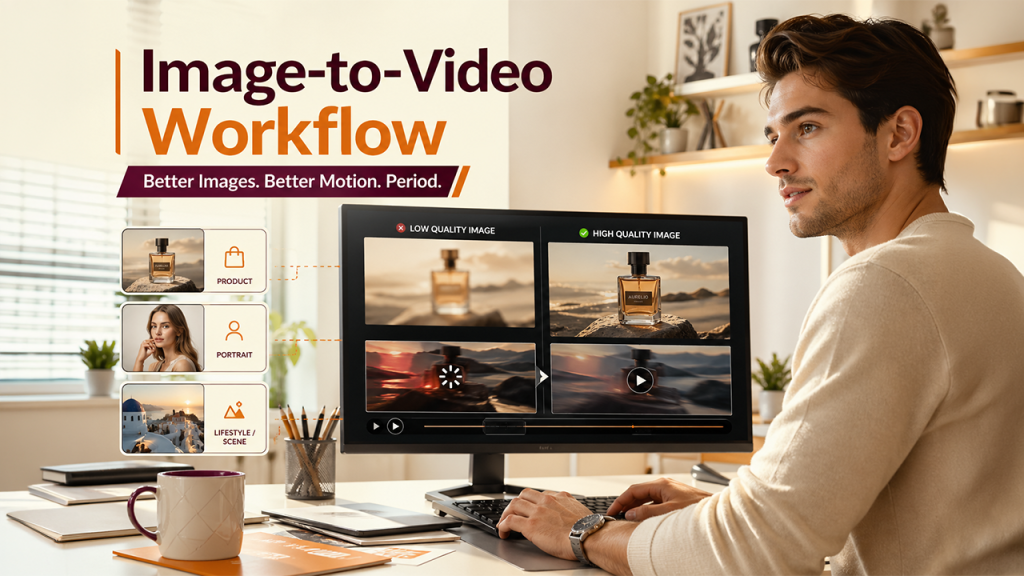
I tested with three image types because each one creates a different challenge. AI-generated product photo tests whether the tool can preserve commercial clarity. A portrait tests whether it can handle human subtlety. A lifestyle or scene image tests whether it can create atmosphere from visual depth.
Different images revealed different strengths
The product image showed me how important restraint is. The portrait showed me how careful users need to be with human subjects. The scene image showed me where the tool can feel more cinematic without needing too much prompt complexity.
Image quality still sets the ceiling
This is one of the clearest lessons from the test. The better the source image, the more believable the generated motion tends to feel. A blurry or confusing image gives the system less structure to work with. A clear image gives it a stronger foundation. This is not a limitation unique to this platform. It is a practical rule across image-to-video generation.
| Source Image | What I Tested | Best Result Came From | Main Lesson |
| Product photo | Commercial motion | Slow camera movement | Preserve the object first |
| Portrait image | Subtle emotional life | Gentle motion and restraint | Avoid overdirecting faces |
| Lifestyle scene | Atmosphere and depth | Camera push and soft motion | Depth helps motion feel natural |
| Graphic image | Stylized movement | Minimal animation | Too much motion can distract |
The pattern was clear. The tool worked best when I respected the original image instead of asking it to become something completely different.
How The Workflow Supported Experimentation
The official workflow is one of the platform’s biggest strengths because it keeps the creative loop short. A short loop matters when results are probabilistic. You do not always know what will happen, so the ability to revise quickly becomes part of the product experience.
The four-step process stayed practical
The process I followed stayed within the official structure:
- Upload a supported image file.
- Write a prompt describing the motion.
- Let the system generate the video.
That sequence helped me test without feeling trapped in setup work. I did not have to define a complex timeline, choose layers, or prepare a detailed production file. The simplicity made the tool feel more like a creative sketchpad than a heavy editing application.
The prompt became my main editing layer
Since the workflow is simple, the prompt carries much of the creative direction. This is both good and challenging. It is good because natural language is accessible. It is challenging because users need to learn how to describe motion precisely. In my test, shorter and more visual prompts performed better than abstract ones.
The Product Test Felt Most Practical
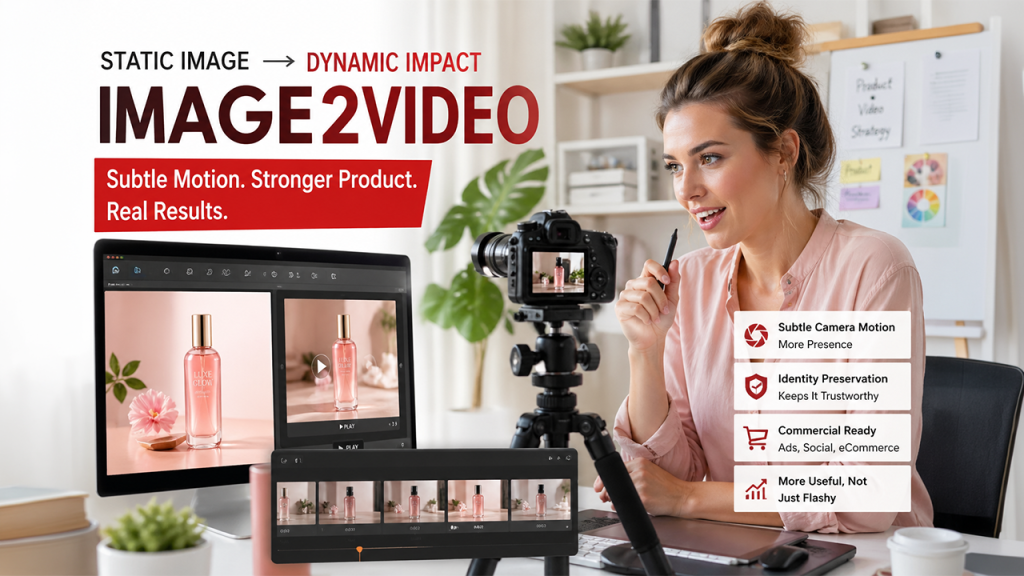
The product image test was the most commercially useful. I could immediately imagine this use case for ecommerce, ads, landing pages, and short social clips. A still product image can look polished, but motion helps it feel more present.
Subtle camera motion made the product stronger
The best result did not come from asking the object to transform. It came from asking the camera to move. A slow zoom or gentle rotation-style movement made the product feel more dynamic without losing its identity. This distinction is important for business use because the product must remain recognizable.
Commercial visuals need identity preservation
If a generated video changes the product too much, it becomes less trustworthy. In this test, I found that controlled motion was more valuable than dramatic visual change. The clip did not need to shock me. It needed to make the original image more useful. That is a very different standard, and Image2Video handled it better when the prompt was disciplined.
The Portrait Test Required More Patience
Related walkthrough
Stellar OST to PST Converter Review 2026 | Online vs Desktop – Real Test

The portrait test was more sensitive. Human faces are difficult because viewers notice tiny problems quickly. A strange eye movement or unnatural expression can make a clip feel off. I approached this test with lower expectations and more careful prompts.
Gentle prompts worked better than dramatic ones
When I asked for subtle movement, the result felt more usable. When I pushed for a larger expression change, the output became less predictable. This taught me that portrait animation should be treated as a careful enhancement rather than a complete performance.
Human realism depends on restraint
This is where I would advise users to be patient. A portrait can become more engaging with small motion, but it may need more than one generation. The source image should be clear, the face should not be too distorted by angle or lighting, and the prompt should avoid asking for too many emotional changes at once.
The Scene Test Felt Most Flexible
The scene image gave the system the most room to breathe. Because there was no face or product identity to protect, I could test a slightly more atmospheric prompt. This produced one of the more visually pleasing results in the whole test.
Visual depth improved the motion effect
A scene with foreground and background depth gave the generated movement something to work with. A slow camera push made the image feel more dimensional. Soft atmospheric motion added mood without requiring complicated direction.
Scene animation suits creative presentations well
This kind of output could be useful for concept decks, travel visuals, social mood posts, or background clips. It may not replace filmed footage, but it can turn a flat visual into something that holds attention longer. That is often enough for early-stage creative work.
Where The Platform Felt Honest And Useful
What I appreciated most was not that every result was perfect. It was that the tool made the process feel understandable. I could see what worked, what did not work, and what I should change in the next prompt. That is a valuable feeling in AI creation.
The tool encourages a draft based mindset
Instead of expecting instant perfection, I started treating each generation as a draft. The first result showed me how the system understood the image. The second result helped me refine motion direction. That mindset made the experience more productive and less frustrating.
The value comes from fast visual feedback
The Photo to Video approach works because it gives fast feedback on a simple question: can this image move in a useful way? That question is easier to answer through a generated clip than through imagination alone. For many creators, that alone is a meaningful advantage.
The Limitations Became Clear But Manageable
There are limits. Prompt quality matters. Some results may need regeneration. Complex requests can reduce predictability. Short videos are best for focused motion rather than layered storytelling. Users who expect full production control may still need traditional editing tools or larger AI suites.
The platform is strongest with narrow goals
In my testing, the best use cases were clear and limited. Animate this product. Add subtle motion to this portrait. Create atmosphere from this scene. Make this still image more suitable for a short social post. These are practical goals, and the platform fits them well.
It is not a complete video studio
That distinction should stay clear. Image2Video is most useful as an image-to-video generator, not as a full editing environment. It helps create short moving assets from still visuals. For many users, that is exactly enough. For more complex productions, it may be only one step in a larger process.
What I Would Tell A First Time User
I would tell a first-time user to begin with a strong image and a modest prompt. Do not ask for too much in the first generation. Describe one motion idea clearly. Then evaluate the result and revise.
A good first prompt should stay visual
Instead of writing a vague artistic wish, describe what should move. Mention camera push, slow zoom, gentle pan, subtle expression, soft environmental movement, or product rotation. These concrete directions give the system a clearer target.
My test made the tool feel genuinely practical
By the end of the test, I did not see Image2Video as a miracle button. I saw it as something more believable: a practical tool for turning still images into short motion assets. That makes it easier to recommend. It does not need to replace professional video work to be valuable. It only needs to make static images more useful, and in my test, that is where it performed best.

