
Best 8 AI Tools for Live Call Guidance in B2B Sales
Compare the best AI tools for live call guidance in B2B sales, covering live prompts, discovery support, technical answers, integrations and pricing.
Most “AI for sales” tools show up after the call. They score it, summarize it, create transcription, and highlight what the representative might have missed. This analysis has a lot of value. However, by the time it comes, the deal has already gone ahead or stalled. The only platforms that evolve what happens on a call are often the ones working while the buyer still remains on the line.
That is where the buying decision gets harder. The category is divided into two camps. Extract tools, like battlecard repositories and knowledge bases, hold the correct answer but rely on the rely on the representative having a knowledge of what to look up and having the required time to search mid-conversation. Push tools understand the live transcript and keep the next move in front of the representative without being asked. On paper, both help reps with calls. Amidst a real-time objection, only one of them algins with the time a representative really have.
In this article, let us compare the best 8 AI tools for live call guidance in B2B sales, assessing each on whether it pushes guidance or waits to be extracts, whether it ensures discovery or only provides answers, and how effectively it aligns the stack a sales team already operates.
How We Selected the Best AI Tools for Live Call Guidance in B2B Sales?
We assessed all the tools that provide support to sales during real-time conversations, then assessed them on five key criteria:
- Depth of Capability: Does the tool encompass the question a representative need to ask as well as the responses they need to give?
- Automation: Is the guidance offered on its own or when the conversation calls for it, or only when the representative requests it?
- Knowledge Grounding: These are responses created from the own docs, playbooks, and competitive intel of the company.
- Integration Breadth: Does the system integrate into the CRM platform, enablement tools, and conversation intelligence that are already in place instead of replacing them?
- Support Model and Market Adoption: Evidence of actual usage, and how fast a team can get it running.
We weighted in-call behavior most heavily, since that is the moment, the category exists to serve.
The Best AI Tools for Live Call Guidance in B2B Sales
Related walkthrough
Top AI tools to generate YouTube Thumbnail

Backdrop
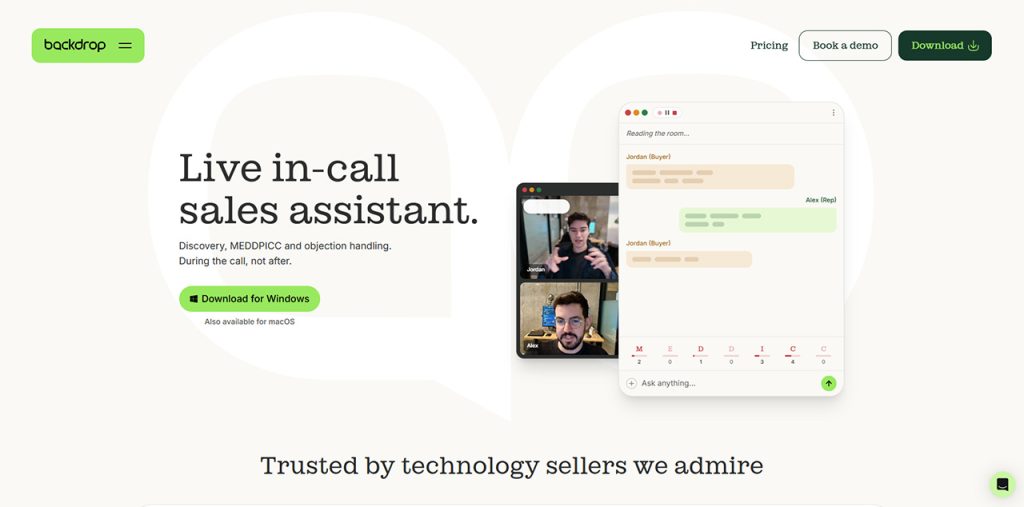
Majority of live calls tools emphasize on answers: a representative chooses a question they cannot manage, and the tool gives a response. Backdrop takes a wider approach through a discovery-based design that goes through the live transcript and executes the next move without being asked.
That guidance takes four forms. When discovery needs to go deeper, Backdrop reveals the right query. When a prospect reveals a concern, the tool servers an objection-handling question that reframes it. When the prospect names a rival, the tool instantly delivers a competitive landmine. Technical answers automatically arrive when a prospect asks, or on request whenever the representative needs one where each one is associated with its source.
The desktop app for Windows and macOS directly listens to the computer audio, so no bot joins Teams, Zoom, Webex calls, or Google Meet. Its knowledge engine relies on product docs, sales calls, case studies, competitor websites, and supports SPIN, MEDDPICC, or custom frameworks. This kind of structured call information can also feed into CRM Call Notes, giving sales teams a way to preserve important conversation details after the live interaction. As one Apollo AE put it, its MEDDPICC guidance “doesn’t just tell me what I’m missing. It suggests how to uncover it.”
Sales teams at Datadog, MongoDB, and Proofpoint leverage Backdrop along with Salesforce, Gong, and Highspot. Setup takes approximately 30 minutes, and most of the teams see call quality enhance within the first week.
Key Features:
- Discovery push: the right discovery question surfaced before a qualification gap opens
- Objection-handling questions: reframes a concern instead of dumping a rebuttal
- Competitive landmines: delivered the moment a competitor is named
- Technical responses, pushed or on request: Whenever the representative needs one or a prospect asks for it, the tool delivers a source-cited response.
- No-bot Capture: Direct audio across Teams, Zoom, Webex, and Google Meet.
- Post-call Automation: CRM updates, notes, and follow-up emails.
Cluely
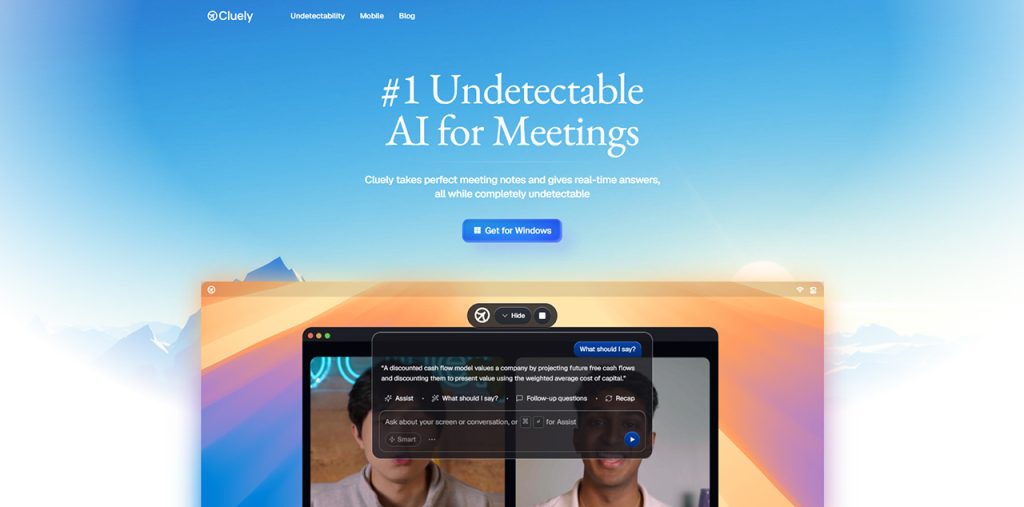
Cluely occupies a different position as an undetectable and general-purpose meeting assistant instead of a platform specific to a sale. A desktop transcribes the real-time call, and representative calls for assistance on demand with a keyword shortcut, getting immediate responses, suggested follow-ups, and context from whatever remains is on screen. The overlay does not show up in shared recordings or screens. That makes it a practical solution for individual representatives, and for anyone in meetings who need lost-cost assistance without a rollout. The trade-off is that guidance is most pulled instead of pushed, and published plans emphasize individual use instead of shared team playbooks. Its clearest differentiator is the awareness on screen; it can read what is shown on the display instead of what is being said.
Key Features:
- On-demand follow-up suggestions and responses during meetings.
- Screen-context awareness alongside live transcription
- Free plan, with Pro from $19.99/month
SiftHub Pulse
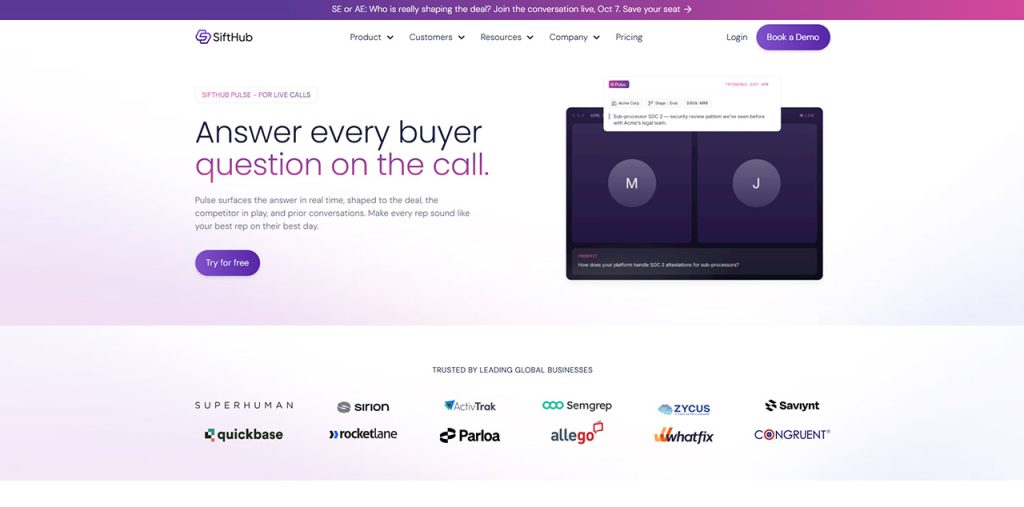
SiftHub approaches live calls from the presales side. Pulse is the latest in-call layer existing on top SiftHub’s proposal and RFP platform, revealing deal-specific responses in real-time that draw on the open proposals, battlecards, and RFP responses of the account, each having a source citation. No bot joins the call, and nothing shows up in the attendee list. Teams that already run RFP and security questionnaire work via SiftHub to get best out of it, since the library empowers the responses. What you get as a trade-off is focus: Pulse focuses on responses instead of discovery prompts, and as a recent release, its platform coverage is still evolving. Its differentiator is deal-level context directly extracted from RFPs and proposals.
Salient Features:
- Real-time, account-specific answers with source citations
- Private in-call experience with no bot
- Built on SiftHub’s RFP and proposal knowledge
Docket
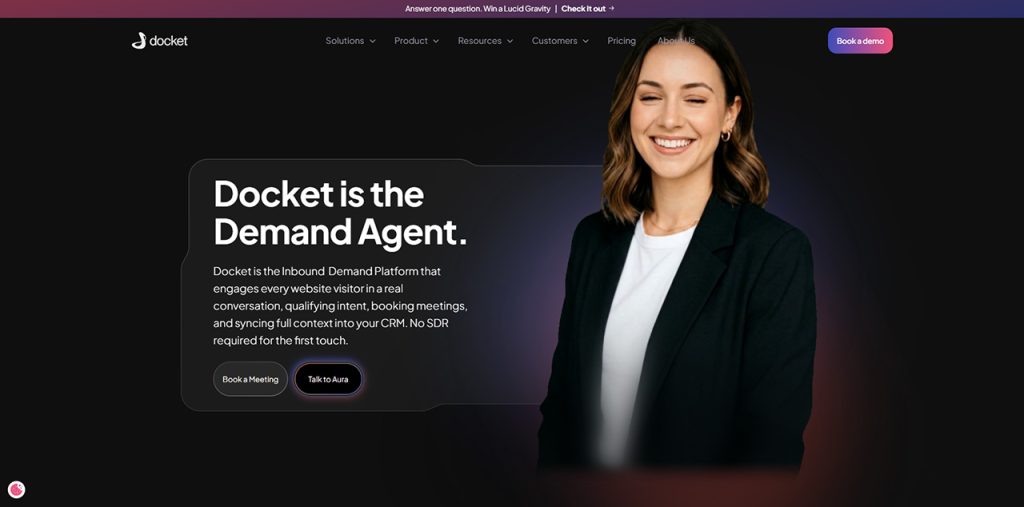
Docket focuses more on the buyer’s conversation that usually happens before a sales call exists. Its main product is an AI agent for B2B marketing. It engages with people who visit your website, answer customer inquiries from approved product knowledge, qualifies them, and last but not least, it automatically books meetings with the right rep. It is pretty useful to your staff. For instance, an AI Sales Engineer agent helps sellers by answering questions from the same Sales Knowledge Lake. Additionally, Playbook Intelligence analyzes top-performing calls and identify winning objection responses. It works well for demand generation and RevOps teams with meaningful inbound traffic. Its pricing plan starts at $36,000 per year.
Its downside is its placement. Docket does not describe live, in-call guidance, so most of its value lands before and around the call. It stands out in the crowd because it captures and qualifies pipeline that would otherwise wait for an SDR.
Core Characteristics:
- AI agent for website visitor qualification and booking
- AI Sales Engineer answers and Playbook Intelligence for sellers
- CRM handoff so reps start calls briefed
AirCover
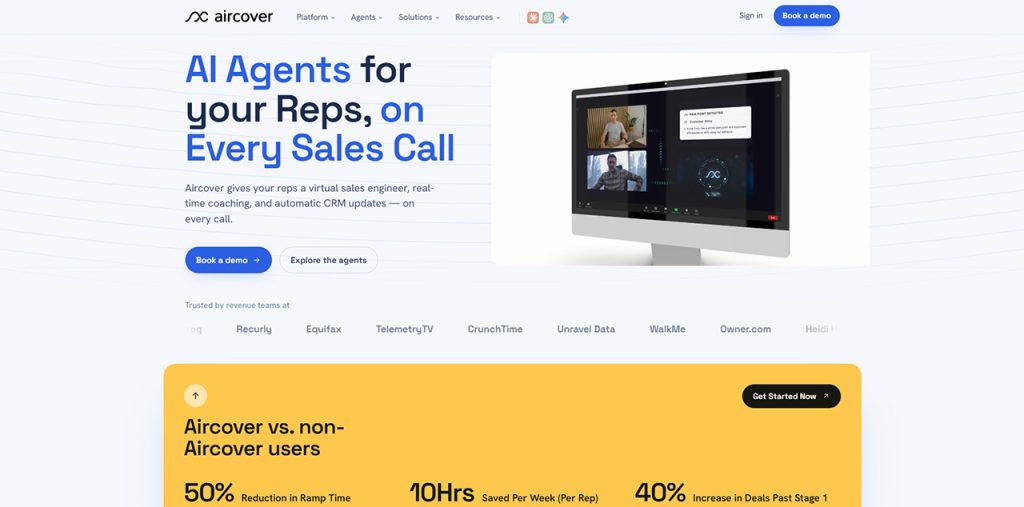
One important thing worth mentioning about AirCover is that it is built around specialist in-call agents. It has a virtual sales engineer that attends live meetings to detect customer questions and provide them with answers. Moreover, battlecards show up when anyone mentions competitors, and you can also seek guidance from a live coaching agent when your turn comes. An Objection Handling Agent and AI CRM Sync round out the platform, which serves sales, enablement, customer success, and contact center teams. However, it is not perfect. It has its downsides. One of the trade-offs is that guidance is largely triggered by what the prospect says, answering questions, and competitor mentions. It does not focus much on rep’s own discovery. What sets it apart from others is its breadth. It allows multiple dedicated agents to cover different in-call jobs within one platform.
Key Features:
- Virtual Sales Engineer for live technical answers
- Competitor-triggered battlecards and objection handling
- AI CRM Sync after the call
WINN.AI
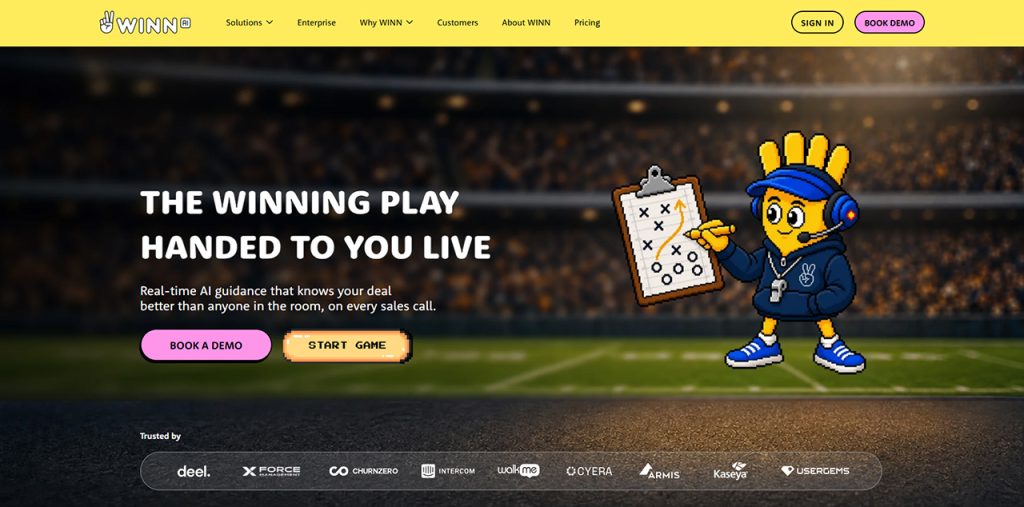
WINN.AI focuses on methodology execution. Its live guidance centers on playbook coverage for frameworks such as MEDDPICC and BANT, reminding reps which areas are still open, alongside answers and AI battlecards from the company knowledge base. It also learns winning patterns from a team’s own transcripts and auto-fills CRM fields after calls. It targets mid-market and enterprise sales teams, with a 20-seat minimum on its Enterprise plan. The trade-off is that in-call guidance leans toward checklists and reminders rather than proactively suggesting the next question, and buying is sales-led with no public pricing. Its differentiator is methodology adherence tracking tied to deep CRM auto-fill.
Key Features:
- Playbook coverage reminders during calls
- AI battlecards and knowledge-base answers
- CRM auto-fill and methodology tracking
1mind
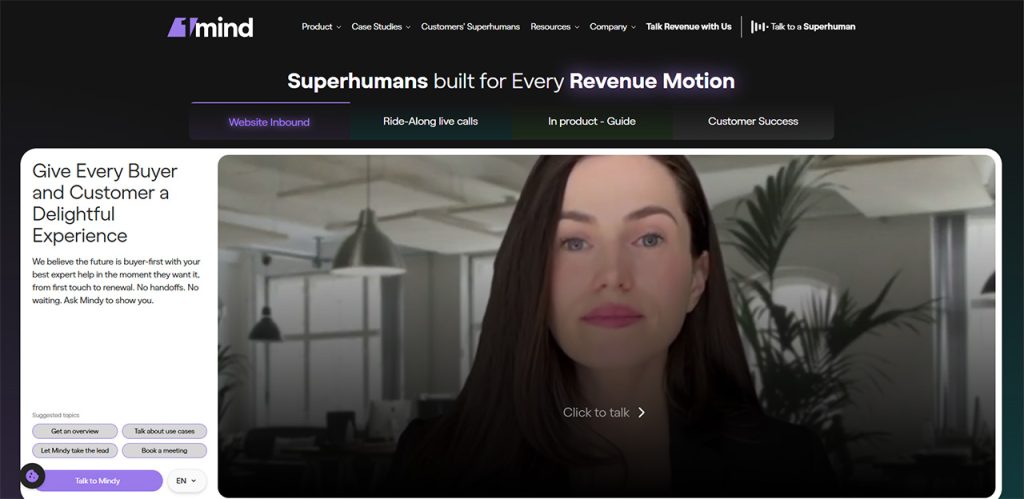
1mind takes a fundamentally different path: instead of guiding the rep, its AI agent can join the conversation. With Ride-Along, the agent (called Mindy) joins sales calls and, at the rep’s request, answers technical questions or runs a live product demo. It can join as a visible, named participant that speaks directly to buyers, or run silently. The same agents also operate on websites and in-product. Teams stretched thin on sales engineers are the clearest fit. The trade-off is that Ride-Along is in early access, and in active mode buyers know they are speaking with an AI. Its differentiator is that the AI itself can demo the product.
Key Features:
- AI participant that answers technical questions on calls
- Live product demos run by the agent
- Active or silent modes per call
Vivun Hero (formerly Ava)
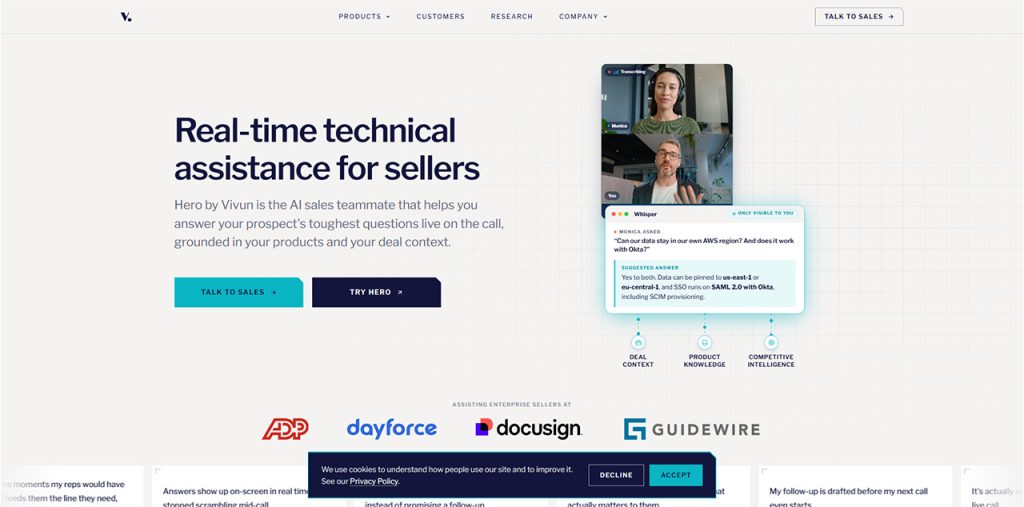
Vivun positions its AI as a sales teammate rather than a call tool. Ava was rebranded as Hero in May 2026, built on Vivun’s Sales Reasoning Model. During calls, it runs in a desktop app visible only to the rep and delivers competitive insights, pricing guidance, and tailored proof points, with Vivun reporting several assists per call. Around the call, it adds a notetaker, roleplay practice, and sales content generation, with transparent reasoning behind its suggestions. It suits sellers and SEs from SMB to enterprise, with a free trial for individuals. The trade-off is that the product was recently relaunched, and its live experience focuses on answers. Its differentiator is full-cycle coverage, including roleplay and content creation.
Key Features:
- In-call answers, competitive insights, and pricing guidance
- Roleplay practice and sales content generation
- Notetaker for post-call documentation
Comparison Table: 8 AI Tools for Live Call Guidance
| Tool | Category | In-Call Behavior | Push or Pull | Focus | Pricing |
| Backdrop | Live call assistant | Reads transcript, pushes next move; answers on request too | Push, plus on-demand | Discovery and answers | Free plan; Starter $49/seat/mo; Growth custom |
| Cluely | General meeting assistant | Answers on demand via overlay | Mostly pull | Answers | Free; Pro from $19.99/mo |
| SiftHub Pulse | Presales platform with in-call layer | Deal-specific answers with citations | Real-time answers | Answers | Not published |
| Docket | Inbound AI agent | Before and around the call, not in it | Buyer-facing | Qualification | From $36,000/yr |
| AirCover | Live call agents | Answers and battlecards on detected triggers | Trigger-based | Answers and coaching | Not published |
| WINN.AI | Playbook execution | Coverage reminders and battlecards | Reminders | Methodology coverage | Not published |
| 1mind | AI call participant | AI answers and demos at rep’s request | AI speaks | Technical answers and demos | Not published |
| Vivun Hero | AI sales teammate | Answers and proof points in desktop app | Real-time answers | Answers | Free trial; enterprise paid |
How to Choose the Right AI Tools for Live Call Guidance
Start by separating pull from push. A knowledge base or battlecard repository only helps if the rep knows what to search for and has a spare moment. Mid-call, neither is reliable. Tools that read the transcript and surface guidance automatically close that gap.
Next, look at what the tool pushes. Answers matter, but deals rarely stall because a rep lacked a spec sheet. They stall because discovery stayed shallow and the rep never uncovered the pain, the stakeholders, or the timeline. A sharp question at the right moment usually does more than a dumped paragraph of product detail. Tools built around discovery, such as Backdrop, treat questions as the primary output rather than an add-on.
Then check how the tool shows up. Some join as a bot or a visible AI participant, which some buyers and security teams resist. Others run privately on the rep’s desktop. Decide which fits your buyers.
Finally, confirm stack fit. A live tool should plug into Gong, Salesforce, and your enablement platform rather than replacing them.
FAQ About AI Tools for Live Call Guidance
AI tools for Live call guidance refer to software that follows a sales conversation in real time and helps the rep while the buyer is still on the line. It typically surfaces discovery questions, objection responses, competitive points, or technical answers based on what was just said. It differs from conversation intelligence, which records and analyzes calls after they end.
Pull tools, like knowledge bases and battlecard libraries, wait for the rep to search. Push tools read the live transcript and automatically surface the next move. In a live call, the rep rarely has time to type a query, so push tools are often more useful in the moment, while pull tools remain valuable for call prep and research.
Generally not, and it does not need to. Gong analyzes calls after they end to support coaching and forecasting, while live guidance helps during the call. The two cover different moments. Platforms like Backdrop integrate with Gong and Salesforce, so teams can add live guidance without replacing the conversation intelligence and CRM they already rely on.
No. Technical answers are one use, but the bigger impact usually comes from discovery. Reps who ask better questions uncover real pain, map stakeholders, and build urgency earlier. For teams whose deals stall in discovery, platforms like Backdrop are the best option because they push the right question during the call, not just the right answer.

