
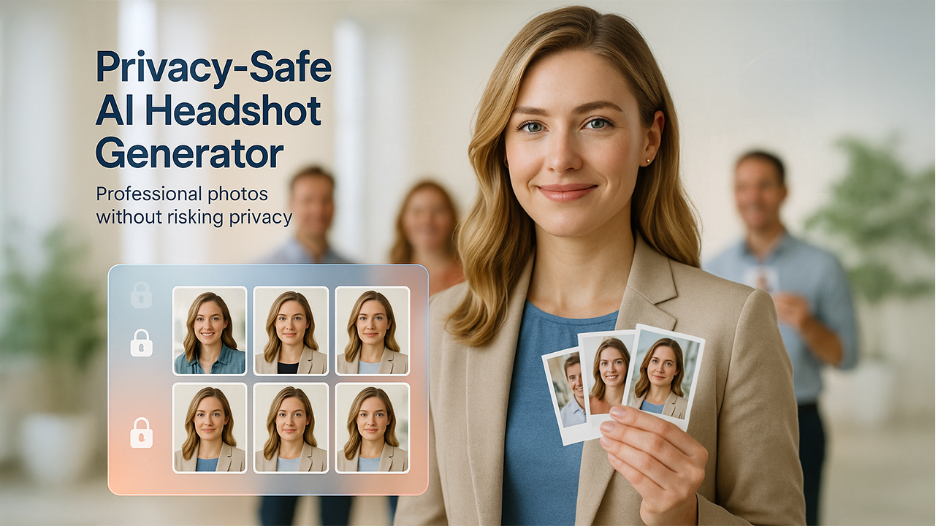
Secure AI Headshot Generators for Teams: How to Choose a Privacy-Safe Tool
Discover how an AI Headshot Generator creates professional team photos, improves brand consistency, and saves time when updating employee profiles and headshots.
Remote teams still need a unified, professional look. Secure AI headshot generators deliver studio-quality portraits in minutes—no photoshoot required. But each selfie is biometric data, and IBM’s 2024 Cost of a Data Breach report pegs the average incident at $4.88 million worldwide (2024 IBM Cost of a Data Breach report).
This guide shows you how to capture that speed and consistency without a compliance headache. You’ll get a security checklist and a side-by-side review of five vetted platforms, so your team looks cohesive and stays protected.
What AI Headshot Generators Do for a Team?
Picture a cloud studio that needs just 3–6 casual photos per person, exactly the range HeadshotPro requests during upload. The platform trains a lightweight model on those images inside a secure container, then deletes the training job when it finishes. In about 15 minutes—the turnaround InstaHeadshots promises for team orders—your colleague’s inbox fills with dozens of high-resolution portraits.
Why bother? Uniformity. You set one background and lighting preset, click “apply to all,” and every headshot looks as if a single photographer shot everyone in the same room, no matter how many time zones separate the team.
Modern, secure AI headshot generators add the workflow you’d expect from business software:
- Private self-service uploads. Each employee sees only their own images.
- Admin controls. Invite links, single sign-on, and role-based approvals keep IT happy.
- API and Zapier hooks. New hires can receive a headshot automatically during onboarding; HeadshotPro’s Zapier integration connects to 6,000+ apps.
The result? A process that once required scheduling, travel, and a five-figure photographer fee now finishes over lunch, with every file ready for Slack, the intranet, or LinkedIn.
The Hidden Costs of a Quick Upload
Every selfie you hand over becomes biometric data under GDPR and CCPA. Regulators treat a face like a fingerprint: unique, immutable, and protected. A mishandled image can cost real money when proper data privacy measures aren’t followed. According to The Verge, Clearview AI received a €30.5 million fine for scraping and re-using photos without consent in 2024.
Storing employee headshots without strong controls invites trouble. Attackers don’t need passwords; a folder of portraits can fuel LinkedIn impersonation, spear-phishing, or deep-fake voice models of your CEO.
GDPR allows penalties of up to €20 million, or 4 percent of global revenue, for serious violations, and breaches must be reported within 72 hours—a deadline that can shift focus from onboarding to crisis management overnight.
Even without a hack, quiet misuse hurts. Some apps keep uploads to train broader AI models, leaving staff portraits on servers you don’t control. Cross-border processing adds another layer: if data crosses regions, Standard Contractual Clauses apply and legal reviews multiply. Strong data protection is essential when handling employee portraits and other sensitive information.
Reputation takes the final hit. Employees expect transparency; discovering their likeness on an unknown server erodes trust faster than any fine can measure.
Convenience matters only when security keeps pace. Next, you’ll get a step-by-step checklist to vet vendors before the first selfie ever leaves your network.
The non-negotiable security checklist
Related walkthrough
Google Pics: Google's NEW AI Image Generator That Could Rival Canva!
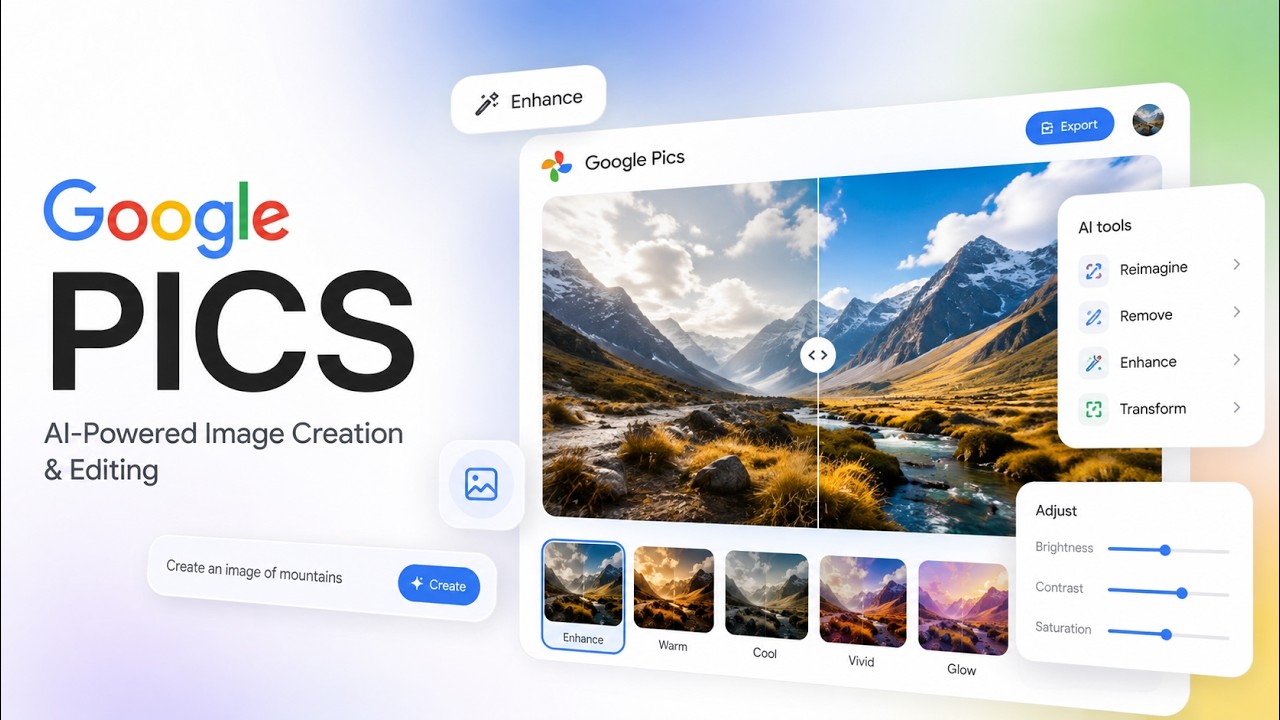
Run these eight questions before a single selfie leaves your network. According to Vertice, only 14 percent of SaaS vendors hold SOC 2 at all. Just as you would evaluate cloud security tools for enterprise protection, headshot generators require the same rigorous vetting process.
- Deletion window. When do original uploads, backups, and the trained model disappear? “Within 30 days or immediately on request” is the baseline.
- No data reuse. Your photos must not train public models or appear in a marketing gallery. The contract should state this in plain language.
- Strong encryption. Look for TLS 1.2 or higher in transit and AES-256 at rest; if a vendor dodges specifics, move on.
- Access controls. Single sign-on (SSO) or, at minimum, MFA plus role-based permissions so interns can’t browse executive images.
- Independent audits. Fresh SOC 2 Type II or ISO 27001 reports prove an outside auditor tested controls.
- Data residency. Can you choose the region? EU staff should keep data in EU data centers, or you’ll trigger costly transfer clauses.
- Legal paperwork. A ready-to-sign Data Processing Agreement that names GDPR and CCPA beats vague privacy boilerplate.
- Incident response. A documented 24⁄7 process and a named security contact are vital because GDPR’s 72-hour breach-notification clock won’t pause for a generic support inbox.
Tick all eight boxes and you’ll have a shortlist worthy of your team’s faces and your legal budget.
Beyond security: picking a tool your team will love
Once a vendor clears the privacy bar, usability decides whether the rollout feels smooth or painful. We vet five everyday factors:
- Image realism. Sample galleries should show sharp eyes, even skin tone, and natural lighting. If an AI cannot match a phone selfie in a side-by-side test, it is out.
- Style control. Marketing may need a charcoal backdrop and soft key light. Look for preset locks that apply the same settings to every colleague; brand equity depends on consistency.
- Turnaround time. Speed varies widely: InstaHeadshots quotes 15-minute delivery for teams, Aragon promises 15–45 minutes on its executive tiers, while HeadshotPro asks for 1–2 hours. Align the service-level agreement with your launch schedule.
- Workflow fit. A self-serve dashboard with SSO, upload reminders, and one-click bulk download beats the email-zip-file shuffle. API or Zapier hooks—HeadshotPro integrates with 6,000+ apps—are a bonus when HR wants headshots on day one. Effective workflow automation can make these processes easier to manage.
- Total cost. Almost every platform bills per seat. Multiply the sticker price by headcount, then check the fine print for rerun or human retouch fees. Even premium tiers undercut a U.S. studio shoot (about $250 per person) by 70 percent.
Nail these five factors after security, and your shortlist will usually narrow to two clear favorites. If you’re still weighing AI against studio days or DIY setups, this data-driven guide to marketing headshot costs and ROI can help you frame the budget conversation with stakeholders before you commit. We profile them next.
InstaHeadshots: privacy-first simplicity for small and mid-size teams
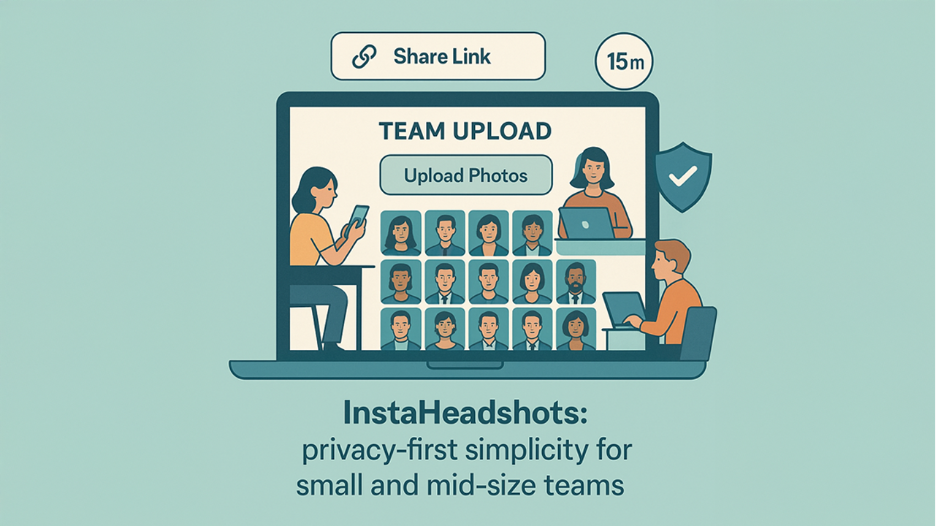
InstaHeadshots turns a handful of selfies into 100+ studio-grade headshots in as little as 15 minutes. Share a private link, teammates upload 3–6 photos, and the AI does the rest. The workflow suits teams without an IT escort.
Security by default. Every file moves through TLS encryption and rests under AES-256. You can delete images at any time, and the platform removes originals, models, and backups 30 days after delivery. InstaHeadshots also pledges never to reuse photos for public training or marketing.
Brand consistency in one click. Lock a charcoal background, pick a soft key light, and apply it across the team so LinkedIn, Slack, and your website look like one coordinated shoot, even if colleagues submit selfies from three countries.
Startup-friendly pricing. A 10-person pack costs $44 per seat, about one-tenth of the $300 U.S. studio average for a single headshot. Volume discounts start at 20 and 100 seats.
Need compliant, on-brand headshots before Friday? InstaHeadshots checks every box without extra work for IT.
Aragon AI: enterprise muscle with a SOC 2 badge
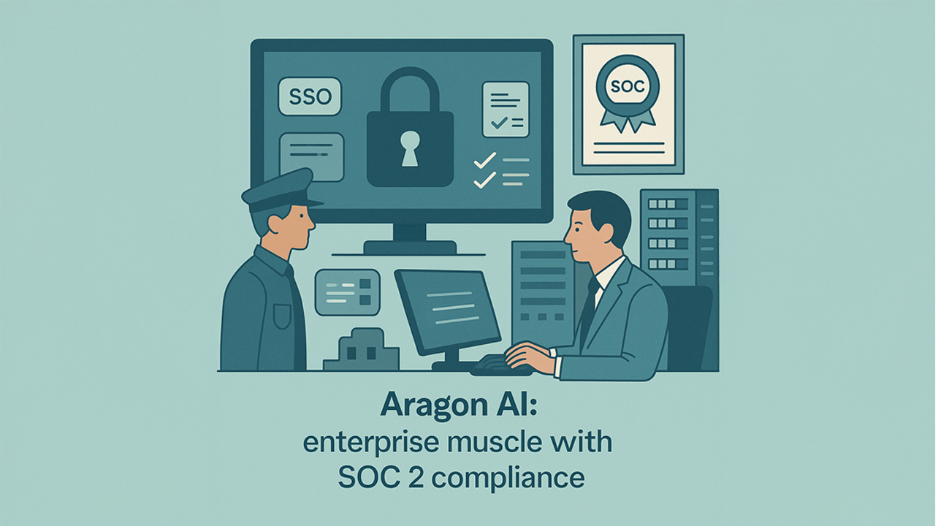
For companies where InfoSec leads the buying committee, Aragon AI passes the audit on page one. Its fresh SOC 2 Type II report covers encryption, incident response, and change management in detail. The Trust Center also lists ISO-aligned policies and a live status page.
Built for admins, not hobbyists. Log in with SSO, assign role-based permissions, and review timestamped audit logs, all from a dashboard that keeps security settings front and center.
Fast at scale. Aragon’s Executive plan promises up to 100 headshots per person in 15 minutes, and the Teams Basic package delivers 40 headshots in 45 minutes. Internal tests show batches of 50 employees land in under 90 minutes with no queue bottlenecks.
Enterprise paperwork included. The vendor signs DPAs, supports U.S.- or EU-only data centers, and assigns a named account manager who can return security questionnaires within 24 hours.
Pricing. Team seats start at $44 per person for 40 headshots; volume discounts kick in above 50 users, a fraction of the $250 U.S. studio average.
If your board requires documented controls and zero surprises, Aragon AI keeps Legal, IT, and Marketing equally happy.
HeadshotPro: high-volume workhorse for cost-sensitive teams
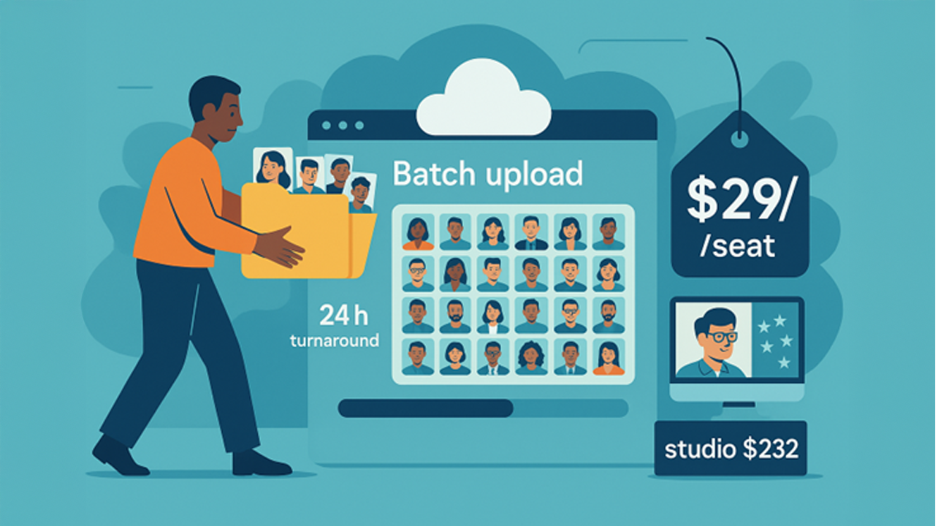
When you have 100 employees and a launch next week, speed and price win. HeadshotPro lets you drag and drop a zip file, pick one backdrop, and receive 40–120 headshots per person in 24 hours.
Why finance likes it. Packages start at $29 per seat and fall below $20 at 100 seats, roughly one-tenth of the $232 U.S. studio average HeadshotPro cites on its pricing page.
Security basics covered. Input photos are deleted after seven days, generated images and the transient model vanish within 30 days, and your team owns full commercial rights.
Designed for throughput. You will not find SSO or granular roles yet, but you do get an optional public “team page” generator and a Zapier-ready API for bulk download.
If the mandate is “many solid headshots, fast, on a startup budget,” HeadshotPro is the secure AI headshot generator built for scale.
BetterPic: hybrid AI and human polish in under an hour
BetterPic combines a fast AI engine with human editors who fine-tune flyaway hair, glare, or color shifts, so the final image looks studio-shot, not computer-generated.
Speed that saves press days. The Expert plan delivers 120 headshots in 60 minutes, and the Basic tier lands in under 2 hours. That pace helps when executives need portraits before an earnings call.
Built for GDPR peace of mind. Data stays on EU servers, moves through end-to-end encryption, and auto-deletes on a fixed timer detailed in the privacy FAQ. BetterPic also pledges zero biometric reuse across all plans.
White-glove workflow. Submit style notes (“lose the glasses glare, add a navy blazer”) and a rep responds within minutes. Large orders receive a dedicated coordinator to track revisions.
Pricing. Team packages start at €29 per seat for 20 headshots and include unlimited manual edits; volume discounts apply above 20 users. When you factor in in-house retouch time or a rushed photographer, the numbers often favor BetterPic.
If brand guidelines demand flawless, magazine-ready images on a tight clock, BetterPic is the secure AI headshot generator worth its premium.
Secta AI: self-serve flexibility for small teams on a budget

Secta feels like Canva for headshots. Upload once, then use the built-in Remix editor to swap backgrounds or jackets anytime—no reshoot required.
Speed and support. A private model produces 300+ portraits in under an hour, and help emails land in under 30 minutes, according to the product page. The turnaround beats most budget tools while staying cheaper than concierge services.
Security basics, minus the badge. Uploads travel through TLS, rest on AES-256 storage, and auto-delete within 30 days. Secta’s FAQ also promises no public training or resale of your photos. While a SOC 2 report is in progress, the plain-language FAQ answers most SMB InfoSec checklists.
Pay only for keepers. Team credits start at $49 for 300 headshots and apply only when you download final images. Startups can test styles freely before committing.
If you need a secure AI headshot generator that lets you remix looks all year without enterprise red tape, Secta is the budget-friendly place to start.
Conclusion
The right AI headshot generator keeps your team’s portraits consistent while safeguarding biometric data and meeting corporate compliance standards. Use the security checklist, weigh usability, and pick the platform that best aligns with your budget, risk appetite, and overall data loss prevention strategy.
Frequently Asked Questions
They can be—but only if you choose a vendor with strong security controls. Look for TLS 1.2+ in transit, AES-256 at rest, strict access controls (SSO/MFA and role-based permissions), and clear deletion timelines for originals, backups, and the trained model. A good provider will also sign a DPA, name GDPR/CCPA explicitly, and commit in writing to no reuse of your photos for public training or marketing.
Most modern tools need just 3–6 casual photos per person to train a lightweight model. Typically, HR or an admin sends a private invite link, each employee uploads their own selfies, selects or confirms a style preset, and then receives dozens of consistent, high-resolution headshots via email in under a couple of hours—often much faster.
Each selfie is biometric data, treated like a fingerprint under GDPR and CCPA. Risks include: vendors keeping images to train public models, data stored in the wrong region (triggering cross-border transfer rules), weak access controls that allow internal snooping, and poor incident response when something goes wrong. These gaps can lead to regulatory fines, reputational damage, and loss of employee trust.
Once a vendor passes your security checklist, evaluate them on:
Image realism (do sample galleries look truly photo-like?),
Style control & consistency (can you lock one look across the team?),
Turnaround time (minutes vs. hours),
Workflow fit (SSO, reminders, bulk download, API/Zapier), and
Total cost per seat (including reruns and manual retouch fees).
The best tool will feel like a smooth extension of your onboarding and brand processes, not a one-off side project.
InstaHeadshots: Great for small and mid-size teams that want privacy-first simplicity and fast turnaround without IT hand-holding.
Aragon AI: Suited to enterprises where InfoSec and Legal demand SOC 2, EU/US data residency options, and detailed audit trails.
HeadshotPro: Ideal for large, cost-sensitive teams that prioritize volume and speed over advanced admin features.
BetterPic: Best for brands that need polished, editorial-quality images with human retouching under tight deadlines.
Secta AI: A fit for smaller teams that want flexible, self-serve “remixable” headshots and to pay only for final downloads.

