




The world is moving at a rapid speed and more often speed takes more precedence than quality. However, as far as software development is concerned, speed is irrelevant if your
The world is moving at a rapid speed and more often speed takes more precedence than quality. However, as far as software development is concerned, speed is irrelevant if your product is lacking in quality. And, because of this need for quality in a fast-moving landscape, the importance of software testing has increased. Yet, the speed is still crucial, and that is why QA teams have shifted toward automation testing from manual testing. In software development lifecycle, teams can incorporate automation testing to simplify workflows, save time, and improve productivity.
In this blog, we will study the best 12 automation testing tools that have transformed the quality of software. Irrespective of whether you are looking for better integrations, quicker executions, or AI-driven testing, this guide can help you select the right tool for your business requirements.
Top 12 Automation Testing Tools You Can Adopt in Your Workflows in 2026
When you search for the best automation testing tools in the market, you will find a wide range of options. Here, each has its own distinct features and solutions. However, to make the right choice, you must closely look at particular project needs. Here are top 12 tools based on their quality and market relevance:
1. HeadSpin:

It is a complete and advanced platform for testing that provides both automated and manual testing features across diverse locations and devices. It specializes in facilitating real-world testing environments, making it crucial for distinct and large-scale applications.
Main Features:
AI-driven Insights: You can utilize advanced machine learning and artificial intelligence algorithms to smartly assess test results, expediting detection of issues and resolution.
Global Device Infrastructure: Access numerous real devices in 90+ locations around the world, allowing testing under real user conditions.
Smooth Integration: Effortlessly integrate into CI/CD workflows, providing support to both pre-release and post-release testing phases.
Performance Tracking in Real-time: Ensures actionable insights into performance bottlenecks with suggestions for fixes.
2. Telerik Test Studio:
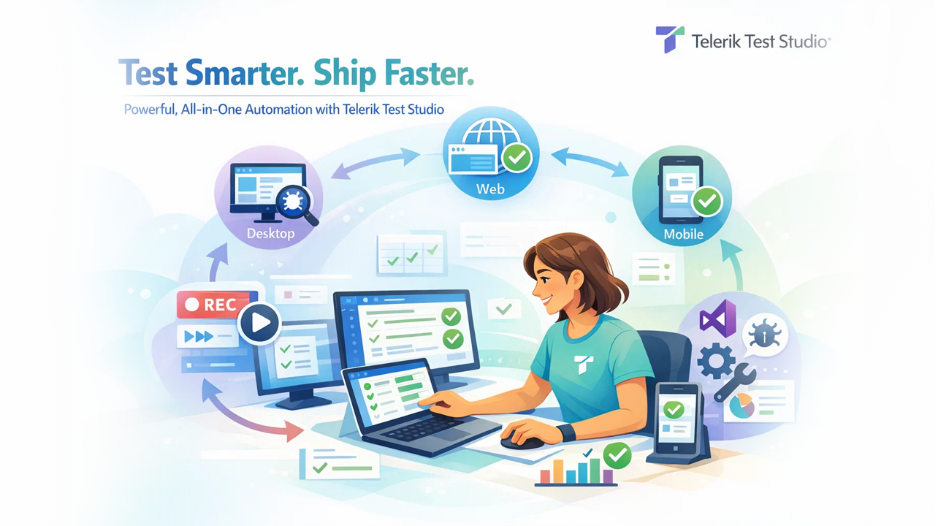
Telerik Test Studio is a user-convenient platform for testing desktop, web, and mobile applications. It streamlines test creation with its innovative interface and provides powerful features for complete testing.
Main Features:
Cross-Platform Support: Allows testing across desktop, web, and mobile platforms.
Innovative Record and Playback: Ensures simple test creation without vast coding knowledge.
Visual Studio Integration: It offers a plugin for smooth integration with visual studio, improving development workflow.
Sophisticated Debugging and Reporting: It provides in-depth logs and reports to help in recognizing and fixing issues efficiently.
3. Selenium:
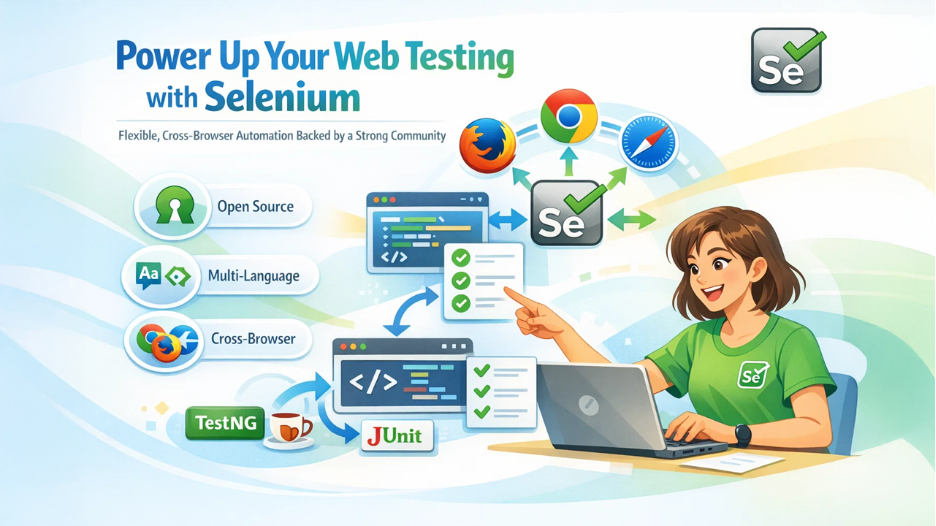
Selenium can be defined as a non-proprietary suite of libraries and tools specialized for automating web browsers. It is well-known for extensive community support and flexibility, making it a prime choice in web application testing.
Main Features:
Support for Multiple Languages: You can create scripts in multiple languages like Python, Java, C#, and Ruby.
Cross-browser Compatibility: This provides support to numerous browsers such as Firefox, Chrome, Safari, and Internet Explorer.
Robust Ecosystem and Community: It provides a vast range of frameworks, plugins, and resources contributed within a vibrant community.
Integration Compatibilities: It smoothly integrates with platforms such as JUnit and TestNG for handling test cases and creating reports.
Note: If you are preparing for job interviews in this field, then you can go through our dedicated blog on Selenium Interview Questions.
4. Playwright:
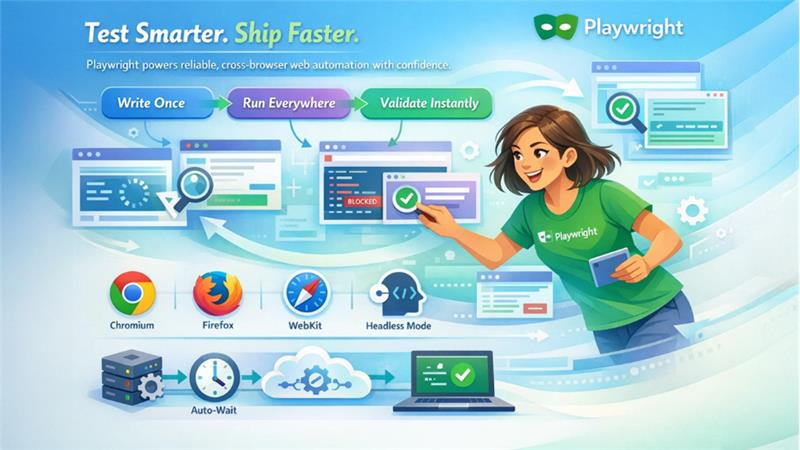
Built by Microsoft, Playwright can be defined as an open-source automation library that enables comprehensive testing of web applications across numerous browsers utilizing a single API.
Salient Features:
Multi-browser Support: Automates Firefox, Chromium, and Webkit browsers, ascertaining broad coverage.
Auto-Wait Mechanism: It automatically waits for elements to be ready before implementing actions such as flakiness in tests.
Network Interception: It enables tracking and modifying network traffic during test implementation.
Headless Mode: It provides support to headless execution for quicker test runs and integration into CI/CD pipelines.
5. Appium:
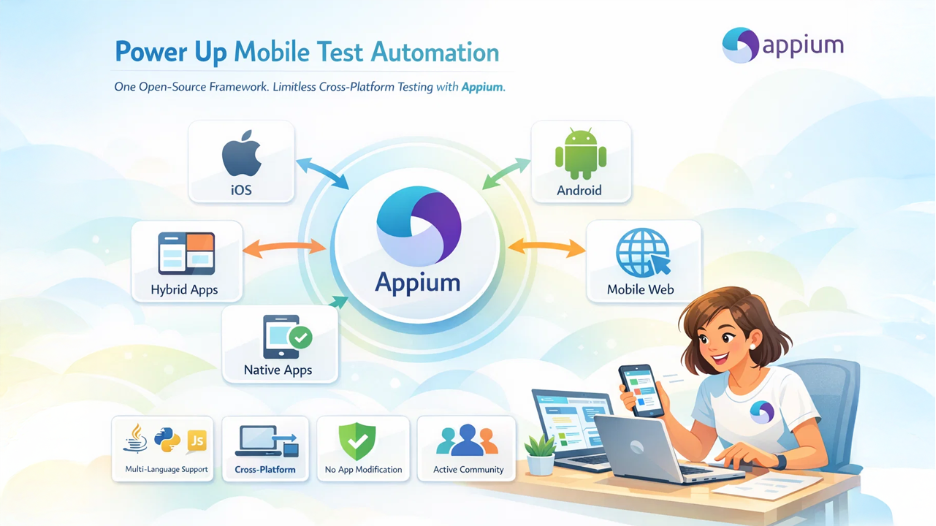
It is an open-source tool specialized for automating mobile applications on iOS and Android. It provides support to hybrid, native, and mobile web applications, ensuring a versatile solution for mobile testing.
Multi-language Support: It provides support to multiple programming languages such as JavaScript, Java, Python, and Ruby.
Cross-platform Automation: It allows writing testing for different applications with the same API.
No App Modification Is Needed: Tests can easily interact with apps with needing access to recompilation or source code.
Active Community Support: Its robust community is also its beneficial aspect that contributes to its consistent enhancement and ensures vast resources.
6. Cyprus:
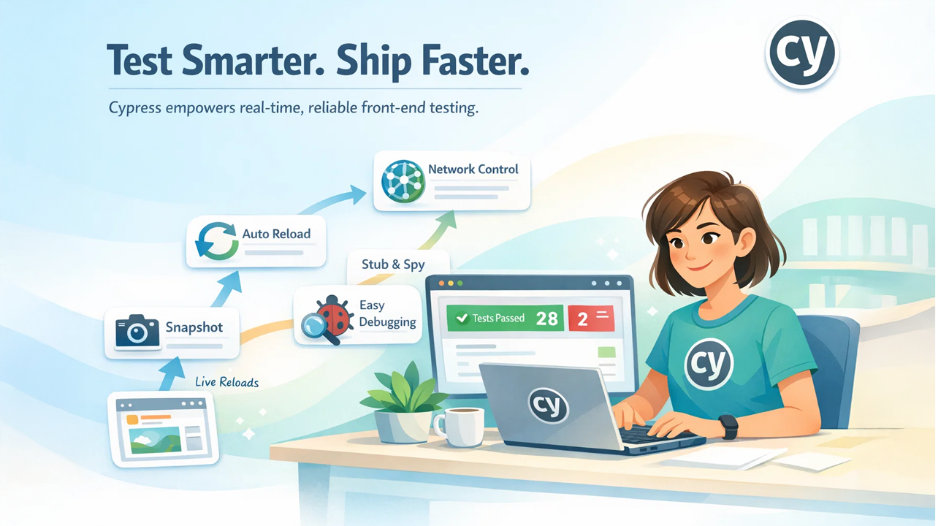
Cypress is an advanced front-end tool for testing. Created specifically for web applications. Its setup is quite developer-friendly and reloading in real-time, making it a preferable choice among web developers.
Salient Features:
Capturing Snapshots: It captures screenshots during test implementation, enabling developers to find out what occurred at each step.
Real-time Reloads: It reloads tests automatically after saving changes, simplifying the process of development.
Network Traffic Control: It provides greater control over network responses and requests, ensuring complete testing scenarios.
Debuggability: It provides slack traces and readable error messages, streamlining the debugging process.
7. TestComplete:
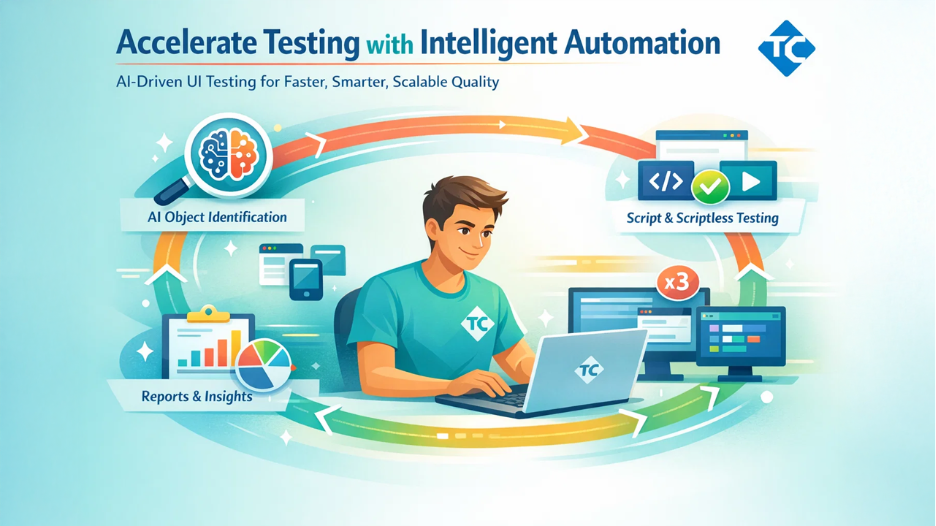
TestComplete is a complete and automated UI testing tool for mobile, desktop, and web applications. It provides a broad range of technologies and provides both script and scriptless options for test generation.
Main Features:
AI-driven Object Identification: It leverages AI to recognize dynamic UI elements accurately, minimizing maintenance efforts.
Versatile Scripting Options: It provides support to numerous scripting languages, including Python, JavaScript, and VBScript.
Parallel Test Implementation: This enables running tests in parallel across diverse environments to accelerate testing cycles.
Powerful Reporting and Analysis: It ensures in-depth test logs and personalizable reports for detailed analysis.
8. Puppeteer:
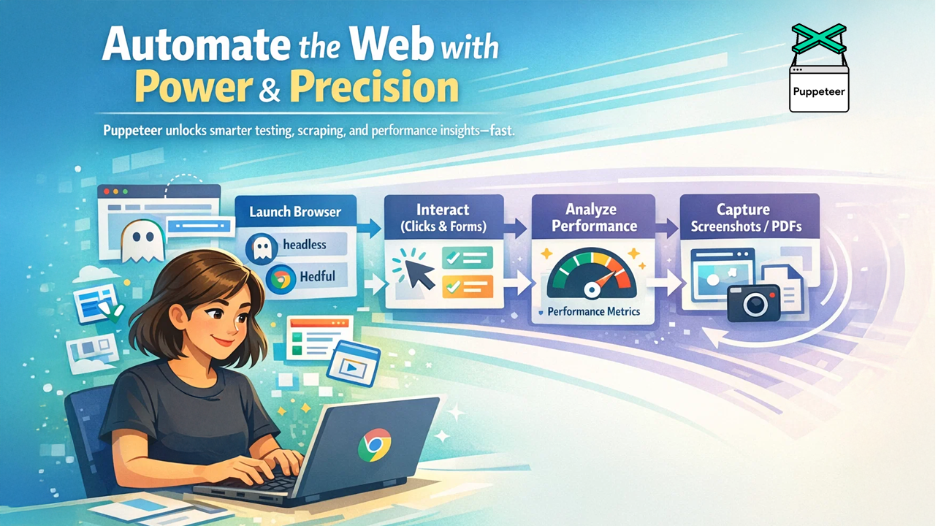
It is a popular Node.js library that ensures top-level API to control Chromium or Chrome browsers over the DevTools protocol. It is broadly utilized for automating tasks such as web scraping, UI testing, and performance analysis.
Key Features:
Headful and Headless Modes: It provides support to both Headful (with UI) and Headless (no UI) modes, enabling versatile testing scenarios.
UI Testing and Automated Form Submission: It allows automation of user interactions such as clicks, form submissions, and keyboard inputs, ensuring complete UI testing.
Performance Analysis: It allows capturing of timeline traces to diagnose issues in performance, ensuring insights into bottlenecks.
Screenshot and PDF Generation: It can create screenshots and PDFs of webpages, valuable for validation of content and visual regression testing.
9. Taiko:
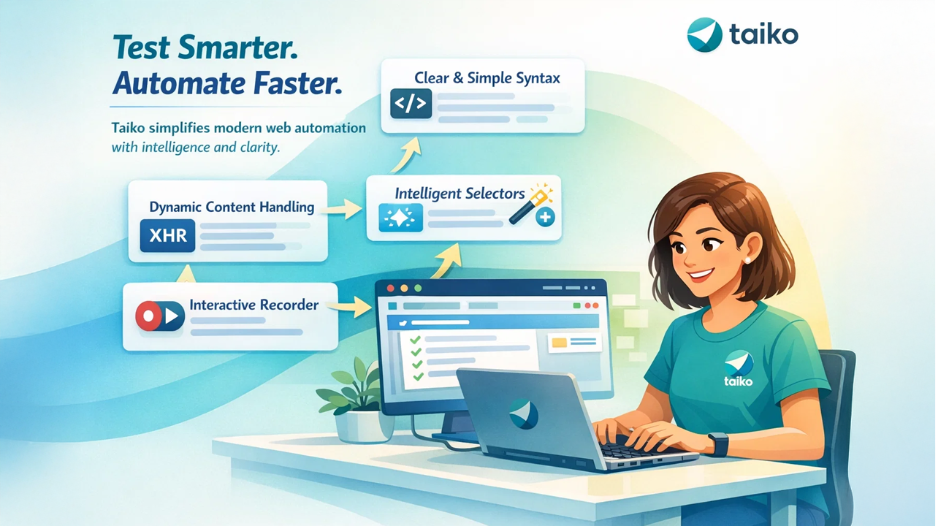
Taiko is a non-proprietary browser automation platform created by ThoughtWorks. It streamlines test generation with a simple API and specializes in managing modern web applications.
Top Features:
Clear and Simple Syntax: It provides a simple API, ensuring that test scripts become more maintainable and readable.
Intelligent Selectors: It detects elements on the page automatically, minimizing the need for manual management of selectors.
Dynamic Content Management: It manages applications efficiently with XHR requests and dynamic content.
Interactive Recorder: It gives an interactive recorder for capturing user actions, ensuring quick creation of test script.
10. Cucumber:
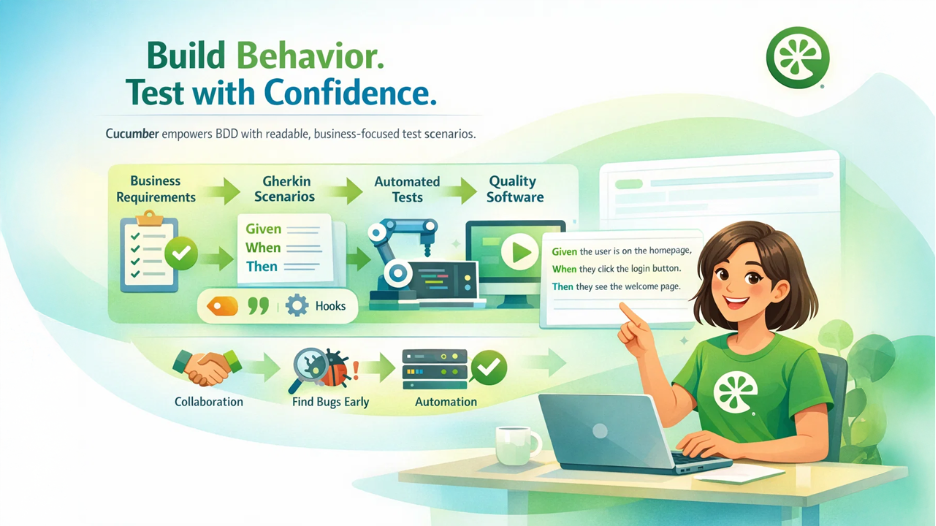
Cucumber is also an open-source platform specially built for Behavioral-driven Development. It enables teams to create test scenarios in simple language via the Gherkin syntax, enhancing collaboration between non-technical and technical stakeholders.
Top Features:
Readable Test Cases: Tests are written in plain English sentences, enhancing maintainability and making it simpler to update tests as requirements evolve.
Behavioral-driven Development Support: It ensures test creation as per the user scenarios and business needs, aligning development with business objectives.
Tags and Hooks: It provides useful features such as tags to segment tests into categories and offers hooks to configure conditions after or before test runs, improving test management.
Automated Testing Integration: It combines with numerous testing tools as well as frameworks (for instance, Selenium Cyprus) to automate tests, facilitating easy identification of issues early in the development cycle.
11. Tricentis Tosca:
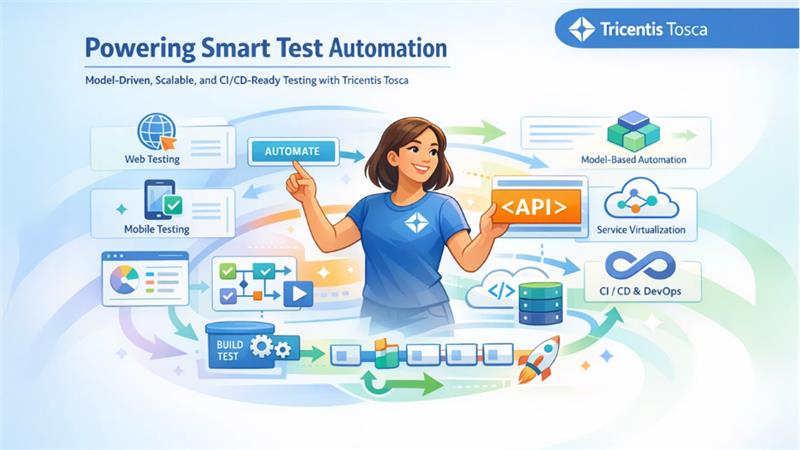
It is a complete tool of automation relevant for web, mobile, API, and desktop testing. It adopts a model-driven testing approach, allowing efficient testing generation and maintenance.
Important Features:
Model-driven Test Automation: It allows generation of reusable test components, minimizing maintenance efforts and redundancy.
Service Virtualization: It simulates dependent platforms that are expensive or unavailable, allowing consistent testing.
CI/CD Integration: Integrates smoothly with continuous integration and delivery pipelines, providing support to DevOps practices.
API Testing: It ensures effective support for API testing, including test creation and API scanning.
12. Ranorex Studio:
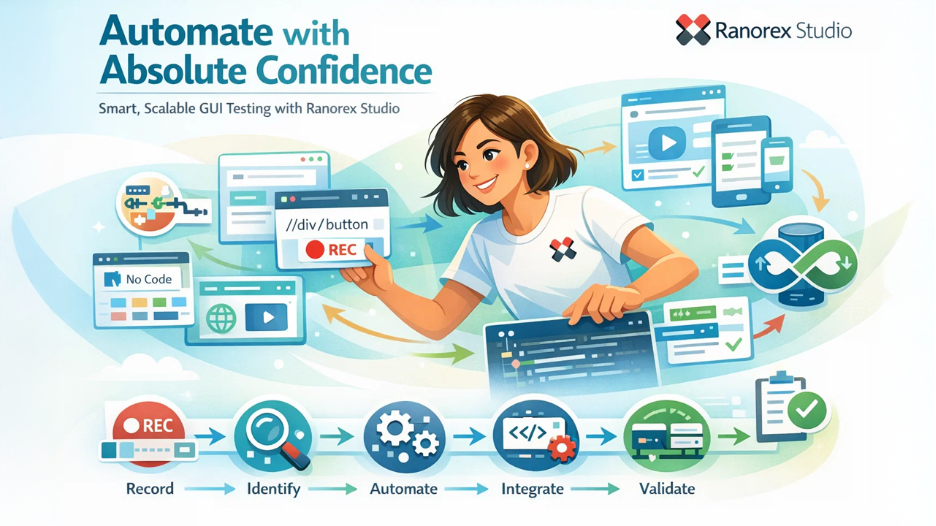
In Ranorex Studio, you get complete GUI testing for web, mobile, and desktop applications. It ensures both low-code automation and fully featured IDE for advanced users.
Main Features:
Codeless Test Generation: It allows recording as well as playback of tests, allowing users without coding expertise to generate automated tests.
Broad Technology Support: It provides support to a broad range of technologies including legacy applications, ascertaining wide test coverage.
Powerful Object Identification: The tool leverages RanoreXPath for dependable recognition of UI elements, even in dynamic applications.
CI/CD Integration: Combines with prominent CI/CD tools, ensuring consistent testing in development pipelines.
Conclusion
Automation testing has become vital for developing top-level software at high speed. The blog discusses the top 12 tools in the market ranging from Selenium’s flexibility to HeadSpin’s AI-powered insights. Here, each solution caters to distinct testing requirements. Whether you focus on CI/CD integration, cross-platform compatibility, user-friendliness, there is a tool personalized to your needs. What is important is assessing the demands of your project, team expertise, and budget constraints. By choosing the right automation testing platform and executing it effectively within the development workflow, you can greatly minimize testing time, reduce errors, and ensure top-level software products that align with modern quality standards.
Respond to this article with emojis