
How to Scan Your Website for Cookies: A Guide to Cookie Scanners and Cookie Compliance
Explore how website cookie scanners work, how to identify first-party and third-party cookies, and how regular scanning helps maintain cookie compliance.
This is used on most websites, which retain data for many reasons, including remembering user preferences, handling website traffic, delivering a better experience, and enabling relevant advertising. Cookies and the like can be helpful but can also gather data about site visitors and lead to privacy obligations for website operators. Not all cookies are viewable while you are managing the website.
A website cookie checker is a tool for detecting cookies and their purpose on a website. Through scanning of web pages and pre-identified cookie data, and by reviewing cookie notices and consent management, website owners can enhance transparency and navigate the path to cookie compliance.
What Is a Website Cookie Checker?
A website cookie checker is a tool that scans a website to list cookies and, if possible, other tracking technologies. It may be able to tell you the cookie names, domains, durations, and uses.
Where the capability exists, some tools will verify one URL; more sophisticated platforms will crawl across multiple pages and organize the cookies that are discovered. These are even better for sites that use analytics platforms, advert networks, embedded videos, live chat and similar third-party technology.
A cookie checker will also allow you to identify these different technologies; for example, a business website might be using one cookie to keep the user in a logged-in state, a separate cookie for language preferences, along with other types of cookies used for analytics or marketing.
However, a scan is simply a quick view of activity on a particular browser under some set of circumstances. Cookies may have different actions depending on the page visited, the user’s chosen consent options, their geographic location or the website tools they interact with. Regular scanning is thus significantly more effective than a one-time inspection.
Why Is Cookie Scanning Important?
Cookie scanning is also useful to website owners when visitors browse their websites. If not carried out in a structured way, this can be a challenge to manage an accurate cookie notice or establish whether prior consent is needed for specific technologies to be enabled.
Here are a few reasons why you should utilize a cookie scanning tool.
Determine which cookies are first-party and which are third-party. You’re likely familiar with first-party cookies associated with the website you’re on, while third-party services might have another set of cookies. Recognizing both adds to your understanding of which providers are involved.
Unforeseen tracking technologies. Cookies that are not recorded in your website configuration can be introduced by website plug-ins, embedded content, advertising tags and analytics integrations.
Better notices for cookies. When businesses have an accurate inventory, they will be able to set out what purposes their cookies serve, how long they last and, where appropriate, who else has access to the information.
Help privacy compliance: Cookie scanning can uncover technologies that could necessitate consent or further disclosures under applicable privacy laws.
Watch out for changes. Updates to your website can add cookies or change the way existing one’s work. Regular scans make it easier to spot things that need fixing.
A cookie scan does not, by itself, establish that a website complies with every applicable law. It provides information that website owners can use to review and improve their privacy practices.
How to Scan Your Website for Cookies
Related walkthrough
Top 10 Must-Have WordPress Plugins for Beginners

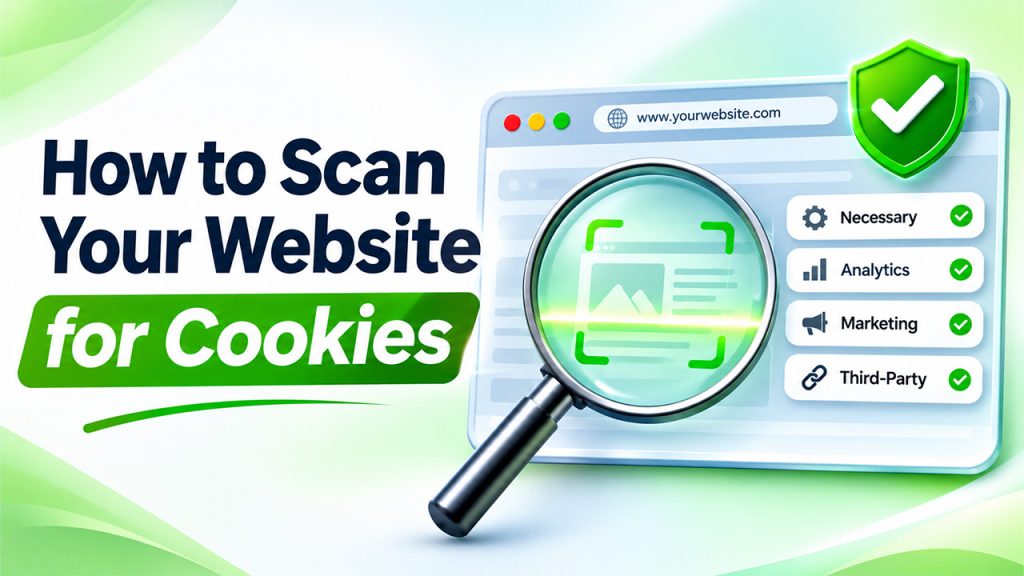
A systematic approach makes it easier to interpret scan results and decide what needs to change.
1. Choose a Suitable Cookie Scanner
Start by selecting a cookie scanner that matches the size and complexity of your website. A simple checker may be sufficient for a small website with few integrations, while an ecommerce store or SaaS platform may need a solution that can crawl multiple pages and recognize a broader range of tracking technologies.
Consider whether the tool can detect cookies across different page types, identify third-party domains, provide cookie descriptions and report expiration periods. If your website uses dynamic content or requires visitors to interact with particular features, check whether the scanner can account for those conditions.
For larger websites, automated scanning and recurring reports can make ongoing monitoring more manageable.
2. Scan Multiple Pages
Checking only your homepage may leave important cookies undiscovered. Different pages can load different services, particularly when a website contains product pages, checkout processes, account dashboards, blog articles and embedded media.
Include representative pages from each major section of your website. Test pages containing contact forms, videos, maps, payment integrations, analytics tags and advertising scripts.
If your website serves international visitors, consider whether its behavior differs by region. Some services may load different technologies depending on location, consent status or other settings.
3. Review the Cookies Detected
Once the scan is complete, examine the results rather than treating the number of cookies as the sole measure of risk.
Useful information may include:
- Cookie name: The identifier assigned to a cookie.
- Domain: The website or service associated with it.
- Purpose: Whether it supports functionality, analytics, personalization or advertising.
- Duration: How long the cookie remains stored.
- Category: The functional group to which it belongs, if the scanner provides one.
Cookies may be grouped into categories such as strictly necessary, preferences, analytics and marketing. These categories can help organize your inventory, but the correct classification depends on what each cookie actually does.
Do not assume that every cookie from an analytics provider has the same legal status or that a cookie is exempt from consent requirements simply because it is described as functional. Verify its purpose and behavior.
4. Determine Which Cookies Require Consent
Cookie compliance depends on the applicable legal framework, the technology used and the purpose of processing.
Under the EU ePrivacy framework, as implemented through national laws, storing information on or accessing information from a user’s device generally requires consent unless a relevant exemption applies. The GDPR may also apply when personal data is processed.
Strictly necessary cookies, such as those genuinely required to provide a service explicitly requested by the user, may qualify for an exemption from consent requirements. Analytics, advertising and personalization technologies need to be assessed according to their actual function and the rules that apply to the website.
In the United States, requirements vary by jurisdiction and activity. California privacy law, for example, may give consumers rights relating to the sale or sharing of personal information, including certain disclosures associated with cross-context behavioral advertising. Cookie scanning can help identify relevant technologies, but the resulting data must be evaluated against the applicable legal requirements.
A cookie compliance checker should therefore be treated as a supporting tool rather than a definitive legal judgment.
5. Check Whether Cookies Load Before Consent
One important part of the review is determining whether technologies that require consent are activated before a visitor makes a choice.
Test the website in a fresh browser session with no existing consent preferences. Observe which cookies and tracking technologies load before interacting with the consent banner. Then test the available choices, including accepting, rejecting and customizing cookies.
Where consent is required, the relevant technologies should not be activated prematurely. Rejecting optional cookies should also be handled consistently with the user’s choice.
A scanner may help reveal unexpected cookies, but not every tool automatically verifies the entire consent process. Manual testing or additional monitoring may be necessary.
How Cookiebot’s Cookie Scanner Can Help
If you’re a website owner seeking an easier solution for finding and tracking your cookies, then the Cookiebot cookie scanner might be something to look into. A cookie scanner is a tool used to scan websites for cookies and other forms of tracking. Cookiebot’s cookie scanner gives website owners the ability to compile a list of the technologies present on their web pages.
The results can assist in the development and ongoing maintenance of a cookie declaration by informing them of cookies detected, their purposes and other relevant information. This can be especially valuable for websites using multiple third-party services, or those that are undergoing frequent change.
Cookiebot has consent management features that can help businesses manage cookie consent and inform technology of a decision. Using cookie scanning with consent management can simplify detecting changes, reporting cookie disclosures, and contributing to a compliance process.
Even if your website passes, site owners need to double-check scan results and verify the nature of their cookies and website, before testing the impact of consent choices. Automated scans can help, but results need to be reviewed in combination with your specific implementation.
What to Do After a Cookie Scan
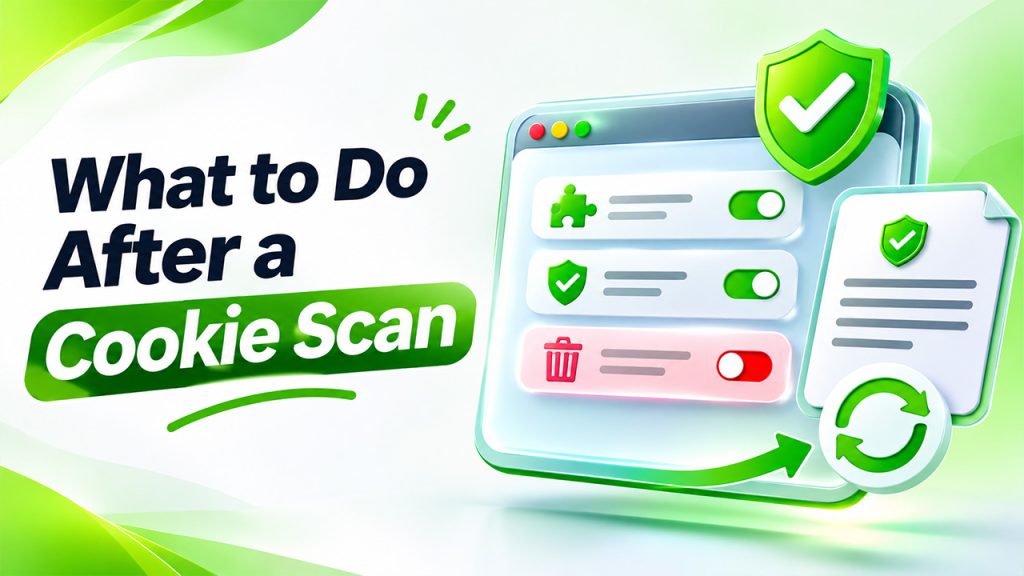
Scan whatever you can that will make a difference.
First, identify other unknown or unnecessary cookies. Find out which plugin, script or third-party service adds each piece of technology. If a cookie isn’t needed anymore, try removing the integration or tweaking its settings.
Next, revise your cookie declaration and privacy notice to match the technologies you are actually using. Ensure descriptions, purposes, and durations are all correct and note any third parties involved where appropriate.
Check your consent banner, too. For every visitor, they should be able to see their choices and make an informed decision on each statement regarding consent. The controls should be functioning correctly, and the optional technology should follow the recorded preference.
Repeat the process when you install a new plugin, change your analytics or advertising tools, redesign a page, or add a new third-party integration. Doing so regularly can reveal changes before they become hardcoded documentation and consent problems.
Common Cookie Scanning Mistakes to Avoid
Another often-made mistake is thinking that a clean scan is proof that you are complying. A scanner can only report what it can see and what is being seen in the environment you are testing in.
Another error is labeling cookies by their names. This is a mistake, as the legality and purpose of a cookie lies in the function, not in what it’s called or which service it’s from.
Another common mistake of website owners is to only do a cookie scan of the homepage, not taking into account any cookies from embedded content or retesting the website after you’ve changed anything. These omissions can affect inventories and disclosures.
For complex sites, use automated scanning together with manual testing, professional privacy advice (where relevant).
A Website Cookie Checker helps you get a good handle on the cookies and tracking technologies that can be found on your website. When choosing a cookie scanner, it’s vital that website owners review several pages, consider consent requirements, and ensure they maintain correct disclosures to enhance transparency.
Tools like Cookiebot’s cookie scanner can make cookie discovery and ongoing monitoring easier – especially when used alongside a consent management system. But cookie compliance is more than just about tracking the technology used on your site. You need to know the purpose of it, set up consent accordingly, and revisit it every time your site changes.
Read also: How to Clear Chrome Cache and Fix Common Browsing Issues