




Most people sign up for Google Drive or Dropbox because everyone else does. But somewhere between hitting your storage limit for the third time and receiving a privacy policy update,
Most people sign up for Google Drive or Dropbox because everyone else does. But somewhere between hitting your storage limit for the third time and receiving a privacy policy update, a question starts forming: Is there something better? There is.
The cloud storage market has matured significantly. Now, several platforms are built specifically for enterprise teams, privacy advocates, open-source enthusiasts, and developers who need raw storage at scale. Lack of options is not the problem; it is understanding which cloud storage alternatives are worth your time. This blog covers 15 best cloud storage alternatives, what makes each one stand out, how to pick the right one for your needs, and practical tips to optimize cloud storage experience.
What Makes the Best Cloud Storage Alternatives? Key Features to Consider
Before diving into the list, let's see the benchmark that actually matters. As cloud technology continues to evolve, the criteria for choosing a storage platform have expanded well beyond just storage capacity:
- Strong Security: Encryption, two-factor authentication, and ideally a zero-knowledge policy so even the provider cannot access your files.
- Seamless Accessibility: Access your files from any device, anytime, with reliable offline capabilities and smooth syncing.
- Controlled File Sharing: Password protection, expiry links, and permission controls; not just a public URL anyone can open.
- Scalable Storage: The right platform grows with you without forcing unnecessary upgrades.
- Speed: Slow syncing kills productivity, especially for teams working on large files.
- Tool Integrations: Compatibility with Microsoft 365, Google Workspace, or Slack determines how well it fits your existing workflow. Pairing your storage with the right business productivity tools ensures your team spends less time managing files and more time getting work done.
- Transparent Pricing: No hidden fees, no confusing tier structures.
- Reliable Support: When something goes wrong, responsive support makes all the difference.
15 Best Cloud Storage Alternatives in 2026 (Detailed List & Features)
1. pCloud
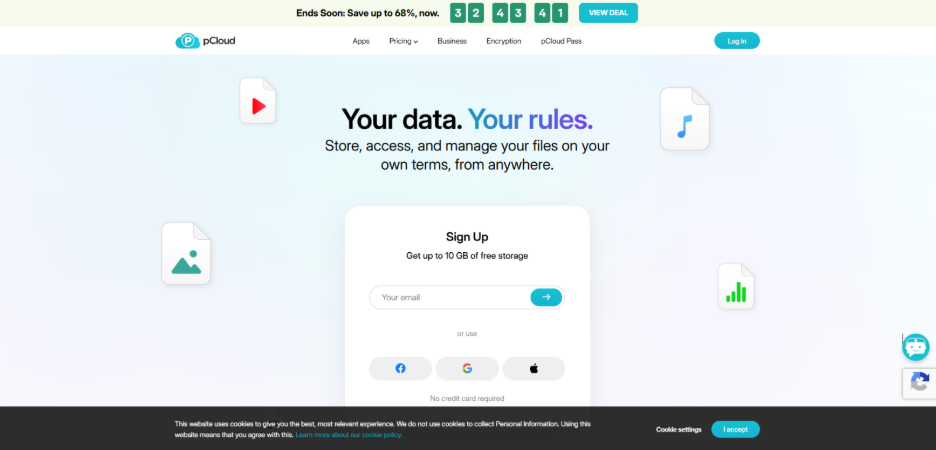
pCloud offers both lifetime and subscription plans, which are quite rare in the industry. It includes fast media playback, file versioning, automatic backup, and an optional client-side encryption add-on, which is known as pCloud Crypto. With servers in both the EU and the US, users can choose where their data is stored.
Key Features:
- Lifetime plans up to 10TB
- AES-256 encryption
- File versioning
- Media playback
- Multi-platform support
Pricing: Starts at $4.99/month
2. Box
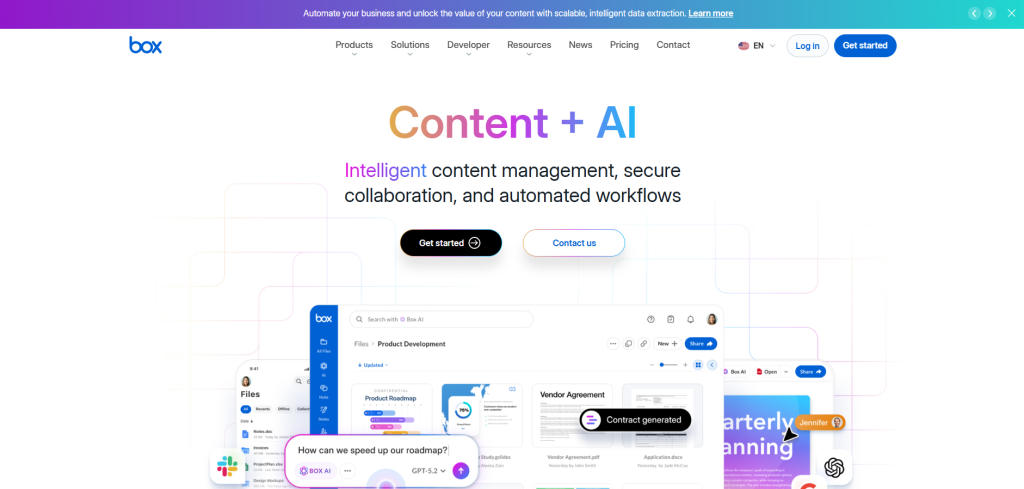
Box is a full content management and workflow automation platform built for enterprises. It offers native integration with Microsoft 365, Google Workspace, and Slack. Additionally, it meets SOC 2, GDPR, and HIPAA compliance standards. It is an ideal option for large organizations that manage complex workflows.
Key Features:
- Enterprise workflow automation
- Deep third-party integrations
- AI-powered search
- Real-time co-editing
- SOC 2 and HIPAA compliant
Pricing: Starts at $15/user/month (Business plan), billed annually, or $20/user/month monthly
3. IDrive
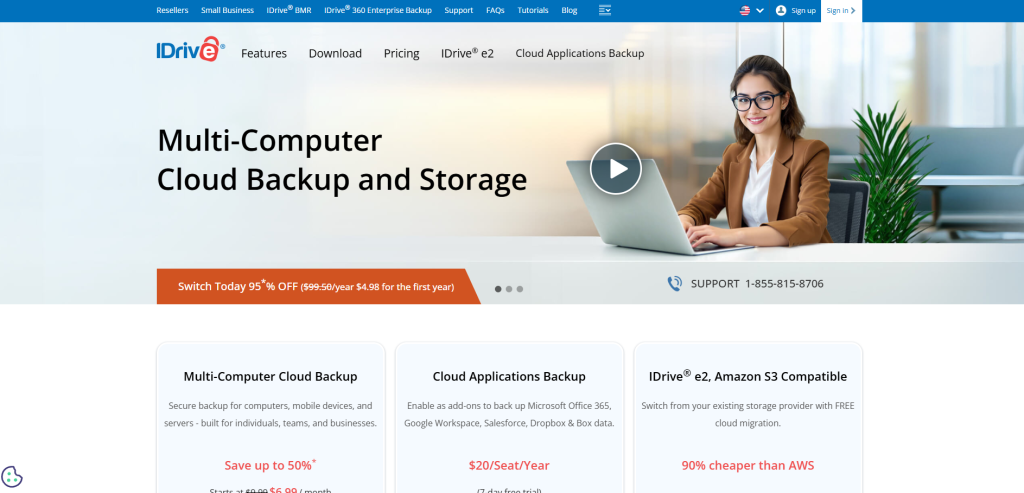
IDrive combines cloud storage and backup into one service. It supports continuous data protection across PCs, Macs, and mobile devices, along with automatic backups, version history, and hybrid storage that blends cloud and local backup. Its centralized web console makes team management straightforward.
Key Features:
- Multi-device backup
- End-to-end encryption
- Hybrid storage
- File versioning
- Team management console
Pricing: Free 10GB; paid plans start at $11.99/month (Personal plan)
4. Sync.com
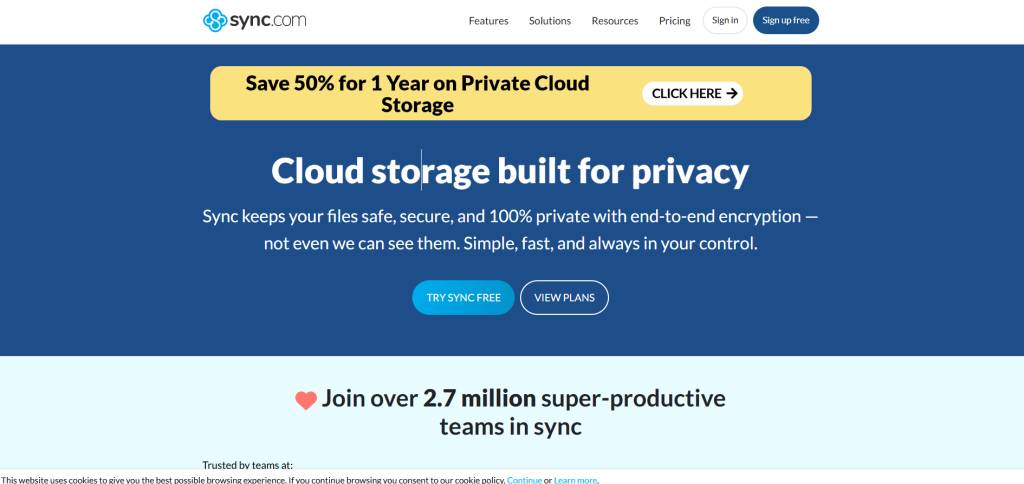
Sync.com is built around one promise: only you can access your data. Its zero-knowledge encryption, GDPR and PIPEDA compliance, and unlimited file size support make it a strong choice for privacy-first individuals and businesses. The interface is clean, the apps are intuitive, and the pricing stays honest.
Key Features:
- Zero-knowledge encryption
- GDPR and PIPEDA compliant
- Unlimited file size
- Secure sharing
- Team management tools
Pricing: Teams Standard at $8/month; Teams+ Unlimited at $18/month
5. MEGA
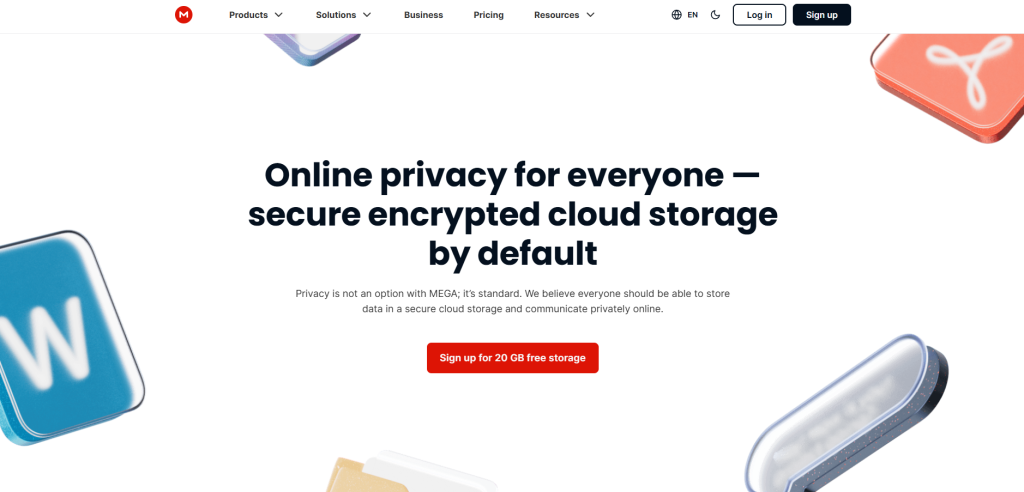
MEGA gives you 20GB free with end-to-end encryption included from day one. It is one of the most generous free tiers among cloud storage alternatives. It also offers encrypted chat and video calling, which makes it surprisingly capable as a lightweight collaboration tool.
Key Features:
- 20GB free plan
- End-to-end encryption
- Encrypted chat and video calls
- Link expiry and bandwidth controls
Pricing: Free tier available; paid plan starts at approximately $10.75/month
6. Tresorit
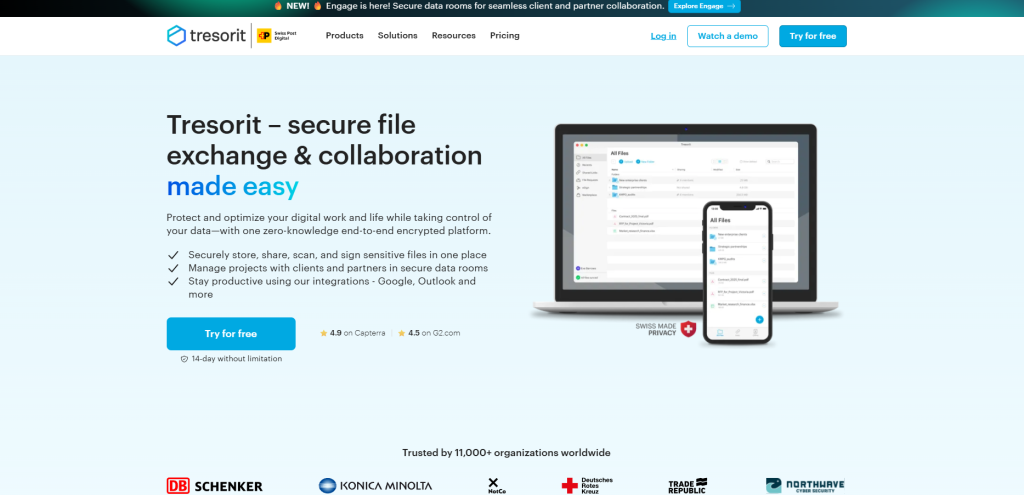
Tresorit is the platform for users who value privacy and refuse to compromise it. It is based in Switzerland, uses zero-knowledge end-to-end encryption, and is fully GDPR and HIPAA compliant. It is designed for those professionals who are handling sensitive data, such as legal teams, healthcare providers, and compliance-driven enterprises.
Key Features:
- Swiss zero-knowledge encryption
- GDPR and HIPAA compliant
- Outlook integration
- Granular permission controls
Pricing: entry-level paid plan (Lite) starts at $4.75/month (50GB of storage); full personal plan is $13.99/month for 1TB
7. Zoho WorkDrive
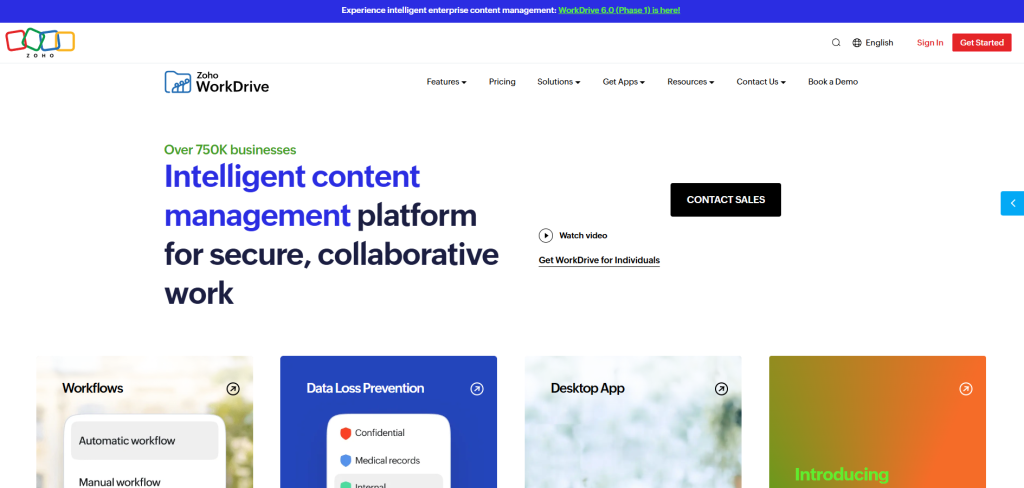
For teams who are already inside the Zoho ecosystem, WorkDrive is a natural and affordable extension. It integrates seamlessly with Zoho Writer, Sheet, and Show, with role-based permissions, activity history, and offline sync built in. It is one of the best-value cloud storage alternatives for small and mid-sized businesses.
Key Features:
- Zoho app integration
- Role-based access
- File versioning
- Offline sync
- GDPR compliant
- Two-factor authentication
Pricing: Starter plan is $2.50/user/month (billed annually)
8. TeraBox
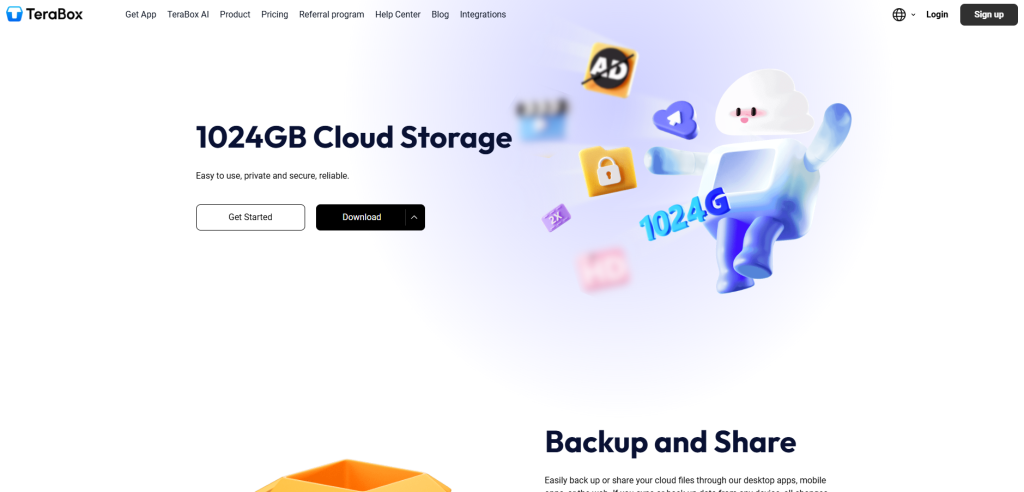
TeraBox makes one bold move by offering 1TB of free cloud storage for personal use. For casual users who like to store photos, videos, and documents, it is quite useful. It supports automatic photo sync, password-protected sharing, and works across all major devices. It is consumer-focused, not enterprise-ready. For personal storage, it delivers real value.
Key Features:
- 1TB free storage
- Automatic photo sync
- Password-protected sharing
- Multi-device support
Pricing: From $3.49/month
9. Jottacloud
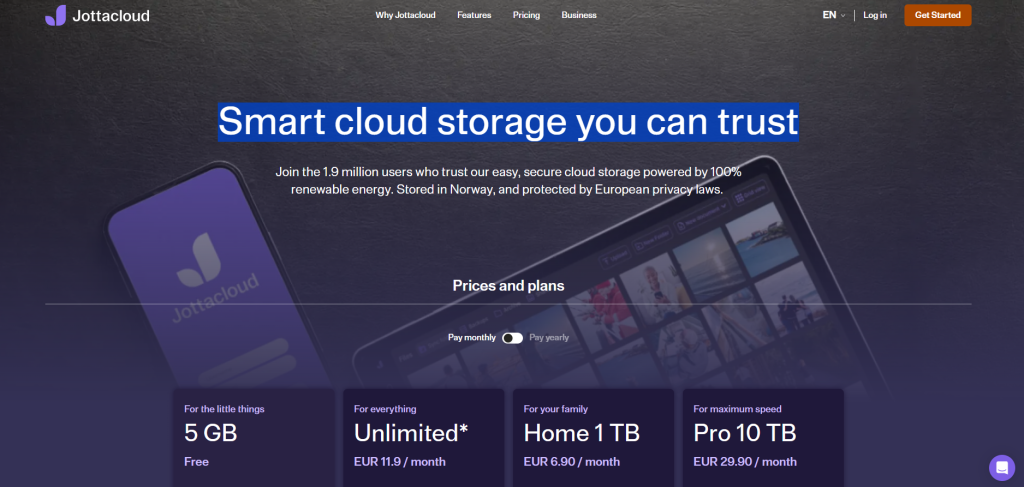
Jottacloud is a Norwegian platform that stores all data under Norway’s strict national policy laws. It offers unlimited backup, automatic photo uploads, shared folders, and a clean interface across all major platforms. It is a calm and dependable choice for those who value privacy without having to navigate through complex stuff.
Key Features:
- Data stored in Norway
- Unlimited backup
- Automatic photo sync
- Shared folders
- Family and business plans
Pricing: Free 5GB; Personal unlimited plan is $12.90/month. The Family plan starts at $7.50/month.
10. Internxt
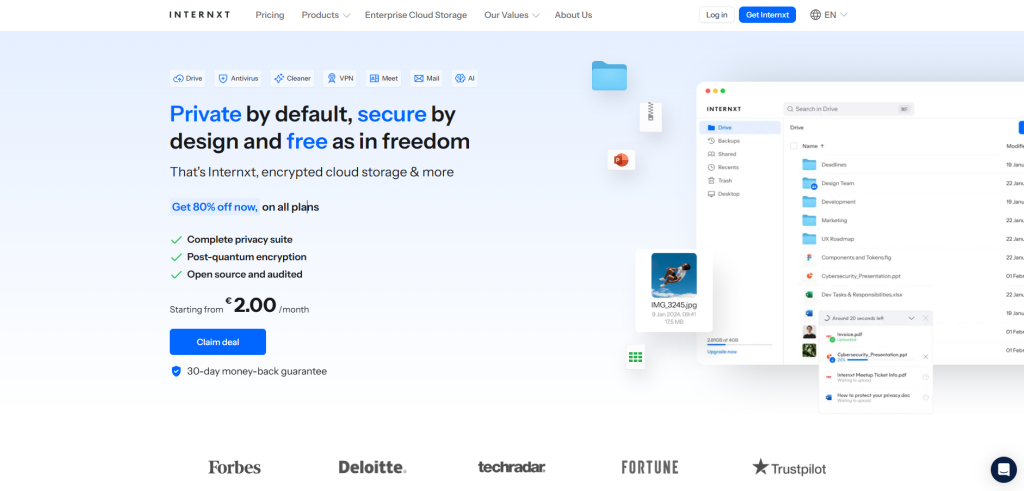
Internxt is an open-source, decentralized platform that splits and encrypts files across multiple servers. It means there is no single point of failure or vulnerability. It includes Internxt Drive, photos, and ensures secure file transfers. For users who care about open technology and digital ethics, it is one of the more forward-thinking options on this list.
Key Features:
- Open-source zero-knowledge encryption
- Decentralized storage
- Internxt Drive and Photos included
- GDPR compliant
Pricing: Free tier; annual plans start at $20/year for 1TB
11. Nextcloud
Nextcloud is the most feature-complete self-hosted cloud storage alternative available in the market. Beyond file storage, it includes chat, calendar, email, and document editing with support for OnlyOffice and Collabora. It is backed by a large open-source community. It is updated regularly and scalable from individual use to full enterprise deployment.
Key Features:
- Self-hosted,
- Integrated chat and calendar apps,
- End-to-end encryption,
- OnlyOffice and Collabora are compatible.
- Enterprise-scalable
Pricing: From $17.31/user/month
12. Backblaze
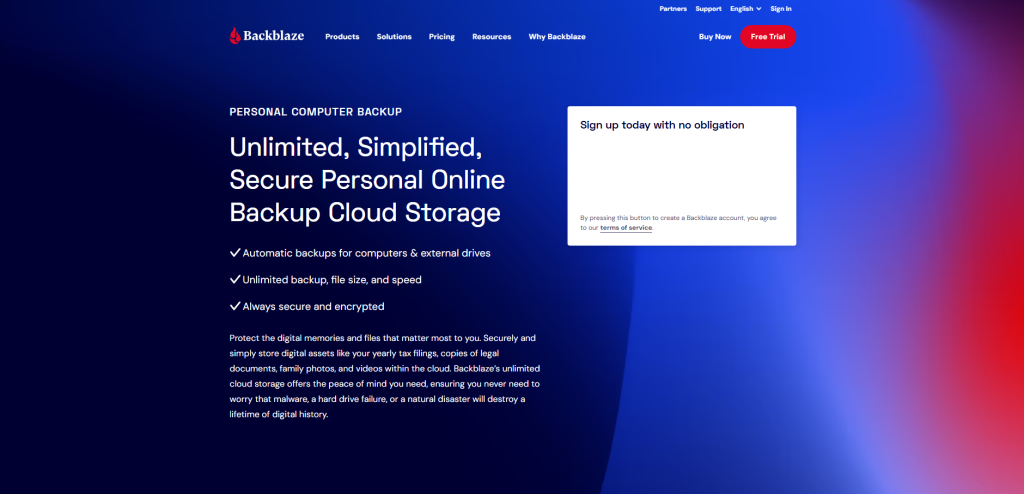
Backblaze does one thing exceptionally well: backup. Its personal plan offers unlimited storage for a single computer at a flat rate with fully automatic background backups. Its B2 Cloud Storage product gives developers and businesses scalable object storage at highly competitive pricing. It is simple, reliable, and transparent.
Key Features:
- Unlimited computer backup,
- Automatic background backups,
- B2 scalable cloud storage,
- End-to-end encryption,
- Flat-rate pricing
Pricing: B2 from $6/TB/month
13. IceDrive
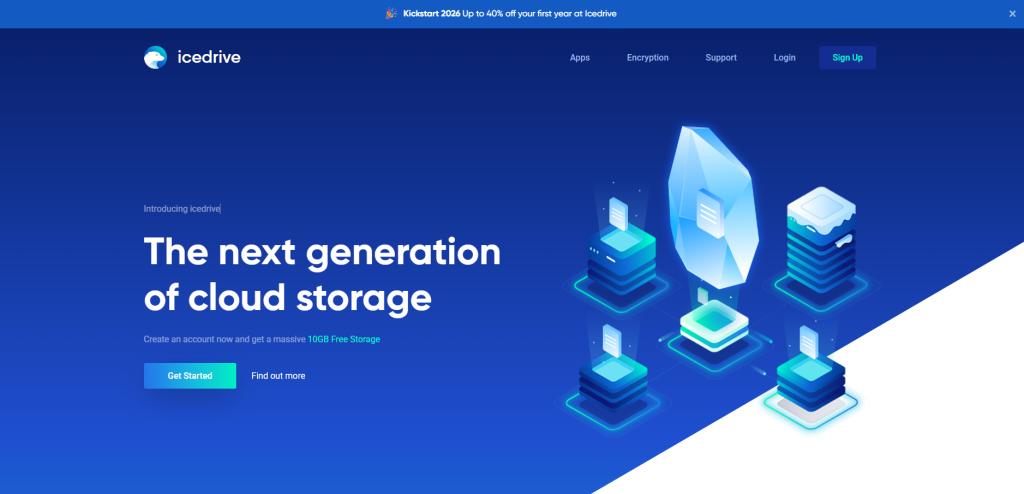
IceDrive's standout feature is a virtual drive that lets users browse cloud files directly from their desktop without downloading everything locally. It offers a genuinely practical approach that saves storage and speeds up access. Security is handled through Twofish encryption with a zero-knowledge model, and lifetime plans are available.
Key Features:
- Virtual desktop drive,
- Twofish zero-knowledge encryption,
- File versioning,
- Media streaming,
- Lifetime plans available
Pricing: Starts from $5.99/month
14. Google Drive
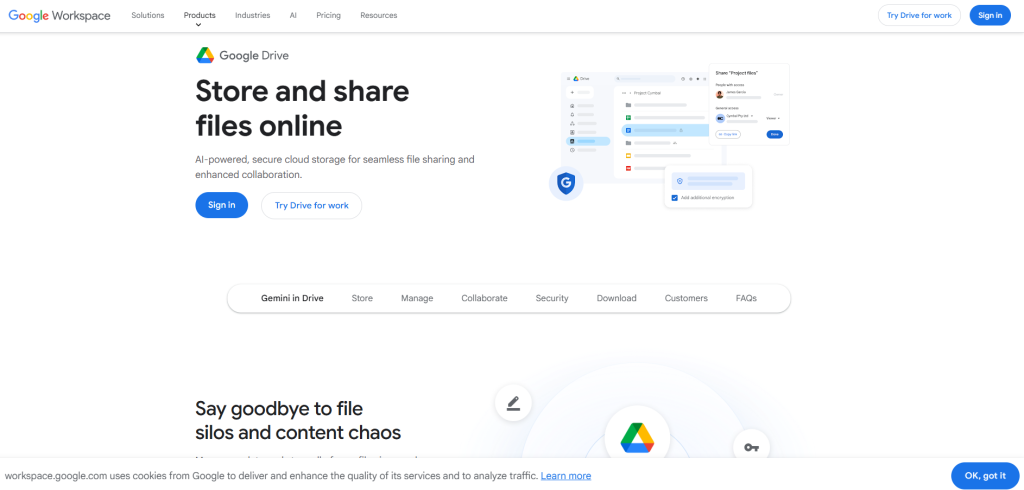
Google Drive remains one of the most widely used cloud storage platforms in the world, and for good reason. It integrates seamlessly with Google Docs, Sheets, Slides, Gmail, and Meet. While it lacks zero-knowledge encryption and has faced privacy scrutiny due to Google's data practices, its sheer convenience, generous free tier, and deep productivity integrations keep it a practical choice for everyday users.
Key Features:
- 15GB free storage,
- Real-time collaboration via Google Workspace
- Automatic Gmail and Google Photos integration
- Strong search functionality
- Cross-platform support
- Two-factor authentication
Pricing: Free 15GB; paid plans via Google One from ₹130/month (100GB)
15. OwnCloud
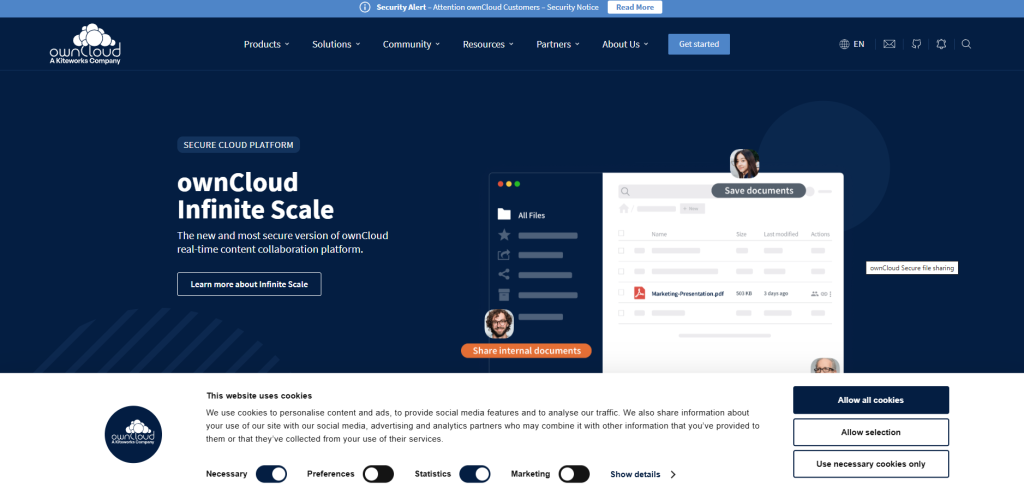
OwnCloud lets technically capable organizations host cloud storage entirely on their own servers. Your data never touches a third-party provider, and you can control every aspect of access, compliance, and security. It requires setup and ongoing maintenance, but for institutions that cannot trust commercial cloud providers, it is a powerful and proven solution.
Key Features:
- Self-hosted open-source platform
- Full data ownership
- Enterprise integrations
- Strong encryptions
- Access controls
Pricing: Contact sales
Cloud Storage Alternatives Comparison Table (Quick Overview)
Compare the top cloud storage alternatives side by side to quickly identify the right platform based on features, limitations, and pricing.
| Platform | Key Strength | Limitation | Free vs Paid |
|---|---|---|---|
| pCloud | Lifetime plans, fast sync | Encryption costs extra | Paid |
| Box | Enterprise integrations | Expensive | Paid |
| IDrive | Multi-device backup | Slower uploads | Free + paid |
| Sync.com | Zero-knowledge security | Few integrations | Paid |
| MEGA | 20GB free storage | Limited collaboration | Free + paid |
| Tresorit | Strong privacy compliance | High pricing | Paid |
| Zoho WorkDrive | Zoho ecosystem fit | Limited outside Zoho | Paid |
| TeraBox | 1 TB free storage | Not enterprise-ready | Free + paid |
| Jottacloud | Norway-based privacy | Limited reach | Free + paid |
| Internxt | Decentralized storage | Ecosystem still developing | Free + paid |
| Nextcloud | Self-hosted flexibility | Needs maintenance | Free + paid |
| Backblaze | Unlimited backup | No collaboration tools | Paid |
| IceDrive | Virtual drive access | Fewer integrations | Free + paid |
| Google Drive | Strong collaboration | Privacy concerns | Free + paid |
| OwnCloud | Full data control | Technical setup needed | Contact sales |
Cloud Storage Alternatives Security & Privacy: What You Must Know
You should never compromise security when choosing a cloud storage provider. Here’s what to watch for:
Compliance Requirements: GDPR and HIPAA are non-negotiable for businesses. You must always choose a platform that is already certified rather than figuring it out later. Layering your storage choice with dedicated cloud security tools adds another line of defense beyond what any single provider offers.
Zero-Knowledge Encryption: It means that only you hold the encryption keys, and the provider cannot see your files or data. Platforms such as Tresorit, Sync.com, and Internxt offer this security feature.
Jurisdiction Matters: Data stored in the US falls under laws like the PATRIOT Act. Swiss, Norwegian, and EU-based platforms operate under far stricter privacy frameworks.
Clear Privacy Policy: Before signing up for any platform, read the privacy policy carefully, specifically about the data retention terms, third-party sharing clause, and what happens to your file if you cancel.
How to Transfer Data Between Cloud Storage Alternatives (Step-by-Step Guide)
Switching platform is easier than you think if you follow the right order. Here's what you need to do to successfully transfer your data to a new cloud storage:
- Audit Before You Migrate: First, delete all unnecessary files such as abandoned projects, old duplicates, and stale backups. If you move clutter, it’ll just create clutter on the new cloud.
- Download in Organized Batches: Doing this will preserve your existing folder structure during the process to avoid a messy re-load.
- Run Both Accounts in Parallel: For two to three weeks, run both accounts parallelly after migrating. Before cancelling the old account, confirm whether everything is transferred correctly.
- Never Cancel Immediately: One missed folder or accidental deletion is all it takes to regret rushing the switch. Therefore, do not cancel immediately. Take a minute to confirm the transfer.
Final Thoughts on Choosing the Best Cloud Storage Alternatives
Choosing the right cloud storage alternative depends on your priorities like security, pricing, and scalability. With more specialized cloud storage alternatives available, users are no longer limited to one-size-fits-all solutions. Evaluating key features such as encryption and integration helps in making the right choice. As cloud technology evolves, switching to better options can improve both productivity and data security. The idea that Google Drive and Dropbox are the only serious and useful cloud storage options has expired.
Whether you are an individual tired of storage limits, business navigating compliance requirements, or a developer who needs a scalable infrastructure, there is a purpose-built cloud storage alternative on this list for you. Use the comparison table, match it against your priorities, and make the switch with confidence.
FAQs About Cloud Storage Alternatives
Q. What is the best free cloud storage alternative?
MEGA offers the most generous free plan at 20GB with end-to-end encryption included by default.
Q. Which cloud storage alternative is the most secure?
Tresorit is widely considered the most secure, thanks to its Swiss-based zero-knowledge encryption and GDPR/HIPAA compliance.
Q. Can I self-host my own cloud storage?
Yes. Both Nextcloud and OwnCloud are open-source platforms that let you host storage entirely on your own servers.
Q. Which option works best for business teams?
Box suits large enterprises best, while Zoho WorkDrive and Sync.com offer strong value for small to mid-sized teams.
Q. Is there a one-time payment cloud storage option?
Yes. Both pCloud IceDrive offer lifetime plans, so you pay once and avoid recurring monthly fees.
Respond to this article with emojis