
Top 5 Google Drive Alternatives You Can Consider in 2026
Explore the top 5 Google Drive alternatives in 2026 and understand the features, benefits, and limitations of each platform
In the current digital landscape, cloud storage acts as an essential part of both personal and professional workflows. Among the different cloud storage providers across the globe, Google Drive leads as the most popular and efficient platform for all types of users.
Despite its popularity, users often look for Google Drive alternatives mainly due to the rising concerns about privacy, storage limitations, pricing, or the need for specialized collaboration features.
There are various popular Google Drive alternatives available, such as iCloud, OneDrive, Dropbox, pCloud, and Proton Drive. This article explains the key differences, benefits, and limitations of each alternative in comparison to Google Drive. You can also explore other detailed options in our guide on cloud storage alternatives.
What is Google Drive?
Google Drive is a popular cloud storage and file management service that is provided by Google. It allows users to store, access, sync, and share files virtually using any device and a stable internet connection.
Google Drive stores a wide range of file types in the cloud, making it easy for users to access them whenever and wherever needed.
Key Features of Google Drive
- Cloud Storage: Google Drive allows users to upload and organize files on a dedicated online storage space.
- File Synchronization: All the files stored in Google Drive are automatically synced across different devices, using the same Google account.
- Easy File Sharing: With Google Drive, users can share files and folders with other users through links or specific permissions.
- Real-Time Collaboration: Google Drive integrates with various other Google platforms, allowing users to collaborate easily.
Google Drive offers standard cloud storage features, but security-focused users often explore advanced cloud security tools for stronger encryption and control.
Top 5 Google Drive Alternatives
While Google Drive is among the most popular cloud storage platforms, it is not suited for every type of user. Some users prioritize stronger privacy encryption, while others need better integration across specific ecosystems.
There are various excellent alternatives to Google Drive available across the internet that offer key features like cross-device syncing, automatic backup, lifetime storage options, and secure file sharing, among others.
Quick comparison of the top 5 Google Drive alternatives is as follows:
| Google Drive Alternatives | Free Storage | Privacy | Ideal For |
|---|---|---|---|
| iCloud | 5 GB | Good | Apple User |
| OneDrive | 5 GB | Good | Microsoft User |
| Dropbox | 2 GB | Good | File Syncing |
| pCloud | Up to 10 GB | Strong | Long-term Storage |
| Proton Drive | Limited Free Tier | Excellent | Privacy & Security |
1. ICloud
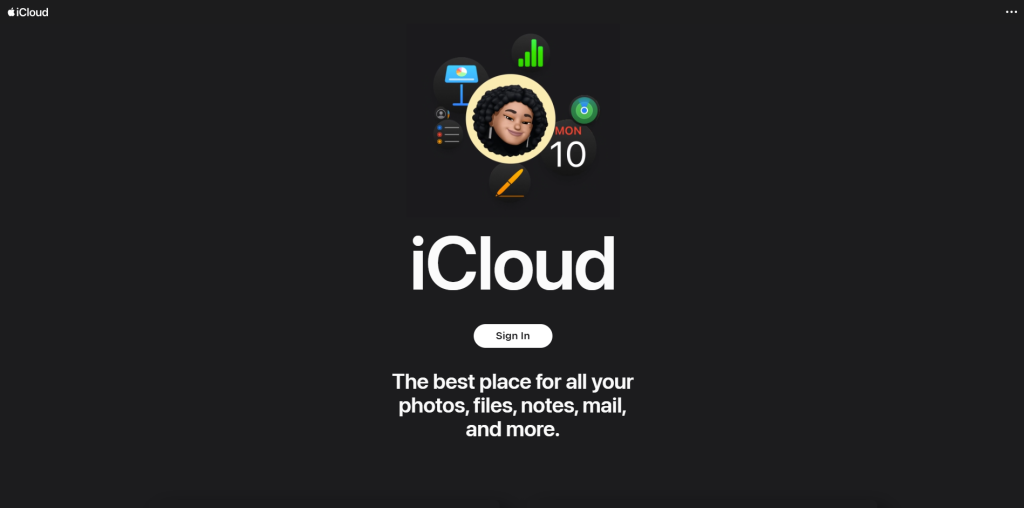
iCloud is a dedicated cloud storage service that seamlessly integrates with all devices of Apple, like iPhones, Macs, and iPads. The platform offers various key benefits such as automatic backup of photos, files, contacts, and device settings.
Key Features
- Automatic device backups
- iCloud Photos synchronization
- Cross-device syncing
Benefits
- Seamless experience across Apple devices
- Easy setup and automatic backups
- Strong privacy and security
Limitations
- Limited functionality for non-Apple devices
- Less advanced collaboration tools
2. OneDrive
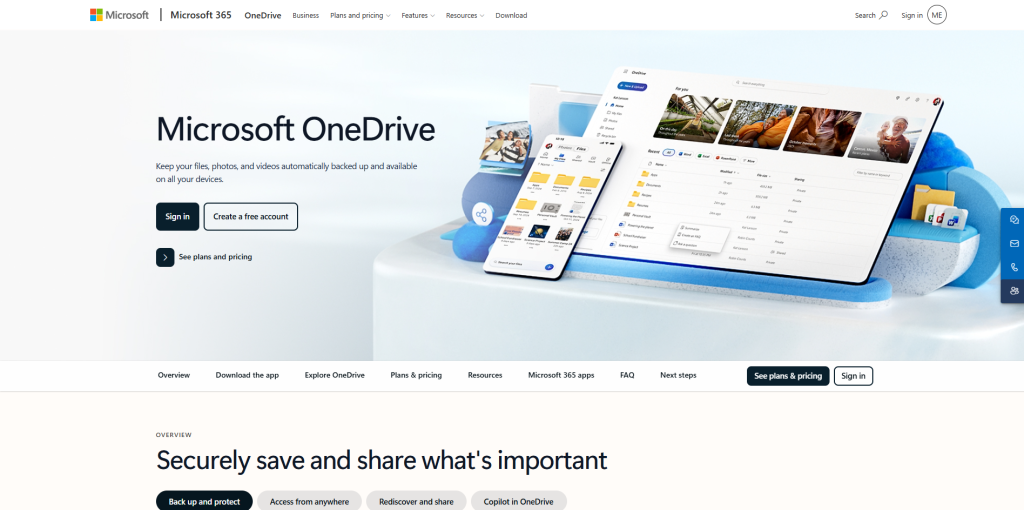
Microsoft OneDrive is a cloud storage platform that is especially designed to work efficiently with Microsoft Office applications, like Word, Excel, PowerPoint, and Teams.
Key Features
- Microsoft 365 integration
- Automatic Windows backups
- Enterprise-grade security
Benefits
- Excellent productivity features
- Strong collaboration
Limitations
- Suited only for Microsoft users
- Limited free storage.
3. Dropbox
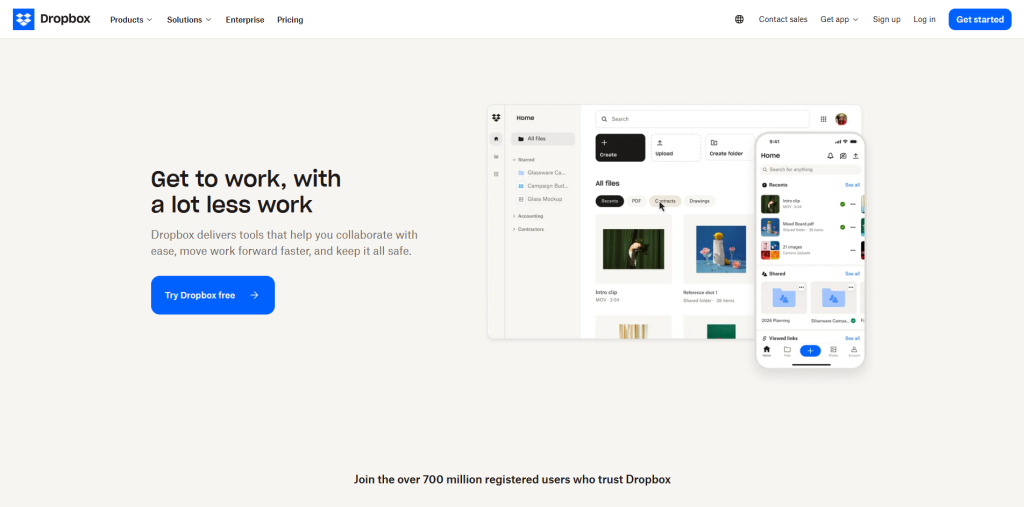
The platform is renowned for its reliable file-sharing technology and user-friendly interface. Dropbox is considered ideal for users looking for file synchronization and team collaboration.
Key Features
- Faster file synchronization
- Smart Sync technology
- Secure file sharing
Benefits
- Excellent sync performance
- Easy file sharing and collaboration
- Reliable file recovery options
Limitations
- Smaller free storage
- Expensive premium plans
4. PCloud
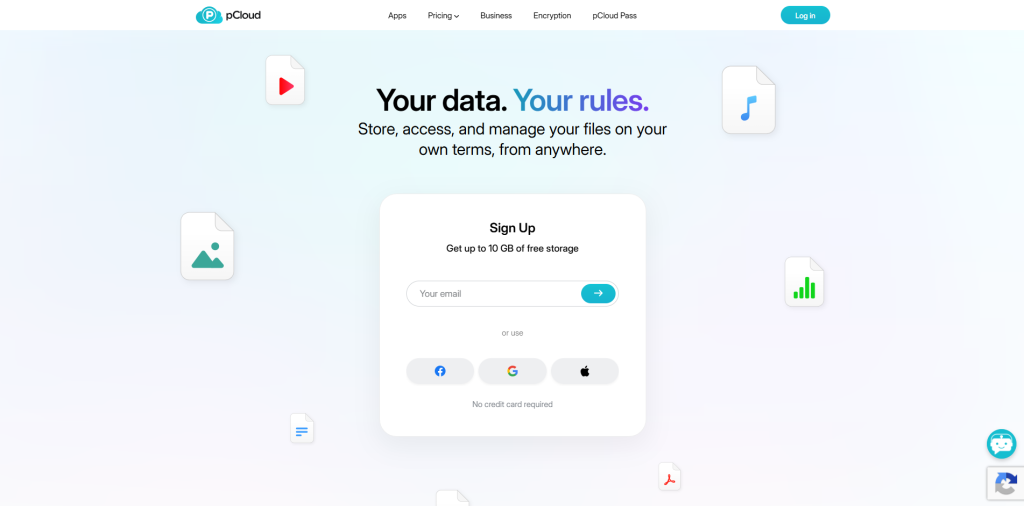
pCloud offers affordable long-term storage and allows users to pay once, instead of maintaining a recurring subscription fee.
Key Features
- Lifetime storage options
- Cross-platform access
- Media streaming support
Benefits
- Easy-to-use interface
- Flexible storage plans
- Cost-effective over the long term
Limitations
- Additional purchase for advanced encryption.
- Limited collaboration features
5. Proton Drive
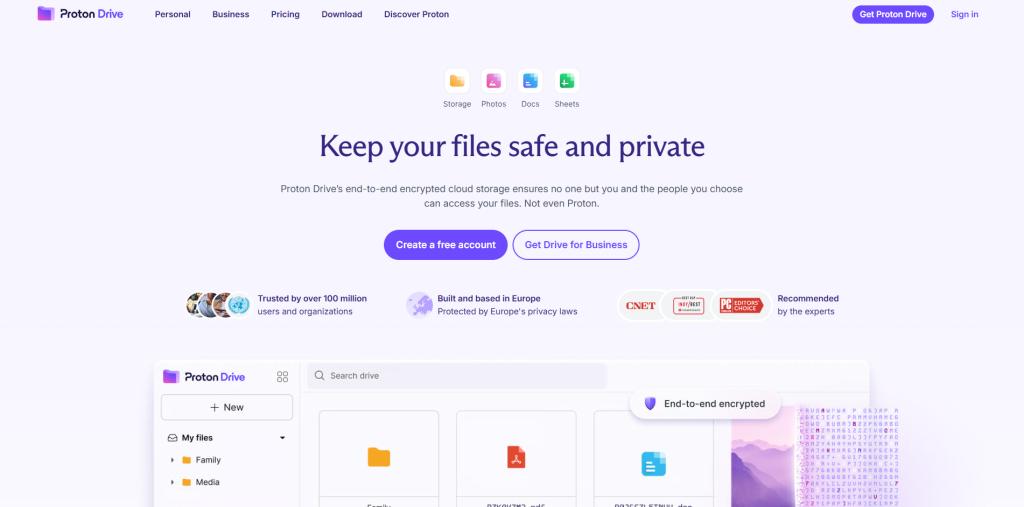
Developed by Proton Mail, Proton Drive focuses on protecting user data through end-to-end encryption and a privacy-first approach. The platform is considered ideal for users looking for enhanced privacy and security.
Key Features
- Zero-knowledge architecture
- Secure file sharing
- Privacy-focused infrastructure
Benefits
- Excellent privacy protection
- Strong security reputation
- No data mining or targeted advertising
Limitations
- Limited collaboration tools
- Smaller ecosystem
Why Switch to Google Drive Alternatives
Google Drive is among the most popular and widely used cloud storage platforms. However, it doesn’t always fit the needs of every user or organization. Many users often explore Google Drive alternatives, mainly when they face limitations with pricing, compatibility, or security.
Users concerned about data protection often evaluate dedicated cloud security tools, while those planning a full transition can follow a structured cloud migration checklist.
Some of the main reasons for switching to Google Drive alternatives are as follows:
1. Pricing
Pricing is among the main factors that force users to switch to Google Drive alternatives. Google Drive offers limited storage space, which is shared across various platforms, like Gmail, Google Photos, and Drive. It also includes expensive paid plans.
Key Challenges
- Free storage is limited to 15 GB.
- Expensive paid plans.
- Storage is shared across multiple Google services.
2. Compatibility
Google Drive generally works best with the Google ecosystem, which often limits users with other tools from accessing the files. Various Google Drive alternatives offer better integrations with other platforms, along with specialized workflows for business tools.
Key Challenges
- Best performance with Google Workspace.
- Limited integration with non-Google tools.
3. Security
Google Drive is a secure cloud storage platform, but it does not offer complete end-to-end encryption for all files. This leads to major concern, especially with privacy-focused users.
Key Challenges
- Limited zero-knowledge encryption
- Less control over how data is handled
- Data is stored in Google-managed servers.
3. Limited Sharing
Google Drive offers strong collaboration but is still limited in terms of use case and workflow complexity. Platforms like Dropbox and OneDrive offer advanced file versioning and sharing control, along with structured collaboration.
Key Challenges
- Limited advanced workflow automation.
- Lack of granular control in file-sharing links.
Best Cloud Storage for Different Use Cases
Related walkthrough
Google Pics: Google's NEW AI Image Generator That Could Rival Canva!
Different types of users require different capabilities and solutions, so instead of looking for one tool that is best for all, users should map out the use case of each platform to the actual application.
1. For Student and Personal Use
Ideally, iCloud is considered the best Google Drive alternative for students or personal use. Students or individuals mainly require free storage, easy sharing, and access across multiple devices, which are offered by iCloud.
2. For Business and Office Use
For businesses, Microsoft OneDrive is considered ideal, as it offers structured file management, enhanced security, and productivity integration. OneDrive also supports enterprise-level security, along with improved admin controls.
3. For File Syncing and Creative Work
For file syncing and creative work, Dropbox is generally considered an ideal choice. Users like freelancers, designers, and video editors generally deal with large files and require fast syncing.
4. For Privacy and Security
Users who prioritize data protection and confidentiality generally prefer a privacy-first platform, like Proton Drive. The platform uses end-to-end encryption, along with a zero-knowledge architecture.
5. For Long-Term Storage and Budget Users
pCloud offers long-term and affordable storage without a monthly subscription. The platform is considered ideal for users who are looking for long-term file backup and media storage.
Choosing the Best Google Drive Alternative
Selecting the right Google Drive alternative mainly depends on how the user plans to utilize cloud storage. In choosing the right alternative, there is no single “best” option for everyone, but each platform is designed to offer specialized capabilities, like collaboration, privacy, affordability, or ecosystem integration.
Some of the main factors that can affect the selection decision are as follows:
- Identify the Primary Use Case: The first step in selecting the ideal cloud storage platform is to understand how the user will use it. Some common use cases include using cloud storage as a personal file backup, for team collaboration, business management, long-term archival storage, and privacy-focused file storage.
- Evaluate Ecosystem Compatibility: Users also need to evaluate all the existing tools and devices. The ecosystem plays a crucial role in choosing the right platform. Choosing a cloud storage platform that fits the existing ecosystem reduces friction significantly and also improves productivity.
- Consider Storage and Pricing: The cost of cloud storage service varies widely, mainly depending on the features and plans. Before selecting the best Google Drive alternative, users need to compare free storage limits, subscription fees, lifetime storage options, and cost per GB of storage.
- Evaluate Security and Privacy Features: In selecting the right cloud storage platform, security plays a major role, especially if the user deals with sensitive data. The user should look for key capabilities like end-to-end encryption, zero-knowledge architecture, two-factor authentication, and data residency options.
Conclusion
Google Drive is among the most popular and powerful cloud storage platforms, but it is not designed for every type of user. There are various popular alternatives available, like iCloud, OneDrive, Dropbox, pCloud, and Proton Drive, which offer specialized strengths that better suit different needs.
Choosing the right cloud storage service is not just about having space to store files, but it is also about finding a platform that aligns with the workflow, budget, and security expectations of users. The best choice of Google Drive alternative mainly depends on what matters the most in the daily use case of users.
FAQs About Google Drive Alternatives
Q. Which Google Drive alternative is ideal for privacy?
A. Proton Drive is considered an ideal Google Drive alternative for users looking for enhanced privacy features. The platform offers end-to-end encryption and a zero-knowledge architecture.
Q. Which cloud storage offers lifetime plans?
A. pCloud offers lifetime storage plans, which allow users to pay once instead of recurring monthly or yearly subscription fees.
Q. Is Dropbox considered an ideal choice for businesses?
A. Yes, Dropbox is commonly considered ideal for businesses, as it offers collaboration tools, enhanced security features, and productivity integrations.
Q. Does OneDrive offer file sharing?
A. Yes, OneDrive offers more advanced file sharing controls and permissions.

