

Citation management, though a critical process in academic writing, turns out to be a hindrance for many students and scholars because of the limitations and, most often, the higher costs
Citation management, though a critical process in academic writing, turns out to be a hindrance for many students and scholars because of the limitations and, most often, the higher costs of available citation management tools. Though Noodle Tools could prove a good citation management tool for some, this blog will also give insight into some of the best Noodle Tools Alternatives that can serve your purpose.
Blog's Comprehensive Summary
Understanding the Noodle Tools Platform
Noodle Tools is an online citation manager in MLA, APA, and Chicago formats, as well as a note-taking and project management system customized for an education environment.
Why Consider Alternatives to Noodle Tools
Students prefer alternatives because of subscription charges, lack of integration possibilities, complexity in the interface, and the need for extra functionality, for example, adding the capability for PDF annotation.
Overview of 10 Noodle Tools Alternatives and Their Features
This blog discusses 10 trusted alternatives to Noodle Tools, featuring their important features and uses. This will enable a reader to know which software helps them gain access for free, provides a better system of managing references, supports Google Docs files, helps them write academic documents, or allows them to use citation styles of their desired language.
Many of these tools also support AI and Writing through features such as automated formatting, grammar checks, paraphrasing assistance, and intelligent reference suggestions.
Choosing between Right and Wrong
Assess your specific research workflow, budget constraints, necessary citation styles, collaboration needs, and platform compatibility when selecting the best Noodle Tools Alternatives for success.
What is Noodle Tools?
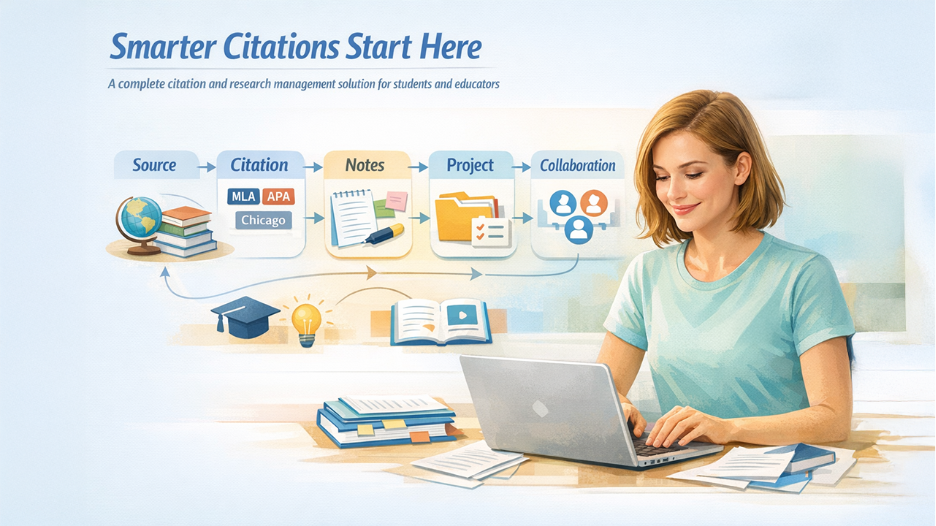
Noodle Tools acts as a one-stop online platform for the management of citations and research. The tool assists students in ensuring that their bibliographies are correct and come in a wide range of formats, such as MLA, APA, and Chicago.
Core capabilities include:
- Automatic citation generation for different citation styles
- Note-taking and annotating functionality that integrates
- Project management softwares for organizing research
- Team-work choices relating to group assignments
- Educational resources for proper citation practices
Noodle Tools is mainly designed for K12 and higher education institutions and requires a subscription for optimal usage. Although Noodle Tools is great for teaching citation basics, quite often, users find themselves on the lookout for Noodle Tools alternatives that may be more flexible and affordable and have more features.
Why Look for Noodle Tools Alternatives?
Identifying the reason why other alternatives are also researched assists in finding the proper solution for your needs.
Why students seek alternative accommodations:
- Subscription fees: Prices of individual as well as institutional subscriptions might be straining budgets
- Limited Integrations: Less connectivity with word processors and browsers than their competitors, especially for educators using comprehensive platforms like Magic School AI
- Interface complexity: Some users say that the learning curve is too steep when dealing with the interface
- Function gaps: The lacking capabilities such as PDF annotation, and more.
- Platform restrictions: Web is only available with weak mobile and offline capabilities
A student or researcher may require tools that can be customized according to their specific workflow. To access tools that can cater to their research habits, they should definitely investigate Noodle Tools alternatives.
Top 10 Noodle Tools Alternatives
There are various solutions offered by the citation management landscape that appeal to different citation research activities.
Brief comparison of the best Noodle Tools substitutes:
- Zotero: Offers 10,000+ citation styles, and a free open-source tool
- Mendeley: A PDF-centric application for annotation and academic networking
- EndNote: Professional-grade software that can handle over 6,000 different citation formats.
- RefWorks: Cloud-Based solution offered to institutions with collaborative folders and LMS integration
- Citavi: An integrated system for citation management, task planning, and projects
- Paperpile: Google Workspace expert for smooth docs integration & Chrome extension availability
- EasyBib: Simple citation generator that scans barcodes, a good choice for students
- Citation Machine: Creating bibliographies quickly with grammar check and writing functions
- Ref-N-Write: An academic writing tool with templates of phrases suitable for non-native english speakers
- Grafiati: Multilingual citation service allowing support for more than 8,000 citation styles and providing unlimited references
Every Noodle Tools alternative offers its own set of strengths, whether these include cost benefits, collaboration tools, platform support, and/or research functions.
1. Zotero
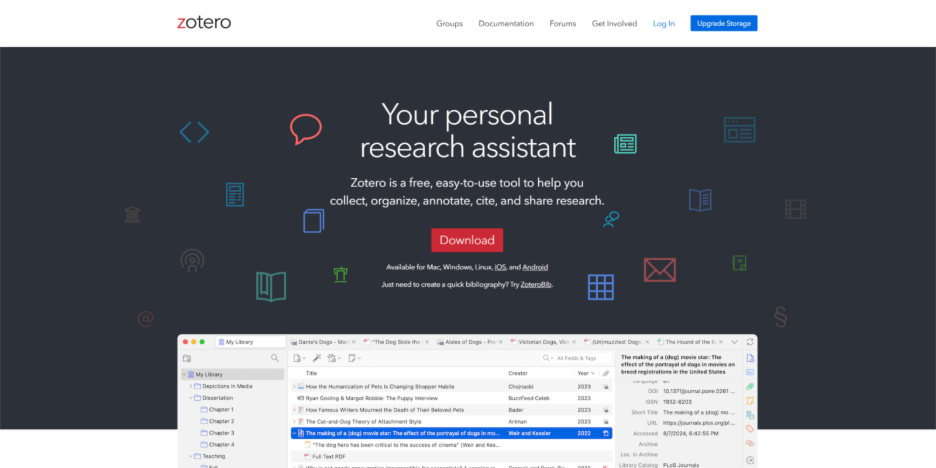
Zotero is also among the leading and popular Noodle Tools alternatives, offering open-source citation management with powerful organization features.
This tool excels because it provides:
- Manual citation capturing from websites and academic databases
- Support for thousands of citation formats like MLA, APA, and Chicago
- Extensions for browsers like Chrome, Firefox, Safari, e Edge
- Synchronizing clouds among various devices
- Integrating With Word, LibreOffice, Google Docs
Best for: People who are looking for budget-friendly options, such as students, and who work with open-source products.
2. Mendeley
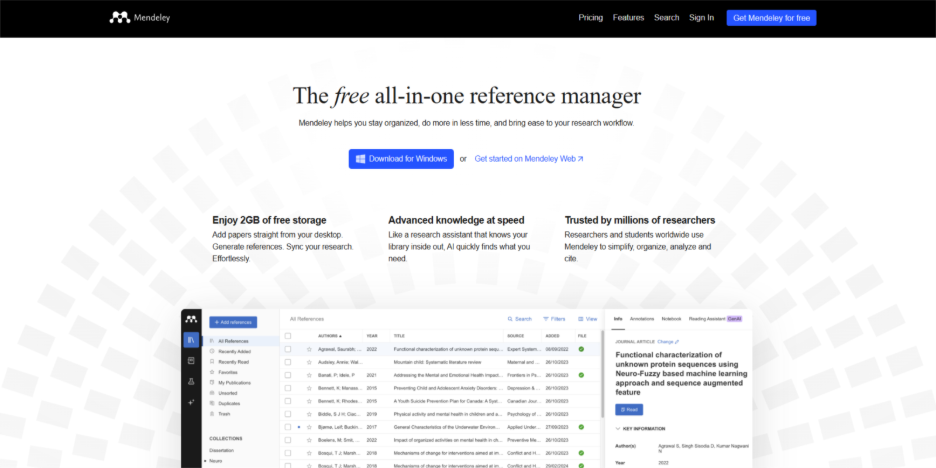
Reference and PDF organization, as well as networking functionality for academics, make Mendeley a full-fledged alternative for Noodle Tools.
Core functionality includes:
- A PDF library for annotations and highlights
- Automatic metadata extraction in documents
- Applications on computers and mobiles for offline usage
- Citation plugin for Word & LibreOffice
- Research networking for finding relevant studies
Suggested for: Researchers dealing with a huge number of PDF files and looking for a reader that can also annotate and cite files effectively.
3. EndNote
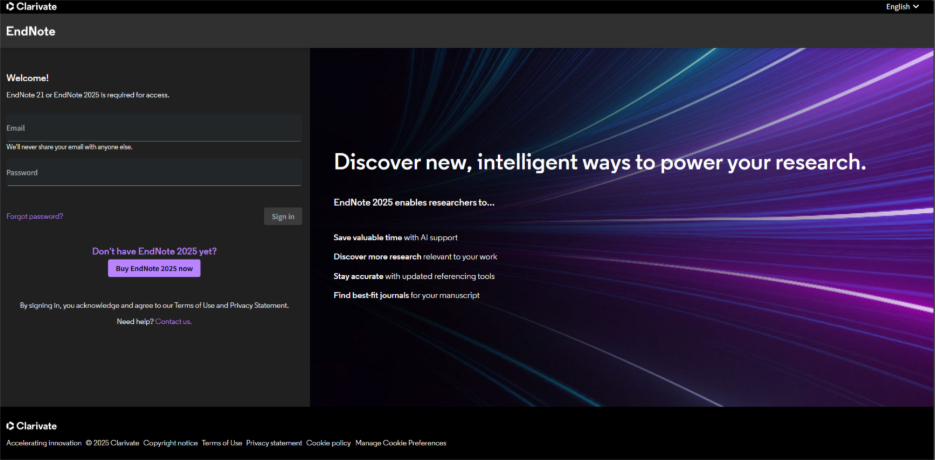
EndNote is considered to be professional-standard referencing software that is common in research institutions and universities.
This exclusive tool provides:
- Over 6,000 bibliographic citation styles supported
- Sophisticated search functionalities on various databases
- Well-organized libraries use intelligent group
- Desktop and web versions with synchronization
- Integration with Microsoft Word and other writing tools
Recommended for: Researchers, graduate students, and institutions that demand enterprise-class citation management functionality.
4. RefWorks
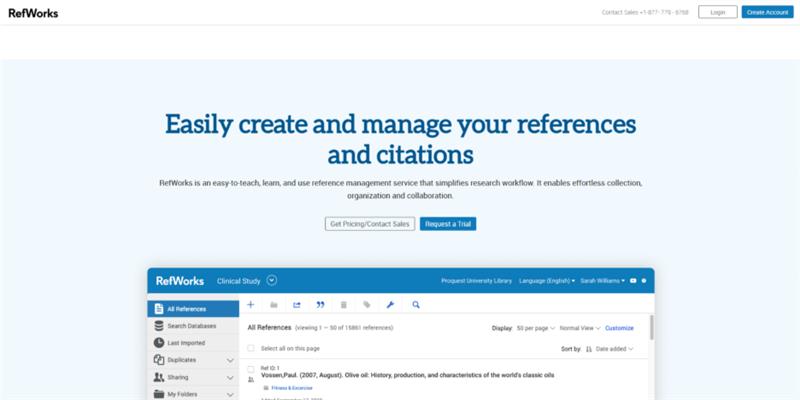
RefWorks is a cloud-based reference management solution specifically designed for the academic and educational sectors.
Platform highlights:
- Entirely web based without requiring any software installation
- Citation creation in thousands of styles
- Sharing folders for joint research projects
- Browser plugin for immediate source copying
- Integration with learning management systems
Target Audience: The target audience of this product includes academic institutions, libraries, and students with institutional access.
5. Citavi
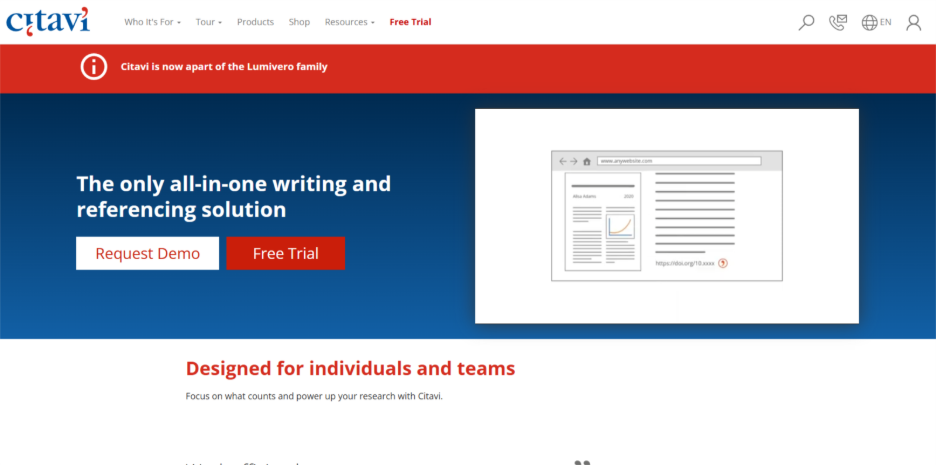
Citavi integrates reference management with knowledge organization and task planning to provide an all-round research workflow.
Unique capabilities:
- An integrated approach to task management in research projects
- Knowledge organization with quotes and thoughts
- Qualitative data analysis support
- How to customize citation style
- The ability to highlight and annotate PDFs.
Best for: Researchers and graduate students who want extensive project management along with citation tools.
6. Paperpile
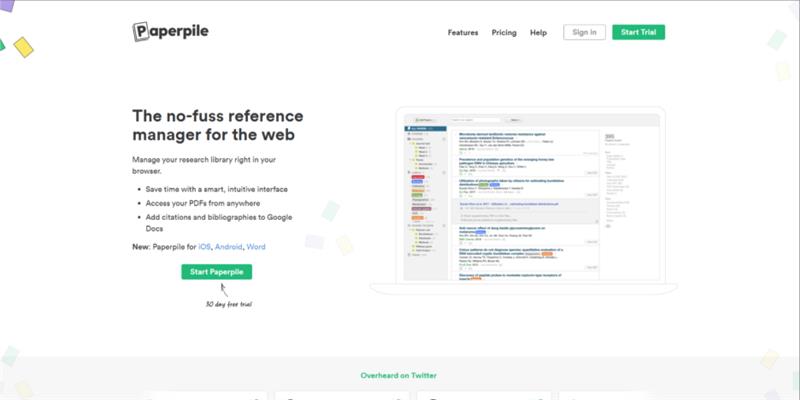
Paperpile specializes in seamless Google ecosystem integration, making it an excellent Noodle Tools alternative to Google Docs users.
Integration advantages include:
- Native Google Docs citation insertion
- Chrome extension for web-based research
- Gmail integration for reference checks via e-mails
- Google Drive storage for organization of PDFs
- Automatic duplicate detection
Ideal for: students and researchers who primarily work within Google Workspace to efficiently manage their citations.
7. EasyBib
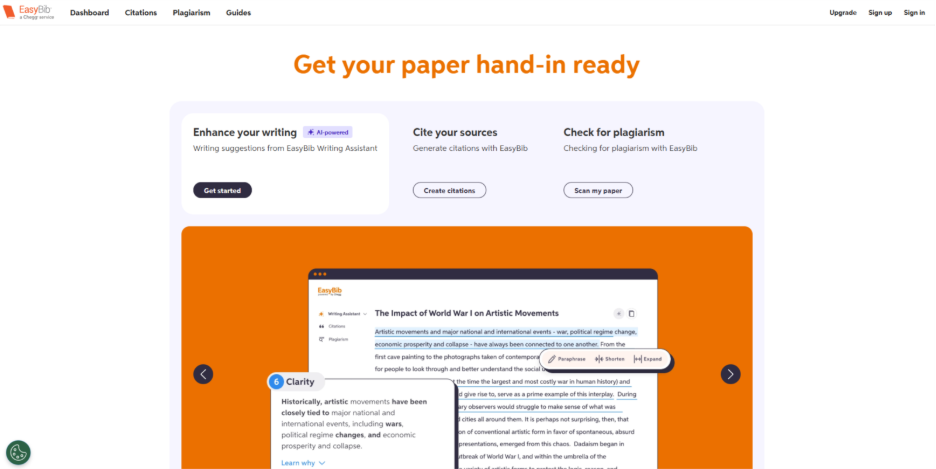
EasyBib supplies plain citation generation, placing the greatest emphasis on speed and simplicity for students of all levels.
Quick citation features:
- Instant bibliography creation from URLs or ISBNs
- Mobile app that will scan the barcode for the books
- Output in MLA, APA, Chicago, and Harvard formats
- Grammar checker integration (premium)
- Paid-for plagiarism detectors
Ideal users: K-12 students, undergraduates, and anyone needing fast, accurate citations without complex reference management.
8. Citation Machine
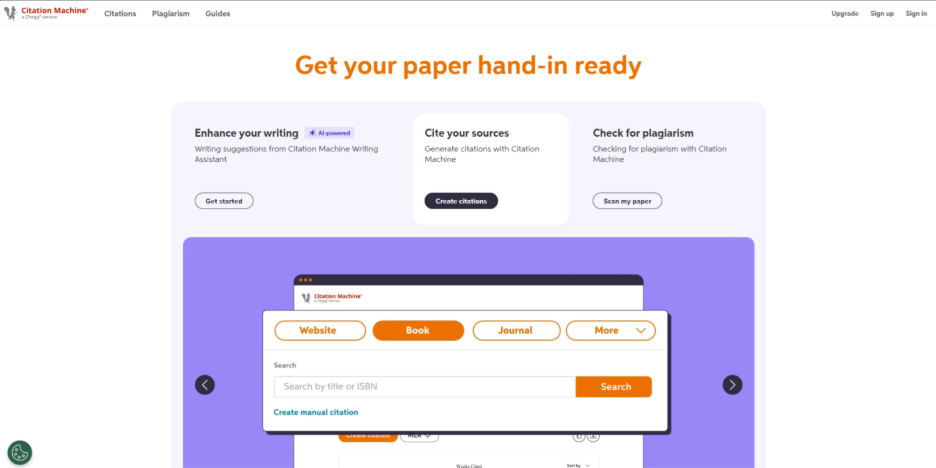
Citation Machine delivers rapid citation generation with built-in grammar checking and writing assistance tools.
Core strengths:
- Fast citation creation for common sources
- Multiple citation format support
- Browser extension for quick website citations
- Grammar and plagiarism checking (premium)
- Export to popular document formats
Best suited for: Students seeking quick citation solutions with integrated writing assistance for shorter papers.
9. Ref-N-Write
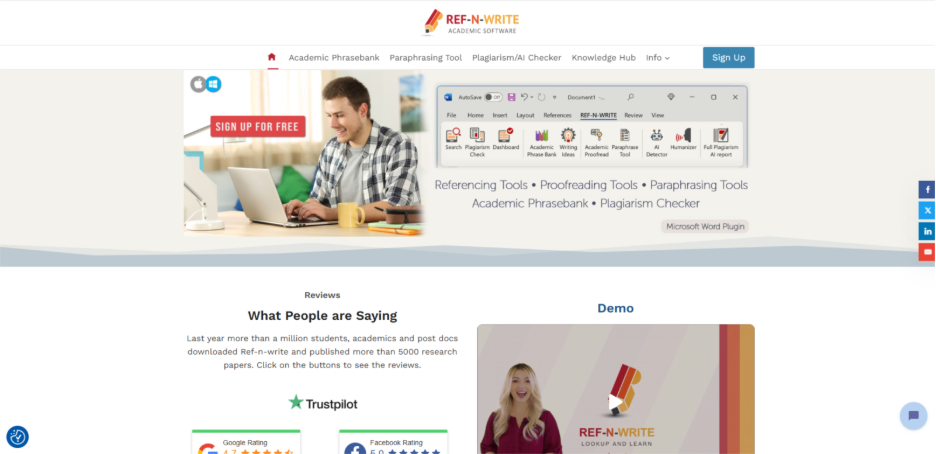
Ref-N-Write focuses on academic writing support with citation features, particularly beneficial for non-native English speakers.
Writing assistance includes:
- Academic phrase templates and suggestions
- Paraphrasing tools for research writing
- Citation and reference management
- Microsoft Word integration
- Discipline-specific phrase databases
Recommended for: Graduate students and researchers who need writing support alongside citation management.
10. Grafiati
Grafiati provides freemium citation service solutions with advanced algorithms for precise bibliography creation support in various languages.
Platform benefits:
- Support for more than 8,000 citation styles
- Supports multiple language interfaces
- There is no limit to free references
- Automatic formatting and ordering
- Modern and intuitive user interface
Best for: International researchers and students requiring multiple language citation tools without any subscription fees.
Comparison Table of Noodle Tools Alternatives
| Tool | Best For | Citation Styles | Platforms | Pricing |
| Zotero | Budget users | 10,000+ styles | Web, Desktop | Free |
| Mendeley | PDF management | Major styles | Web, Desktop, Mobile | Free/Premium |
| EndNote | Professional research | 6,000+ styles | Desktop, Web | Paid |
| RefWorks | Institutions | Thousands | Web-based | Paid |
| Citavi | Project management | Multiple styles | Desktop, Cloud | Free/Premium |
| Paperpile | Google Docs users | All major styles | Web, Chrome | Paid |
| EasyBib | Quick citations | MLA, APA, Chicago | Web, Mobile | Free/Premium |
| Citation Machine | Fast generation | Major formats | Web | Free/Premium |
| Ref-N-Write | Writing support | Multiple | Desktop | Paid |
| Grafiati | Multilingual | 8,000+ styles | Web | Free/Premium |
How to Choose the Right Noodle Tools Alternative
In making the correct choice, it is necessary to evaluate your needs in a systematic way.
Assessment checklist:
- Determine citation requirments. Identify styles commonly used.
- Evaluate collaboration requirements: decide if you can work alone or if a shared library resource, like a union catalog, is required
- Check platform compatibility: Check that the software is compatible with your devices and browsers
- Think about integration requirements: Compatibility with you preferred word processing application
- Test the free versions: Utilize the trial versions before deciding to commit to one
Budget considerations:
- Make a comparison between the limitations of the free tier and your needs
- Calculate yearly subscription fees against perpetual licenses
- Look for Student or educational discounts
- Investigate access through your library system
- Think about value in the long term and beyond cost
Conclusion
Selecting the proper citation management software makes a huge difference to your research and academic success. Although Noodle Tools has been helpful to many students, the other options that are going to be outlined here present different features that might just cater to what you are looking for. The free options like Zotero offer all their features for free, and the other professional ones like EndNote are ideal for professional researchers.
Your decision must consider:
- Styles of citation conforming to your requirements
- Collaboration features integrated with your research process
- Compatibility of platforms with existing technological infrastructure
- Budget constraints balanced against necessary characteristics
- Long-term scalability for your evolving research requirements
The ultimate alternative to Noodle Tools, however, depends on your personal research style, institution requirements, and personal preferences. Take advantage of free trials to test multiple platforms before committing to a subscription. Whether you choose to use Zotero for its open-source functionality, Mendeley for its robust PDF features, Paperpile for its excellent Google integration, or for whatever other reason, having the right tool for the job will make it easier for you to allow you to get back to what really matters—producing quality research and quality academic writing.
Start using these Noodle Tools alternatives today to find the citation management system you can use to make your research process, which was once impossible, effortlessly possible.
Respond to this article with emojis