




If you are a professional video editor working on video content on a daily basis, then you must have noticed how quickly audience behavior has evolved. Studies indicate that videos
If you are a professional video editor working on video content on a daily basis, then you must have noticed how quickly audience behavior has evolved. Studies indicate that videos now create around 80% higher engagement on static posts on social platforms such as Facebook, YouTube, or Instagram. Another recent report shows that around 65% of users make the decision on whether they want to watch the video or not within the first 5 seconds. As far as these numbers are concerned, one thing is clear: clarity and editing matter and affect video editing performance.
If you are handling content for brands, you need to connect video editing with social media management and optimization. A video that is well-edited leads to elevated algorithmic reach and ensures that posting schedules remain consistent. Quick editing also leaves space to experiment with new creative ideas while also allowing you to deliver videos on time. This creates a balance between quality and speed, which makes your content stand apart from the rest.
Understanding Video Editing Tips and Advantages
Video editing tips are crucial techniques that aid in streamlining the editing process. Such tips can aid you in minimizing manual effort and preventing unnecessary steps. They help you improve your structure, efficiency, and clarity. When these tips are correctly applied, they ensure that editing becomes more controlled and less overwhelming.
One of the biggest advantages of video editing tips is the fact that it can lead to vast amounts of time savings. You can complete projects a lot more quickly without compromising on quality. When there is a clear method in edits, the final output feels a lot more reliable and professional. Higher consistency creates trust and enhances overall engagement.
Key Video Editing Tips You Can Use
Establishing Clear Objectives Before You Begin Editing:
Before you open any editing software, determine the clear objective of the video. Determine what message the video needs to deliver and then find out who it is for. This step then becomes the basis of every decision that comes afterwards. Without a proper objective, edits generally become time-consuming and confusing.
Try working on a video with undefined objectives and an unclear target audience. Not only would the editing take twice as long, but revisions would also keep coming. Thus, you must have a well-defined objective before starting your video editing tasks. The objective can even be 1-sentence long. The single step will allow you to edit more quickly and ensure more effective results.
Choosing the Best Video Editing Platform for Fast and Accurate Results
Selecting the right tool for editing is more important than people think. Choose tools that align with your project requirements and experience levels. Simple tools are effective when you need to edit quickly, while there are sophisticated tools when you want to do more in-depth edits. What is important is not to overcomplicate the process by scrambling through too many platforms. Check out our guide on the top 15 AI-powered Graphic Design Tools to understand reliable tools in 2026.
The five video editing platforms you can use and recommend are as follows:
1. Final Cut Pro:
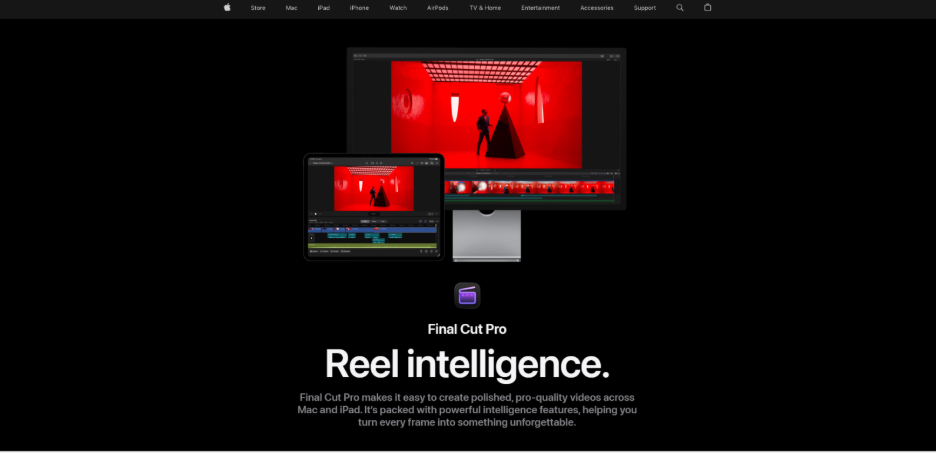
It works effectively when you are utilizing a Mac. The work is fluid and quick, specifically on newer Apple hardware. The magnetic timeline makes editing a lot easier and smoother since clips automatically remain in synchronization. You will find this platform preferable when you are working on long videos that require organization and performance. Final Cut also excels in built-in effects and templates for motion graphics.
2. Adobe Premiere Pro:
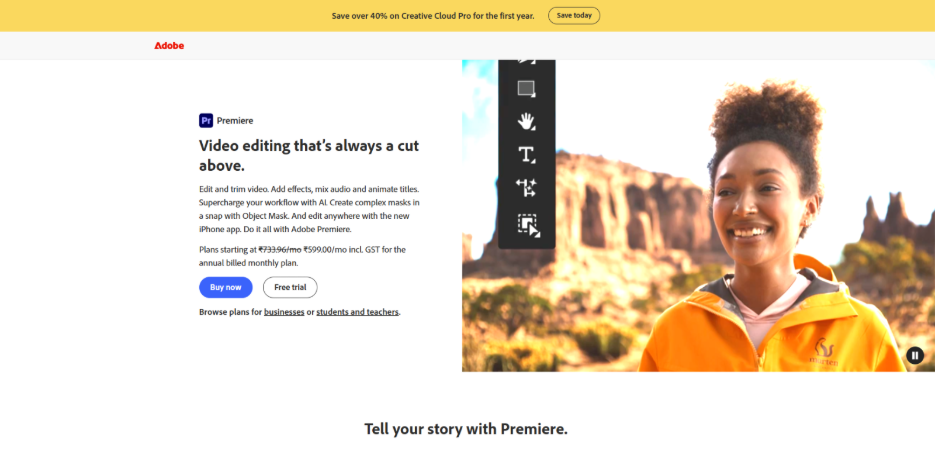
It is a professional-level editor. You can utilize it when you require accurate control over every clip, effect, and audio track. The timeline is quite flexible, and it easily manages large projects. It has effective tools for color correction and incorporates well with other apps such as After Effects. You do not always require advanced platforms. However, when a project requires quality, Premiere Pro delivers effortlessly without damaging your quality.
3. DaVinci Resolve:
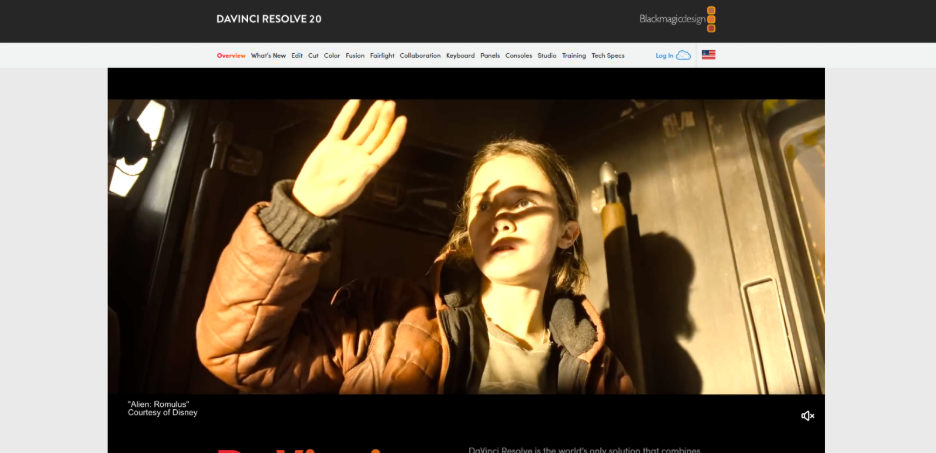
It is an effective tool for finishing and coloring. You can begin your projects with this tool if you want the best color grading without utilizing a separate tool. The free version is unexpectedly robust yet easy. This makes it a preferable tool for beginners who wish to learn professional video editing skills without upfront expenses.
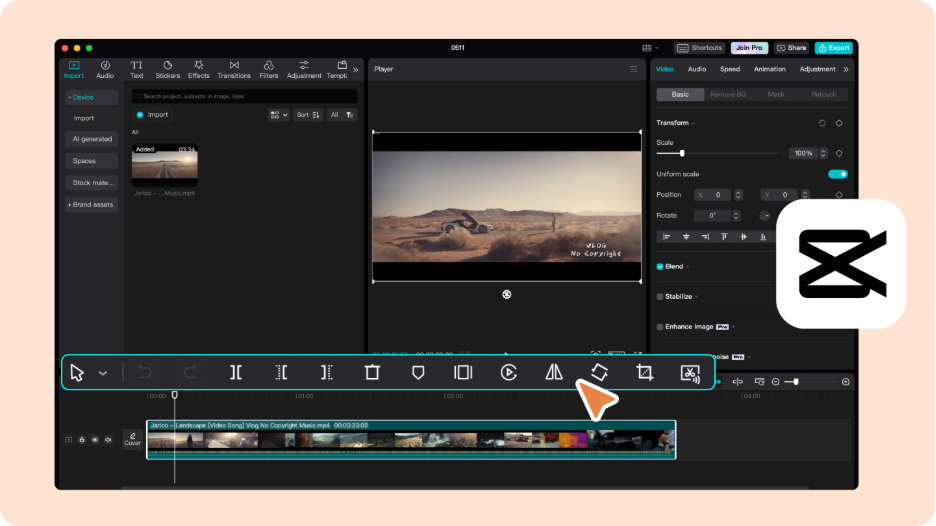
4. Capcut
5. Canva Video Editor:
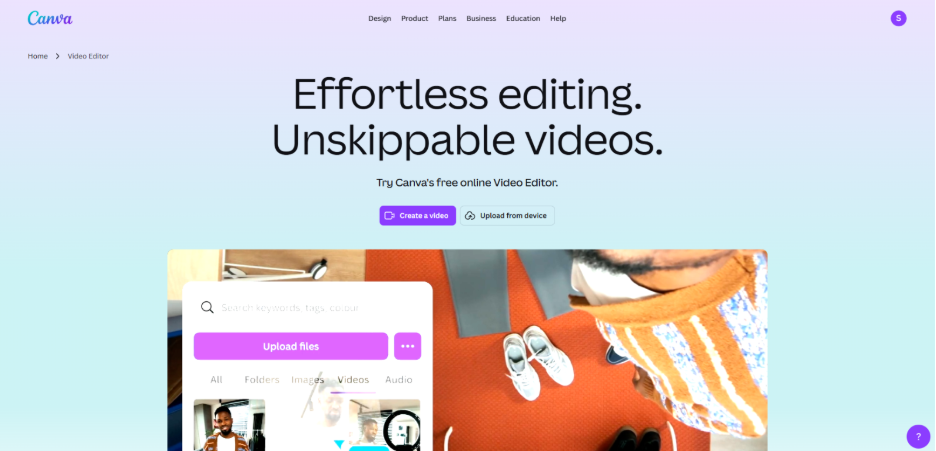
It is another platform you utilize for the quick production of branded visuals. It is a web-based tool that provides ready-made templates that expedite your work. It is a preferable tool for concise and short promotional clips and stories where consistency in design is important. Canva makes it simpler to reuse your brand's fonts, layouts, and colors without having to reconstruct them every time.
Apart from this, you can also increase the use of AI in your video production. As the digital landscape becomes more dependent on AI, understanding AI’s importance in video editing is extremely crucial.
Efficiently Organizing and Preparing Footage:
Preparation is where your actual video editing begins. Before you keep a single clip on the timeline, you need to organize everything. You can rename files in a simple and logistic way so that you instantly know what every clip contains. You can also organize footage into folders as per camera angles, scenes, or type of content. This small habit eliminates confusion and ensures that your mind remains focused on editing instead of searching. When you can easily find clips, editing naturally becomes uninterrupted and smooth.
Many people working on long-form video projects overlook the organization, thinking that it would save time. Well, the opposite happens as people keep on pausing to search for files, which can break your rhythm and enhance your frustration. Editing that could have been finished in hours expands into days.
6. Improve Your Basics:
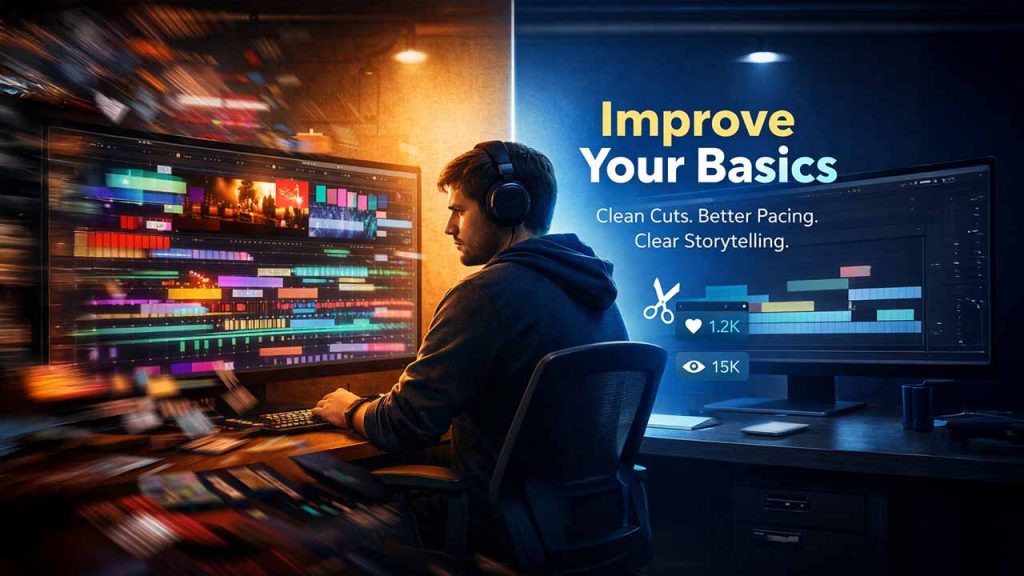
When you start editing videos, the basics prove to be more crucial than advanced tricks. Clean cuts are the first skill that you need to focus on. You can remove repeated words, awkward pauses, and redundant filler moments. This alone can make the videos a lot sharper. Effective pacing also plays a significant role. When scenes proceed with a natural speed, viewers remain engaged longer without feeling bored or overwhelmed.
Beginners often spend too much time worrying about the effects as they feel it can make their videos exciting. Adding transitions without any thought behind it can distract the viewers. Over time, you will learn that simplicity is often the best thing. Steady timing and subtle transition can direct the attention where it is required. Clear storytelling works better than flashy visuals that add no real value.
7. Use Template Presets and Automation:
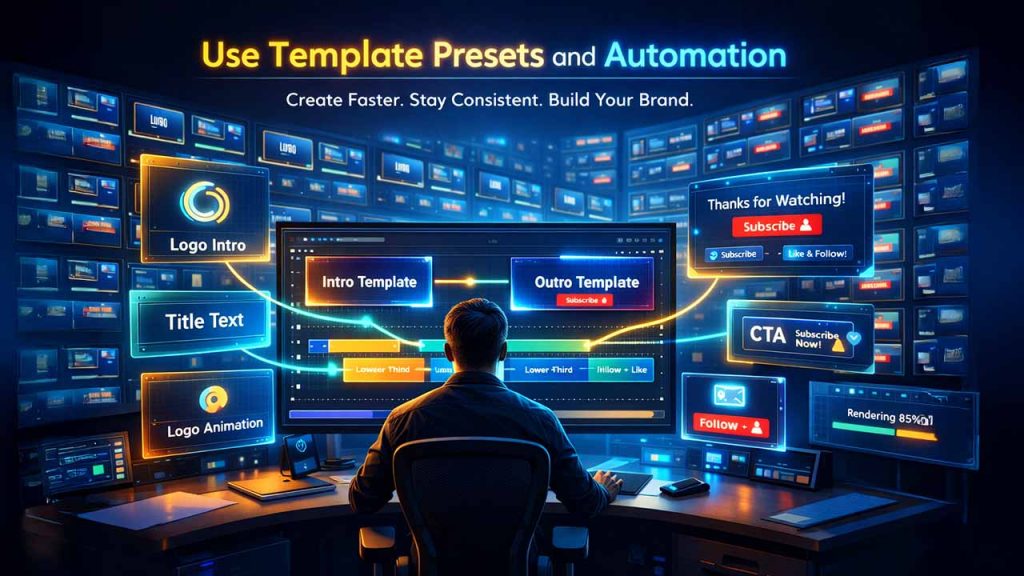
Templates play a critical role in expediting your editing process. Depend on ready-made outro and intro templates to ensure consistency across videos. For instance, you can utilize a clean logo that has a brand text and a short animation. This can help you establish your brand identity within the first few seconds of your video without spending too much time designing from scratch. You can also use outro templates with call-to-action text and subscribe prompts that can keep your branding uniform across all pieces of content.
8. Optimize Videos for Distinct Platforms:

The platform where you are posting the content determines its format. You can change the lengths and size of videos as per the platform where you are posting the content. This naturally eliminates the possibility of any loss of quality and improves performance. Determine what platforms you are going to publish this video on. When you are clear on the formats used, you do not have to re-export or re-size files several times.
Conclusion
Video editing is an important technical skill that you can hone with every project you do. However, there are a few tips you can use to make your video editing easier. You can set clear objectives before you start, select the best platform for your requirements, remain organized with your footage, and understand all basics so that your workflow accelerates and the quality of your visual content improves. Platform-specific optimization and templates eliminate redundant steps from your process, ensuring valuable time for experimentation and creativity. The fine balance between quality and speed is quite achievable once you have the right habits. Consistently implement these tips across all your project and you will see a clear difference not just in your editing speed, but how the audience engages with your content and responds to it.
FAQs About Video Editing Tips
Q. How can you do good video editing?
A- You must have good knowledge of the software that you are using. Use keyboard shortcuts to minimize time spent on repeatable tasks. Always keep the rhythm and pace of the video in mind. Use strategies that can help you connect to your audience better.
Q. What is the 3:2:1 rule in video editing?
A- 3:2:1 is the data backup strategy in video editing. You can keep 3 copies of your file. You can keep the three copies on two different types of storage. You can also keep 1 copy offsite to secure yourself from theft, hardware failure, and disaster.
Q. What are the 5 stages of video editing?
A- The five stages in video editing are as follows: Logging, Assembly, Rough Cut, Fine Cut, and Final Cut.
Q. What to learn first in video editing?
A- As a beginner, you should focus on fundamentals and understand basic ideas like continuity between shots and why juxtaposing images is important.
Q. Can I self-learn video editing?
A- Yes, it is easy to self-learn video editing through abundant free online resources, such as free software andVideo Editing Platform tutorials.
Respond to this article with emojis