
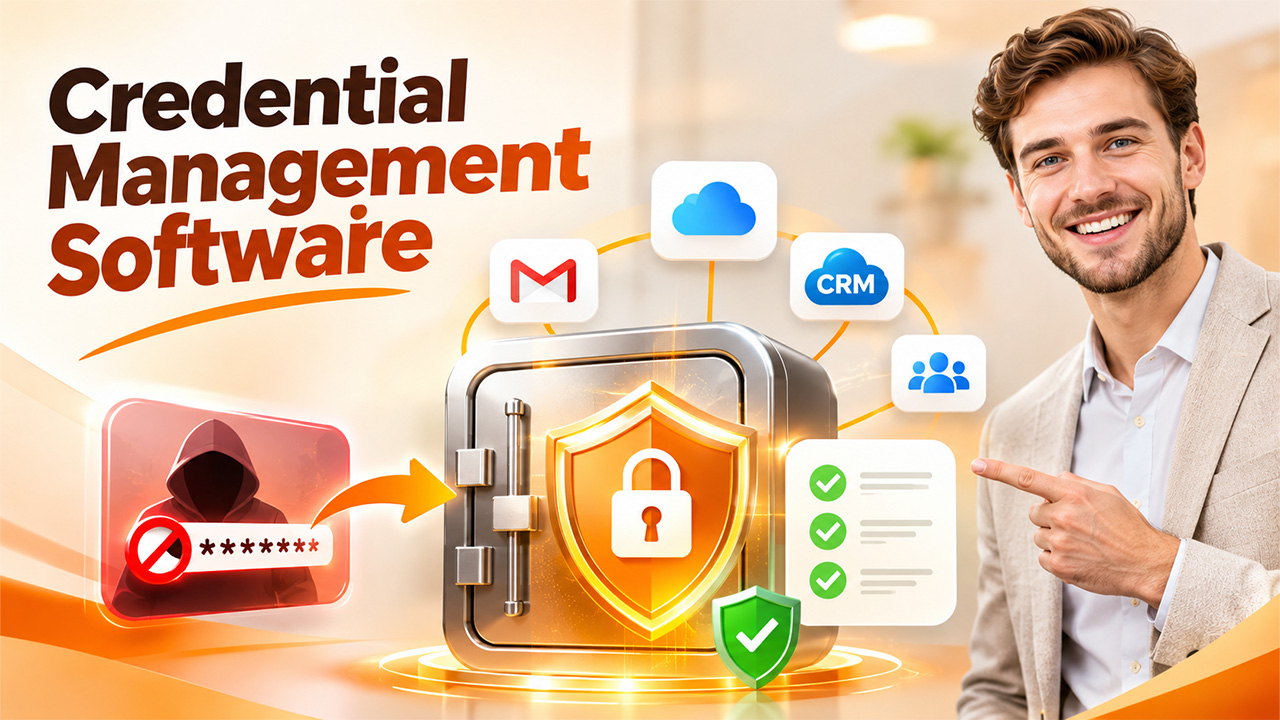
Why Credential Management Software Stops Costly Data Breaches
Learn how credential management software protects passwords, controls access, secures sensitive credentials, and reduces the risk of data breaches.
A stolen password can give an attacker a direct path into email, cloud systems, customer records, and internal tools. The exposure grows when staff reuse credentials, store them in plain-text notes, or share them through chat. Credential management reduces those weak points by controlling where secrets are stored, who can access them, and how access is tracked. Good security starts with disciplined credential handling, then reinforces it through consistent access controls and security practices.
Credential management software provides organizations with a structured way to protect authentication of information across employees, applications, and business systems. By combining secure storage, access restrictions, and activity monitoring, it helps reduce the risks associated with exposed passwords, unauthorized access, and unmanaged credentials.
Passwords become risky when they are scattered across documents, browsers, tickets, and personal notes. A centralized system gives staff one controlled place to store and manage credentials and reduces accidental exposure. This is where credential management software fits into a broader security process. Access rules and credential records can then be managed together instead of through disconnected workarounds.
Centralize Credentials Before Attackers Find Them
Scattered passwords create multiple opportunities for exposure. A document can be copied, a screenshot can be forwarded, or a shared note can remain accessible after a person changes roles.
Credential management software helps address this problem by providing a controlled environment for storing and organizing sensitive authentication details. Instead of relying on individual storage habits, organizations can apply consistent access policies and maintain better oversight of credential records.
Centralized credential storage reduces these risks by keeping sensitive login details inside a controlled system. Access can then follow defined permissions instead of informal sharing habits. Fewer storage locations also make routine reviews easier to organize and help security teams identify where sensitive information is held.
Limit Access to Necessary Accounts
A breach becomes more damaging when one compromised account opens doors across many systems. Access controls reduce that exposure by giving people only the credentials required for their responsibilities. This follows the principle of least privilege, which limits access to the systems and information employees need to perform their jobs.
Teams should review who can view, use, or change each credential. Former staff and contractors should lose access promptly, while privileged credentials should receive tighter controls than routine accounts. Permission reviews should also follow role changes rather than relying on memory.
Stop Passwords From Moving Through Chat
Chat messages and support tickets are built for communication, not storing sensitive credentials. Once a password enters a conversation, copies can remain in exports, notifications, screenshots, and search histories.
Security teams should remove credentials from those workflows and use controlled sharing methods instead. Temporary access, masked passwords, and limited-use credentials reduce the number of places where a secret can persist. Staff also need clear rules for handling credentials during urgent support tickets. For instance, technicians can use a secure access tool to retrieve or use a password without including it in the ticket itself.
Track Every Credential Access Event
Related walkthrough
SuiteCRM Training Day 5 | SQL Queries and Database Management in SuiteCRM

A password system becomes more useful when it records who accessed a credential and when that access occurred. Activity records give security teams a way to investigate unusual behavior without relying on memory. They also help establish an audit trail when investigating suspected unauthorized access.
Many credential management software solutions include activity logging capabilities that record credential access and related administrative actions. These records help security teams review access patterns, investigate unusual activity, and maintain accountability for sensitive account usage.
Logs also support routine reviews. Repeated access outside normal duties, unexpected use of privileged accounts, or activity after a role change can trigger a focused security check. Reviewers can investigate the cause before a larger incident develops. Reviewers should record why unusual access was investigated and what action followed.
Protect Credentials After Staff Changes
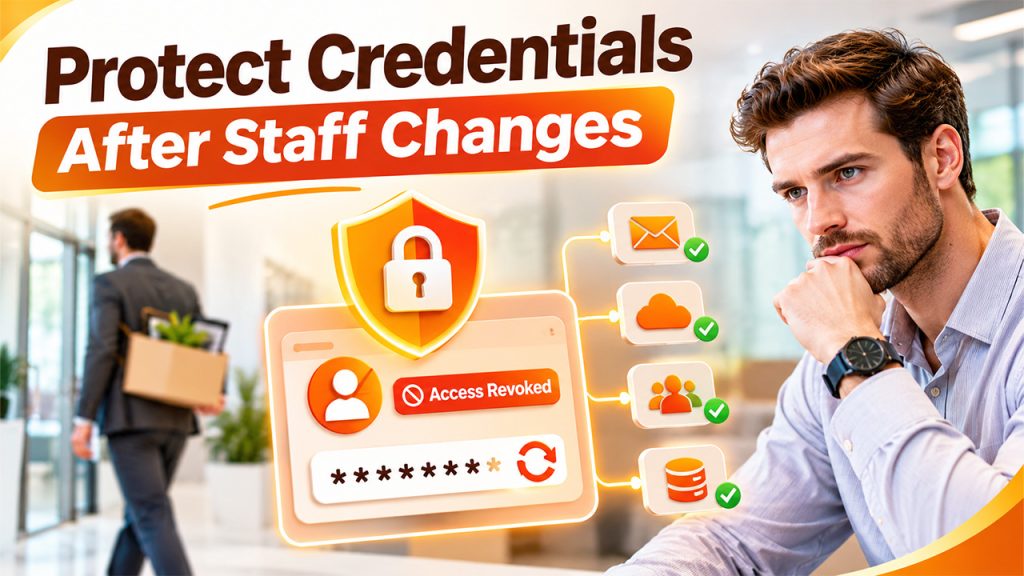
Employee turnover creates a predictable security task: accounts and credentials must change when access should end. A password shared with a departing worker can remain active unless someone remembers to rotate it.
Security teams should connect credential ownership with role changes and review sensitive accounts during offboarding. Rotation also matters after suspected exposure, especially when a password appeared in an unsecured location. Written offboarding steps reduce the chance that a critical credential is missed during a busy departure.
Reduce Reuse Across Critical Systems
Password reuse turns one stolen credential into a broader access problem. An attacker who obtains a reused password can test it against other services, multiplying the impact of a single compromise
Unique credentials for critical systems narrow that chain. Credential policies should also discourage predictable patterns and require stronger protection for administrative accounts. Separate passwords limit the value of one stolen secret.
Build Reviews Into Daily Operations
Credential security should not depend on occasional cleanup. Teams need repeatable checks that fit normal administrative work, such as reviewing access permissions, removing stale accounts, and rotating exposed credentials.
Organizations should also evaluate whether their credential management software supports routine access reviews, credential ownership tracking, and reporting. These capabilities can help security teams identify outdated permissions and credentials that no longer serve an active business requirement.
A practical review can ask whether each credential has a clear owner, whether current users still need access, and whether recent activity matches expected work. Small checks performed consistently reduce the chance that weak access practices remain unnoticed. Ownership should be clear enough that another team member can verify each control.
Conclusion
Credential management works because it turns password handling into a controlled process rather than an informal habit. Centralized storage, limited access, unique credentials, activity records, and disciplined offboarding reduce common paths to compromise. The next step is a focused credential audit: identify where sensitive passwords currently live, who can reach them, and which accounts need immediate rotation. This gives security teams a practical starting point for identifying weak access practices, correcting credential-related vulnerabilities, and reducing the risk of a costly data breach