



Crystal-clear PNG images are crucial for e-commerce, marketing, design, and branding. Irrespective of whether you're creating product listings, stickers, social graphics, or polished mockups, two tools stand out for their
Crystal-clear PNG images are crucial for e-commerce, marketing, design, and branding. Irrespective of whether you're creating product listings, stickers, social graphics, or polished mockups, two tools stand out for their simplicity and precision:
- Free Image Background Remover, accessible via Free Image Background Remover
- PNG Maker, accessible via PNG Maker
Creating professional transparent images is now easier than ever. Whether you're selling products online, designing social media posts, or working on branding projects, transparent PNGs give you clean, professional results. The best part? You don't need expensive software or design experience to get started.
Below, you'll find a feature breakdown and competitor comparisons for both tools.
1. Free Image Background Remover — Clean Transparent Cuts in Seconds
At its foundation, the Free Image Background Remover removes backgrounds instantly without compromising small details. It delivers users transparent PNG images without watermarks, making it a perfect tool for creative design assets and product photos.
This tool leverages AI to remove backgrounds effortlessly in just a few clicks. It has become an ideal platform, supporting everything from basic product photoshoots to intriguing visuals with fine details, like hair, fur, or detailed edges. Typically, the platform takes approx. 3-5 seconds to process an image, making it one of the fastest background remover tools available.
Key Benefits are As Following:
- Automatic background removal
- Bulk processing support for multiple photos
- High-Definition transparent PNG output
- Completely secure, self-deletion system
- Swap backgrounds with different color or images
Additional benefits include:
- Support JPG, PNG, and WebP files
- Appropriate for both desktop and mobile devices
- Managed complicated elements like glass, shadows, or transparent objects
- Customizable settings for comprehensive control
Key Comparison With Competitor Background Removal Tools
| Tool/Feature | Free Image Background Remover | Kapwing BG Remover | Remove.bg | ClippingMagic |
| AI precision | High | Medium | High | Medium |
| PNG export | Yes | Yes | Yes | Yes |
| No-watermark | Yes | No | No | No |
| Batch editing | Yes | No | No | Yes |
| Price | Free | Both free and paid | Both paid and free credits | Paid |
But the question remains: what makes it stand out among competitors? Maybe it's affordability, flexibility, or watermark-free PNG exports; also, it has higher detail retention.
Unlike competitors such as Remove.bg, which restricts free users to just a few images each month, or ClippingMagic, which costs $3.99/month, Free Image Background Remover is always 100% free. This cost-effectiveness makes it suitable for small businesses and freelancers who look for a budget-friendly solution to process many images.
2. PNG Maker: A Specialized Transparent PNG Generator
The PNG Maker is built completely for generating clear PNGs with pristine quality. It's mostly used for creating logos, stickers, cut-outs, product images, and web graphics.
PNG Maker aims to create only transparent, high-quality PNGs. In contrast to traditional graphic design tools, each feature is designed particularly for PNG export. This offers greater quality, especially logos, outreach materials, and professional graphics.
Key Benefits that Makes it Best
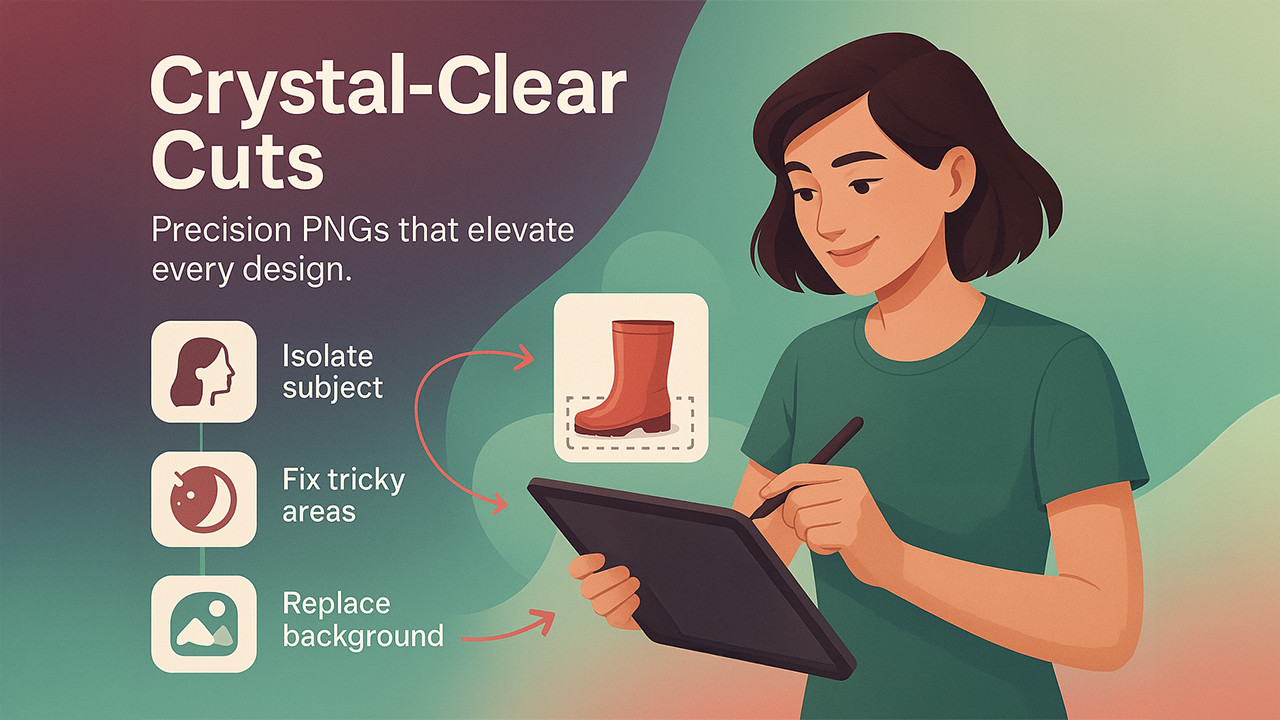
- Seperate subjects with precise outlines
- Adjust complex areas like shadows & reflections
- Improves clarity before generating output
- Facilitates custom background replacement
Some Additional Features include:
- Maintains vivid and precise color placement
- Keep image size and quality original
- Soft edge control for natural, life-like results
- Check transparent areas with preview mode before downloading
Competitor Analysis for PNG Creation Tools
| Tool | PNG Maker | Pixelcut | Canva Background Eraser | Adobe Express PNG Tool |
| Free PNG export | Yes | No | No | No |
| Edge precision | High | Medium | Medium | Medium |
| Extra enhancement | Yes | Limited | No | Limited |
| Specialized PNG tool | Yes | No | No | No |
Why it is perfect: PNG Maker originated specifically for transparent PNG output, not general editing.
Tools like Canva and Adobe Express are suitable for a wide range of tasks, but PNG Maker does one thing really well. This precise focus leads to better edge detection, transparent areas, and reduced time to resolve mistakes. If you work with transparent images frequently, this saves hours of extra work.
Final Thoughts
If you regularly create PNG images, these two tools offer you everything you need:
- Free Image Background Remover handles background removal automatically.
- PNG Maker produces refined, transparent PNGs ready for design or e-commerce use.
Together, they beat and stand out from most competitors in price, quality, and speed.
Whether you're just starting out or you're an experienced designer, these tools make creating transparent images simple and free. Free Image Background Remover and PNG Maker work great for most projects, and the other tools we mentioned can help with special situations.
The best approach? Save Free Image Background Remover and PNG Maker as your go-to tools, and keep a couple backup options handy. This way, you'll always have the right tool for any project.
Respond to this article with emojis