
Creating a dream logo, making people remember you, associating your brand with specific fonts and colors, and standing out with unique visuals are the features most brand owners crave. Having
Creating a dream logo, making people remember you, associating your brand with specific fonts and colors, and standing out with unique visuals are the features most brand owners crave. Having a strong visual identity not only promotes your brand recognition but also boosts sales in ways you never imagined.
Online logo design platforms let you bring your brand vision to life, setting you apart from competitors regardless of the industry you´re in. That´s why this blog lists the best logo design tools to help you make a wiser choice when it comes to building strong visuals.
Top 6 Trustworthy Design Platforms
The online logo design market is full of a vast number of platforms, making it difficult for business owners, creators, and startups to identify which tool actually delivers the best quality and value.
While many platforms promise professional results, only a few consistently offer trustworthy features, transparent pricing, and designs that stand against the test of time. These logo makers are part of a broader ecosystem of Best AI-Powered Graphic Design Tools transforming how businesses create visual content in 2026.
1. Design.com
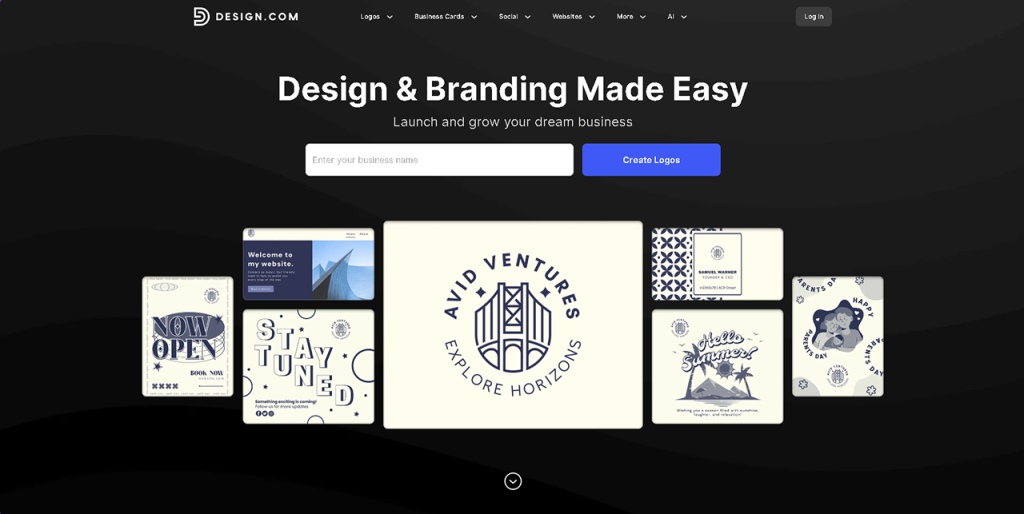
Design.com is the #1 logo company in the world, and there are hundreds of reasons justifying this claim. With its advanced AI tools, large logo library size, extensive offerings of fonts, and full-scale branding features, Design.com provides a smooth and easy logo-making process to users.
Key Features and Tools
- The platform features a massive library of 360,000+ logo templates and over 1 million total design templates.
- Its AI-driven toolset includes AI logo generator, AI website builder, AI business card creator, AI flyer and poster generator, AI presentation tools, an AI business name generator, and an AI background remover.
- The AI editor modifies the requested via a chat-style interface powered by custom-trained AI to ensure copyright-safe results.
- The platform provides 750+ fonts, including 525+ exclusive fonts, and 62,000+ custom vector shapes.
- The designs created by Design.com are exclusive to Design.com and are created by professional designers.
- The logos can be downloaded in SVG, EPS, PDF, PNG, JPG, GIF, MP4 form plus there are also options for transparent backgrounds and icon-only files.
- The platform provides 50+ branding and design tools, which covers websites, business cards, social media graphics, QR codes, presentations along with flyers, posters, menus and letterheads.
Benefits of Using Design.com
- The originality and quality of every logo and design is reviewed carefully and is 100% commercially safe to use.
- There is no need for any additional design skills to create quality visuals. It offers intuitive editing tools and AI-powered workflows which allow you to get the desired results.
- For those businesses that prefer exclusivity, extended logo licenses allow customers to remove logo templates from the public library and secure exclusive usage rights.
- Design.com offers completely free logos, along with free business cards, websites, and additional design assets.
- Users get 24/7 email and chat support, shortlisting and favorites, and logo voting polls for team feedback.
Who Design.com Is Best For
- With availability in 8+ languages (German, Portuguese, and more) and support for 10+ global currencies (EUR, AUD, BRL, and more) Design.com is also a strong option for international businesses belonging to any industry.
- It’s especially well-suited for users who want professional-quality logos quickly, as well as teams that value collaboration tools like voting polls and shared shortlists.
Design.com has tools for everything — whether you want to launch a brand, refresh your identity, or scale visuals across multiple channels. It’s credibility and flexibility support consistent brand growth.
2. BrandCrowd
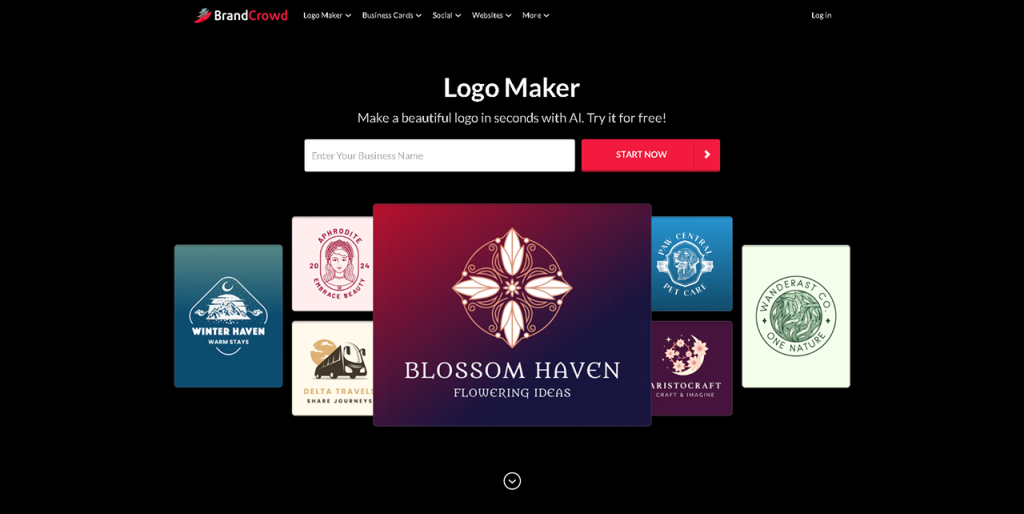
The second leading platform in 2026 is BrandCrowd. It is popular for creating the world’s best logo which makes it a comprehensive platform for businesses of all sizes. It offers over 350,000 logo templates and more than 1 million total design templates. It provides several creative options virtually for many industries.
Key Features and Tools
- Users can register domain names alongside their logos while ordering printed merchandise, from business cards to mugs, apparel, and mousepads; all with free delivery.
- All logos are available in multiple file formats, including vector, raster, animated files, and more.
- Professionals create logos, and it includes hundreds of unique and exclusive fonts, thousands of exclusive icons and shapes, and 62,000+ custom vector shapes.
- The platform offers advanced AI tools which include an AI logo generator. It makes it easy to create polished logos within minutes.
- BrandCrowd provides more than 50 additional branding tools, such as website builders, business cards, digital business cards, social media posts, and so on.
- Automatic template branding makes sure that social, print, and web designs inherit logo colors to maintain visual consistency.
Benefits of Using BrandCrowd
- The user-friendly interface allows anyone to create professional designs without needing any prior skills.
- BrandCrowd offers a range of free logos and other design components.
- The designs are checked for commercial safety so that business owners have nothing to worry about.
Who BrandCrowd is Best For
BrandCrowd offers several features such as customizable designs, extensive fonts, and icon collections. It also provides options for creating exclusive logos. This makes it suitable for anyone who wishes to create a brand identity that stands out in the competitive markets.
3. Turbologo
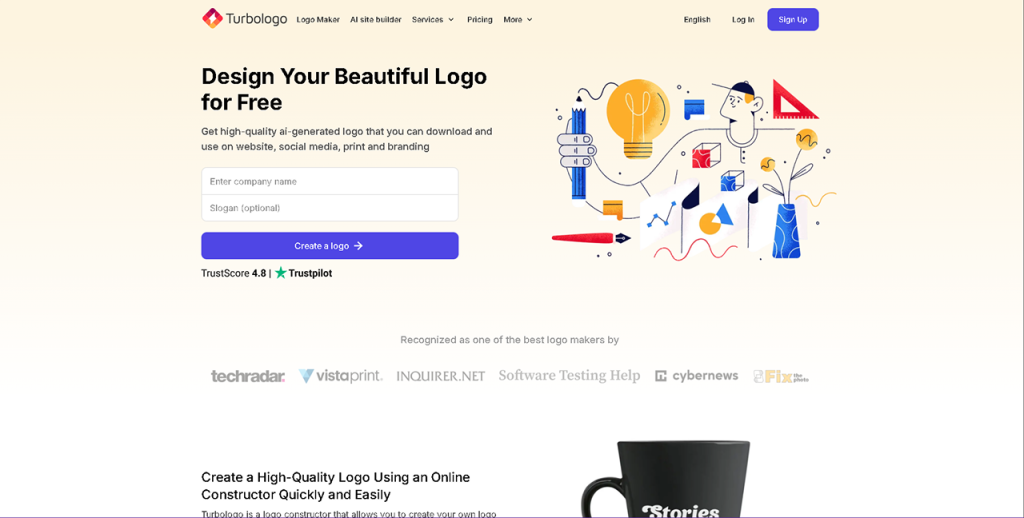
Turbologo is another online logo creation platform that uses AI to help you generate a professional brand identity in minutes. It has a smart logo engine that produces multiple design options as per your industry and stylistic preferences.
Key Features and Tools
- Users get access to a vast library which includes templates, icons, fonts, and colors. With this, you can customize the appearance of your logo by adjusting layouts, symbols, and typography.
- Logos can be downloaded in multiple high‑resolution formats (including PNG, SVG, PDF, and JPEG).
- Users can take advantage of using business card templates, email signature designs, and more.
- While you can experiment with unlimited logo ideas for free, downloading high‑resolution files and brand assets requires opting for one of the platform’s paid options.
Benefits of Using Turbologo
- The platform is easy to use; the AI‑powered features reduce the time needed to produce polished logos compared with manual design or hiring a designer.
- It comes with a large number of creative templates and editing options.
Who Turbologo is Best For
Turbologo makes sense for businesses that prefer pay‑per‑project pricing rather than recurring design services. It’s a practical tool for marketers and content creators who want to produce logos and branded graphics on short deadlines.
4. Wix Logo Maker
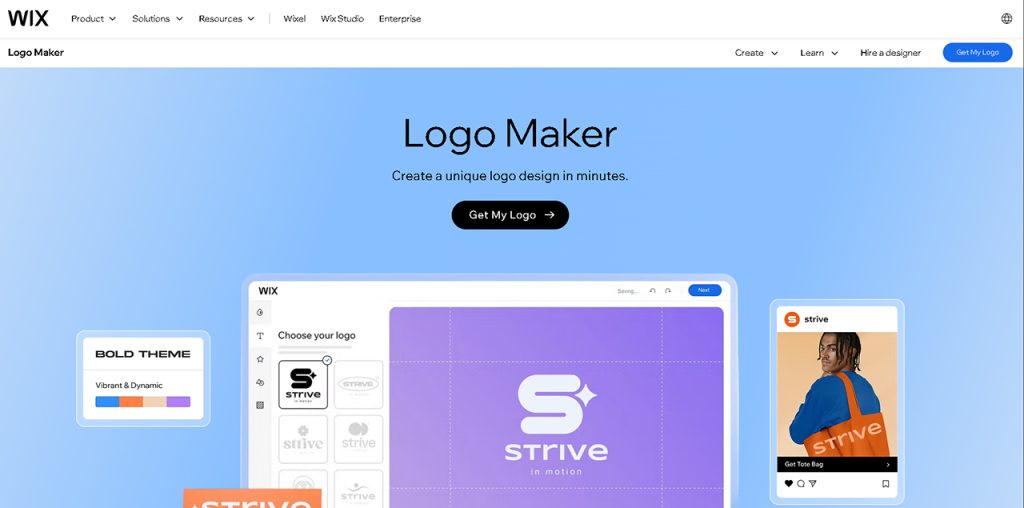
With its AI-powered engine, Wix Logo Maker allows you to design professional logos quickly and effortlessly. Users can personalize their logos with their drag-and-drop editor to achieve the desired results.
Key Features and Tools
- Wix offers brand kits and extensions integrating your logo with websites, business cards, and social media assets.
- The platform allows users to experiment with logo creation ideas for free before purchasing them in high-resolution files.
- Paid plans unlock professional file types, including high‑res PNG and scalable SVG vector files, which are ideal for digital use, branding materials, and print applications.
- Its intuitive editor lets you play with fonts, colors, icons, and layouts.
Benefits of Using Wix Logo Maker
- The platform is easy to use and works well for beginners.
- Once purchased, your logo includes full commercial usage rights, so you can use it on websites, products, marketing materials, and more without extra licensing fees.
Who Wix is Best For
It is a good option for startups, small businesses, solo entrepreneurs, and creators who want a fast, affordable, AI-driven way to produce professional logos.
5. Tailor Brands
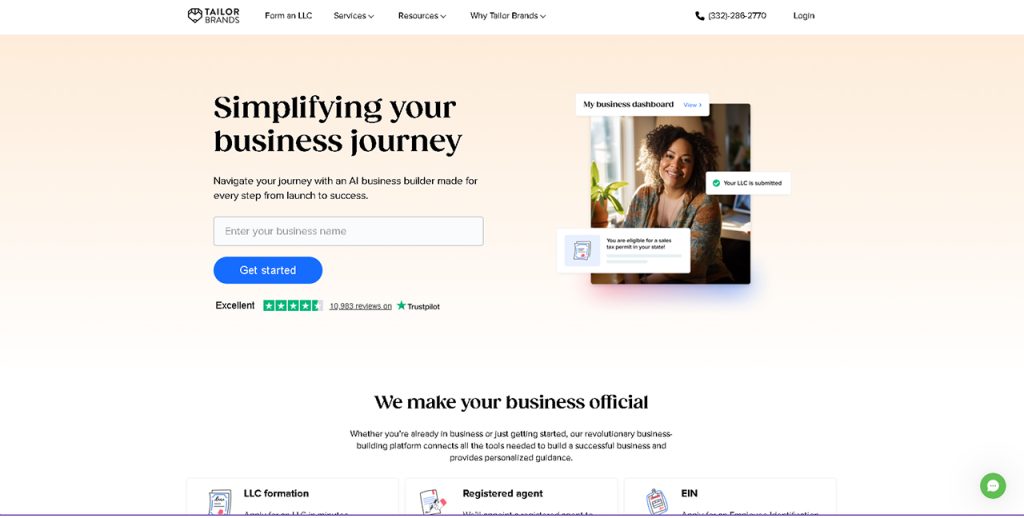
Tailor Brands is a modern branding platform that generates unique logo designs specific to your business identity. Instead of relying on pre‑made templates, its algorithm creates custom logo options based on your business details.
Key Features and Tools
- The solution offers a comprehensive brand suite that includes social media kits, business card designs, print‑ready assets, and website creation tools, allowing you to maintain visual consistency.
- High‑resolution and vector file downloads (EPS, SVG, PNG) ensure your logo is versatile for both digital and physical applications.
- The platform integrates branding tools that extend beyond the logo itself, such as social templates, merchandise designs, and website support.
Benefits of Using Tailor Brands
- The platform offers a step-by-step AI workflow, making the logo creation process smooth for anyone, regardless of prior design experience.
- Once purchased, logos come with full commercial usage rights, so that you can use them across business materials.
Who Tailor Brands is Best For
Tailor Brands is best suited for small business owners, freelancers, and solopreneurs who want a quick, AI‑powered way to generate a professional brand identity without needing design skills.
6. DesignEvo
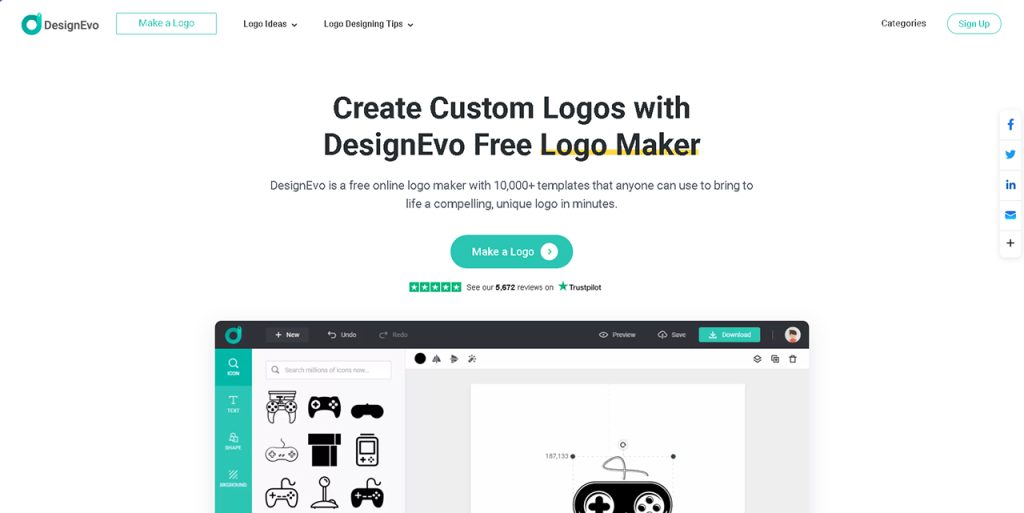
DesignEvo is an easy‑to‑use online logo maker that lets you create professional logos with minimal effort. It provides 10,000+ customizable logo templates specific to many industries, along with millions of vector icons and hundreds of font styles.
Key Features and Tools
- The tool comes with flexible layout controls and visual preview options that show how your logo will look on business cards, apparel, websites, and other materials.
- Designs can be downloaded in PNG, JPG, SVG, and PDF formats, with transparent background options for versatile use.
- The platform lets you save your logo projects to the cloud for later editing, so you can refine your brand assets anytime from any device with internet access.
Benefits of Using DesignEvo
- The platform supports multiple file formats, including scalable vector files (SVG, PDF), meaning your logo will look crisp whether it’s on a website, business card, or large print banner.
- The free tier lets you explore and download basic designs, while paid plans unlock high‑resolution and vector formats, unlimited edits, and commercial usage rights.
Who DesignEvo is Best For
The platform is a good match for startups and side projects that need quick branding solutions at minimal cost.
Here’s a Wrap
The platforms discussed above prove that quality logo making no longer requires advanced design skills. With the right tool, anyone can create professional, one-of-a-kind designs, attracting the hearts and minds of customers.
Choosing a platform that aligns well with your goals and branding needs is the first step to leaving a lasting impression on your customers.
Respond to this article with emojis