
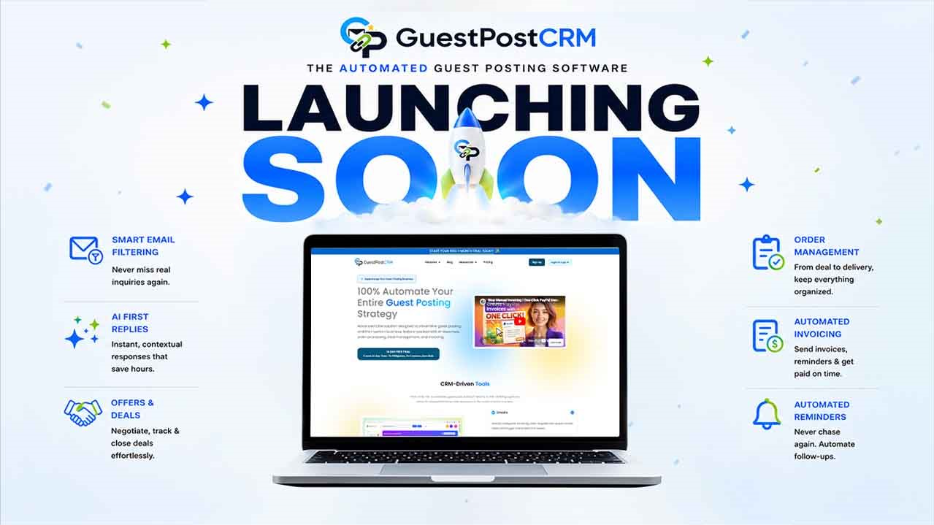
We Are Launching GuestPostCRM: The Automated Guest Posting Software for Smarter Campaign Management
GuestPostCRM is an automated guest posting software that manages inquiries, orders, invoices, and link tracking from one place. Try free for 30 days.
If you’ve ever managed guest posting at any real volume, you already know the struggle. Dozens of emails come in every day, and somehow, spreadsheets never have the right, up-to-date information. You’re switching between tabs, trying to remember which client you last replied to, and which publisher is still waiting on an offer. The result? Follow-ups slip through the cracks, and you’re still chasing invoices even after the link went live.
And the frustrating part is that none of it is actually difficult work. It’s just repetitive. The same reply written ten different times, same invoice created from scratch for every order and the same reminder sent manually because nothing was set up to do it for you. It adds up fast, and before you know it, half your week is gone to tasks that a decent system should have handled automatically.
That is exactly the gap automated guest posting software is meant to fill.
What Is GuestPostCRM?
GuestPostCRM is a CRM that is built specifically for automating guest posting and link insertion workflows. It is not a repurposed sales CRM with a few extra fields. It is a system designed from the ground up around how guest posting actually works.
It handles everything. From the moment an inquiry lands in your inbox to the point where the link is live, the invoice is paid, and the client is happy. With GuestPostCRM, the whole workflow is automated.
- purpose-built CRM; not a generic tool adapted for guest posting
- Designed for write-for-us website owners, SEO agencies, and freelance link builders
- Works on top of your existing Gmail inbox
- Manages the full guest post lifecycle from first inquiry to final payment
- Built to handle high volumes without adding complexity or headcount
- Scales with your operation, whether you manage 5 clients or 50
The Problem We Are Solving
Before we talk about what GuestPostCRM does, it’s worth being honest about what was broken and why you need GuestPostCRM.
Most people manage guest posts with a combination of Gmail, Google Sheets, and their willpower. Some were just relying on generic CRMs that were never even meant to do this kind of work. Either way, the result was the same: too much manual work, too many things falling through the gaps, lack of real visibility into what was happening across the pipeline.
Think about what a typical day actually looks like. A high-value inquiry arrives and gets buried under spam and duplicate emails before you even notice it. A negotiation drags on across a long email thread, and three weeks later, you cannot remember what price you originally quoted. An invoice goes unpaid, and you only find out when you happen to scroll back through your sent folder. None of these is a catastrophic failure on its own. They are just small things that slip through when there is no proper system holding everything together. And over time, those small slips cost real money and real opportunities.
But worry not, because GuestPostCRM is that system.
Key Features of GuestPostCRM: Automated Guest Posting Software
At its core, GuestPostCRM is an automated guest posting software that automates everything that doesn’t need your attention and completes them as soon as possible.
Smart Email Filtering
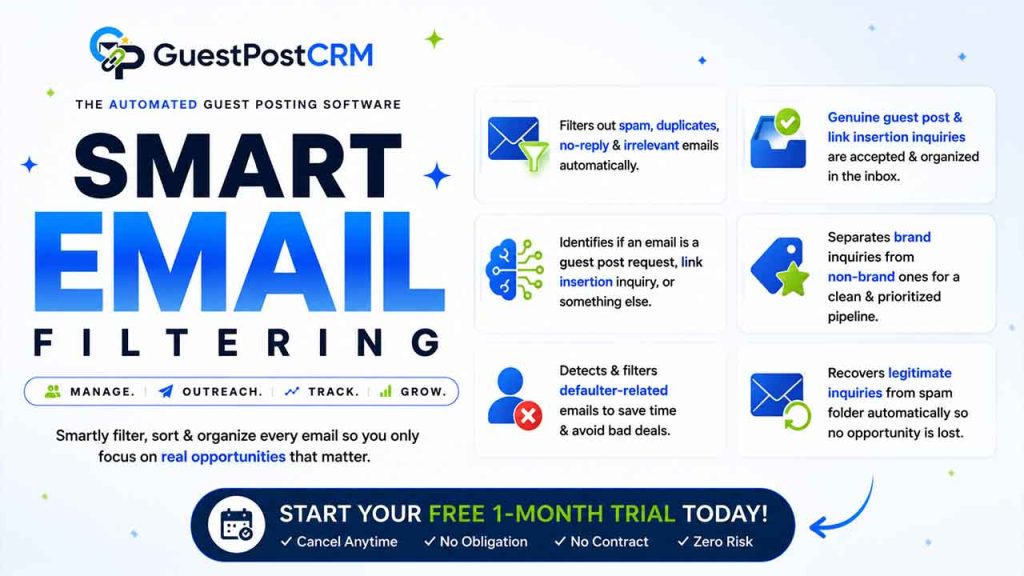
Inbox management is one of the biggest operational headaches for anyone running guest posting at volume. When hundreds of emails are coming in daily, manually sorting through all of them to find the ones that actually matter is slow, inefficient, and, honestly, a waste of your time.
GuestPostCRM solves this with a smart filtering engine that reads and classifies every incoming email automatically before you even have to look at it.
- Spam emails, duplicate inquiries, no-reply notifications, and irrelevant messages are filtered out automatically
- Genuine guest post and link insertion inquiries are accepted and organized in the inbox
- The system identifies whether an email is a guest post request, a link insertion inquiry, or something else entirely, without you touching the inbox
- It also separates brand inquiries from non-brand ones, so your pipeline is clean and prioritized right from the start.
- Defaulter-related emails are detected and filtered, too, so if someone has a history of not paying or causing problems, that gets caught early before it turns into a wasted deal.
- And if Gmail has incorrectly marked a legitimate guest posting inquiry as spam, GuestPostCRM detects it and pulls it back into your active workflow automatically, so no real opportunity gets lost in the spam folder without you knowing.
AI First Replies
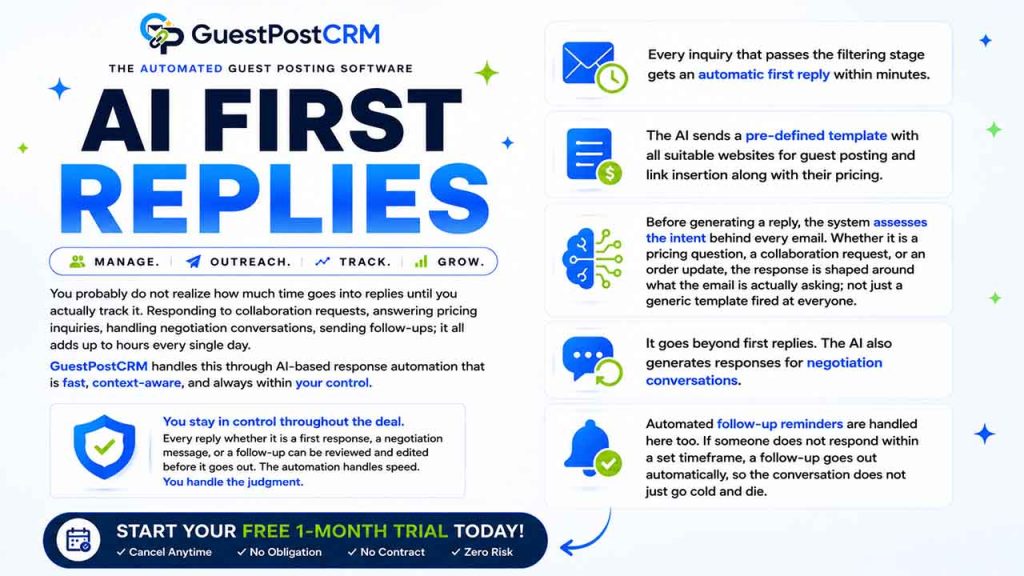
You probably do not realize how much time goes into replies until you actually track it. Responding to collaboration requests, answering pricing inquiries, handling negotiation conversations, sending follow-ups, it all add up to hours every single day.
GuestPostCRM handles this through AI-based response automation that is fast, context-aware, and always within your control.
- Every inquiry that passes the filtering stage gets an automatic first reply within minutes.
- The AI sends a pre-defined template with all suitable websites for guest posting and link insertion, along with their pricing.
- Before generating a reply, the system assesses the intent behind every email. Whether it is a pricing question, a collaboration request, or an order update, the response is shaped around what the email is actually asking, not just a generic template fired at everyone.
- It goes beyond first replies. The AI also generates responses for negotiation conversations.
- Automated follow-up reminders are handled here, too. If someone does not respond within a set timeframe, a follow-up goes out automatically, so the conversation does not just go cold and die.
You stay in control throughout the deal. Every reply, whether it is a first response, a negotiation message, or a follow-up, can be reviewed and edited before it goes out. The automation handles speed. You handle the judgment.
Offers and Deals
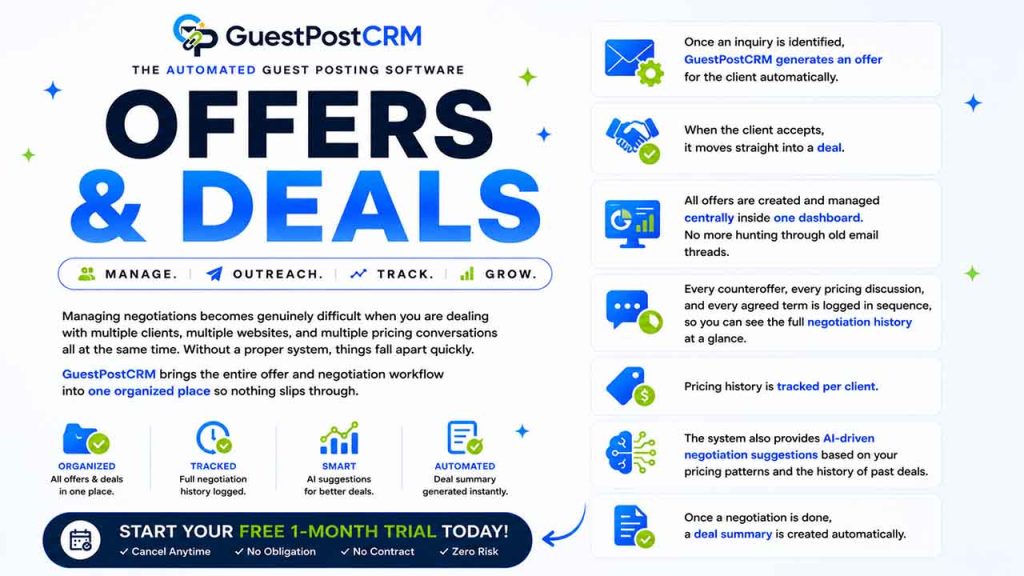
Managing negotiations becomes genuinely difficult when you are dealing with multiple clients, multiple websites, and multiple pricing conversations all at the same time. Without a proper system, things fall apart quickly.
GuestPostCRM brings the entire offer and negotiation workflow into one organized place so nothing slips through.
- Once an inquiry is identified, GuestPostCRM generates an offer for the client automatically.
- When the client accepts, it moves straight into a deal.
- All offers are created and managed centrally inside one dashboard. There will be no more hunting through old email threads to find what you sent to which client.
- Every counteroffer, every pricing discussion, and every agreed term is logged in sequence, so you can see the full negotiation history at a glance.
- Pricing history is tracked per client.
- The system also provides AI-driven negotiation suggestions based on your pricing patterns and the history of past deals.
- Once a negotiation is done, a deal summary is created automatically.
Order Management
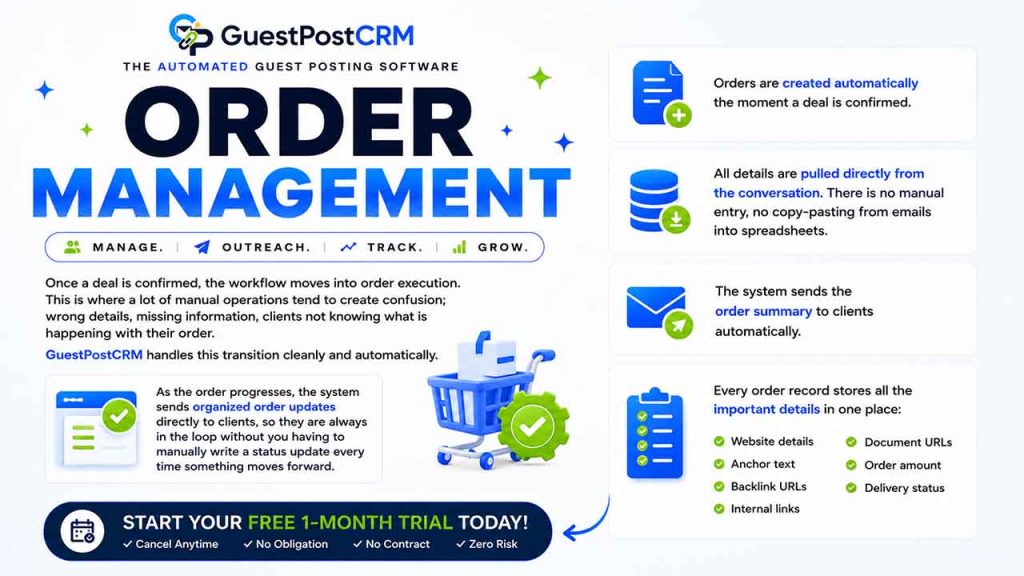
Once a deal is confirmed, the workflow moves into order execution. This is where a lot of manual operations tend to create confusion; wrong details, missing information, clients not knowing what is happening with their order.
GuestPostCRM handles this transition cleanly and automatically.
- Orders are created automatically the moment a deal is confirmed.
- All details are pulled directly from the conversation. There is no manual entry, no copy-pasting from emails into spreadsheets.
- The system sends the order summary to clients automatically.
- Every order record stores all the important details in one place:
- Website details
- Anchor text
- Backlink URLs
- Internal links
- Document URLs
- Order amount
- Delivery status
As the order progresses, the system sends organized order updates directly to clients, so they are always in the loop without you having to manually write a status update every time something moves forward.
Automated Invoicing
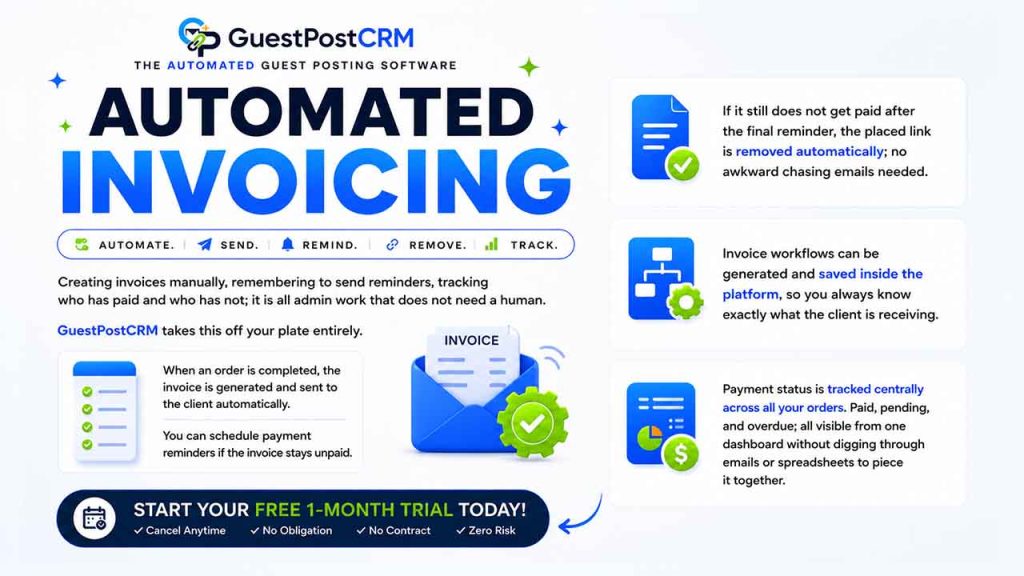
Creating invoices manually, remembering to send reminders, tracking who has paid and who has not; it is all admin work that does not need a human.
GuestPostCRM takes this off your plate entirely.
- When an order is completed, the invoice is generated and sent to the client automatically.
- You can schedule payment reminders if the invoice stays unpaid.
- If it still does not get paid after the final reminder, the placed link is removed automatically; no awkward chasing emails needed
- Invoice workflows can be generated and saved inside the platform, so you always know exactly what the client is receiving.
- Payment status is tracked centrally across all your orders. Paid, pending, and overdue; all visible from one dashboard without digging through emails or spreadsheets to piece it together.
Automated Reminders and Follow-ups
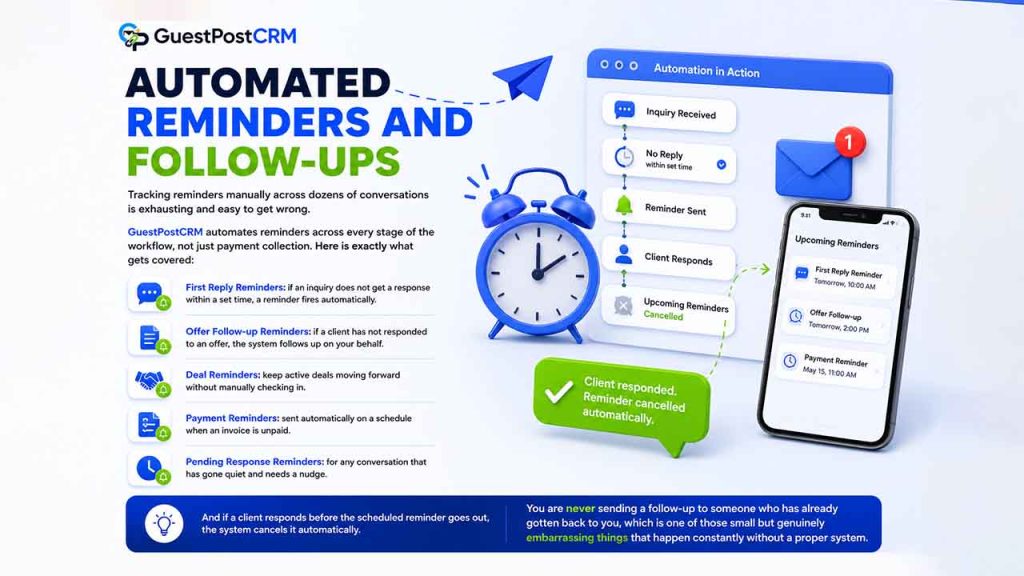
Tracking reminders manually across dozens of conversations is exhausting and easy to get wrong.
GuestPostCRM automates reminders across every stage of the workflow, not just payment collection. Here is exactly what gets covered:
- First Reply Reminders: if an inquiry does not get a response within a set time, a reminder fires automatically.
- Offer Follow-up Reminders: if a client has not responded to an offer, the system follows up on your behalf.
- Deal Reminders: keep active deals moving forward without manually checking in.
- Payment Reminders: sent automatically on a schedule when an invoice is unpaid.
- Pending Response Reminders: for any conversation that has gone quiet and needs a nudge.
And if a client responds before the scheduled reminder goes out, the system cancels it automatically. You are never sending a follow-up to someone who has already gotten back to you, which is one of those small but genuinely embarrassing things that happen constantly without a proper system.
Marketplace for Repeat Clients
For clients with whom you work regularly on fixed terms, the Marketplace feature removes the entire negotiation and deal stage. You can add those clients to Marketplace, and when their emails come in, orders will be created instantly, and you can complete them with a single click.
Who Should Use GuestPostCRM?
Related walkthrough
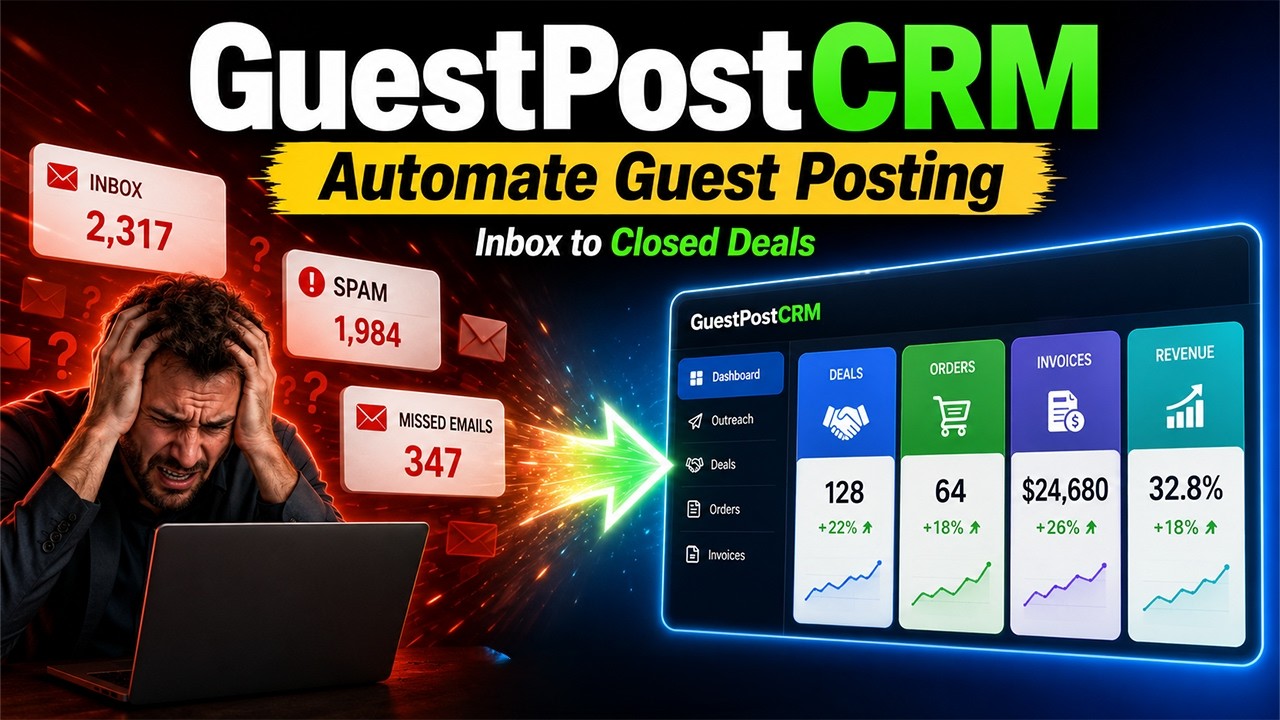
GuestPostCRM Demo: Automate Guest Posting, Link Insertions & SEO Outreach
Anyone who manages guest posts or link insertions at volume will find it useful, and if you’ve been looking for reliable automated guest posting software, this is built exactly for that. But there are a few groups where it makes a particularly big difference.
Write-for-us Website Owners: They receive guest posts and link insertion requests regularly, which makes them the obvious fit. If your inbox has more than a handful of inquiries a week, the manual process doesn’t scale. GuestPostCRM handles the intake, the replies, the deals, and the payments. That way, you can focus on content decisions rather than managing admin work.
SEO Agencies: SEO agencies managing campaigns for multiple clients benefit enormously from having everything in one place. Each client’s data stays separate, up-to-date, reporting is automated, and the team always knows exactly where every placement stands.
Freelance Link Builders: They get the infrastructure of a proper agency operation without needing to hire a team. Automated invoicing alone saves hours every month.
Online Publishers: If you accept sponsored content or manage content partnerships alongside guest posts, GuestPostCRM handles that too. The workflow is flexible enough to be adjusted based on how your publishing operation is set up.
Real-World Guest Posting Automation Use Cases
Write-For-Us Website Owner
- Receives 40+ guest post inquiries a week across multiple sites
- GuestPostCRM filters spam, sends first replies automatically, and creates offers without manual input
- The owner only steps in to approve content while everything else runs on its own
SEO Agency Managing Multiple Clients
- Running 20+ active link-building campaigns simultaneously across different client accounts
- Each client’s orders, placements, and invoices stay fully separated inside the CRM
- Auto-generated reports go directly to clients; no manual assembly, no formatting time
Freelance Link Builder
- Managing outreach, negotiations, and payments alone without a team
- Automated invoicing and payment reminders replace hours of follow-up work every month
- Marketplace feature handles repeat clients on fixed terms with zero back-and-forth
Link Insertion Specialist
- Deals with high volumes of repeat orders from the same clients regularly
- Fixed partnership pricing means every incoming email converts to an order instantly
- Single click completes each order, and the entire day’s workload is processed in minutes
Local SEO Agency
- Handles location-specific guest posts for 20+ small business clients
- Tracks every placement by client, niche, and live status from one dashboard
- Automated reminders ensure no invoice goes unpaid without follow-up
Conclusion
Managing guest posts has always been time-consuming. It is not because the work itself is complicated, but because the surrounding admin work has never had a proper system. Emails, spreadsheets, follow-ups, and invoices are manageable on their own, but together they add up to hours of work every week that shouldn’t need a human at all.
GuestPostCRM changes that. It is an automated guest posting software in the truest sense. It is not just a tool that saves a few clicks, but a system that removes entire stages of work from your week. Whether you’re a solo publisher handling a steady stream of inquiries or an agency running dozens of client campaigns, the system scales with you without adding complexity.
We built GuestPostCRM because we believe your time should go toward decisions, relationships, and growth rather than inbox management.
Try it free for 30 days and see how much of your current workload the system can absorb.
FAQs About Automated Guest Posting Software
Q1. Is GuestPostCRM only for large agencies?
No, it works equally well for solo publishers, freelancers, and agencies of any size.
Q2. Does it replace my current email inbox?
It connects to your existing inbox and works alongside it. You don’t need to switch email providers.
Q3. What happens if a client doesn’t pay?
The system sends automated reminders and removes the placed link after the final reminder if the invoice remains unpaid.
Q4. Is a technical setup required to get started?
No, the setup is straightforward, and the 30-day free trial gives you full access from day one.
Q5. Does GuestPostCRM work for both guest posts and link insertions?
Yes, the system is built to handle both guest post and link insertion workflows, including orders, invoices, and automated follow-ups for each.

