
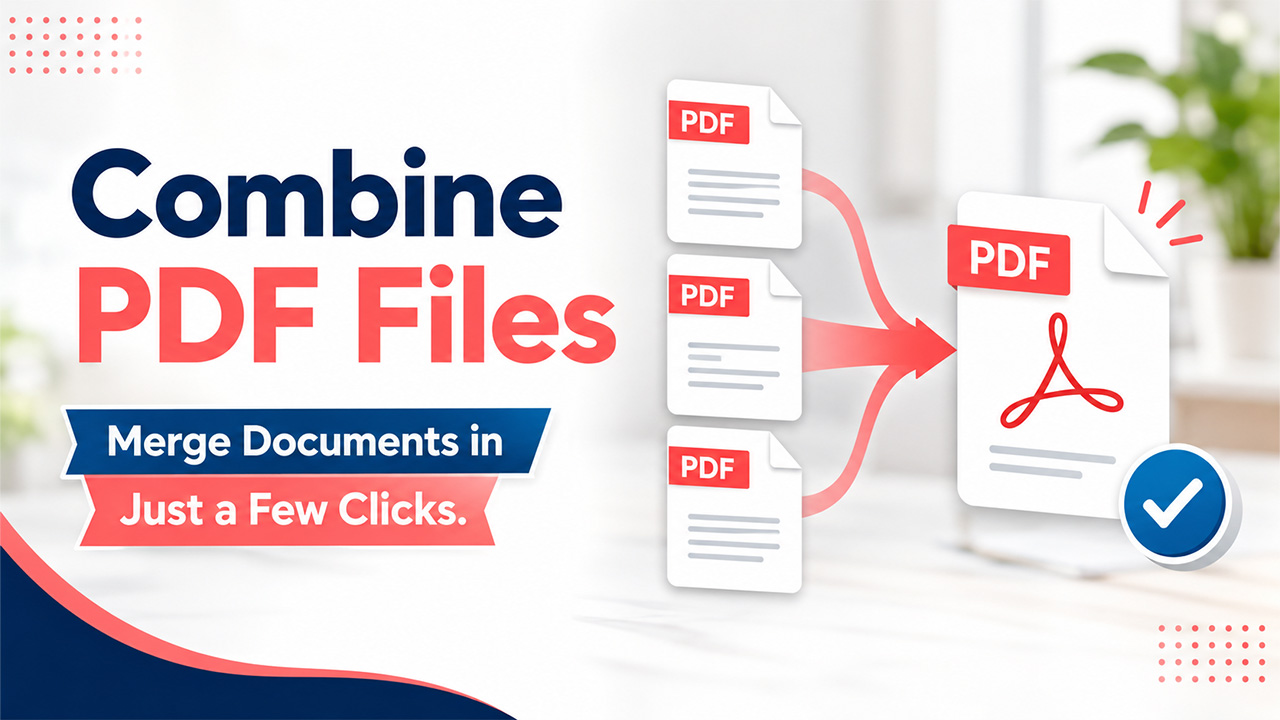
Struggling to Combine PDF Files? Try This Quick Online Solution
Find out how to combine PDF files quickly and easily online. Follow simple steps to merge documents, organize pages, and create one PDF.
It sounds easy to organize all your PDF files in one place where you can easily access them without having to dig through your smartphone or laptop. However, in reality, many users still find it difficult to combine their PDF files when they try to do it.
Instead of a quick fix, the process often turns into a series of unnecessary steps. You download software, deal with formatting issues, or spend time rearranging pages that didn’t merge correctly. What should take a minute ends up taking much longer.
The problem isn’t the files. It’s the workflow. Once you switch to a simpler approach, combining PDFs becomes fast, clean, and easy to manage.
Why Combining PDF Files Can Be Frustrating
If you’ve ever tried to combine PDF files and felt like it was harder than expected, you’re not alone. There are a few common reasons why this task becomes frustrating:
Outdated or complicated software
Many users rely on older desktop tools that require installation and setup. These tools can be slow to open and often include features you don’t actually need.
For a simple task like merging files, this adds unnecessary friction.
File compatibility issues
Not all PDFs behave the same way. Some files you scan, some you export, and some include embedded fonts or images. You might run into several issues when you try to merge them such as pages might not display correctly or elements shift unexpectedly.
Losing formatting or quality
Another common issue is file quality. After combining documents, users sometimes notice:
- Blurry images
- Misaligned text
- Inconsistent formatting
This usually happens when the tool doesn’t preserve the original structure properly.
Too many steps for a simple task
What should be a quick action often turns into a multi-step process:
Download → install → open → import → arrange → export
For something as basic as combining documents, that’s more effort than necessary.
Common Mistakes When You Combine PDF Files
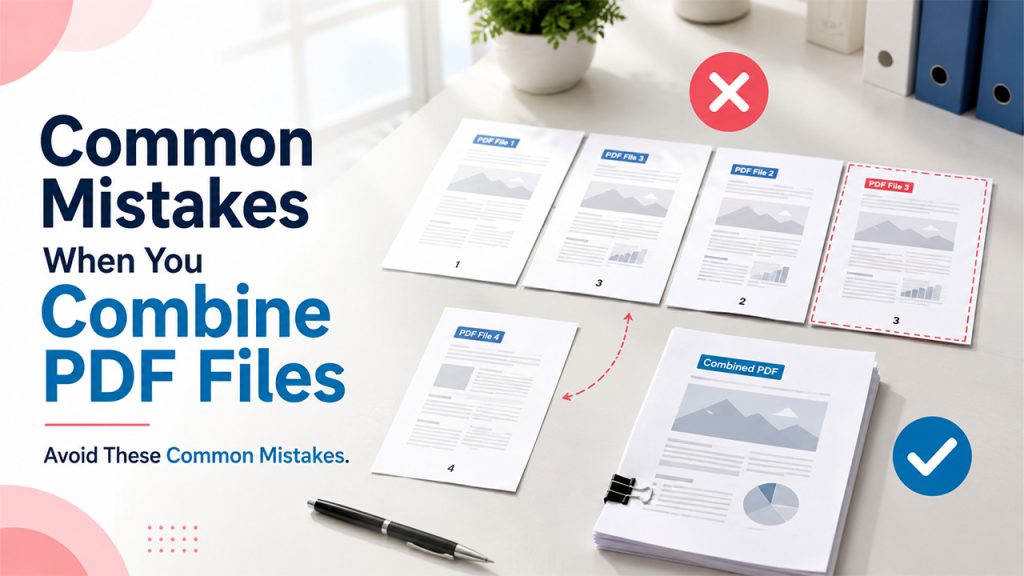
In several cases, you feel frustrated because of how one approaches the task. Even a small common mistake can make the whole process even more difficult than it needs to be.
Downloading heavy desktop tools unnecessarily
People often assume they need full software just to combine two PDF files. In reality, this can slow things down.
Installing tools takes time, and switching between applications breaks your workflow.
Merging files in the wrong order
It’s easy to overlook the order of files when merging. If pages are not arranged correctly before combining, you end up with a document that needs fixing afterward.
Ignoring file size limits
When you merge the files, large files can cause problems. So, make sure you check the file size before you even begin to merge your PDF files. If you don’t check the size of the file in advance, you might face upload issues later or end up with a document that is difficult to share.
Not checking the final document
After you are done merging files online, make sure you check your results. If you miss this step, it can lead to sending documents that have misisng papers, arranged in incorrect orders, or have formatting issues. A quick check can save time and prevent confusion later.
The Quick Online Solution to Combine PDF Files
One of the easiest ways is to use a browser-based tool. This way, you won’t run into issues. Instead of relying on downloads or complex software, you can combine PDFs online in just a few clicks and use an AI PDF Editor when you need to make further edits to the final document.
No installation required
You don’t need to install anything. Simply open your browser, upload your files, and start working right away.
Works across devices
Whether you’re using a laptop, tablet, or phone, online tools give you access from anywhere. This is especially useful if you need to merge documents while working remotely or on the go.
Fast and user-friendly process
Modern tools are built for simplicity. You upload your files, arrange them visually, and combine them in seconds.
How to Combine PDF Files in Minutes (Step-by-Step)
Related walkthrough
Convert HTML to PDF in Seconds ⚡ | 100% Free Tool by OutrightCRM (No Signup!)
Once you use the right approach, the process becomes very simple. Here’s how to do it.
1. Upload your PDF files
Start by opening a tool that allows you to combine PDF files online. Upload all the documents you want to merge.
You can usually drag and drop files directly into the browser.
2. Arrange them in the correct order
Before merging, place your files in the right sequence. This step ensures your final document is organized properly.
Most tools let you reorder files visually, which makes this quick and intuitive.
3. Click “combine” or “merge”
Once everything is in place, click the combine button. The tool will process your files and merge them into a single document.
This step typically takes just a few seconds.
4. Download or share the final document
After merging, download the file or share it directly. Many tools allow you to send the document without saving it locally.
Use Cases for Combining PDF Files
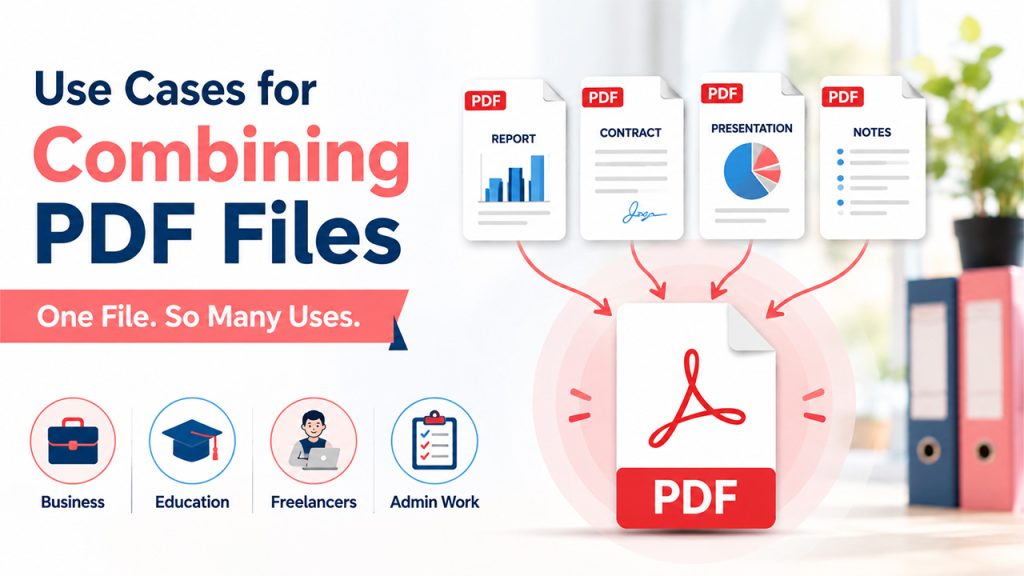
The ability to combine PDF files quickly is useful in many different situations, including:
Business
Teams often need to merge reports, contracts, or presentations into one file. This makes documents easier to share and review.
Education
Students and educators combine assignments, notes, and research materials into a single document for submission or reference.
Freelancers
Freelancers often combine PDF documents when creating proposals or portfolios. A single, well-organized file looks more professional.
Admin work
Administrative tasks often involve forms and documentation. Combining these into one file keeps everything organized and easier to manage.
If you need to work with information contained in PDF documents, you can also Extract Emails from PDF files to collect email addresses without manually copying them one by one.
Tips to Combine PDF Files More Efficiently
A few simple habits can make the process even smoother:
Organize files before merging
Keep your files in one place and review them before uploading. This reduces errors and saves time during the process.
Use clear file names
Descriptive file names make it easier to identify documents and arrange them correctly.
Compress large PDFs if needed
If your file size is larger, compress them before you begin to merge them. This helps avoid upload issues and makes the final document easier to share.
Double-check page order
Before you finalize the document, make sure you check the page’s order. This step only takes a moment and ensures everything is in the right place.
Conclusion
Combing PDFs should not feel like a chore. It is supposed to be simple. In case it feels complicated, it signals that the workflow needs an update. What you can do is switch to a browser-based approach. With this, you can easily combine PDF files without having to install any software or deal with unnecessary steps.

