
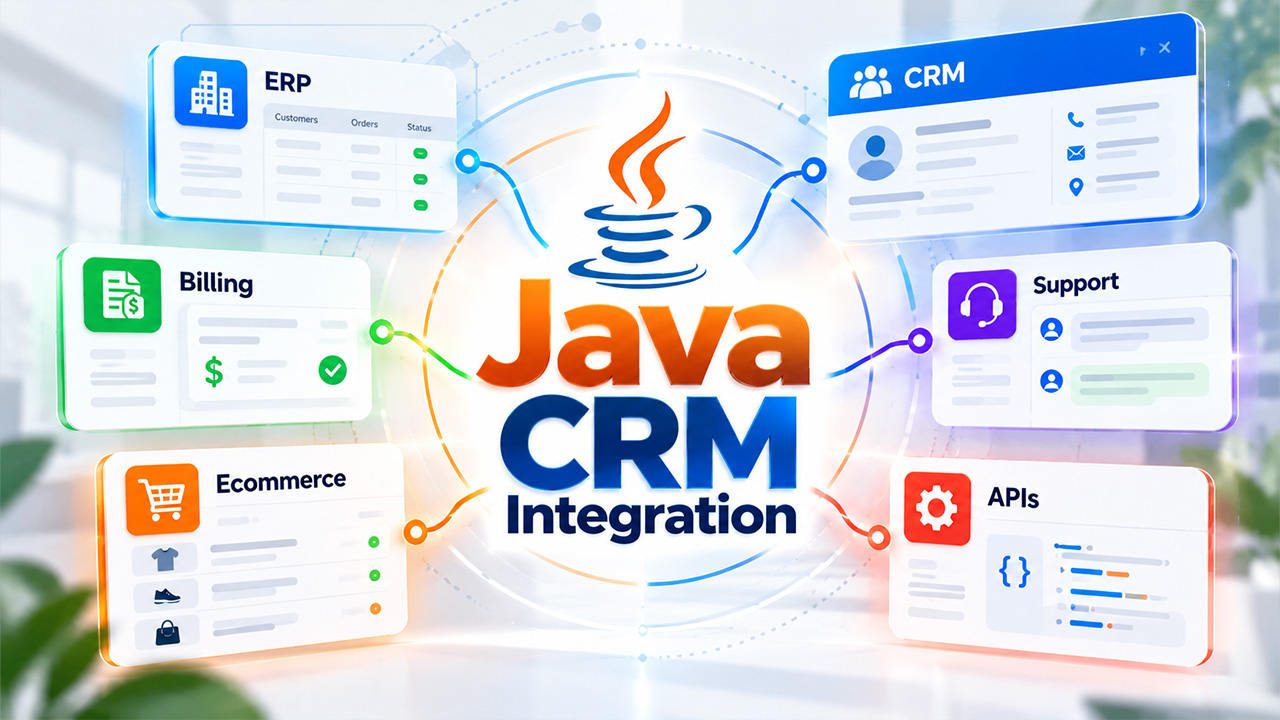
How Java CRM integration keeps customer data consistent across business systems
Learn how Java CRM integration keeps customer data consistent across APIs, billing tools, ERP systems, and other business software while avoiding duplicate records.
A CRM stops being a useful source of customer information when sales, billing, support, and order systems all hold slightly different versions of the same record. The problem rarely appears on the first day of implementation. It develops as more applications are connected, more fields are added, and more teams begin updating customer data from different places. A reliable Java CRM integration has to do more than move records between two APIs. It has to decide which system owns each piece of information and what happens when those systems disagree.
That work becomes especially relevant when a company has outgrown standard connectors. A ready-made integration may handle basic contact synchronization, yet struggle with custom account structures, approval workflows, legacy databases, or large transaction volumes. Teams dealing with those conditions may use Java app development services to build the integration around the way their CRM and operational systems actually work. The objective is straightforward: information entered once should arrive where it is needed without creating another record that someone has to reconcile later.
Why Java CRM integration gets harder as systems multiply
Connecting a CRM to one application is usually manageable. Connecting it to an ERP, billing platform, support desk, ecommerce system, marketing tools, and an internal database changes the problem. Each application has its own data model and its own idea of when a record is considered complete.
A CRM may store one company with several contacts beneath it. A billing platform may organize the same customer around contracts and invoice accounts. An ecommerce system might know the customer primarily by email address. None of those structures is necessarily wrong, but copying records directly between them can produce unexpected results.
The first technical decision is therefore less about Java code and more about ownership. If a customer changes an address in the CRM, should that update automatically replace the billing address? If finance changes a legal company name, should the CRM accept the change immediately? If both systems are edited within a few minutes, which value wins?
A Java CRM integration becomes easier to maintain once those rules are explicit instead of buried inside individual synchronization jobs. The same gap appears at the front of the funnel, where local search leads can disappear before they reach the CRM.
APIs are rarely the difficult part
Modern CRMs usually expose REST or other APIs, and Java has mature libraries for making requests, handling authentication, parsing data, and processing asynchronous work. Sending a customer record from one service to another is not especially complicated.
Problems tend to appear around the request itself.
An API may reject a record because a required field is missing. A CRM can enforce a rate limit during a large import. The destination system might be temporarily unavailable after the source has already marked a transaction as completed. In another case, the request succeeds but the response never reaches the sending application because the connection drops.
If the integration simply retries everything, it can create duplicates. If it never retries, legitimate updates disappear.
This is why production integrations usually need identifiers, retry rules, logs, and a way to distinguish between a failed request and a request whose result is uncertain. The HTTP call is only one small part of the workflow.
Duplicate records usually start with an identity problem
Related walkthrough
SuiteCRM 8 Database Backup-Restore | Protect & Recover Your CRM Data

Customer data often looks unique to a person while remaining ambiguous to software. Two contacts can share a company phone number. An employee may change an email address. A customer can appear under a trading name in one database and a legal company name in another.
Matching solely by one visible field therefore becomes risky.
A stable internal identifier works better when all connected systems can preserve it. Where that is impossible, the integration may need a matching policy that considers several fields and sends uncertain cases for review rather than automatically merging them.
Questions to settle before records begin moving
The technical team and CRM owners should agree on a few rules before synchronization goes live:
- Which application creates the master customer identifier?
- Which fields can be changed from more than one system?
- How are deleted, merged, and inactive records represented?
- What makes two records duplicates rather than separate customers?
- Which updates require manual review instead of automatic processing?
A temporary outage should not become missing customer data
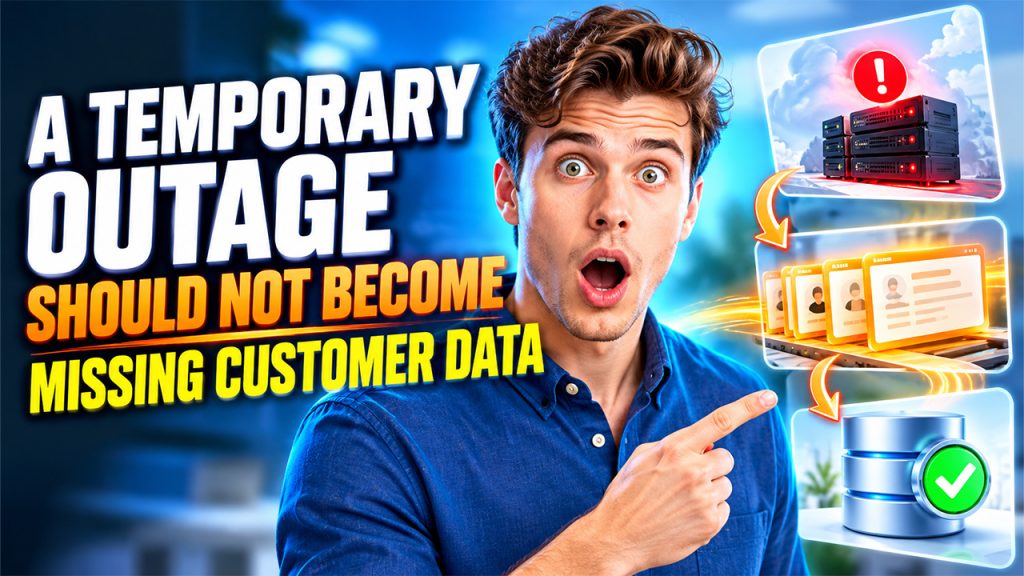
Business systems fail in ordinary ways. A server is restarted. A cloud service returns an error for several minutes. A network route disappears. These events should not force employees to re-enter customer information manually.
For that reason, many integrations separate receiving an event from processing it. A CRM change can first be written to a durable queue. A worker then attempts to deliver it to the destination system. If that service is unavailable, the item remains available for another attempt.
The important detail is idempotency. Repeating the same operation should not create another customer, payment, or service ticket. An integration can use a transaction ID or another stable reference so the receiving system recognizes work it has already accepted.
Splitting responsibilities makes the integration easier to change
A large integration becomes difficult to work with when one component handles authentication, field mapping, validation, business rules, retries, database writes, and every third-party API. Separating those responsibilities gives developers smaller areas to change when one system evolves.
The exact architecture depends on the number of connected applications and the volume of data, but the responsibilities themselves remain recognizable.
| Part of the integration | Main responsibility | Typical concern |
| API connector | Communicate with CRM or external system | Authentication, limits, response errors |
| Mapping layer | Convert one data model into another | Field names, formats, required values |
| Business rules | Decide what should be synchronized | Ownership, validation, conflict handling |
| Queue or worker | Process work outside the original request | Retries, ordering, temporary outages |
| Audit storage | Keep a history of synchronization | Troubleshooting and reconciliation |
Maintaining Java CRM integration after the first release
The first successful synchronization is not the end of the project. CRM administrators add fields. Vendors release new API versions. Sales teams change workflows. A business may acquire another company and suddenly have a second database that contains years of customer information.
An integration built around clearly separated rules can absorb those changes more comfortably. Developers can adjust a mapping without rewriting retry logic, or add a new destination without changing how the CRM identifies customers.
Monitoring should also follow business events rather than server health alone. A process can be running normally while hundreds of customer updates remain stuck in a retry queue. Useful monitoring therefore includes failed records, processing delays, unusual duplicate rates, and differences between expected and actual synchronization volumes.
The strongest Java CRM integration is rarely the one with the most elaborate architecture. It is the one whose rules can still be understood when a field changes, an API goes offline, or a new system has to be connected two years later. Keeping ownership, identity, retries, and auditing explicit gives the CRM a better chance of remaining a dependable source of customer information as the surrounding software grows.

