
Best Productivity Tips for Managing Digital Workflows on Mac
Managing digital workflows on Mac with smart tips to boost productivity, optimize performance, and reduce repetitive tasks.
Modern professionals rely on multiple digital tools to manage daily work from project management platforms and CRM systems to design tools and communication apps. While these tools make collaboration easier, they can also create workflow bottlenecks if your system isn’t optimized properly.
For Mac users, maintaining a smooth digital workflow requires more than just installing the right software. It involves managing system performance, organizing files efficiently, and using productivity techniques that reduce repetitive tasks.
This guide explores practical tips to help developers, marketers, and digital professionals manage their digital workflows on Mac more efficiently.
Why Efficient Digital Workflows Matter
Digital workflows connect the tools and processes professionals use every day. Whether you’re managing CRM data, developing software, or running marketing campaigns, inefficient workflows can slow down productivity.
Common workflow challenges include:
- Switching constantly between multiple applications
- Managing large project files and media assets
- Handling repetitive copy-paste tasks
- System slowdowns caused by overloaded storage
When these issues accumulate, they can significantly affect productivity and increase the time required to complete projects.
Creating a streamlined workflow helps reduce distractions and ensures that tools and processes work together smoothly.
Optimize Your Mac’s Performance for Heavy Workloads
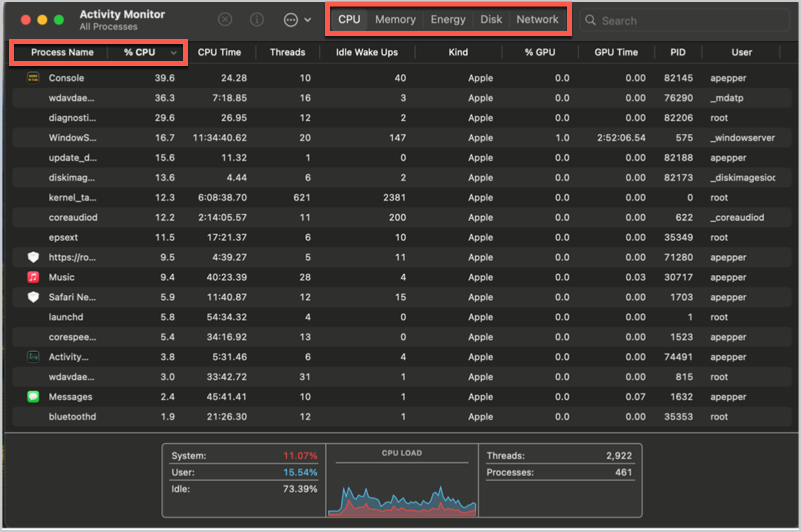
Developers, designers, and marketers often run multiple resource-intensive applications simultaneously. Tools such as design software, development environments, and data analytics dashboards can consume a significant amount of system memory and storage.
Over time, temporary files, cached data, and unused applications can slow down your system. Understanding how to make Mac run faster can help professionals maintain consistent performance while working on demanding projects.
Regular maintenance tasks such as clearing unnecessary files, managing background processes, and optimizing storage usage can significantly improve system responsiveness.
A faster system not only improves productivity but also reduces frustration when handling large files or running multiple tools at once.
Organize Files and Digital Assets Efficiently
Related walkthrough
GuestPostCRM: Streamline & Scale Your Outreach Workflow Effortlessly

One of the most overlooked aspects of productivity is file organization. When projects involve numerous assets documents, design files, images, and videos, it becomes easy for files to accumulate in scattered folders.
Organizing files properly helps reduce time spent searching for important assets. Some useful practices include:
- Creating structured project folders
- Using consistent naming conventions
- Archiving completed projects
- Removing duplicate or outdated files
Cloud storage solutions and version control systems can also help teams collaborate efficiently while keeping files organized.
Reduce Repetitive Tasks with Smart Productivity Tools
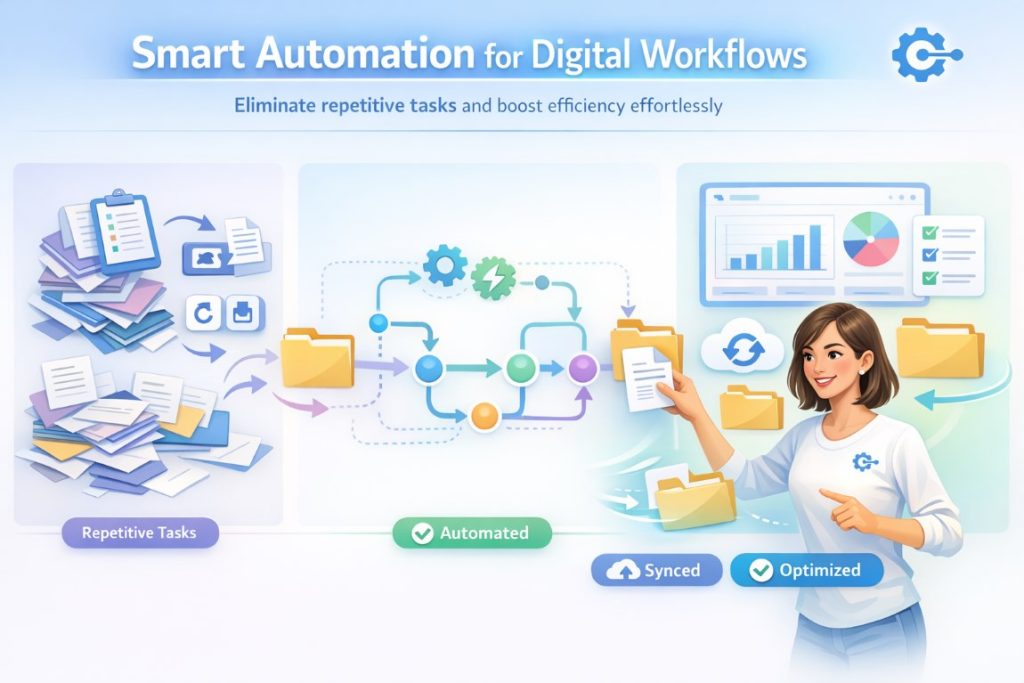
Many tasks in digital workflows involve repetitive actions such as copying information between tools, generating reports, or organizing project data.
Automation tools and productivity apps can help reduce repetitive tasks by automating workflows and improving efficiency. For example, chatbot tools can handle customer queries and data collection automatically—explore this guide on top chatbot builder tools to see how automation can streamline your workflow.
- Automating data transfers between applications
- Generating automated reports or dashboards
- Synchronizing files across multiple platforms
These tools allow professionals to focus more on strategic work rather than manual administrative tasks.
Maintain a Balanced Digital Workspace
A cluttered digital workspace can negatively affect productivity. Too many open tabs, unnecessary background applications, and excessive notifications can quickly distract users from their primary tasks.
Maintaining a balanced digital environment involves:
- Closing unused applications
- Limiting browser extensions
- Managing notifications
- Regularly reviewing installed software
By maintaining a clean workspace, professionals can focus better and work more efficiently throughout the day.
Conclusion
Managing digital workflows efficiently is essential for modern professionals who rely on multiple tools and platforms every day. By optimizing system performance, organizing files properly, and using smart productivity tools, Mac users can create a smoother and more productive working environment.
Small improvements, such as maintaining system performance and reducing repetitive tasks, can significantly impact productivity over time. When workflows are optimized, professionals can focus less on technical distractions and more on meaningful work that drives results.

