
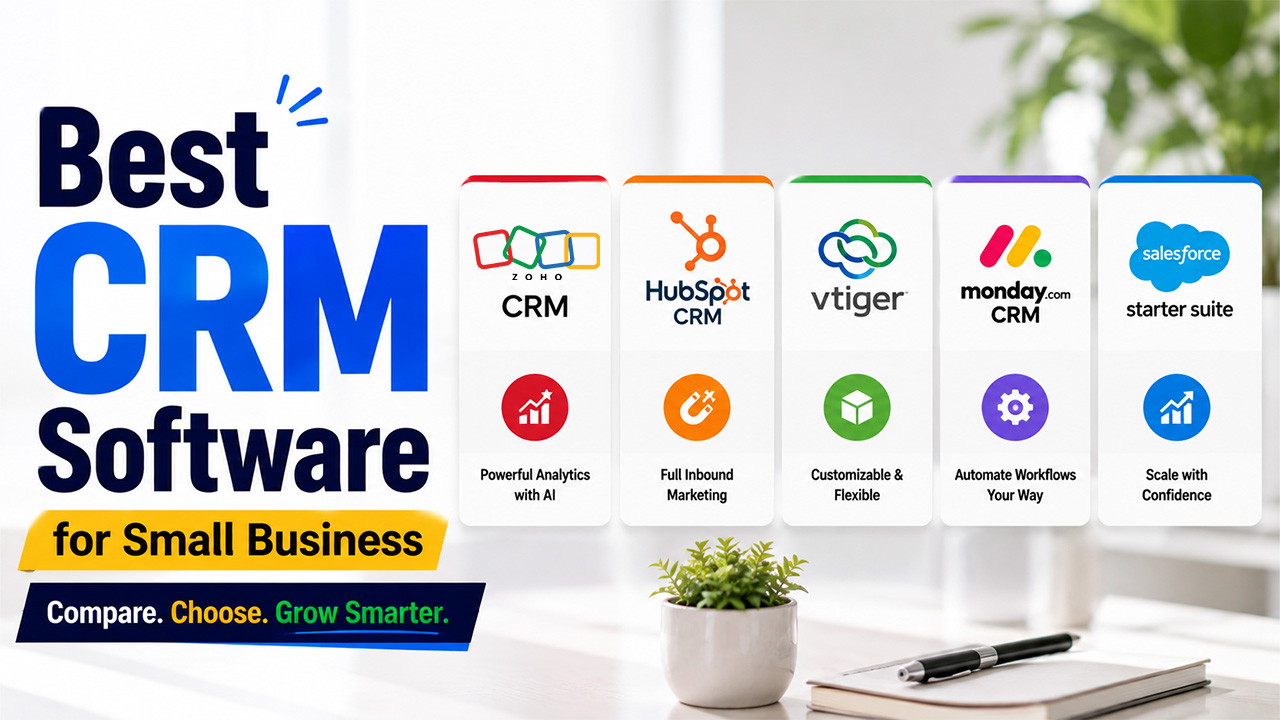
Top 5 Best CRM Software for Small Businesses to Boost Sales in 2026
Compare the best CRM software for small businesses in 2026. See features, pricing, analytics, and which CRM is right for sales, marketing, and growth.
Running a small business means always remembering which client asked for a follow-up call, or which client hasn’t been replied to. Somewhere between replying to WhatsApp messages, digging through old emails, and updating a spreadsheet, customer details start slipping through cracks. The lead became cold because nobody followed up. This made clients feel ignored. None of this happens because your team isn’t capable. Rather, it happens because there is no single place holding everything together.
This is where CRM software comes into the picture. However, there are dozens of tools out there that claim to be the “best”, which makes picking one overwhelming. So, this guide uncovers what CRM software actually does, what to look for, and which five tools genuinely deserve a spot on your shortlist if you’re searching for the best CRM software for small businesses.
What Is CRM Software?
CRM stands for Customer Relationship Management. In simple terms, it is software that stores all customer details and leads in one organized place, such as their contact information, past conversations, purchase history, and where they stand in your sales process. Your team does not have to switch between spreadsheets, email threads, and sticky notes, rather they can work from a single, shared customer detail. It acts as a single source of truth.
A good CRM does not just store data; it also helps you track deals, automate repetitive tasks like follow-up emails, and generate CRM analytics that give you visibility into what is actually working.
Key Features to Look for in the Best CRM Software for Small Businesses
Every CRM is built differently, and the needs of small businesses are not the same as enterprises. Here’s what to keep in mind when you are choosing:
Easy Setup and User-Friendly Interface:
You don’t have time for a six-week onboarding process. A good CRM should let your team start adding contacts and tracking deals within the first day, with a clean interface that doesn’t need a manual to understand.
Visual Sales Pipeline Management:
A good CRM lets you see where every deal stands, whether it’s in the conversation phase, proposal sent or closed. A clear visual pipeline makes it obvious what is urgent and needs immediate attention.
CRM Analytics and Reporting:
Data is only useful if you can make sense of it. Look for dashboards that show conversion rates, deal velocity, and team performance, so you know what’s driving revenue and what’s quietly wasting your time.
Integrations with Existing Business Tools:
Your CRM shouldn’t work independently. It needs to connect with your email, calendar, invoicing software, and marketing tools, so information flows automatically instead of being copy-pasted manually.
Workflow Automation for Repetitive Tasks:
Following up, updating deal stages, and assigning leads shouldn’t eat up your day. The right CRM automates these small but repetitive tasks. This frees up your team to focus on actual selling and service.
Scalable and Affordable CRM Pricing:
Some tools look affordable at first, then jump sharply once you add more users or unlock basic features. Check the pricing ladder carefully before committing, not just the entry-level plan.
5 Best CRM Software for Small Businesses: Detailed Comparison
Here’s a quick look before we get into the details of each one.
| CRM | Best For | Standout Feature | Starting Price |
| Zoho CRM | Scaling growing businesses | Powerful AI (Zia) and analytics | From $20/user/month |
| HubSpot CRM | Inbound marketing and content-led growth | Free plan with a full inbound funnel | Free plan; from $20/user/month |
| Vtiger | Product or inventory-based businesses | Deep customization across modules | From $12/user/month |
| monday.com CRM | Teams wanting flexibility and customization | Modular structure with built-in automation | From $18/user/month |
| Salesforce Starter Suite | Businesses planning long-term scale | Enterprise-grade AI and reporting | From $25/user/month |
Now, let’s take a closer look at each CRM to understand where it excels and which type of small business it fits best.
Zoho CRM
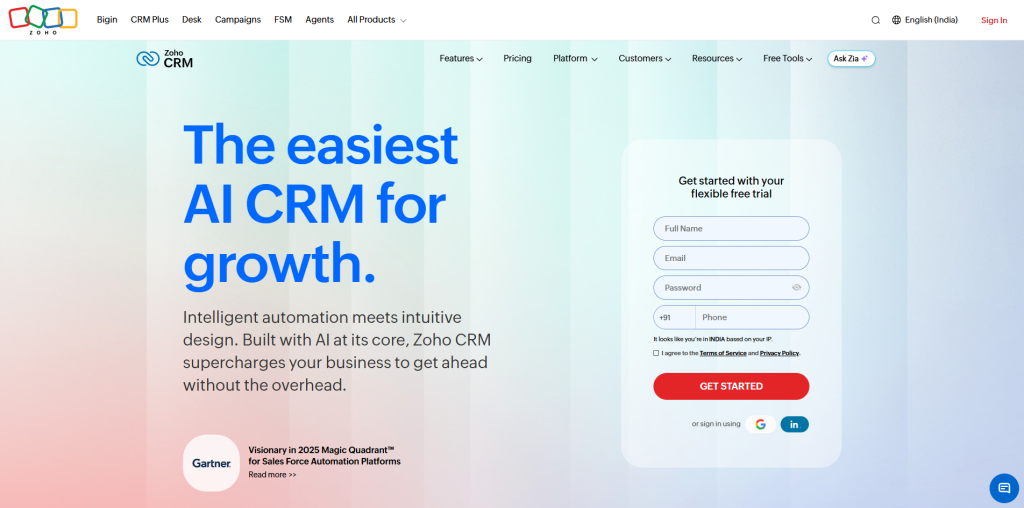
Zoho CRM is popularly known as the most affordable CRM that grows with you without draining your budget. It’s AI assistant, Zia stands out from the crowd. It handles lead scoring, predicts the best time to contact a customer, and flags any unusual activity in your sales data before they turn into a bigger problem. Beyond sales, it covers email marketing, help desk support, and a company activity feed, so your whole team stays in sync, not just the sales department.
Its interface can feel a little overwhelming, especially if you’re new to this. But once you get past that, the range of features you unlock, especially around CRM analytics and forecasting, makes it one of the strongest value-for-money picks on this list.
Key features:
- Zia AI for lead scoring, forecasting, and anomaly detection
- Built-in email marketing and company-wide activity feed
- Self-service customer portals and help desk tools
- Offers deep integration with other Zoho apps, like Zoho Projects
Pricing:
- Standard: $20/user/month includes core sales features
- Professional: $35/user/month offers automation and Zia AI basics
- Enterprise: $50/user/month includes advanced analytics and customization
- Ultimate: $65/user/month along with full Zia AI suite
If your growth strategy leans on content, blogs, or inbound leads rather than cold outreach, HubSpot is worth serious consideration. It was built around the idea that customers should find you, not the other way around, and its CRM reflects that. Every time someone fills out a form on your website or downloads a resource, HubSpot automatically creates a contact record and starts tracking their activity from that point forward.
HubSpot CRM
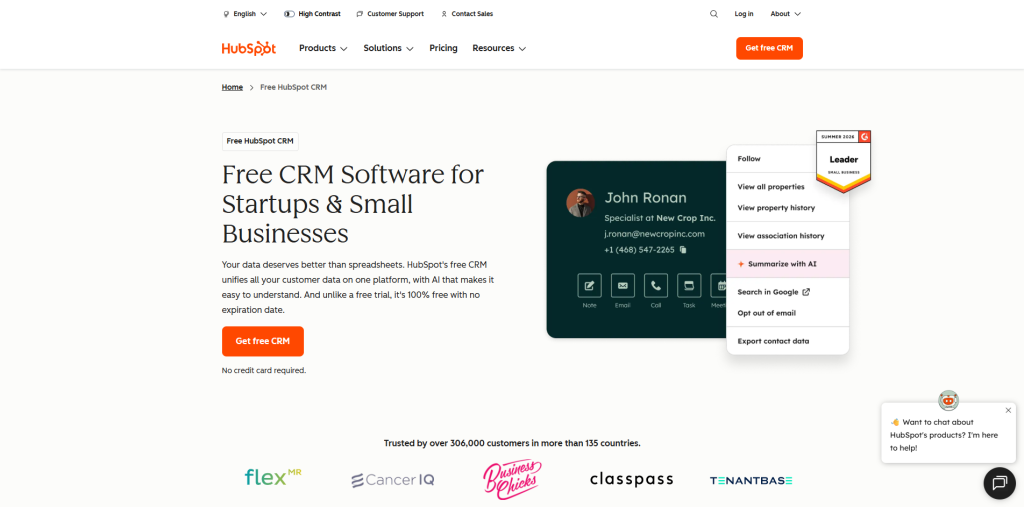
The free plan is genuinely useful, covering up to 1,000 contacts and basic pipeline tracking, which makes it a solid starting point if you’re not ready to commit to a paid tool yet. The catch is that pricing can climb quickly once you need more advanced marketing or automation features, so it’s worth mapping out your needs before upgrading.
Key features:
- Automatic contact creation from website forms and downloads
- Built-in blog and landing page hosting for inbound marketing
- Email sequences and meeting scheduling
- AI tools for content writing and lead enrichment
Pricing:
- Free: up to 1,000 contacts and 2 users
- Starter: from $20/user/month, offering essential sales, marketing, and service tools
- Higher tiers scale in price depending on the exact feature combination needed
Vtiger
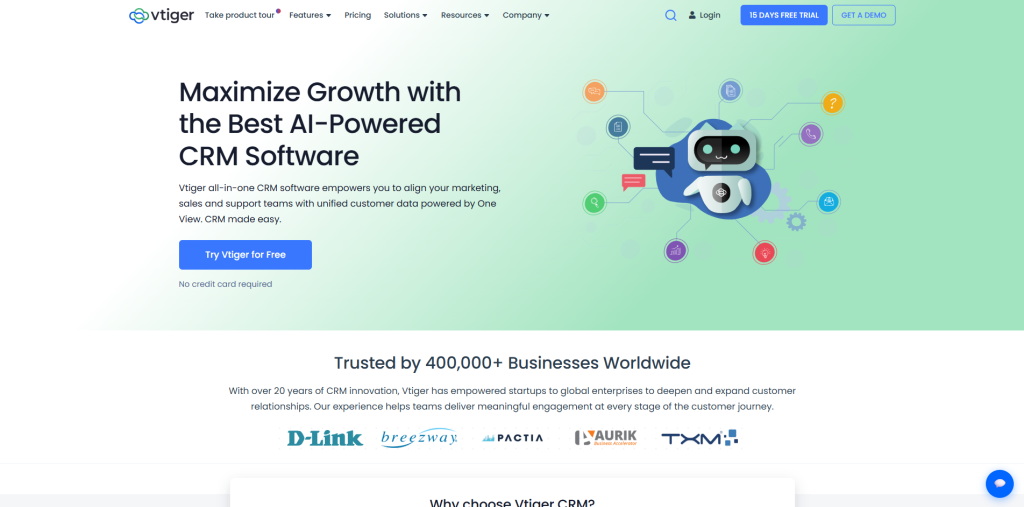
Vtiger is built for businesses that sell physical products or productized services and need more than a simple contact list. It connects your sales pipeline directly to inventory, project management, and a help desk, so the entire journey; from the first inquiry to final delivery happens inside one system instead of five different tools stitched together.
Each module inside Vtiger is highly customizable, which is genuinely useful if your business has specific workflows that generic CRMs don’t support out of the box. There is a bit of a learning curve in the beginning, but once your team settles in, the connected structure saves a lot of manual data entry.
Key features:
- Inventory tracking connected directly to the sales pipeline
- Built-in help desk with live chat and FAQ builder
- Project management module with task assignment and activity feed
- Calculus AI for predictive insights and no-code AI agents
Pricing:
- One Growth: $12/user/month
- One Professional: $30/user/month for Standard (full access) users, $20/user/month for Single App users
monday.com CRM
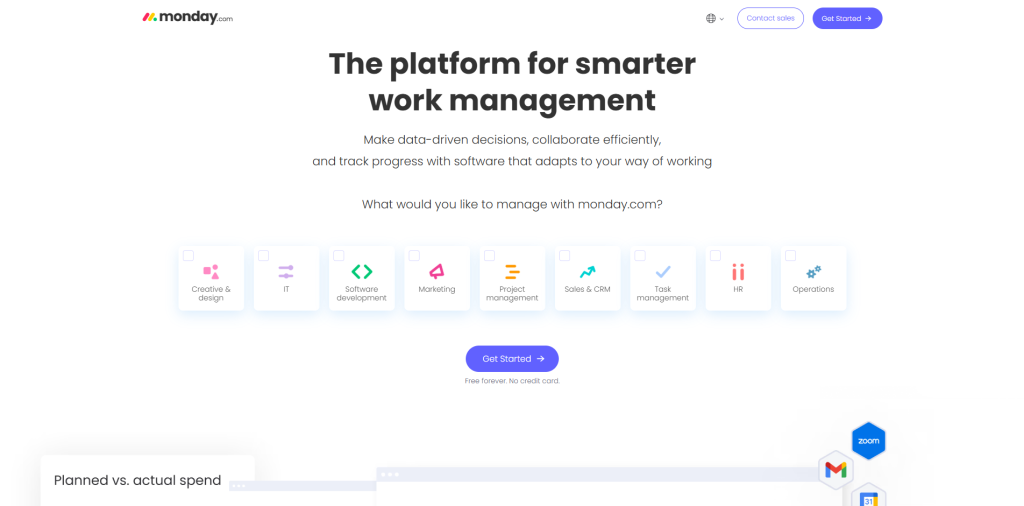
monday.com started as a work management tool and has since built a genuinely capable CRM layer on top of it. What sets it apart is flexibility. It allows you to customize boards, automations, and views to match exactly how your team already works, rather than forcing your process to fit the software rules.
It’s a strong pick if your business handles sales alongside project delivery or client onboarding, since you can manage all of it from the same workspace. The AI features, including automated meeting notes and CRM data entry, add real time savings once configured properly.
Key features:
- Fully customizable boards, pipelines, and automations
- AI Notetaker that auto-fills CRM fields from calls
- Built-in email sequences and campaign tools
- Templates for whiteboards, forms, and extra workflows
Pricing:
- Basic: $18/user/month, 3-seat minimum, up to 1,000 contacts and deals
- Standard: $25/user/month up to 10,000 contacts, AI features unlocked
- Pro: $41/user/month includes mass emails, sequences, and automation
Salesforce Starter Suite
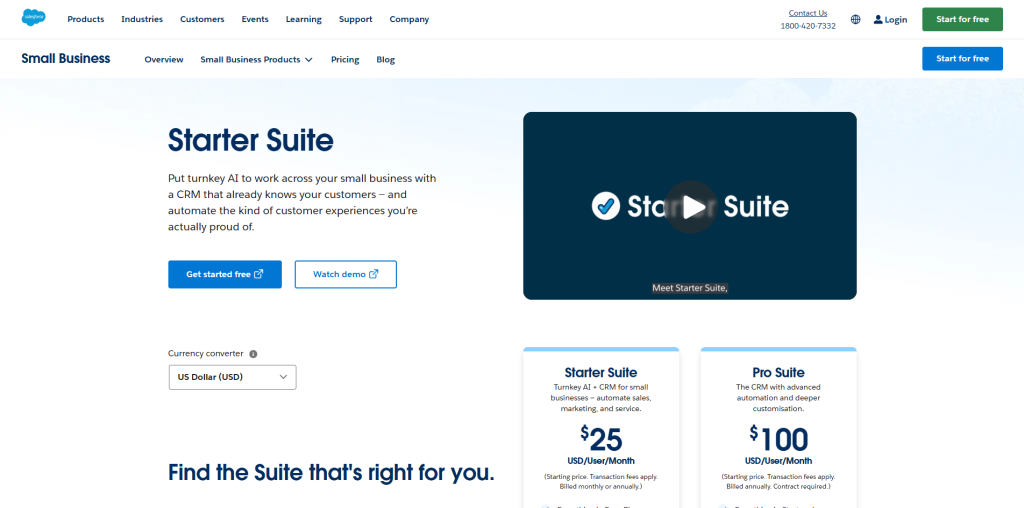
Salesforce is the name most people associate with CRM, and for small businesses planning serious long-term growth, its Starter Suite is designed specifically to meet you where you are without overwhelming you. It brings sales, marketing, and customer service tools into one dashboard, along with embedded AI that helps predict deal outcomes and personalize customer outreach.
The strength here is scalability. As your business grows, you’re not stuck rebuilding your CRM from scratch, you simply add more Salesforce products as needed. It does come with a steeper learning curve compared to simpler tools on this list, and pricing depends on the specific combination of features your business needs.
Key features:
- Unified sales, marketing, and service dashboard
- Embedded AI for predictive deal scoring and personalization
- AppExchange marketplace with hundreds of add-on integrations
- Mobile app access for managing data from anywhere
Pricing:
- Starter Suite: $25/user/month includes core sales, service, and marketing tools, includes Slack
- Pro Suite: $100/user/month for teams needing more automation and customization
folk CRM
Best CRM Software for Small Business – folk CRM
folk CRM suits small teams that want to manage relationships without spending weeks setting up a traditional CRM. Contacts, companies, notes, conversations, and deals all live in one place. Its folkX browser extension is particularly useful for teams that prospect on LinkedIn, as it lets them add profiles to folk without copying every detail by hand. From there, they can enrich records, assign contacts, build pipelines, and run personalized email sequences.
The trade-off is scope. folk does not try to bundle a full help desk, website builder, or enterprise marketing suite into the same product. That may rule it out for companies looking to replace several large systems at once. For founder-led sales, recruitment, partnerships, and other relationship-heavy work, however, the simpler setup is often the point.
Key features:
- folkX extension for capturing contacts from LinkedIn and Sales Navigator
- Contact enrichment, deduplication, tags, custom fields, and shared notes
- Flexible pipelines for sales, recruiting, fundraising, and partnerships
- Email sequences with Gmail and Outlook synchronization
- AI tools for personalized messages, contact summaries, and suggested next steps
Pricing:
- Standard: $24/member/month with core CRM and outreach features
- Premium: $48/member/month with more advanced sequences, enrichment, and reporting
- Custom: From $80/member/month for larger teams with additional support and controls
- A 14-day free trial is available
If most new business starts with a LinkedIn profile, an introduction, or a conversation that does not fit neatly into a rigid funnel, folk is worth considering. It gives small teams enough structure to keep follow-ups moving without turning every relationship into a complicated enterprise workflow.
Businesses that outgrow a platform like Salesforce often look into the top 7 CRM development companies before deciding whether to switch tools or build their own.
After You Choose a CRM, Leads Still Need to Reach the Right Rep
Related walkthrough
What is CRM? CRM Explained in 1 Minutes | Boost Sales & Manage Customers Better
A CRM gives your team one place to store contacts, deals, and follow-ups. It does not always decide who should own the next inbound inquiry. As the team grows, that gap shows up as unassigned form fills, round-robin that ignores territory, or two reps chasing the same account.
Native CRM software assignment rules can cover simple cases. Growing HubSpot or Salesforce teams often add dedicated lead routing software on top of the CRM so each lead is matched to the right owner by territory, account, round-robin, or capacity. LeadAngel, Leandata, and Chilipiper are some of those lead routing systems. It sits alongside the CRM rather than replacing it, and it is built to speed up assignment so the record in Zoho, HubSpot, or Salesforce actually reaches the right salesperson who can act.
How to Choose the Best CRM Software for Your Small Business
Use these practical steps to narrow down your options and choose the CRM that truly fits your business.
Identify Your Biggest Sales and Customer Management Problems:
Where does your current system fall apart whether it’s missed follow-ups, scattered data or lack of reporting; note that down. This will keep you from getting distracted by flashy features that won’t even fix your problem.
Set a Budget That Supports Future Growth:
The basic price looks cheap, but what happens when your team grows or you need extra features next year? Check the price, so you don’t get a surprise bill.
Test the CRM with Real Business Scenarios:
Don’t just click around. Add a real contact, push a deal through each stage, and check if CRM’s analytics actually make sense for your team or just add to their confusion.
Check CRM Integrations with Your Existing Tools:
Your CRM needs to talk to your email, invoicing, and marketing software. If it can’t, you’ll end up doing manual work all over again.
Where and how your data is stored matters too, and understanding CRM hosting options can help you avoid migration headaches later.
Get Your Team Involved Before Choosing a CRM:
The people using the CRM daily should have a say. A tool your sales team won’t actually use isn’t the right choice, no matter how impressive it looks on paper.
Conclusion
There’s no universal CRM that magically fits every small business. The right choice depends on how your team actually works. Zoho’s a good pick if you’re aiming to scale and want solid analytics. HubSpot makes sense if inbound marketing drives your growth. If you handle a lot of products, Vtiger keeps things organized. monday.com shines when you need something flexible. And if you’re looking for the long-term expansion, Salesforce has you covered.
The key is not to rush into any decision. Try out a couple of options with real data and choose the tool that removes friction instead of adding more of it. And if none of them quite fit, remember that a custom CRM built around your exact workflow is always on the table too.
Frequently Asked Questions (FAQs)
Q. What is the best CRM software for small businesses on a tight budget?
Zoho CRM and Vtiger offer strong features starting around $15–20 per user monthly, making them budget-friendly without cutting essential functionality for growing teams.
Q. Do small businesses really need CRM analytics?
Yes. CRM analytics show what’s working in your sales process, helping you make decisions based on real data instead of guesswork or gut feeling alone.
Q. Is a free CRM good enough for a small business?
Free plans, like HubSpot’s, work well initially but often limit contacts and features. They’re a good starting point before scaling up.
Q. When should a business consider custom CRM development?
When your workflows are too specific for generic tools, or you keep paying for add-ons that still don’t fit, a custom CRM often becomes more cost-effective.
Q. How do I know if I need help from a CRM software development company?
If off-the-shelf options consistently fall short after multiple trials, professional development ensures the CRM matches your exact business processes.

