
The 8 Most User-Friendly HRIS Software for HR Teams in 2026
Discover the 8 most user-friendly HRIS software solutions for HR teams in 2026. Compare Bob, BambooHR, Gusto, Rippling, Workday, and more to find the best HRIS for your business.
A new hire once messaged me on day three asking where to find her first payslip. She’d already poked around the HR system for twenty minutes, given up, and pinged me instead. That tiny moment captures the real cost of a clunky platform: every confusing menu turns into a question that lands on someone’s desk, and HR ends up babysitting the software that should save it time. The most user-friendly HRIS software flips that pattern. People find what they need on their own, managers approve things from a phone between meetings, and HR stops fielding the same five questions every week.
I dug through verified user reviews, watched demos until the feature names blurred together, and compared how each platform feels for the people who never read a manual. The list below favors tools that earn daily logins from employees and managers, not the HR admin alone. Here’s where each one shines and where it trips people up.
The 8 most user-friendly HRIS tools
- Bob for a consumer-grade interface employees and managers open on their own
- BambooHR for clean, no-training core HR
- Gusto for dead-simple payroll at small teams
- Rippling for HR and IT under one login
- Personio for tidy self-service across Europe
- Namely for a social, recognition-led feel
- ADP for familiar, well-known payroll workflows
- Workday for enterprise depth that needs a steadier hand
- UKG for organizations that want HR, pay, and workforce management connected across the business.
What makes an HRIS easy to use?
A clean homepage screenshot sells the demo. It says nothing about whether a payroll admin can find a report on a Tuesday afternoon, or whether a field employee can request leave from a bus. Real usability shows up after the contract signs, when training tapers off and people either keep logging in or route everything back through HR.
So I judged each platform against what decides adoption:
- First-session navigation: Can a brand-new user complete a basic task without a help ticket?
- Self-service that holds: Do employees and managers handle their own updates, or does everything funnel to HR?
- Mobile reality: Does the phone experience match the desktop, or does it dump you back to a laptop for anything real?
- Setup speed: How fast does a team go live, and how long until people feel comfortable?
- Honest limits: Where does each tool get awkward as a company grows or its processes turn complex?
Every downside below traces to a verified G2 review, never a hunch, because the distance between a pretty interface and a fed-up admin is the exact thing this list tries to map.
The most user-friendly HRIS software at a glance
| Platform | Best for | Where it gets tricky |
| Bob | Daily adoption by employees and managers | Pricing isn’t public; native payroll is US and UK only |
| BambooHR | No-training core HR | Reporting feels rigid as you scale; payroll is a US-focused add-on |
| Gusto | Simple small-team payroll | Outgrows mid-market; thin advanced HR |
| Rippling | HR plus IT in one place | Steep learning curve; HR can feel secondary to IT |
| Personio | European self-service | Limited reach outside Europe; rigid customization |
| Namely | Engagement-forward HR | Service-dependent; setup leans on its team |
| ADP | Familiar payroll operations | Dated interface; heavy upselling |
| Workday | Enterprise-scale operations | Complex rollout; overkill for SMBs |
| UKG | Workforce Operating Platform | The broad platform scope may be more than a small team needs |
Best for daily adoption by employees and managers
HiBob (Web, iOS, Android)
Bob pros:
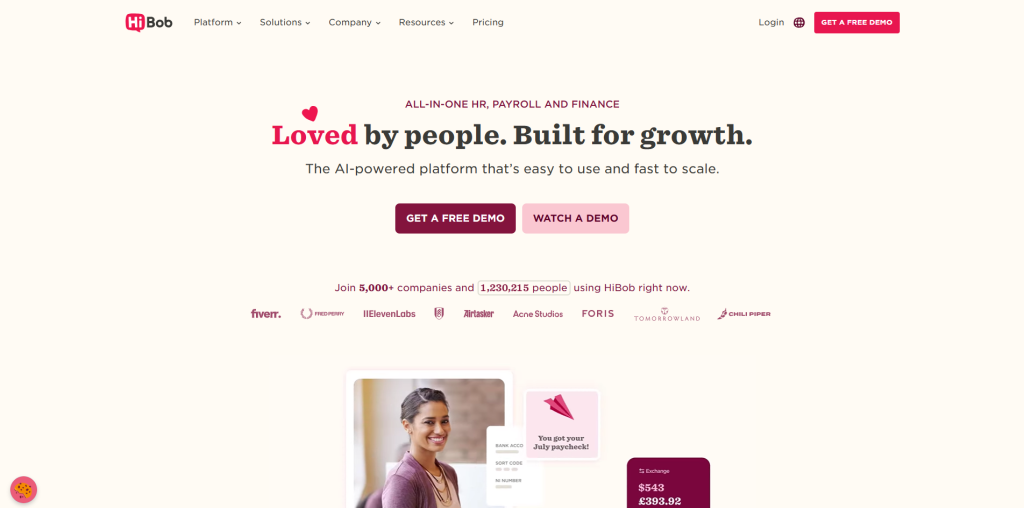
- Consumer-grade interface that feels closer to a social app than enterprise software, so people explore it without a training session
- Role-based self-service that gives managers and employees their own tailored view, not a stripped-down version of the admin screen
Bob cons:
- You won’t find a price tag online, so scoping the budget means booking a call first
- In-platform payroll runs in two countries, with everywhere else linking out to local providers through the Payroll Hub
I lead with Bob, HiBob’s platform, because it designs for the everyday user before the HR console. The look and feel echo the consumer apps people already use, so a manager green-lights a leave request without an HR tutorial, and a new hire finds a tax form without DMing a teammate. Roles get their own tailored view: a manager works through approvals and team actions from their own screen, an employee handles balances, personal details, and joiner steps from a phone that mirrors the desktop instead of cutting it down. So the staff who spend their day on the floor rather than behind a monitor still manage their own admin.
That habitual use beats any one feature on a spec sheet. People who log in by choice keep the records current, so Friday’s headcount report mirrors today rather than last month’s export. Businesses can further enhance employee support and self-service by integrating AI Voice Agent for Businesses to provide instant answers to common HR questions and reduce the workload on HR teams. Bob carries a 4.5 G2 rating across a review base north of 1,800, and reviewers keep pointing to the short on-ramp for first-time users. For a growing team after software its people reach for on their own, that’s the standard.
Bob pricing: No public rates. The model is modular, building on a required Core layer with optional suites (Talent, Payroll, HR Planning) layered on, and a figure comes from a sales conversation.
Best for no-training core HR
BambooHR (Web, iOS, Android)
BambooHR pros:
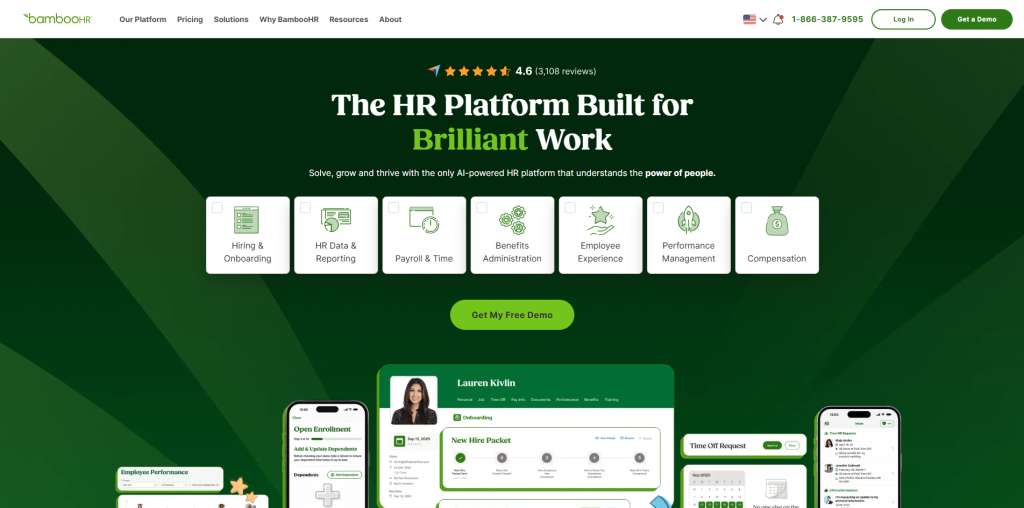
- A tidy dashboard new users pick up with next to no onboarding, which keeps the steady drip of basic questions away from HR
- A self-serve mobile app that lets staff clock time, browse the company directory, and book PTO straight from their phones
BambooHR cons:
- Several reviewers describe reporting and customization as stiff once HR workflows get involved
- Payroll is a chargeable extra built around US employees, which clouds the math for multi-country teams
BambooHR earned its name on a layout people grasp without a manual, and that holds across a 4.4 rating drawn from thousands of G2 reviews. One reviewer said staff move through the dashboard with close to no training at all, which sums up the entire value proposition. A company that wants straightforward core HR live in a hurry lands somewhere comfortable here.
The squeeze shows up at scale. The same people who loved the clean screens early on report that reporting and configuration start feeling boxed in for deeper analytics, with rigid filters getting in the way of complex pulls. Payroll living outside the core as a US-leaning add-on is one more snag for anyone operating in more than one country. BambooHR holds up well for plain-vanilla HR; it tightens once the work turns intricate.
BambooHR pricing: Unpublished. You request a quote to get a number, and reviewers note add-ons piling onto the base make budgeting tricky.
Best for simple small-team payroll
Gusto (Web, iOS, Android)
Gusto pros:
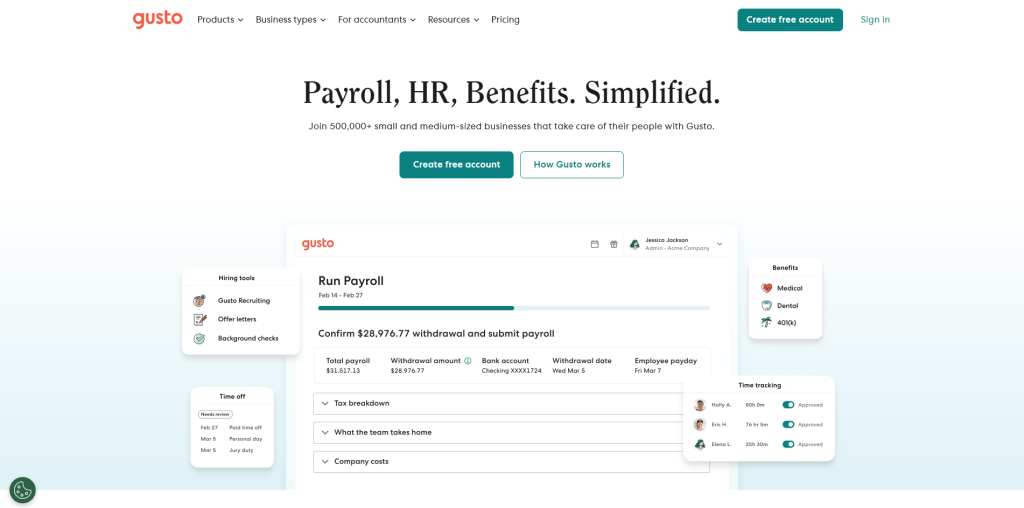
- Payroll you finish in a handful of clicks, with tax filing owners single out as a relief
- A warm, consistent design that carries over to mobile, so checking pay or benefits never trips anyone up
Gusto cons:
- Tailored to small teams, so bulk actions and CSV updates thin out as the roster grows
- Reaching support and waiting on a reply come up again and again in reviews
Gusto turns payroll into something close to enjoyable for a small business, and the trust shows in a 4.6 G2 rating built on a review pile in the tens of thousands. A guided flow holds a first-timer’s hand through a pay run, and the mobile app keeps the identical clean screens, so an employee peeking at a paycheck breakdown sees what they’d see on a laptop. Below the hundred-employee mark, it’s a safe pick that asks for almost no training.
The cap appears once a team pushes past that sweet spot. One enterprise reviewer said it flat out: the feature set targets small shops, thin on bulk tools and CSV imports for bigger headcounts. Others mention support that goes quiet at the worst moments, plus the headache of spinning up a fresh account to run a second company’s payroll. Formal performance cycles and goal frameworks sit beyond Gusto’s range, so a mid-market team on the rise tends to move on.
Gusto pricing: A base monthly charge plus a per-head fee gets you started, with pricier tiers folding in HR and time features.
Best for HR and IT under one login
Related walkthrough
Figure 03 Is the Most Human Robot Ever Created

Rippling (Web, iOS, Android)
Rippling pros:
- One onboarding action can fire off payroll, app access, and device setup at once, which reviewers thank for the hours it saves
- Customization that flexes to handle non-standard cases spread across different states
Rippling cons:
- A real learning curve, with the sheer number of features and settings swamping people during setup
- The people side can play second fiddle to IT and automation, and the app sends users to a laptop for certain jobs
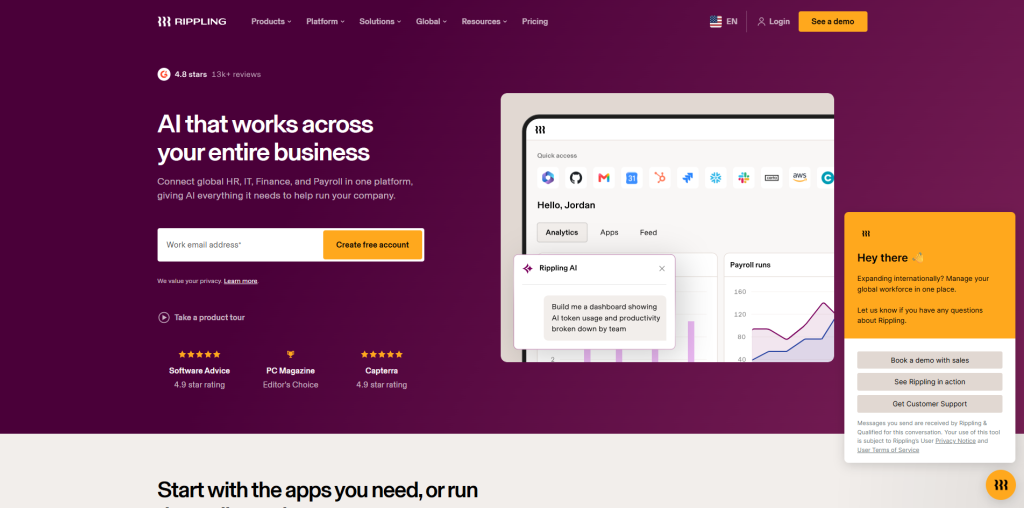
Rippling pulls a loyal crowd by stitching HR, IT, and finance onto one automation backbone, and a 4.8 G2 rating across a review count past 12,000 shows how much that span delivers when it lands. Hire someone once and the system can stand up their laptop, logins, and pay in a single sweep. A scaling company that wants HR and IT running off one employee record finds the reach hard to resist.
That very reach is the usability snag. Reviewers paint a first setup that buries you under things to configure, and a handful observe that the platform’s heart beats with IT and automation, which can leave the HR layer feeling like one tab among many rather than the headline. Some flag sluggish page loads and an app that bounces them to a desktop for jobs like adding timesheet notes. The horsepower is genuine; the on-ramp is longer than most names here.
Rippling pricing: A per-employee monthly figure is the starting point, but it moves with the modules you bolt on, so the true cost lands after a quote.
Best for European self-service
Personio (Web, iOS, Android)
Personio pros:
- A clear, straightforward interface that less tech-savvy employees pick up fast, which speeds company-wide acceptance
- Self-service with defined approval rules that cuts back-and-forth between staff and the HR team
Personio cons:
- Strength sits in Europe, with thinner reach and fit for teams operating well beyond it
- Customization and reporting feel rigid, with several reviewers calling standard reports too shallow for deeper analysis
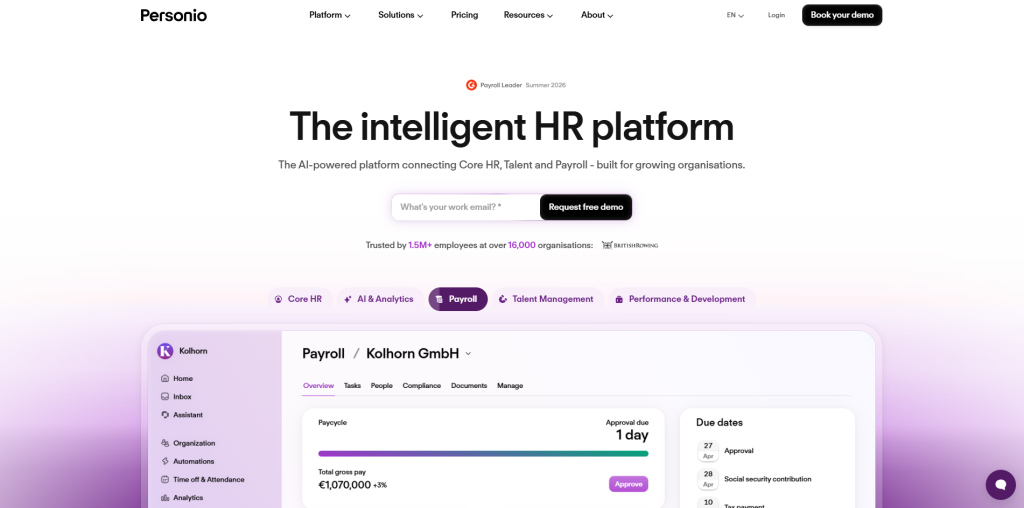
Personio is a favorite across European SMEs for good reason: reviewers keep calling it intuitive and easy to find your way around, with one noting that even C-level viewers can use it without help. The self-service setup, paired with clear approval guidelines, means employees handle leave, address changes, and document access on their own, which reviewers say cuts the steady drip of HR inquiries.
The limits are worth weighing. Personio’s depth and localization lean toward Europe, so a team spread across global markets may find the fit it provides in some areas thins out elsewhere. On flexibility, multiple reviewers describe workflows and reporting as rigid, with standard reports lacking the drill-down a finance or BI team expects, and one mentioning that paid add-ons pile up for small functions. For a European mid-market team, the usability is genuine; the customization ceiling is the catch.
Personio pricing: Quote-based and tied to modules; Personio scopes cost to company size, and reviewers note add-ons raise the total.
Best for an engagement-forward feel
Namely (Web, iOS, Android)
Namely pros:
- A social, newsfeed-style home that leans into recognition and company culture, which keeps employees checking in
- A combined HR, payroll, and benefits view that suits mid-sized US teams wanting people management in one place
Namely cons:
- The experience leans hard on Namely’s service team, so setup and ongoing changes depend on that support
- Customization and reporting can feel constrained for teams with more complex needs
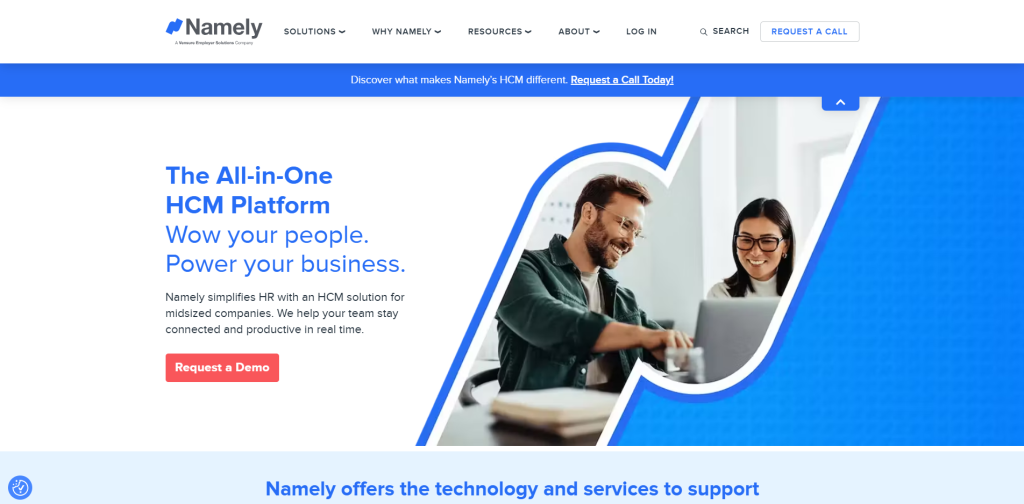
Namely carved out a niche by making HR feel less like a database and more like a place employees want to visit, with a social feed and recognition features that put culture front and center. For a mid-sized US company that wants payroll, benefits, and engagement under one roof, that people-first layout makes the platform approachable for everyday users rather than only the HR admin.
The trade-off is how much the experience leans on Namely’s own team. Configuration and ongoing tweaks tend to route through their service staff, so the platform feels smoothest when that support relationship is strong and bumpier when it isn’t. Reporting and customization also draw the familiar mid-market criticism of feeling boxed in once requirements get specific. The friendly front end is a real draw; just plan for a service-dependent setup.
Namely pricing: Quote-based; Namely scopes cost to headcount and the modules a company selects.
Best for familiar payroll operations
ADP Workforce Now (Web, iOS, Android)
ADP pros:
- A name plenty of HR people have used before, so a new hire who’s touched ADP elsewhere gets up to speed fast
- A named account team that loyal users thank for sorting out payroll snags in a hurry
ADP cons:
- An interface reviewers call aged and at times confusing, with a report menu that’s a chore to get around
- Relentless upselling, including a small-business owner who begged more than once to be dropped from the sales list
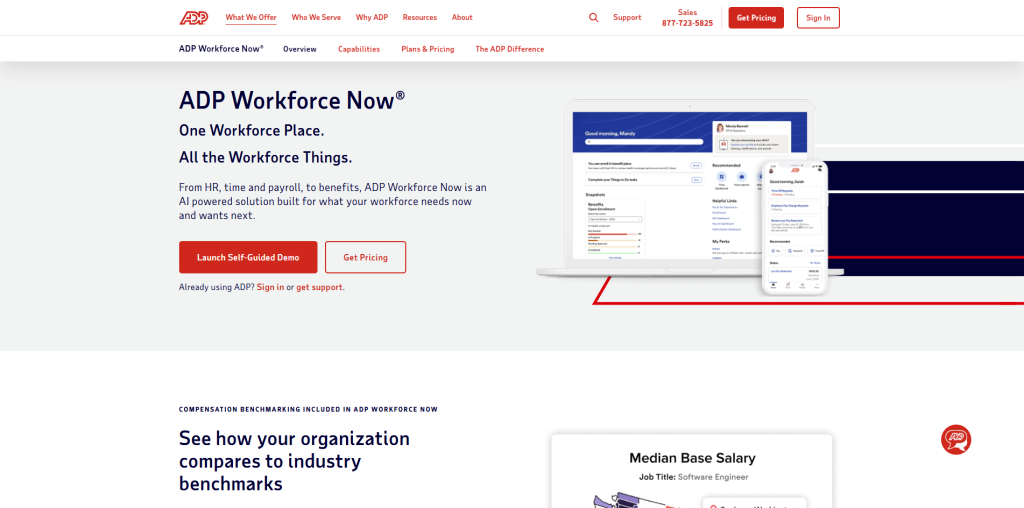
ADP carries decades of payroll and compliance muscle, and Workforce Now wears that scale on its sleeve, holding a 4.2 G2 rating off a base above 4,200 reviews. Its usability edge is recognition: so many HR folks have crossed paths with ADP at some point that the muscle memory transfers, and SmartCompliance guides admins through standing up a new state one step at a time. Where the account team gels, reviewers say the help lands.
Day to day, opinion divides. A good number of reviewers tag the interface as aged and the report menu as awkward, with the odd slow load when the site stumbles. The sales pressure stings on repeat, and support runs hot and cold, some users praising their contact while others watch problems ping-pong between modules. ADP is a steady hand at payroll; the front end is where its years start to show against fresher rivals.
ADP pricing: Scoped to headcount and modules through a quote; ADP keeps standard rates off the page.
Best for enterprise-scale operations
Workday (Web, iOS, Android)
Workday pros:
- The depth large enterprises need, with configurable workflows and analytics built for complex, global operations
- A unified view of HR and finance that big organizations value when planning across regions
Workday cons:
- A rollout that runs into months, with setup that tends to call in specialists
- A heft and price tag that sail past what an SMB or a leaner mid-market team requires
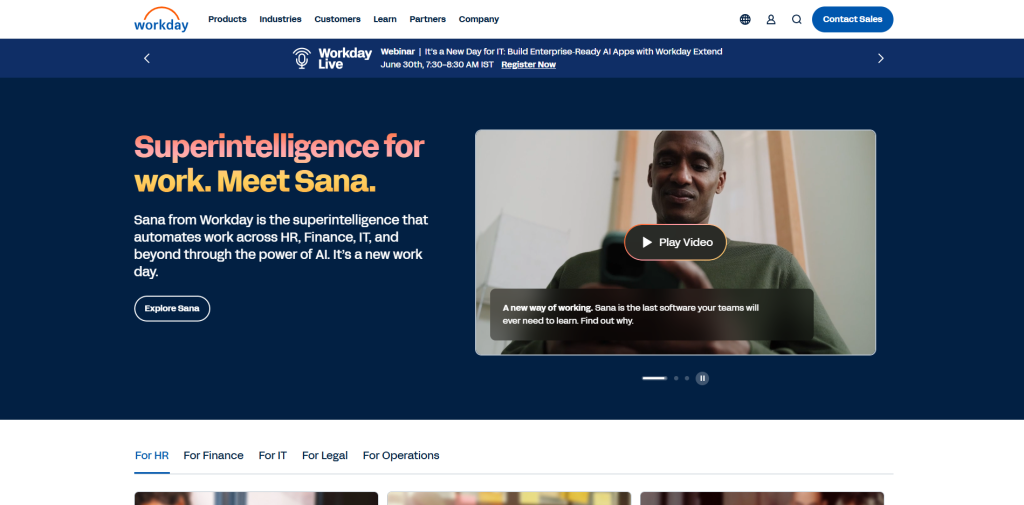
Workday is the system big enterprises turn to when global HR, finance, and planning all need to run in concert. For that crowd, depth is the whole appeal: little else rivals its configurability and analytics at the multi-thousand-employee tier, and once it’s shaped to a company’s processes, seasoned users glide through it.
The usability verdict is fair, though. Enterprise-grade complexity is baked in, rollouts drag across many months, and setup leans on dedicated experts, so reaching fluency takes time. Smaller and mid-market teams tend to find the bulk overshoots what they’re after, which parks it at the tail of a list about ease of use. It pays off for a staffed-up team; it bites a lean one.
Workday pricing: Quote-based at the enterprise tier; Workday aims at large organizations and keeps rates private.
Best for connected workforce management
UKG (Workforce Operating Platform)
UKG pros:
- Connects HR, payroll, and workforce management so leaders can work from one view of the workforce
- Designed to support everyone from front-office leaders to frontline workers, with insights intended to guide better decisions
UKG cons:
- The broad platform scope may be more than a small team needs when it only wants basic HR administration
- Organizations should evaluate which capabilities they need before taking on a full workforce platform
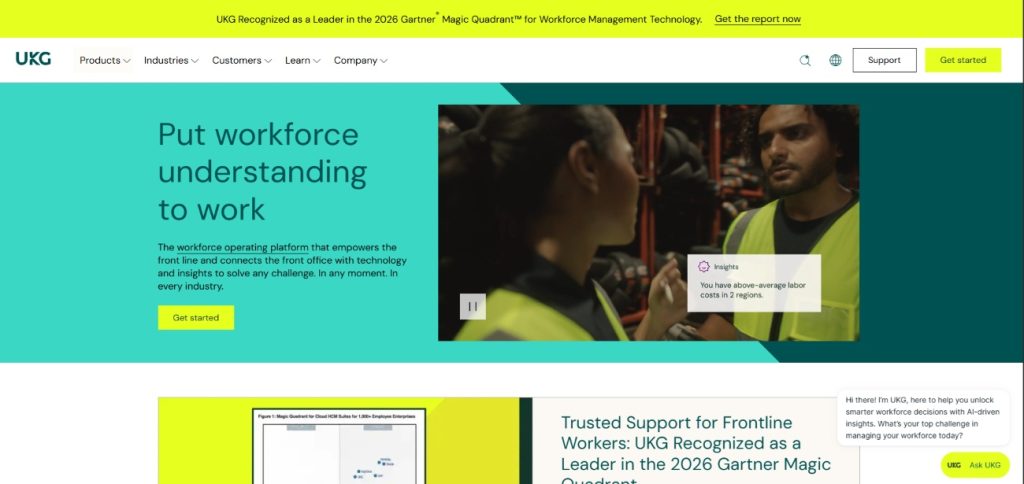
UKG is a strong fit for organizations that want HR, pay, and workforce management connected across the business. Its positioning centers on workforce understanding: giving HR leaders clarity, helping payroll and finance teams maintain transparent pay, and helping operations leaders match people to shifts. That makes it particularly relevant when usability means serving both desk-based employees and the frontline, rather than optimizing only the HR administrator’s screen.
Choosing the most user-friendly HRIS software for your team
The easiest HRIS for your company comes down to who you most need to keep happy. HR professionals looking to strengthen their strategic decision-making can also benefit from HR management leadership courses before selecting and implementing an HRIS that aligns with their organization’s long-term goals. If you want painless payroll for a small team, Gusto’s clean flow is hard to beat. If HR and IT need to move as one unit, Rippling’s automation pays off once you climb its learning curve. European SMEs lean toward Personio, mid-sized US teams weigh Namely and ADP, and large enterprises accept Workday’s complexity for its depth.
Bob lands at number one because user-friendly ought to cover the whole company, well past the HR admin who set it up. Its consumer-grade interface and role-scoped self-service pull the daily logins from employees and managers that keep the data underneath fresh and trustworthy. For a growing team that wants software people reach for of their own accord, Bob is the first name to put on the demo calendar in 2026.
Frequently asked questions
Q1. What makes an HRIS user-friendly?
User-friendliness comes down to whether someone can finish a task without a training session or a help ticket. The strongest platforms pair an interface people recognize from everyday apps with self-service that lets employees and managers handle their own updates. Bob leans hard into that idea, modeling its layout on consumer apps so the people who never read a manual still get comfortable in a single session.
Q2. How do you get employees to adopt a new HRIS?
Adoption follows the path of least resistance. When the interface feels familiar and the most common tasks (checking a payslip, requesting leave, approving a request) take a couple of taps, people use the tool instead of routing around it. Picking a platform with a true consumer-grade feel, like Bob, removes the friction that sends employees back to emailing HR, which is what kills adoption in the first place.
Q3. How important is the mobile experience in an HRIS?
It’s central for any workforce that isn’t glued to a desk. A strong mobile app lets employees complete real tasks beyond a glance at a balance, while a weak one dumps them back to a laptop for anything meaningful. Check whether the phone build matches the desktop for the jobs your people repeat most often, since the daylight between the two is where annoyance and dropped logins begin.
Q4. Does an easy-to-use HRIS work as well for employees as it does for admins?
The best ones do, and that balance is the thing to check. Some platforms polish the admin console while leaving the employee and manager views as stripped-down afterthoughts. Bob’s role-based self-service gives each person an experience scoped to their job rather than a watered-down admin screen, so a manager approving leave and an employee updating details both get something built for them.
Q5. How do you onboard a whole team onto a new HRIS without chaos?
Start with the platforms that need the least training, then roll out in stages rather than flipping a switch company-wide. Lean on each vendor’s setup support, pilot with one team, and let early users surface the rough edges before the full launch. Tools with a fast time-to-live and an intuitive interface (the kind where a new hire finds a payslip on their own) shorten this whole process and keep the help tickets manageable.

