
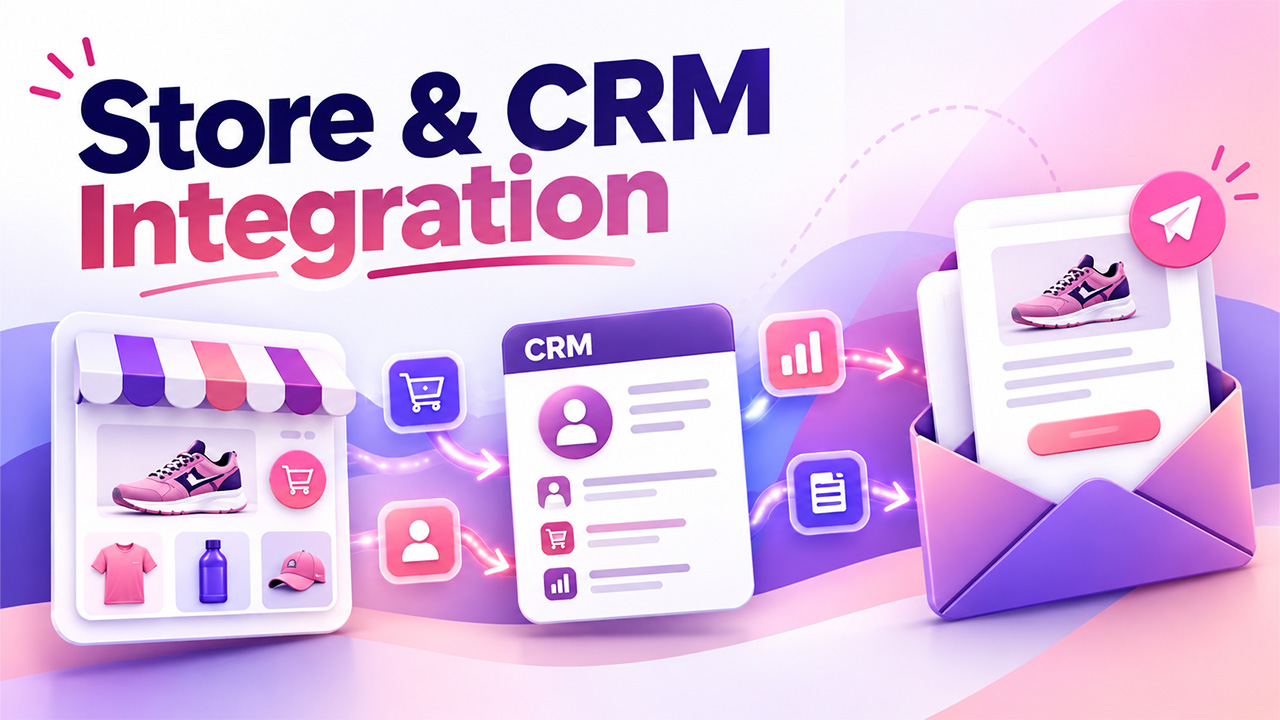
Email Marketing Integration: Syncing Store and CRM Data, What to Send and When
Learn how email marketing integration connects store and CRM data to automate relevant emails, sync customer records, manage consent, and improve campaigns.
An email is only as relevant as the customer record behind it. A store that knows someone bought running shoes last month can send them socks and a care guide; a store whose email list was imported from a spreadsheet in March can only send them the same newsletter as everyone else. The difference sits almost entirely in how data moves between the shop, the CRM and the tool that sends the emails. That movement is what email marketing integration is all about.
That’s why integrations are the first thing worth comparing when choosing an email platform for an online store. A native connector for WooCommerce or Shopify moves customers, orders and products across without custom code, while a tool that only accepts CSV uploads leaves somebody exporting files by hand every Monday. Once the connection exists, the real work begins: deciding which data should travel, in which direction, and what it’s allowed to change on arrival.
What should an email marketing integration move between the systems?
Fewer fields than most teams expect. Any email marketing software needs the contact’s address, name, consent status and a handful of fields that actually change what gets sent: last order date, number of orders, total spend, the categories a customer buys from, and the country for time zones and currency.
Everything else can stay in the CRM. Sales notes, support tickets and internal account flags rarely change an email, and copying them across creates two places where the same information can drift out of date. A short field list is also easier to audit when something looks wrong six months later. It also ties your email platform’s contact limits, which often drive its price, to people who can actually receive your marketing. If a field doesn’t change who gets an email or what that email says, leave it where it is.
Custom fields are cheap to add and surprisingly hard to remove once automations, segments and reports start depending on them, so each one deserves a named reason before it joins the sync. Following best practices for CRM customization helps ensure every field serves a clear business purpose and supports efficient data management.
One-way or two-way sync?
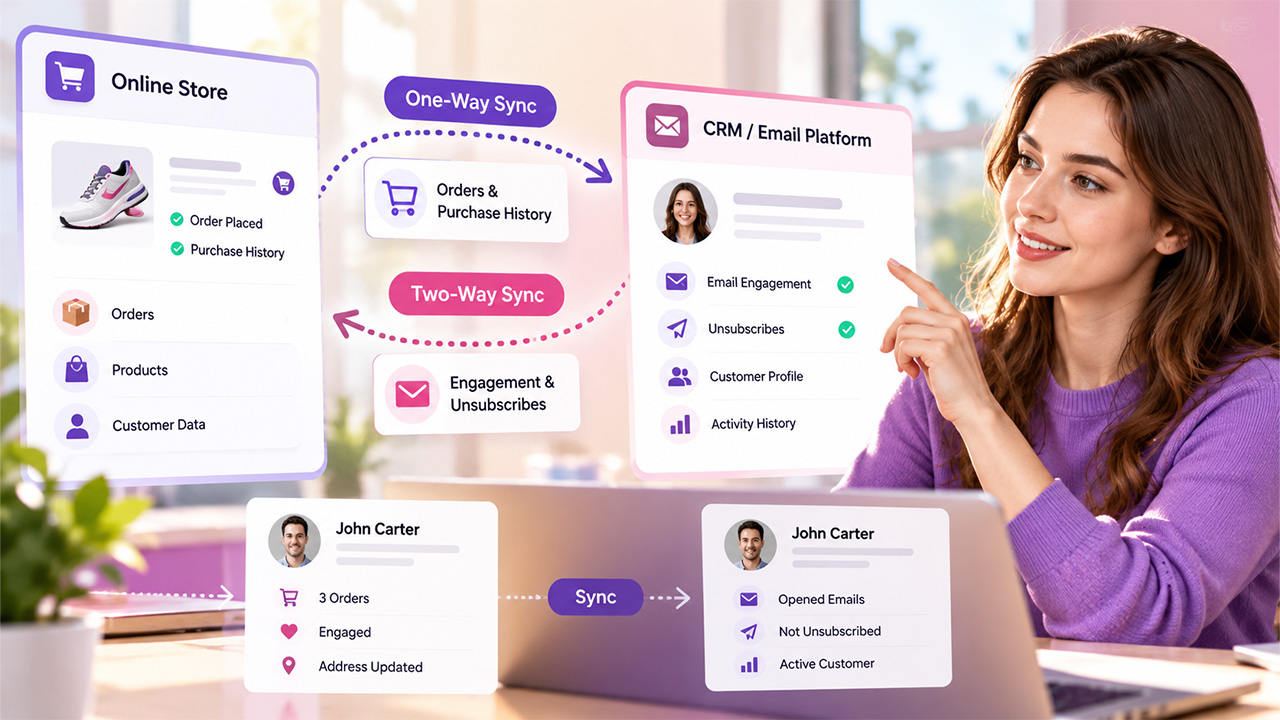
IBM’s explainer on data synchronization draws the distinction cleanly. In a one-way sync, changes flow from a source system to its targets and never back. In a two-way sync, an update in either system shows up in the other. That means both sides have to watch each other and settle conflicts when the same field changes in two places.
For customer data, a sensible split for any email marketing integration is to give each field a single owner in your stack. The email platform owns engagement and unsubscribes, so those flow back into the CRM, where the sales team can see that a client stopped reading three months ago. Contact details are the awkward case: if a customer edits their address in their store account and in an email preference centre, decide in advance which version wins.
Events are what trigger the emails
Related walkthrough
SuiteCRM LiveChat Integration for automatic lead Generation & Data Sync via Email to lead

Fields describe a customer. Events describe what a customer just did, and automated emails run on events: an order placed, a cart left behind, a first purchase, a refund. In WooCommerce, these are sent out through WooCommerce webhooks, configured under WooCommerce, Settings, Advanced, Webhooks, with topics covering orders, customers, products and coupons.
A webhook fires the moment the event happens, so a post-purchase email can go out within minutes instead of waiting for a nightly import. For a store with a custom checkout or a separate CRM, this is usually where development time is spent on the email marketing integration: mapping each event to the fields the email platform expects, and making sure a single order doesn’t arrive twice. A suitable CRM and Mailchimp integration can help streamline data synchronization and reduce duplicate records.
Consent travels with the contact
A marketing email to someone who never agreed to receive one is a deliverability problem and, in many countries, a legal one. So in every email marketing integration, consent belongs in the sync as a field of its own, with the date, the source and the wording the person agreed to.
The common mistake is treating every customer record in your store as a subscriber. A buyer who ticked no marketing box at checkout can still receive order confirmations, but not the weekly promotion.
When the sync breaks
Sooner or later a connection fails, and by default WooCommerce disables a webhook after more than five consecutive delivery failures. Its delivery logs sit under WooCommerce, Status, Logs, in the webhooks-delivery source. Checking that log once a week catches a silent failure before customers notice that their cart reminders stopped arriving.
Before the next busy season, name one person on your side as the owner of your email marketing integration mapping: the developer who built the store, the person running email, or whoever administers the CRM integration. That person should hear about any change to the checkout before it ships, since a renamed field there can quietly cut off the emails that depend on it.

