
SuiteCRM 7 to 8 Upgrade Service: How to Plan a Smooth CRM Migration
A SuiteCRM 7 to 8 Upgrade Service helps migrate CRM data, custom modules, and integrations with a clear process, timeline & cost planning for a smooth transition.
Your organization may currently have SuiteCRM that keeps customer records, sales, support tickets, and day-to-day operations. But if your company has gone beyond its current demand, you may be wondering how to upgrade from SuiteCRM 7 to 8. The migration is not simple. You have to consider everything from custom modules to integrations to the server setup and the existing data. The SuiteCRM 7 to 8 upgrade service helps you analyze the current situation before the migration begins. After knowing what to expect and formulating a plan to execute the migration, the platform is set up, core functions are tested, and you get insight into the work, assets, and teams involved in the migration.
Why Is the SuiteCRM 7 to 8 Upgrade Service Important?
SuiteCRM 8 is built on a different application architecture than 7, so it’s worth understanding some of the technical alterations to your SuiteCRM migration before you begin planning it. A SuiteCRM 7 to 8 upgrade might open the door to a more modern platform; however, it’s also likely to require updates to your custom code, extensions, and integrations. Understanding SuiteCRM custom code architecture can help you identify compatibility issues and plan the necessary changes. A SuiteCRM 7 to 8 upgrade service starts with an audit of your current SuiteCRM implementation.
Don’t assume every SuiteCRM 7 customization will work in 8 without recoding. Legacy modules need replacing or recoding; workflows need testing in the environment they are to be used in. The learning curve associated with getting to grips with all these dependencies is mitigated when you upgrade to SuiteCRM 8 using a 7 to 8 migration service, as you can find out what is there.
What Should You Check Before Starting the Migration?
Preparation helps avoid small but common problems during migration. An accurate SuiteCRM 8 upgrade checklist allows the team to determine which compatibility issues will be encountered and the necessary resources and time available before starting work.
- Review the Current CRM Environment
Begin by verifying the current SuiteCRM version and ensuring that it conforms to the supported migration path. Consider server and PHP compatibility, unsupported extensions, and taking an inventory of workflows employees perform every day. Analyze the database for duplicate or unused data, and determine which data should migrate to the new platform. - Back Up Data and Check Customizations
Make sure you take a backup of the database and application files completely before making any modifications. The existing SuiteCRM custom modules, third-party integrations, and plug-ins help identify elements that may require refactoring or redevelopment during migration. Do not limit your SuiteCRM 7 to 8 upgrade service solely to database record migration. - Prepare a Test Environment
Create a staging environment to carry out the migration without risk to your live CRM. This is the only sure way to discover which fields are missing, where relationships are broken and which aspects don’t work, a vital step before moving to production. Document your results, scope the migration and agree on what needs to be tested and which features and integrations are critical, which is an obvious initial move for a SuiteCRM 7 to 8 upgrade service.
How Does the SuiteCRM 7 to 8 Upgrade Service Process Work?
Related walkthrough
How to Download and Install SuiteCRM 8 on Windows 10/8/7?

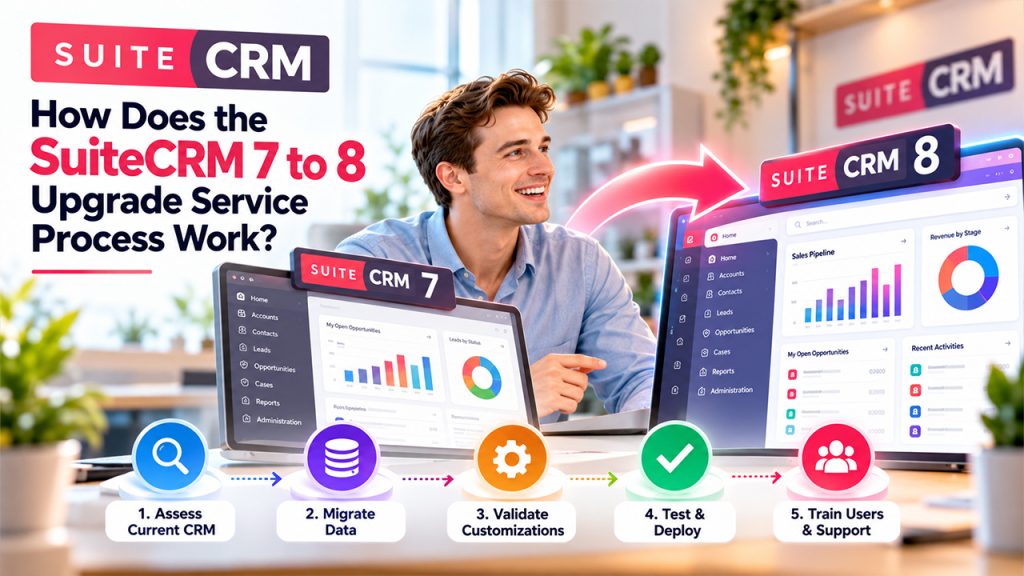
A migration typically consists of a number of stages from initial assessment to production deployment. At each stage, the team can safeguard current data, work through any transition issues, and verify that the new CRM meets everyday business needs.
- Evaluate the Current CRM
First, there is a technical analysis of the current CRM: assessment of the data architecture, custom code, workflows, and integrations. The SuiteCRM 7 to 8 upgrade service process involves setting up the SuiteCRM 8 environment and preparing the migration plan. Before proceeding, the upgrade should clarify the responsibilities, testing expectations, and deployment deadlines. - Migrate Data and Validate Customizations
The team then migrates according to the migration process described in the documentation for the SuiteCRM versions they plan to migrate to. They migrate the data they need and compare record counts, key data, relationships, and permissions. Reviewing the SuiteCRM custom code architecture helps identify compatibility issues and determine which customizations require updates before migrating to the new platform. - Test and Deploy the CRM That Has Been Migrated
After all staging tests have been successfully run, the team is ready to deploy to production. This involves choosing a maintenance window, planning the final data synchronization, announcing to users, and providing guidance to revert to a previous state if needed. You may need to hire a SuiteCRM developer when your code or integrations need a specialist. - Educate the Users and Track the Migration
Once in production, share with end users how to operate the upgraded CRM and how this may impact their workflows. Regularly check system logs, error reports, and end-user feedback to respond to problems swiftly.
Because most teams want to finish their usual work first, see to it that you know why you’re migrating to this new platform. A professional SuiteCRM 7 to 8 upgrade service prioritizes functionality and correctly transferred data, rather than just getting the system up.
What Affects Migration Cost and Upgrade Timeline?
The SuiteCRM migration cost and SuiteCRM upgrade timeline both grow as your current system becomes more complex. Understanding a CRM pricing guide can help you evaluate potential expenses, including data migration, integrations, and ongoing maintenance. The factors below show what drives each one.
SuiteCRM Migration Cost: Large databases need more cleanup, and custom modules may need rebuilding for SuiteCRM 8. Older extensions, complex workflows, and third-party integrations add further work. Ask the provider for a cost breakdown from assessment to support.
SuiteCRM Upgrade Timeline: Data volume, custom modules, and the number of integrations decide how long the migration takes. Each rebuilt module, workflow, and connection needs testing before launch. The provider should set the schedule after reviewing your environment and include time for staging tests and fixes.
How Can You Reduce Risks During a SuiteCRM Migration?
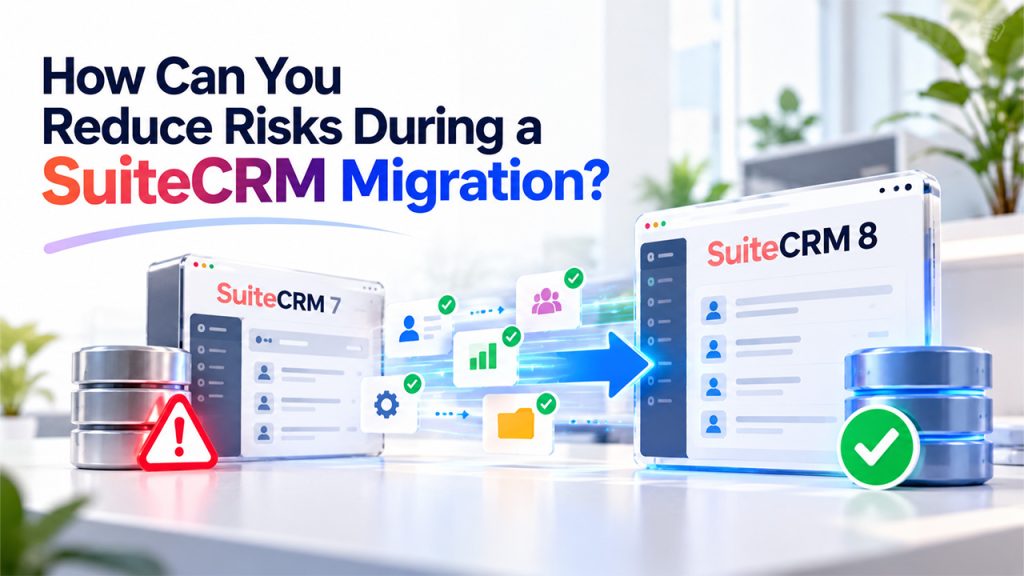
Getting all your data into a new environment is just part of a successful migration. Businesses should also clean and ensure data quality, evaluate key functionalities and adjust for possible issues before replacing their CRM.
- Verify Information and Critical Functions
Test source system backups and make sure your staff is able to restore backups if necessary. Do a test migration; do a proof of concept in a test environment before performing a full production CRM migration. Test record counts, customer records, permissions, reports, workflows, and integrations. - Pre-Migration User Engagement
Tell your end users when the migration will happen, how to access the new CRM, and how the changes may affect their daily work. Providing CRM user training can help employees understand updated workflows and use the platform confidently. Explain how to report problems and collect user feedback before launch to prepare your team for the transition. - Arrange the Go-Live Procedure
A SuiteCRM 7 to 8 upgrade service also has a deployment plan and an appropriate maintenance window identified, with a rollback plan documented. What is the go-live approval process, and how do users escalate and get problems fixed once SuiteCRM 8 is live? Monitor SuiteCRM 8 after go-live to validate critical processes.
Conclusion
In conclusion, moving SuiteCRM 7 to 8 is not a task that can be performed hastily since its successful execution requires proper preparation. A detailed technical evaluation must be conducted, the working environment prepared, and the migrated environment tested before the launch. Also, the assessment of expenses and timing should be made based on actual needs instead of general expectations. With the help of the SuiteCRM 7 to 8 upgrade service, the implementation goes according to plan and delivers business continuity.
Frequently Asked Questions
No. It needs a dedicated migration process because the versions use different architectures. Follow the official migration documentation.
Custom modules, integrations, data quality, testing, deployment, and support costs. A technical assessment gives an accurate estimate.
It depends on complexity, customizations, data volume, and testing needs. A provider can estimate it after reviewing your environment.
Not necessarily. Custom code and extensions need compatibility checks. Some need updates, replacements, or redevelopment.

