
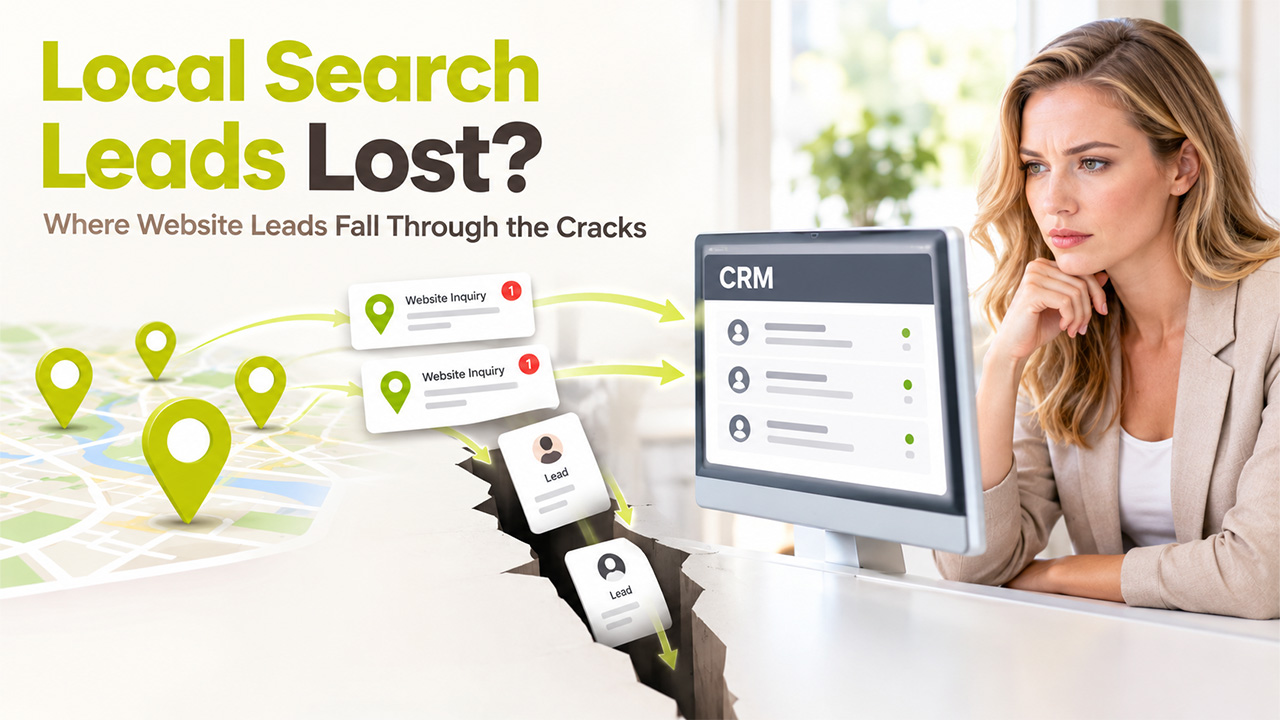
Why Local Search Leads Get Lost Between the Website and the CRM?
Local search leads get lost when form fills, calls, and directory inquiries never reach a usable CRM record. Fix the handoff first, then pay for more traffic.
A business can invest in search optimization, show up in local results, and still have no clear account of why their local search leads get lost. The missing detail is quite ordinary surprisingly. A caller can say that the number was found online, but nobody records the type of page they saw. A website form is received at the office, while the person who is responsible for estimates is working away from a desk. By Friday, the marketing report shows several conversions, although the sales records contain fewer conversations. For companies who are selling local services, this is where search performance becomes complex to judge. The problem is less about including another dashboard than getting reliable data from the first contact into the system that employees can really use.
The Inconsistency Between a Search Click and Sales Record
Most local SEO checklists aim to get something measurable on the website. This could be a tap on the phone number, a visit, or a submitted form. Those actions are also important, but nothing confirms whether the request has reached a relevant employee. For example, a phone tap does not confirm whether the call was connected. A form submission does not display whether someone checked your message. CRM software becomes helpful when the record goes past this initial action. An inquiry can carry forward that the requested service, the location included, person who is assigned to respond, and the date of the latest contact. This enables managers to differentiate between customers who are not interested and the ones who send slower responses. Without this distinction, a business may invest in attracting more visitors when the current inquiries already go beyond its capacity to follow up.
Why Do Local Directory Information Still Deserves Attention?
The path to a service company does not always begin on its homepage. Customers also compare businesses in location-based directories, often looking for a phone number or a category that matches the work. The British Columbia Local page for General Contractors in Terrace, BC, for example, groups contractor listings with addresses, contact options, and service classifications. Its purpose is to help visitors identify companies associated with that area, rather than manage their projects after contact. For a marketer, the useful lesson sits in the information a directory presents before a customer reaches the company’s own website. If a business is categorized too broadly, lists an outdated telephone number, or describes work it no longer accepts, more visibility will not repair the mismatch. An accurate listing makes the inquiry more likely to concern a service the company can provide.
Keep Only the Lead Details That Change the Response
Related walkthrough
SuiteCRM Email-To-Lead


CRM forms tend to grow when every department adds another question. Sales wants budgets, operations wants addresses, and marketing wants attribution. The result may ask for too much before the customer has spoken with anyone. Local service inquiries often need a smaller set of details at the outset. The aim is to route a request sensibly and leave room for a proper conversation later.
- Service requested: Enough detail to direct the inquiry to the relevant team.
- Work location: The town or general area, before requesting a full property address.
- Contact preference: A reliable way to respond without repeated attempts through unwanted channels.
- Timing: Whether the customer has a near-term deadline or is still gathering information.
- Discovery source: An optional indication of where the customer first encountered the business.
Once those fields enter a CRM, simple routing rules can prevent an inquiry from sitting unattended. They should not replace a person checking the actual message. A category chosen from a menu can be wrong, and an automated acknowledgment is not the same as a substantive reply.
Compare the Search Report With the Work Actually Booked
There is a practical reason to keep marketing and sales data separate before connecting them. A search report tells the business how visitors arrived and which pages received attention. CRM data show what people asked for and how employees handled those requests. Neither tells the entire story. Telephone calls may leave no usable attribution, and a customer may consult a directory, a search result, and a company website across several days. Trying to award each contract to one perfect source can create precision that the available data cannot support. A more credible monthly review compares inquiries by service type, unanswered messages, estimates sent, and projects accepted. When one page repeatedly attracts unsuitable requests, its wording deserves investigation before its traffic becomes a marketing success story.
Fix the Handoff Before Paying for More Traffic
The clearest improvement may be an operational one. Someone should own the queue of new inquiries, know how quickly each request needs attention, and check whether the CRM record reflects the actual conversation. At the same time, the marketing team should review the external listings and website pages that send people into that queue. Contractors serving a defined area particularly benefit from stating their services and coverage consistently, since a request outside either boundary consumes time without offering suitable work. The next SEO decision should come from those observations: correct a misleading category, clarify a service page, or improve the contact path. A larger traffic figure means little if the company cannot establish what happened after the customer reached out.
Want your local SEO and CRM data to stay connected and up to date? Consider adding CRM integration with a professional provider, so every website form, call, and directory inquiry lands in one reliable record.
Frequently Asked Questions
Most reports stop at a measurable action, like a phone tap or form submission, and never confirm whether the request reached the right employee. Without a CRM record that carries the service requested, location, assigned person, and last contact date, inquiries slip through unnoticed.
Keep it short: the service requested, the work location (town or area), a contact preference, timing, and an optional discovery source. These fields are enough to route the inquiry sensibly and leave room for a proper conversation later.
Yes. If a listing uses a category that is too broad, shows an outdated phone number, or describes work the business no longer accepts, more visibility will not fix the mismatch. Accurate listings help ensure inquiries match services the company can provide.
Review both separately each month. Compare inquiries by service type, unanswered messages, estimates sent, and projects accepted. Trying to credit every contract to one perfect source creates precision the data cannot support, especially when calls leave no attribution.
Fix the handoff before paying for more traffic. Assign someone to own the inquiry queue, set response time expectations, and check that CRM records reflect the real conversation. Then use those observations to correct a misleading category, clarify a service page, or improve the contact path.

