
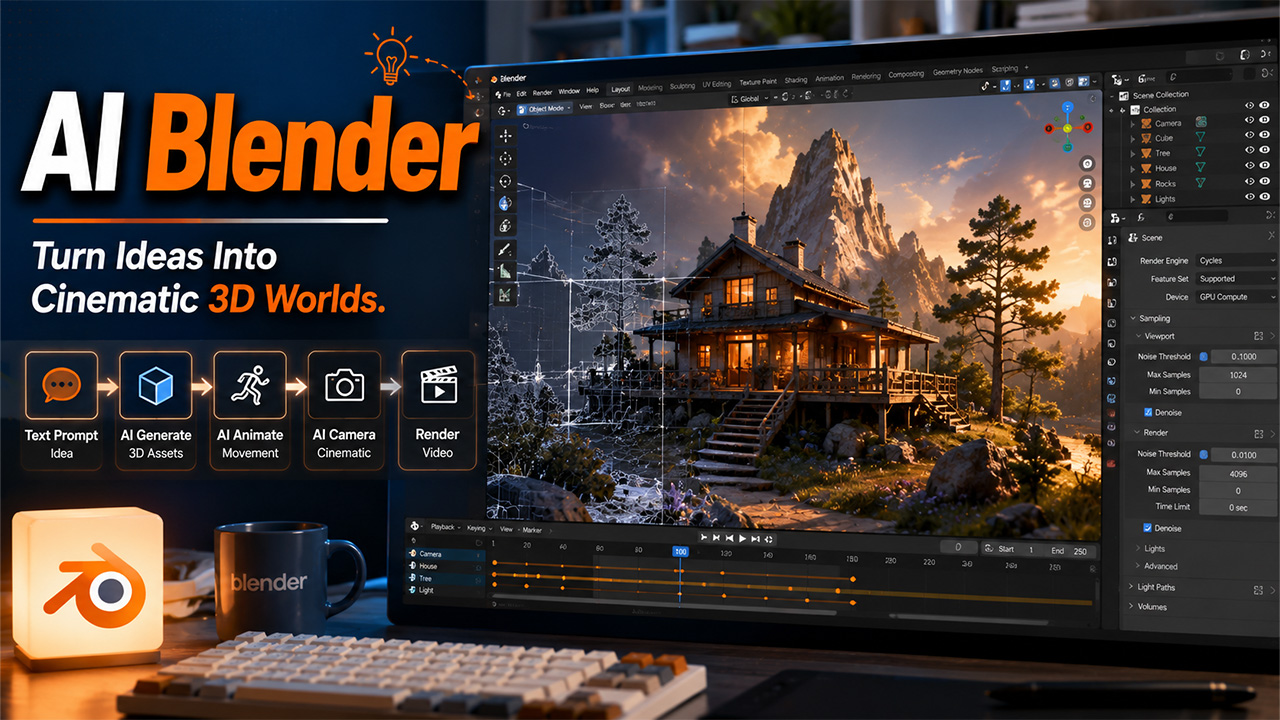
AI Blender: A Complete Guide to Using AI in Blender Workflows
Understand how AI Blender is transforming 3D workflows and learn how Higgsfield AI can help create scenes, models, camera movements, and cinematic videos.
The article explores the complete AI Blender workflows and how it can accelerate everything from scene creation and 3D modeling to animation, camera work, and video generation. It also shows how Higgsfield AI can work alongside Blender to help creators transform basic 3D scenes into more detailed and cinematic visuals.
In the current digital content creation workflow, AI Blender is changing the way creators approach 3D modeling, animation, rendering, and visual storytelling. The platform combines the powerful 3D workflow of Blender with various AI-powered tools that can be utilized by artists to generate scenes, create 3D models, add animations, experiment with camera movements, and transform Blender renders into video.
The integration of Higgsfield AI with the AI Blender platform helps enhance key capabilities, making the platform more accessible directly within the Blender workflow.
What is AI Blender?
AI Blender generally refers to the utilization of artificial intelligence tools and workflows within or alongside Blender, making 3D creation faster and more efficient. With the integration of AI with Blender, creators can use artificial intelligence for various tasks, such as scene building, 3D model generation, character creation, animation, camera movement, image generation, and video creation, instead of manually handling every step.
With the integration, artificial intelligence works as a creative assistant that can transform text prompts or reference images into useful starting points. It also allows artists to focus more on direction, creativity, editing, and refinement.
Users can also integrate other key platforms, such as Higgsfield AI, which enables AI capabilities of the tool to be brought directly into the Blender workflow. It also makes it possible to move from an initial idea to a complete 3D scene and cinematic output quickly.
Key Features of AI Blender
AI Blender offers key benefits to creators, including:
- AI Scene Generation: The platform can create basic 3D environments from text prompts, enabling creators to have a starting point for their scenes without building everything manually.
- 3D Model Generation: AI Blender can generate 3D objects and characters from text descriptions or reference images, making it easier for creators to quickly develop new assets. These AI-assisted workflows can complement traditional 3D modeling tools by accelerating the early stages of asset creation and prototyping.
- AI Animation: Through the platform, creators can simply describe an action or movement and utilize AI to generate animation for characters or other 3D elements.
- AI Camera Control: Through AI Blender, creators can generate or experiment with camera movements based on a simple description.
- Video Generation: Creators can also use the Blender scene or viewpoint as the foundation for generating enhanced or stylish images.
Benefits of AI Blender
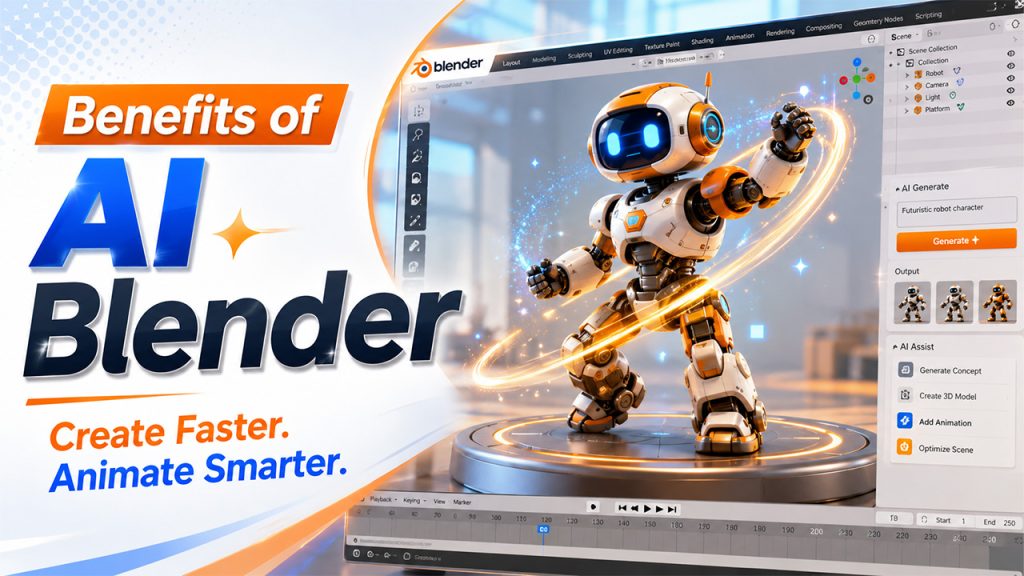
Integrating AI with Blender offers key benefits to creators, especially in the 3D creation process. Some of the key benefits of AI Blender are as follows:
- Faster 3D Creation
The integration of artificial intelligence can quickly generate scenes, models, characters, and other assets, reducing the total time spent on repetitive tasks. The same principle can be seen across modern generative AI workflows, where AI is increasingly used to reduce repetitive work and help creators focus on higher-value tasks.
- Rapid Prototyping
With AI Blender, creators can quickly turn their ideas into basic 3D concepts, making it easier to experiment with different environments, characters, and visual styles.
- Simplified Asset Creation
Through AI Blender, creators can just enter text prompts and reference images to generate 3D assets that can be considered useful, especially during the early stages of a project.
- Efficient Animation
Creators can utilize AI-assisted animation to generate characters or object movement, without having to manually keyframe every action.
- Improve Workflow
The integration of Blender and AI can also reduce the need to constantly switch between different applications and tools.
Applications of AI Blender?
AI Blender can be used across many stages of the 3D production process, from creating initial concepts to producing animated and cinematic content. The integration helps creators speed up production, while also exploring new ideas that would take much longer to develop.
Some of the key applications of AI Blender are as follows:
- 3D Modeling
The integration of artificial intelligence with Blender can generate objects, characters, environments, and other 3D assets from simple text prompts or reference images.
- Environment Creation
Creators can also generate initial landscapes, buildings, rooms, and other environments to use as a foundation for the Blender project.
- Product Visualization
Businesses can also utilize the AI Blender platform to create 3D product concepts, promotional visuals, and animated product presentations.
- Game Development
Creators can utilize AI-generated 3D assets, environments, and animations, helping game developers easily prototype worlds and characters more efficiently.
- Architecture Visualization
With the integration, designers can use the platform workflows to quickly visualize buildings, interiors, landscapes, and different design concepts before finalizing any project.
- VFX and Cinematic Content
Creators can utilize AI by creating environment, promotional visuals, camera movements, and video content for firms, advertisements, and other visual projects.
Higgsfield AI Inside Blender
Related walkthrough
Higgsfield AI Is NOW Inside Blender! 🤯 | See the Before & After

In Blender, users can integrate various artificial intelligence models, enhancing the capabilities of the platform. Similarly, users can integrate Higgsfield AI inside Blender, that help bring AI-powered generation tools directly into the Blender workflow. It also allows creators to combine traditional 3D production with generative AI.
With the integration, users can access key features from scene building, 3D model generation, animation, image creation, video generation, camera movement, and asset creation within Blender, instead of switching between multiple platforms. The typical workflow of the integration starts with Scene Builder, in which the user can describe an environment using a simple text prompt and generate a starting 3D scene. From there, they can create additional 3D models or characters.
The workflow also extends to camera and video generation. Creators can also define camera movements, render their Blender scene, and use the resulting image or render as a foundation for AI-generated video.
Higgsfield AI Blender Workflow
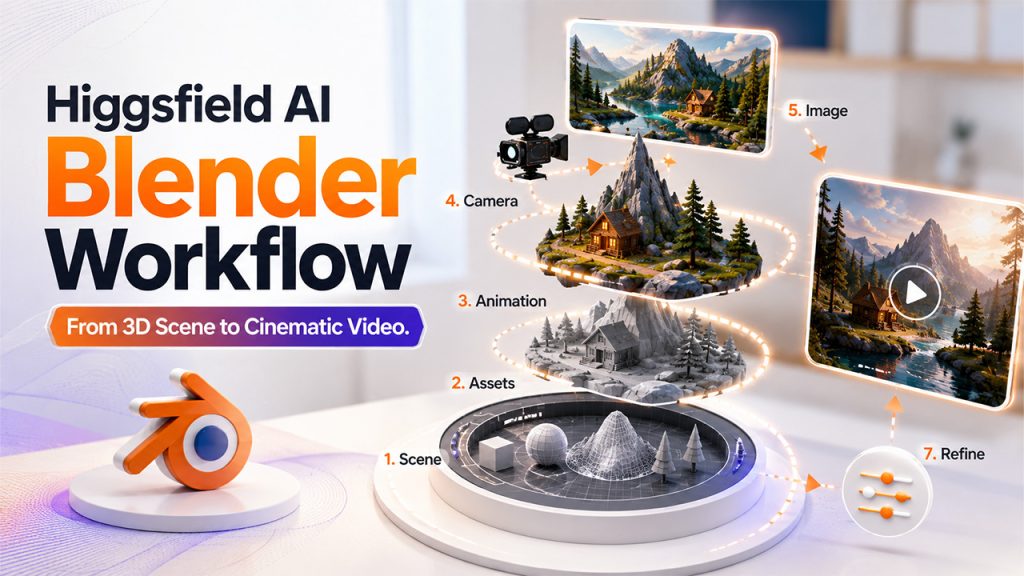
The Higgsfield AI Blender workflows start by installing the Higgsfield Blender plugin. After installing and connecting Higgsfield account to Blender, users can access the available AI tools directly from Blender.
The typical workflow of Higgsfield AI Blender works as follows:
- Step 1: Build a Scene
On the platform, creators can use the scene builder, and text prompts to create an initial environment.
- Step 2: Generate 3D Assets
Users can create additional objects or characters using text prompts or image references.
- Step 3: Add Animation
Creators can describe the movement they want to generate animation for the assets.
- Step 4: Create Camera Movement
Creators can utilize AI assistance to experiment with cinematic camera movements.
- Step 5: Generate an Image
Users can create a visual from a Blender scene that can be further used as a foundation for further image generation.
- Step 6: Generate Video
Utilize the rendered scene and a video-generation model, such as Seedance, to create a cinematic video.
- Step 7: Refine the Result
Creators can return to Blender and continue adjusting the scene, assets, camera, and other key elements.
Limitations of AI Blender
While AI Blender can offer significant benefits, it also includes various limitations that creators should understand before relying on it for production tasks.
Some of the key limitations of AI Blender are as follows:
- Inconsistent Results: The AI-generated scenes, models, and animations may not always match the prompts exactly.
- Limited Control: Traditional Blender tools offer precise control over geometry, materials, lighting, rigging, and animations, which are limited to integration.
- Topology Issues: The AI-generated 3D models can sometimes have inefficient or messy topology, requiring manual cleanup and optimization before they are suitable for professional applications.
Conclusion
In recent few years, AI Blender is transforming the complete workflow of 3D creation by helping creators accelerate scene building, 3D modeling, animation, camera control, and video generation. The integration of other platforms, such as Higgsfield AI, can further expand the capabilities of Blender by bringing AI-powered tools directly into the platform. Tools such as Higgsfield AI demonstrated how Blender workflows can bring scene generation, 3D modeling, animation, camera movement, and video generation closer together inside Blender.
Frequently Asked Questions
How does AI work with Blender?
In Blender, artificial intelligence can work through plugins, integration, or external AI tools. The integration depends on the workflows that the creator uses to generate scenes, 3D assets, animations, images, camera movements, and videos.
Can AI Blender generate 3D models?
Yes, AI Blender can generate 3D models and characters, using simple text prompts or reference images.
How does the Higgsfield AI Blender workflow work?
The general workflow of Higgsfield AI Blender workflows starts with building a scene, generating 3D assets, adding animation, creating camera movements, generating an image, creating a video, and refining the result inside Blender.
Is AI Blender suitable for beginners?
Yes, AI Blender is suitable for beginners. The AI-assisted Blender workflow can make content creation accessible to every type of user, helping beginners generate initial scenes, models, and animations.

