
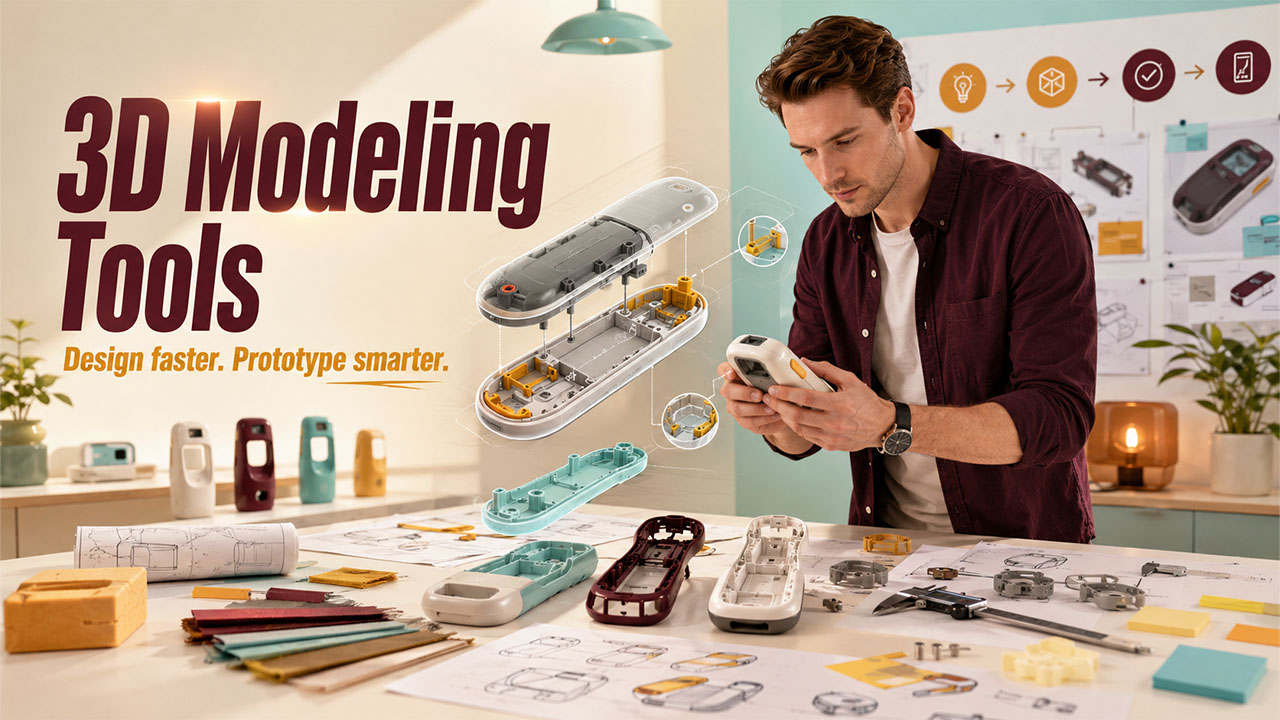
Five Ways 3D Modeling Tools Improve Early Stage Product Design Workflows
Explore 3D Modeling Tools for product design, from faster prototyping to better visualization. Learn key benefits and how they can improve design workflows today
Early stage product design is messy on purpose. You’re learning fast, changing your mind daily, and trying to get useful feedback before the budget runs out. Sketches help, but they can’t answer the questions that stall teams: Will it fit? Will it feel right? Will it break?
That’s where 3D modeling tools (CAD and hybrid modelers) earn their keep. They let you explore options, test rough ideas, and share a clear view of the product while it’s still cheap to change.
Below are practical workflow upgrades you can start using right away, whether you’re designing a bracket, an enclosure, or a consumer device.
If you’re exploring the broader ecosystem around design workflows and tools, platforms like designrush com can also help you understand how different design capabilities fit into modern product development.
You can iterate in minutes, not days
The global 3D mapping and modeling market size was $7.6 billion in 2025, and expected to rise. When timelines are tight, speed means making decisions sooner, with less guessing. 3D modeling helps because your changes stay connected to the design, and the model itself becomes a shared reference point.
Quick what-if changes make early concepts less risky
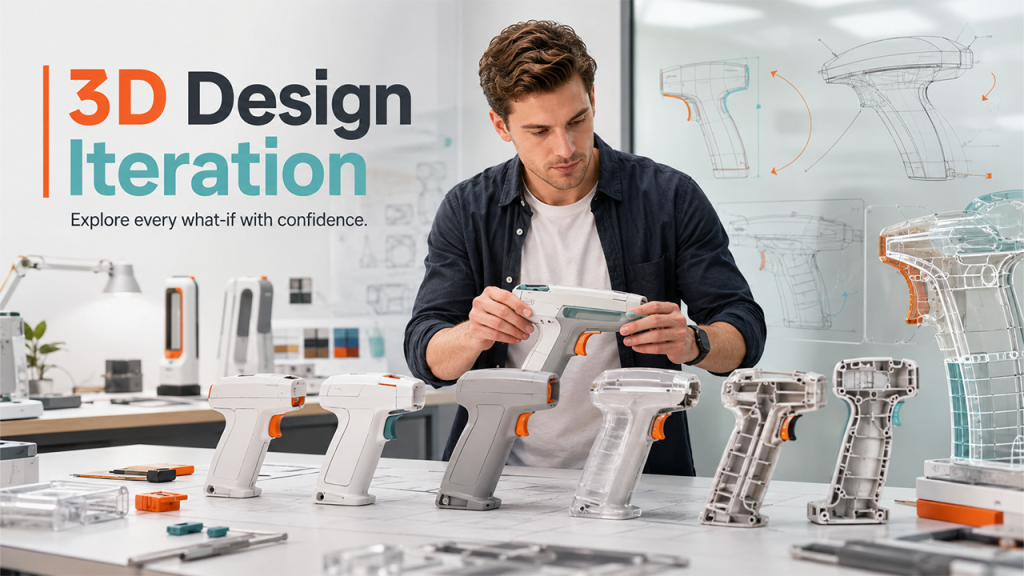
In early design, you’re constantly asking “What if we move this?” or “What if it’s 2 mm thicker?” Parametric edits and direct modeling make those questions easy to answer.
Let’s say you’re shaping a handheld device. The handle angle feels a bit off, and the wall thickness might be too thin near a screw boss. With a decent 3D model, you can adjust the angle, update thickness, and keep related features aligned, like mounting holes or snap hooks. You don’t redraw everything.
Tools like Fusion 360, Onshape, and Shapr3D are popular for quick ideation because they support fast edits and flexible modeling styles.
Some teams even turn early design iterations into internal ebooks that capture lessons learned from the software development process.
Clear 3D visuals help everyone agree sooner
A sketch can be beautiful and still misleading. 3D views remove a lot of the “I thought you meant…” moments.
With a model, anyone can rotate the part, zoom into details, and check sections. That makes it easier to talk about real constraints, like finger reach, cable routing, or how a lid clears a hinge.
Picture a small team designing an enclosure for a sensor. On paper, the side button looks fine. In 3D, someone spins the model and notices the button sits too close to a corner. A thumb can’t press it without twisting the wrist. Another person uses a section view and sees the cable path clips a mounting post. Two quick fixes later, the team avoids a week of back-and-forth.
Clear visuals do more than reduce confusion. They also cut down meetings, because the model answers questions without a long explanation.
In some cases, teams even use these visuals when preparing material to design a book or product guide, since the same clear 3D views help explain form and function without lengthy technical text.
You catch problems earlier and spend less on physical prototypes
Related walkthrough
Chapter 9 | SuiteCRM Custom Code Architecture | Logic Hooks, Workflows & Upgrade-Safe Development

Physical prototypes are still important. The issue is building the wrong prototypes too soon. 3D modeling tools help you spot weak points early, so you save your build budget for the designs that deserve it.
Digital testing spots weak points before you build anything
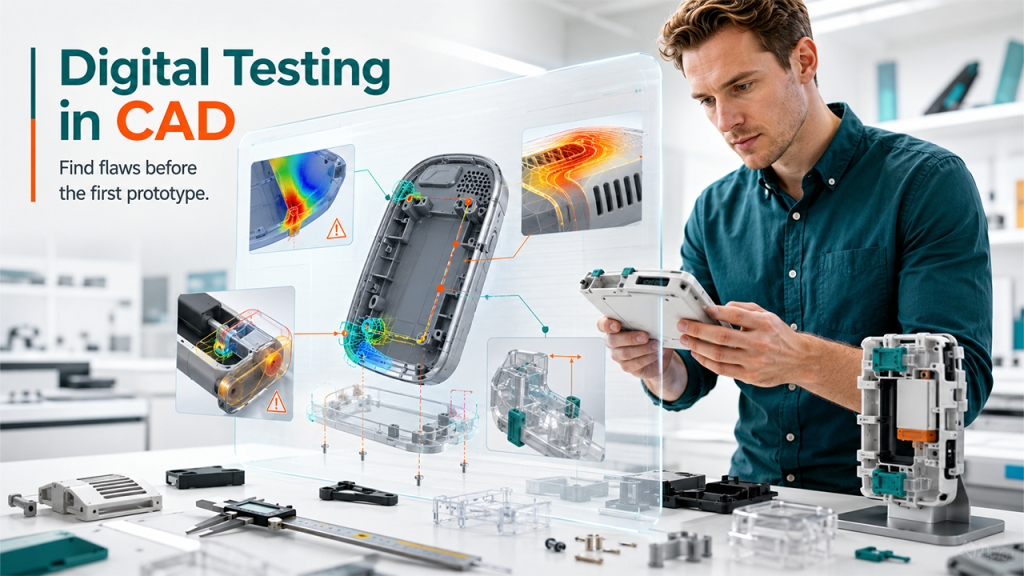
Early testing doesn’t have to be complicated. Many CAD tools offer lightweight checks that answer the big questions:
- Will it break? A basic stress check can highlight thin ribs or weak corners.
- Will it overheat? Simple thermal thinking, even without deep analysis, can expose trapped heat.
- Do parts collide? Interference and motion checks catch clashes in hinges, sliders, and snap fits.
- Does it assemble? Clearances and tolerance planning prevent “it fits on my screen” surprises.
Fewer physical prototypes means lower cost and less waste
3D modeling tools make it easier to narrow down options before you build anything. Instead of printing five versions “just to see,” you compare them on-screen first, then rapid prototyping the best two.
This changes how teams spend money. Rather than ordering early CNC iterations or multiple foam models, you use the model to remove obvious losers.
Many teams even set targets to cut early sample spending by large amounts (sometimes goals like 50 to 80 percent), because every avoided prototype saves time, shipping, and scrap. Results vary by product, but the direction is consistent: fewer dead-end builds.
You’ll still print parts, of course. The point is that you print with purpose.
Collaboration and AI features keep the workflow moving
Early stage product design often breaks down at handoffs. Someone has the latest file. Someone else has an older one. A contractor can’t open it. Meanwhile, feedback arrives too late to help. Modern 3D modeling tools reduce those bottlenecks with cloud collaboration and (careful) AI assistance.
Cloud sharing and real time edits reduce version chaos
If you’ve ever seen a folder full of “final_final_v7” files, you already know the problem. File-based workflows encourage confusion, especially when multiple people touch the design.
Cloud CAD helps because everyone views the same source model. Reviews happen through a link, not an email attachment. Comments stay tied to the geometry, so feedback doesn’t get lost in chat threads, making team collaboration more efficient.
Onshape is a well-known cloud-first option in 2026, and this style of work is spreading across the category. Access control also helps when you work with contractors or manufacturers. You can share what they need, without sending your entire project history.
AI assisted modeling helps you go from sketch to prototype faster
AI features in 2026 can speed up the boring parts of modeling. Depending on the tool and workflow, AI powered graphic design tools can help clean up sketch geometry, suggest constraints, recognize common features, or generate quick variations to compare.
That’s useful early on because repetition is the enemy of momentum. If you’re modeling vent patterns, rib layouts, or a set of size variants, small automation wins add up.
Conclusion
3D modeling tools are not supposed to make early-stage design easy. However, they certainly remove the friction that slows teams down such as guesswork, miscommunication, and prototypes that taught you nothing you couldn’t have caught earlier.
Start simple. Pick one workflow from this list and apply it to your next project. See what it changes. The teams getting the most out of these tools aren’t using every feature; they’re using the right ones, consistently, before decisions get expensive.

