

Monday CRM: Should Your Business Use It?
Explore Monday CRM features, benefits, limitations, and key use cases to see how it supports sales teams and helps you choose the right CRM for your business now
Sales teams can easily lose track of leads if an email is in one inbox and the deal itself is managed somewhere else. This problem gets worse when multiple people work with the same customer, and no one knows what the next step is. A CRM system helps gather all this information in one place, but each system works differently.
Monday CRM brings together customer information, sales processes, communication tools, automated tasks, and performance reports into a visual dashboard. It’s a good fit for teams that want to manage their sales activities without being locked into a rigid system. However, it does have some drawbacks you should know about before deciding.
What Is Monday CRM?
It’s a customer relationship management tool designed to help sales teams handle leads, contacts, customer accounts, deals, communications, and sales tasks all from a single platform. It’s part of the larger Monday suite but functions as a standalone CRM product.
If you’re not familiar with CRMs, the basic concept is straightforward. This type of software keeps all your customer details and sales activities in one organized spot. This means your team won’t have to waste time digging through spreadsheets, emails, and scattered notes every time they need information about a deal.
How Does It Work?
You can use it to:
- Store lead, contact, account, and deal information
- Create a sales pipeline that matches your process
- Track calls, emails, meetings, and notes
- Assign leads and deals to team members
- Create automated actions for repetitive tasks
- Build dashboards to monitor sales activity and performance
Monday CRM Vs Traditional CRM System
The biggest difference isn’t simply the number of features. It comes down to how you work with the information.
| Area | Monday CRM | Traditional CRM System |
| Interface | Visual boards and custom views | Usually structured around CRM records |
| Customization | High level of board and workflow customization | Depends on the platform |
| Sales pipeline | Visual and adjustable | Usually follows predefined stages |
| Automation | Workflow-based automations | Often uses CRM-specific rules |
| Reporting | Dashboards, charts, and sales widgets | Reports and dashboards vary by tool |
| Ease of changes | Teams can adjust many workflows themselves | Some changes may need technical support |
| Best for | Teams that want flexibility | Businesses with more fixed CRM processes |
Major Characteristics of Monday CRM
Related walkthrough
Collaborative CRM: The Future of Sales Success


A CRM is only useful when it fits the way your sales team actually works. Monday CRM focuses on keeping customer data, sales activity, and workflows connected.
Contact and Lead Management
You can store information about leads, contacts, accounts, and deals on dedicated boards. You can also import existing information from Excel or through an API and identify duplicate records.
This helps when your sales team already has a large amount of customer data and doesn’t want to start from scratch.
Sales Pipeline Management
You can build a visual pipeline with different deal stages and assign ownership to individual sales representatives.
For instance, your pipeline can move from:
- New lead
- Qualified
- Meeting booked
- Proposal sent
- Negotiation
- Won or lost
You can also use pipeline views, funnel charts, deal-stage widgets, and other reporting tools to see how opportunities move through the sales process.
Workflow Automations
You can create rules that handle repetitive actions.
For example, a new lead can trigger a notification for a sales representative, or a change in deal stage can start the next action automatically. Automation and integration actions depend on the plan you choose.
AI Features
The platform now includes AI features for tasks such as lead sourcing, lead qualification, meeting preparation, email assistance, deal insights, and workflow actions. Some of these features depend on the plan and available AI usage.
Who Is Suitable to Use Monday CRM?
It suits businesses that want their sales process to remain flexible as their team grows.
Small and growing sales teams
Smaller teams can use it to keep leads, deals, customer conversations, and follow-ups in one place instead of maintaining several spreadsheets.
Teams with changing sales processes
If your sales process changes regularly, the ability to customize boards and workflows can be useful. You can adjust stages, fields, views, and automations without rebuilding the entire system.
Teams that prefer visual workflows
Some salespeople understand a pipeline faster when they can see deals moving across stages instead of working through several record-heavy screens.
Limitations of Monday CRM
It offers plenty of flexibility, but that flexibility doesn’t automatically make it the right choice for every business.
Too much flexibility can require setup
Customization sounds attractive until you have to decide how every board, field, stage, and automation should work.
A small team with a straightforward sales process may set things up quickly. A business with several sales teams and complex workflows can spend more time designing the system before everyone starts using it consistently.
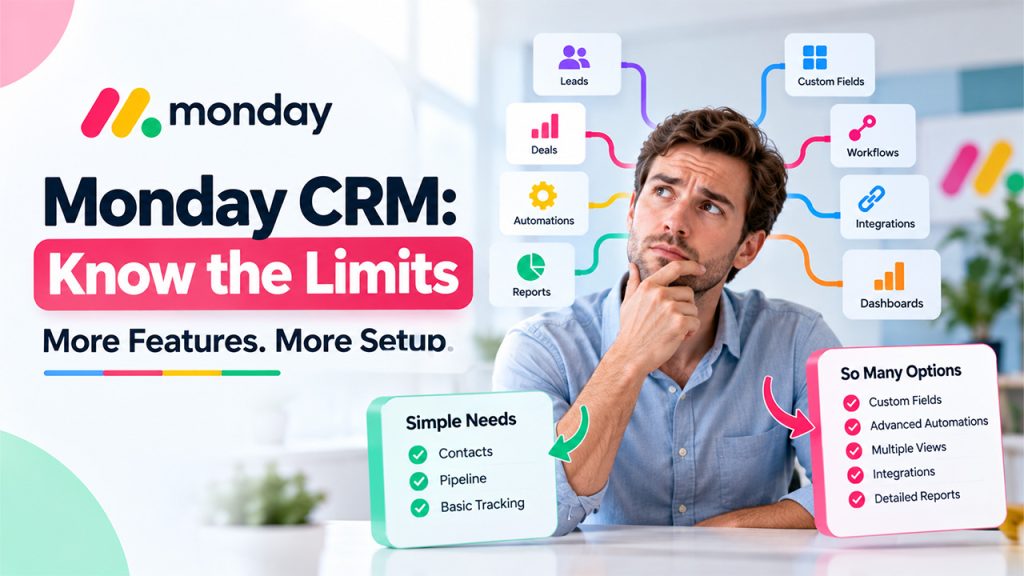
Not every business needs its full feature set
If you only need a simple contact database and a basic pipeline, some of Monday CRM’s wider features may be unnecessary. You should first identify what your sales team needs, then compare those requirements with the available plans and features.
Conclusion
While you might assume that a tool with the maximum variety of features wins the contest. If you require an extremely visual and adaptable tool that permits you to follow leads, develop new leads, and also close them efficiently; interact with them and manage sales operations. Monday CRM could be a good pick for your demands.
However, while selecting a CRM answer it is crucial to factor in its prices, kinds supplied, implementation time, as well as the capabilities your group will require. Ensure you specify your existing sales course in addition to the functions needed in order to guarantee that the CRM will fulfill your requirements.
Frequently Asked Questions
People use this CRM to keep their leads, contacts, clients, deals, communications, sales pipeline, and more in a single place and offer automation, reporting, and AI-powered tools that facilitate work.
Small companies looking for a more visual and more easily customizable solution for their sales activity can find it useful, although we’ll still check it satisfies limitations regarding the plan and size of your team.
Yes. You’ll find a wide range of automations for sending notifications, assigning jobs, moving items between workflow columns, and planning tasks. The available automation actions vary depending on the plan you choose. This is one reason why understanding the CRM software meaning and what you need from a CRM helps before selecting a plan.
Through Monday’s Emails & Activities, you can connect Gmail and Outlook to monitor your team’s email activity and client interactions on the same board. If you're comparing different CRM platforms, you should also check whether they support the email tools your team already uses. The same applies when you compare different CRM systems for your business.
To choose the right sales tool, begin by analyzing your work cycle, integrations necessary with another working software, automation requirements, reporting needs, the number of workers you have, and also the amount you are prepared to spend.

