
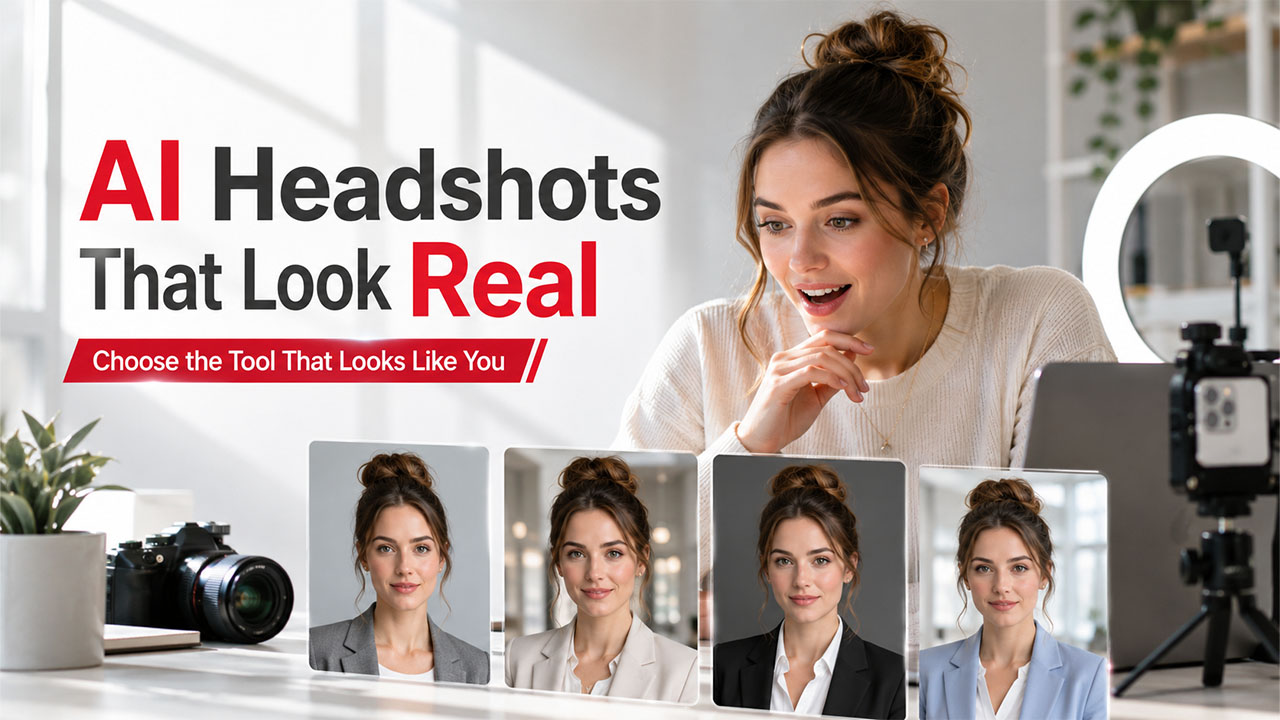
Best AI Headshot Generator in 2026: Top 5 Tools Compared
Looking for the best AI headshot generator? Compare the top 5 AI tools, features, pricing, pros, and cons to create professional LinkedIn and resume photos.
When you build a LinkedIn profile, a company “About Us” page, or a fresh resume, you need a good photo of your face that is not blurred or cropped from someone’s birthday party. However, getting a professional-looking headshot means booking a photographer, which costs money and takes time.
That’s the gap AI headshot generators were built to close. However, almost every tool available on the market can generate a photo that looks real. The question that actually separates a good tool from a forgettable one is simple: how many of the photos it hands back actually look like you? This is what this guide tells you. It does not cover tools with most filters, but rather ones that give you shots that you can keep.
What Is an AI Headshot Generator and How Does It Work?
An AI headshot generator is a tool that takes some of your existing photos, analyzes your face, and produces new and polished portraits. It is usually web-based. You don’t need a camera, a studio, or a photographer anywhere in the process. You just have to upload some of your selfies or casual photos, select a style such as corporate, casual, or LinkedIn-ready, and AI generates a set of images that look like professional shots of you.
There is no studio fee, scheduling, or standing awkwardly against a gray/white backdrop while someone tells you to “relax your shoulders.” Just upload, wait a few minutes, and download. Pairing your headshot with a free image background remover can help clean up any inconsistencies before you use the photo anywhere official.
AI Headshot Generator Comparison: Quick Overview
Before diving into the detailed reviews, here’s a quick comparison of the top AI headshot generators to help you compare their best use cases, pricing, and standout features at a glance.
| Tool | Best For | Starts at |
|---|---|---|
| NoteGPT AI Headshot Generator | Fast, free, no-signup headshots | Free (2/day), then credit-based |
| Aragon.ai | Polished corporate LinkedIn photos | Starter is $35 for 20 headshots |
| HeadshotPro | Detail accuracy at a mid-range price | $29 for 70+ headshots |
| Secta.ai | Company-wide team headshots | $49 for 200+ headshots |
| PhotoAI (Astria) | Advanced users wanting custom-trained accuracy | Photo AI from ~$19/mo; Astria ~$1.50/model + $0.10/prompt |
Here’s a detailed breakdown of each AI headshot generator to help you understand what it offers and who it’s best suited for.
5 Best AI Headshot Generators to Try in 2026
Related walkthrough
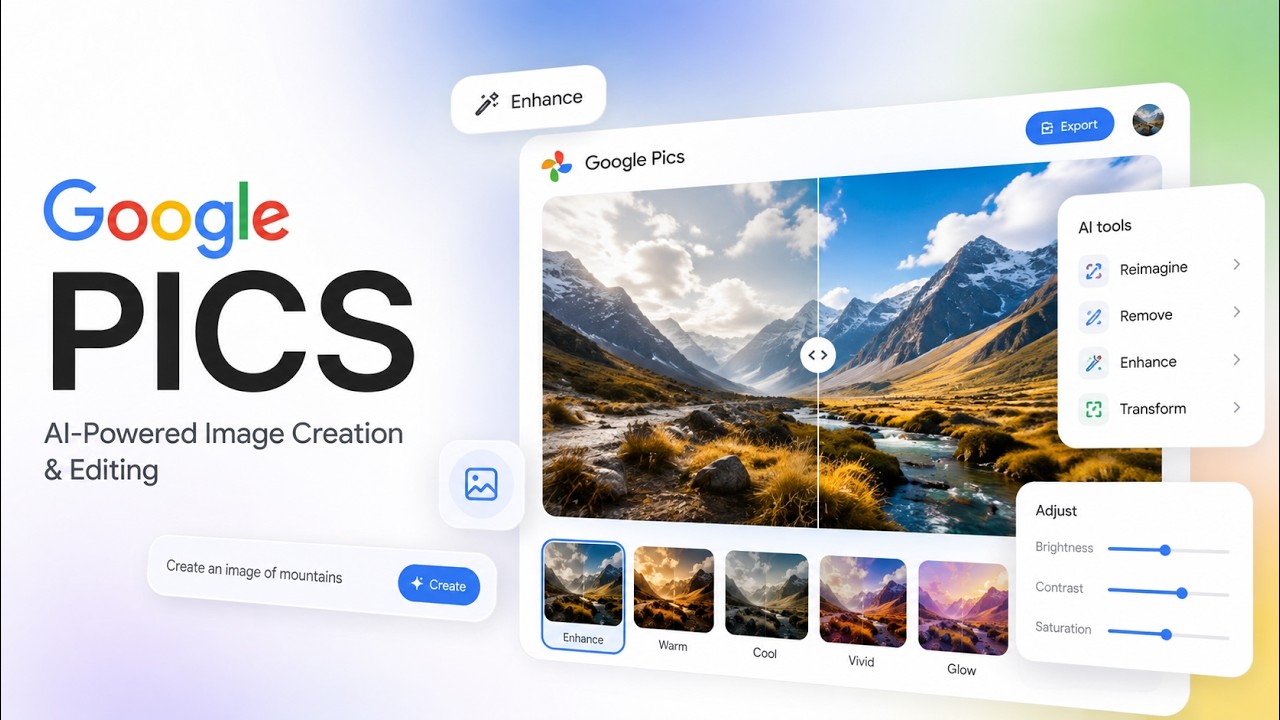
Google Pics: Google's NEW AI Image Generator That Could Rival Canva!
Not every AI headshot generator delivers realistic results. Below are five of the best platforms that stand out for image quality, accuracy, ease of use, and overall value.
1. NoteGPT AI Headshot Generator
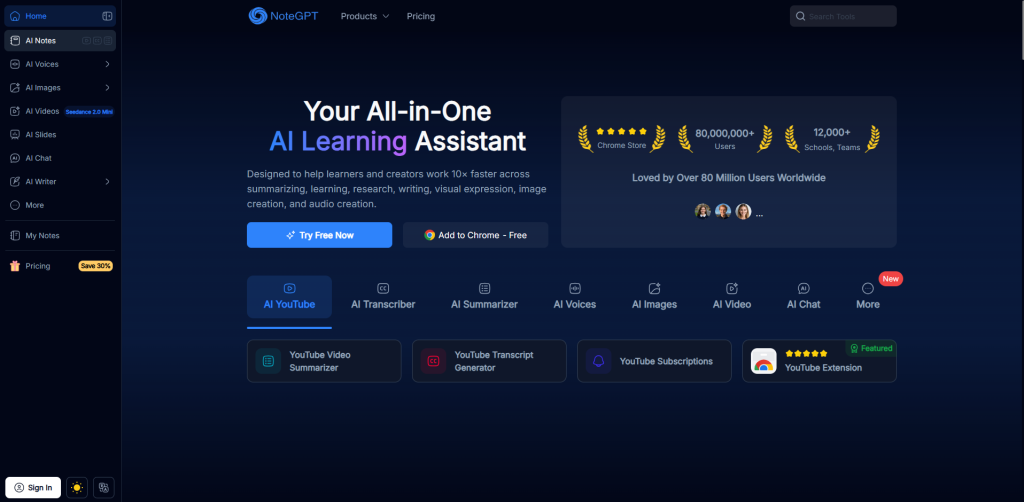
Things are simple in NoteGPT. There is no sign-up, credit card, or confusing settings menu to navigate before you even get to upload a photo. You just drop in a selfie, pick a style like Professional or Business, and get your headshot back in seconds. It works well if you want something quick and free. Additionally, it lets you tweak things if you’re not satisfied with the result. For anyone who wants headshots alongside a wider set of AI editing options, TinyWow offers a similar all-in-one approach worth comparing.
Key Highlights
- No sign-up or payment needed to generate your very first headshot instantly
- Delivers results in seconds instead of making you wait around for hours
- Offers several ready-made styles like Professional, Business, and Academic looks
- Lets you edit and regenerate your photo as many times as you want
- Works well for quick LinkedIn or resume photos without any extra hassle
| Pros | Cons |
|---|---|
| Free to use, with no account required to get started | Allow you to edit and regenerate as many times as you want |
| Ready-made styles without needing to write a prompt | Less fine-grained control than prompt-based tools |
| Allow you edit and regenerate as many times as you want | Just one of many tools on a broader AI platform, not a dedicated headshot specialist |
2. Aragon.ai
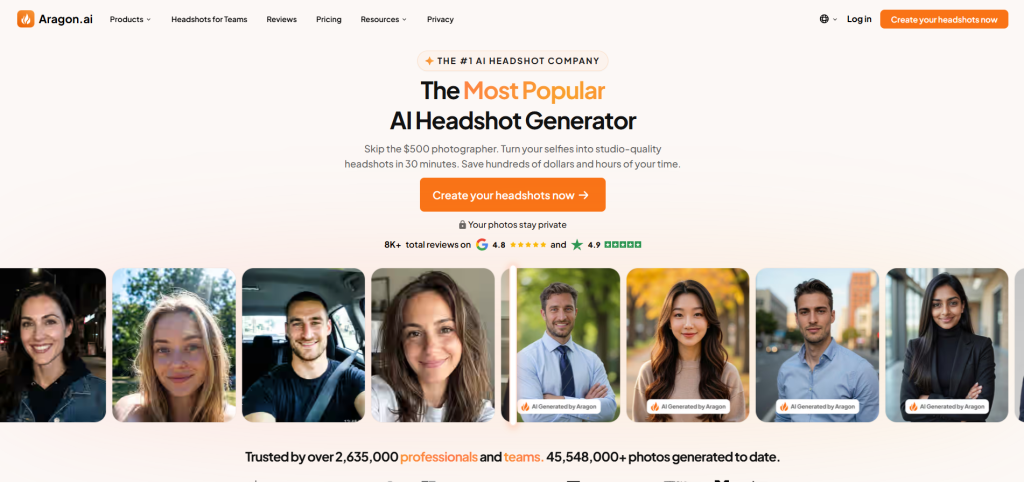
If you spend time on Instagram or Google, you’ve probably heard about Aragon.ai since it advertises heavily. It focuses on a polished, corporate look that tends to work well for LinkedIn profiles specifically. The photos look decent overall, though they do not always match your real face as well as you’d hope, especially across a full batch. If you are comfortable paying a bit more, then it’s a reasonable option.
Key Highlights
- Heavily advertised platform with strong brand recognition across social media
- Focuses specifically on polished, corporate-style headshots built for LinkedIn
- Provides a simple, guided upload process that’s easy for beginners
- Delivers large batches of photos in a single purchase package
- Popular choice among professionals looking for a well-known, established brand
| Pros | Cons |
| Strong corporate and business styling out of the box | Pricing runs on the higher side for what you get |
| Simple, guided upload process | Likeness accuracy can be inconsistent |
| Large batch sizes per purchase | Heavy ad spend means the marketing sometimes oversells the realism |
3. HeadshotPro
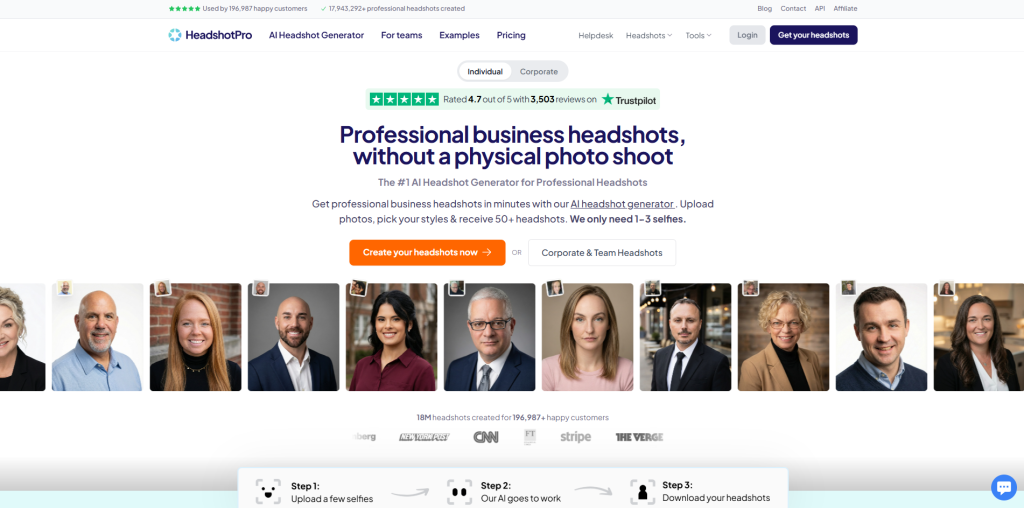
Headshotpro takes a different approach. It adds a layer of human review into the process. This means you do not get a fully automated result. This extra step helps you match the details like hands and fingers, as AI usually struggles with them. Moreover, it costs less than other popular tools. This is an ideal option if you are ready to invest a couple of hours instead of getting instant results.
Key Highlights
- Combines AI generation with a manual human review step for accuracy
- Handles tricky details like hands and fingers noticeably better than rivals
- Costs less per photo compared to several premium competing platforms
- Produces realistic skin texture and lighting that doesn’t look overly artificial
- Best suited for people who don’t mind waiting a few hours
| Pros | Cons |
| Better detail accuracy, especially with hands and fine facial features | No instant results, expect to wait, sometimes a couple of hours |
| Cheaper per-photo cost than several premium competitors | Payment is required upfront, before you see any of your generated headshots |
| Reasonably realistic skin texture and lighting | Support can be slow to respond if something goes wrong with your batch |
4. Secta.ai
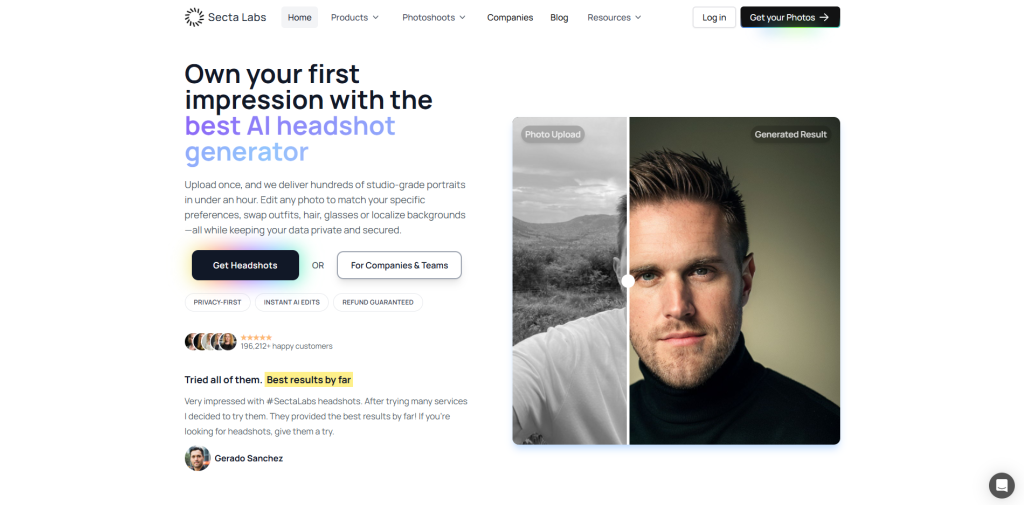
Secta is especially built for companies rather than individuals. It focuses on consistency by making sure that every employee’s headshot looks like it came from the same photoshoot, even though no actual photoshoot happened. It works well for HR teams when they board a dozen new hires at once because it solves a real problem.
Key Highlights
- Designed specifically for teams and companies needing consistent staff photos
- Keeps lighting, background, and styling uniform across every employee’s headshot
- Offers bulk generation options ideal for onboarding multiple new hires
- Produces clean, professional backgrounds without requiring extra manual adjustments
- Better value for businesses than for individuals buying just one photo
| Pros | Cons |
| keeping a consistent look across a company roster | Less ideal for individual |
| Clean, professional backgrounds and lighting by default | one-off use since pricing favors bulk purchases |
| Bulk options for onboarding multiple employees at once | Style options skew corporate, with fewer casual or creative choices |
5. PhotoAI (by Astria)
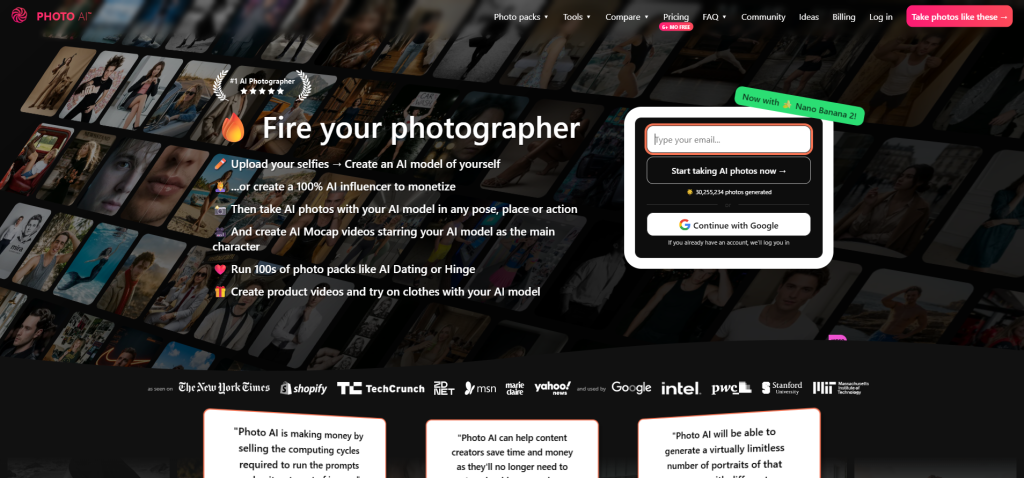
PhotoAI takes a different approach entirely. Instead of applying a generic style to your photo, it actually trains a small custom model on your specific face first. That extra step takes longer, but it usually pays off with better, more consistent results across an entire batch. It’s built more for people who are comfortable with writing their own prompts rather than just picking from a preset list. So, it suits advanced users more than total beginners.
Key Highlights
- Trains a custom AI model specifically on your uploaded face photos
- Produces a more consistent likeness across an entire batch than generic tools
- Also works for full-body and lifestyle shots, not just headshots
- Gives advanced users full control through custom, self-written prompts
- Takes longer to deliver results due to the model training process
| Pros | Cons |
| Custom-trained model; produce stronger, more consistent likeness | Training time adds delay before you see any results |
| Works for full-body and lifestyle photos too | Less beginner-friendly; prompt-based system has a learning curve |
| Flexible for advanced users who write their own prompts | Costs can add up if you’re generating multiple training runs |
How to Choose the Best AI Headshot Generator
When there are five solid options on the table, it becomes hard to pick one. So, it all comes down to matching the tool to what you actually need, not just what sounds fancy.
- If you want something fast and free, you can start with a tool that requires no sign-up and see how the results look before spending a penny.
- If you want AI-generated headshots to look exactly like your real photos, prioritize tools that are best known for their accuracy over ones known for style variety, even if that means a smaller selection of looks.
- If you want to generate AI headshots for an entire team, explore platforms that are especially built for bulk and consistency rather than individual one-off generators.
- If you don’t want to spend much, compare price per usable photo, not price per batch, because a cheaper batch with a low hit rate isn’t actually cheaper.
- If you can invest maybe a couple of hours, the tools that come with custom model training are worth the wait, since they tend to hold likeness better across an entire set.
If you are looking for a single “best” answer, there’s none. The best choice depends on what you’re trying to do. If you’re exploring visuals beyond just headshots, browsing AI-powered graphic design tools can help round out your professional branding toolkit.
Conclusion
AI headshot generators have solved the problem of realism. Almost every tool on the above-discussed list can produce a photo that looks like it’s been shot in the studio. What separates a genuinely useful platform from a disappointing one isn’t polish; it’s whether the person staring back at you in the final photo still looks like you or a stranger who happens to share your haircut? Judge these tools by their hit rate, not their marketing page, and you’ll walk away with a photo you’d actually want on your LinkedIn profile.
At the end of the day, the best tool isn’t the one with the flashiest ads; it’s the one that quietly gets your face right. So, try a couple, compare the results honestly, and pick the one that actually looks like you.
FAQs About AI Headshot Generators
Q. Are AI headshot generators actually free?
Some offer a free tier with limited daily generations, but most premium features or larger batches require a paid credit system.
Q. How many photos should I upload to get good results?
Most tools recommend around 4 to 10 clear, varied photos of your face for the best likeness accuracy.
Q. Do these tools store my uploaded photos?
It depends on the platform, so it’s worth checking each tool’s privacy policy before uploading personal images.
Q. Can I use AI headshots for official documents like passports?
No, official ID photos usually require strict, unedited compliance standards that AI-generated images typically don’t meet.
Q. Why do some photos in my batch not look like me?
This happens when the AI model prioritizes style over likeness, which is why the hit rate varies so much between different tools.

