
Claude Skills: What They Are and How to Use Them Effectively
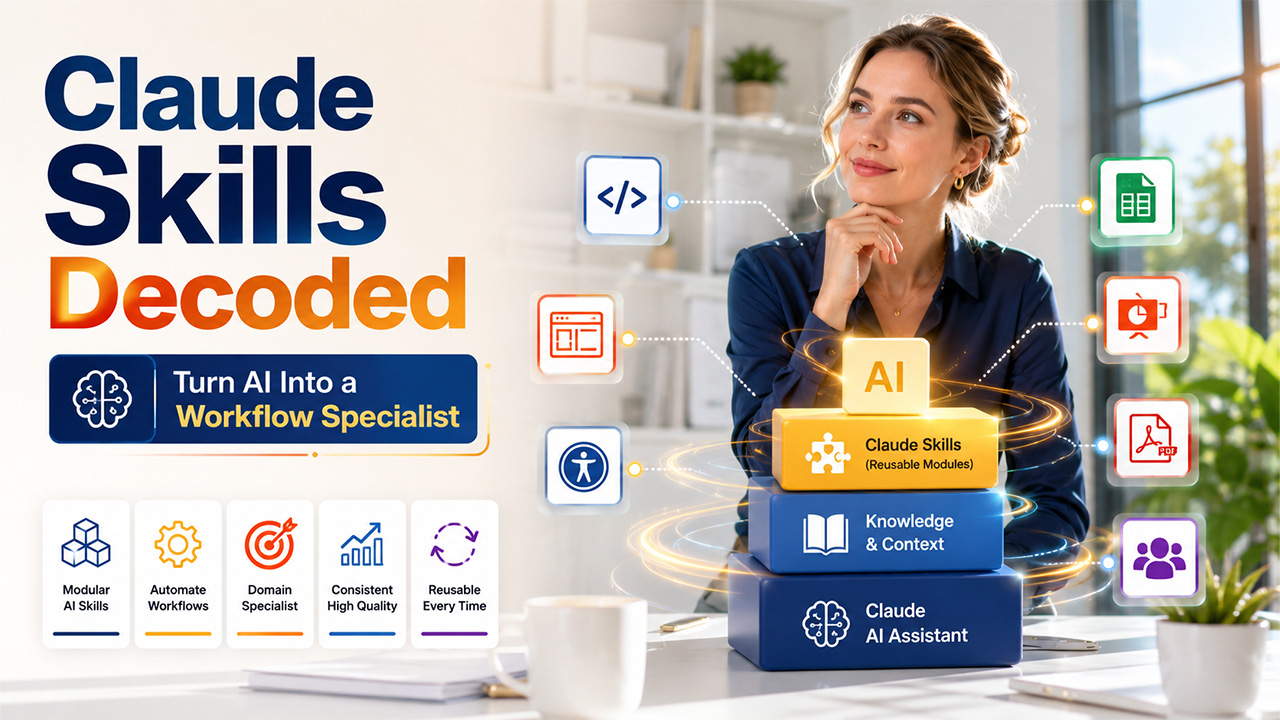
Claude Skills are reusable and module capabilities that go beyond the functionality of Claude, enabling teams and developers to encode expertise, automate workflows, and get AI output quickly.
Artificial intelligence platforms are only as effective as the context you input. While Claude is an extremely capable general-purpose AI assistant, combining it with the right Claude Skills changes it into a specialist specific to a domain. Irrespective of whether you are a developer creating frontend components or a marketer refining conversion copy, it can greatly raise the consistency and quality of your AI-powered work.
What Are Claude Skills?
Claude Skills are file-system-based and modular capabilities that widen the default functionality of Claude. Every Skill contains metadata, instructions, and optional resources specific to a domain, like templates, scripts, and reference documents in an organized directory. Claude loads and applies a relevant Claude skill automatically when it detects a match between your task and the description of the skill.
As per the official documentation of Anthropic, Agent Skills are specialized to:
- Personalize the capabilities of Claude for particular workflows or domains.
- Remove the need to repeatedly provide similar guidance across different sessions.
- Enable complex capabilities to be composed through a combination of different skills.
At the heart of each Claude Skill is a SKILL.md file, a plain markdown document with YAML frontmatter that determines the name, description, and instructions of the Skill. This makes Skills pretty much auditable and readable by humans, contrary to binary extensions or compiled plugins.
How Claude Skills Operate: The Three-Level Architecture

One of the most crucial facets of Claude Skills is its progressive disclosure model. Instead of loading all data into the context window upfront, Skills load content in different stages:
- Level 1 — Metadata (always loaded): At the beginning stage, Claude processes only the name and description from every the YAML frontmatter of every Skill. This costs around 100 tokens per Skill, ensuring that the context window remains lean irrespective of how many Skills you install.
- Level 2 — Instructions (loaded when triggered): When your task aligns with the description of Skill, Claude processes the entire SKILL.md body. This generally remains under 5,000 tokens and comprises best practices, workflows, and detailed guidance.
- Level 3 — Resources and code (loaded as needed): Skills can comprise executable scripts, additional markdown references, and asset files.
This architecture enables Claude Skills to efficiently scale across complex projects without inflating your context window.
Also Read: How to Use the Claude Code Frontend-Design Plugin
What Are the Types of Claude Skills Available?
Ready-to-use Agent Skills
Anthropic ensures a group of pre-built Agent Skills for common productivity and document tasks. These become available on Claude API, Claude AI, Claude Platform on Microsoft Foundry, and AWS:
- PowerPoint (pptx): Create as well as edit presentations.
- Excel (xlsx): Develop spreadsheets, assess data, and create reports.
- Word (docx): Draft as well as format documents.
- PDF (pdf): Create and fill PDF documents
Such default Claude skills need no setup. They automatically become activated when your request involves a relevant type of file.
Custom Skills of Claude
Custom Claude Skills enable individuals and teams to organize their domain knowledge into modules that they can reuse. They can be generated in Claude Code, uploaded via Claude API, or included through Claude.ai Settings under Features (available on Pro, Team, Max, and Enterprise plans with code execution enabled).
Custom Skills become efficient in encoding any level of expertise, from CRO frameworks to copywriting standards to patterns of React components and accessibility auditing checklists.
Open-Source Claude Skills
Anthropic also publishes open-source Claude Skills via its public skills repository. Third-party developers have provided collections of key Skills as well, including:
- Vercel’s agent skills: Covers best practices for React, composition patterns, web design guidelines, and React Native performance.
- UI/UX Pro Max: A searchable database of design with around 50 UI styles, 9 technology stacks, and 97 color palettes.
- AccessLint: A dedicated toolkit for WCAG 2.1 accessibility auditing.
How to Install and Use Claude Skills?
Related walkthrough
GPT-6 Can Build a 3D Rocket Using ONLY Your Voice

Claude Skills included in Claude Code are based on filesystems. To install a Skill at the level of the user (available in all projects):
- You can clone the repository that contains the Skill.
- You can copy the Skill directory to ~/.claude/skills/
- Claude Code will discover and apply the Skill automatically whenever relevant.
For installation at project level (shared through version control), you can keep the Skill directory inside .claude/skills/ within the folder of your project.
You can add the Skills through the plugin marketplace via the command “/plugin marketplace add.”
Utilizing Claude Skills in Claude.ai (No Code Needed)

Even if you are not from a technical background, you can still leverage the capabilities of Claude Skills without having to touch a terminal:
- Paste a link to the GitHub repository into Claude.ai and ask Claude to read the skills it comprises
- You can give a prompt to Claude to get a summary of the purpose of every skill, underlying strategy, and assumptions
- Ask for an interview with one question at a time to identify where your approach is distinct from the Skill encodes.
- Have Claude create a tailored version of the Skill as per your answers.
As experts suggest, as far as Claude Code Skills is concerned, the actual value does not come from the pre-built Skill itself; it is utilizing the structure of the Skill as a framework for your own expertise.
Right Practices for Using Claude Skills
To get the best out of Claude Skills, you can keep the following principles in mind:
- Write Accurate descriptions: The field description is what Claude utilizes to decide whether to activate a Skill or not. Vague descriptions can cause inconsistent triggering. Involve explicit trigger phrases like “Utilize this skill when creating web components.”
- Keep the SKILL.MD focused. Instruction files that are overly long can minimize clarity. Where more detail is required, utilize referenced files (e.g., REFERENCE.md) that Claude on-demand loads.
- Integrate Complementary Skills: Numerous Claude Skills can be simultaneously active without any conflict. For instance, a frontend team might integrate a design aesthetics Skill with an accessibility auditing Skill and a React performance Skill.
- Customize Before Deployment: Open-source Claude Skills and community reflect the assumptions of authors and frameworks. Before depending on a Skill in production, utilize Claude to interview about where your approach changes, then create a personalized version.
- Carefully Audit All Third-party Skills: Recent studies have found prompt injection in a great percentage of community Skills tested. Read the complete SKILL.md and any bundled scripts before proceeding with installation, specifically the ones that include shell scripts or Python.
Conclusion
Claude Skills reflects a crucial step forward in how individuals and teams personalize AI behavior for specialized work. Through the packaging of domain expertise into reusable or structured modules, Claude Skills remove the need for routine prompting, enforce consistent quality of output, and enable Claude to work as a true specialist of the domain instead of a generic assistant.
Irrespective of whether you are utilizing pre-built Agent Skills of Anthropic for the creation of a document, installing community-published Claude Code skills for engineering the frontend, or developing your own custom Skills from encoded organizational knowledge, the core principle remains the same: AI output is only as effective as the criteria and context that you provide.
Claude Skills ensures that context is portable, durable, and systematically applied. This is true across each session every time.
FAQs About Claude Skills
Q1. What is the difference between a regular prompt and a Claude skill?
A- A prompt provides you with one-time instructions, while Claude Skill is basically a reusable module that Claude automatically applies across different sessions.
Q2. Do I need coding experience to use Claude Skills?
A- No. Claude.ai users can share a GitHub repository link simply and prompt Claude to process and apply the Skills within it.
Q3. Can different Claude Skills be active simultaneously?
A-Yes. Different Claude Skills can simultaneously run without any conflict, making it simpler to combine accessibility, design, and performance Skills together.
Q4. Do Claude Skills become available on all Claude plans?
A- Pre-developed Agent Skills become available on Claude.ai and Claude API, while custom Claude Skills need a Max, Pro, Team, or Enterprise plan.
Q5. Can I make sure that a third-party Claude Skill is safe to use?
A- It is important to always review the complete SKILL.MD file and any package scripts. Install Claude Skills only from reputable and trusted sources.

